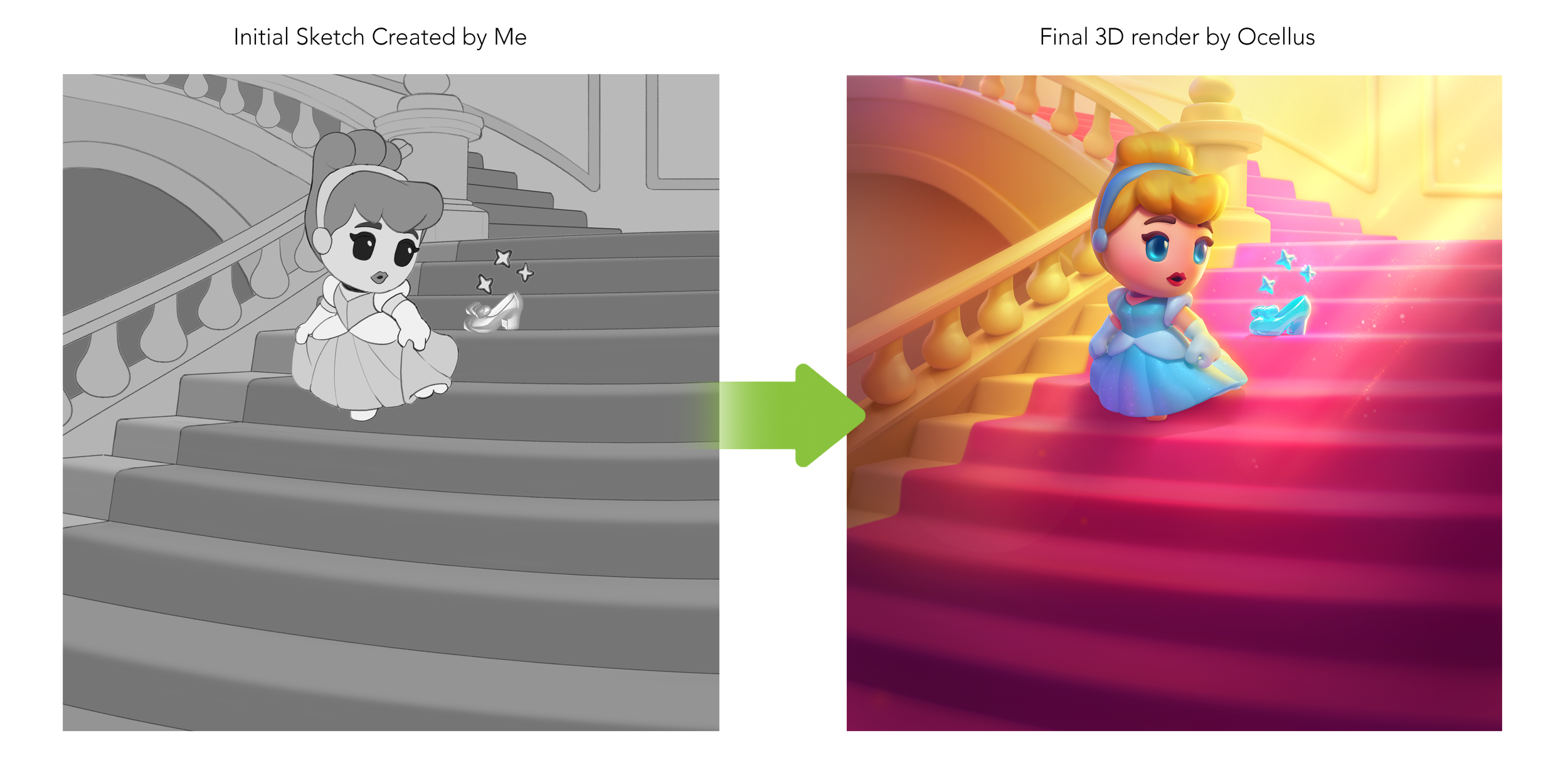
At Jam City I was lucky enough to help design a game from the ground up. Disney Magic Match 3D is a hyper-casual game that uses a pile game mechanic to match 3D items and reward players with iconic collectible characters from the Disney Universe. Under the Art Direction of Jenn Bull, and with help from our partners at Ocellus, I created a style guide for both the items and characters for the game with a cohesive look and feel.
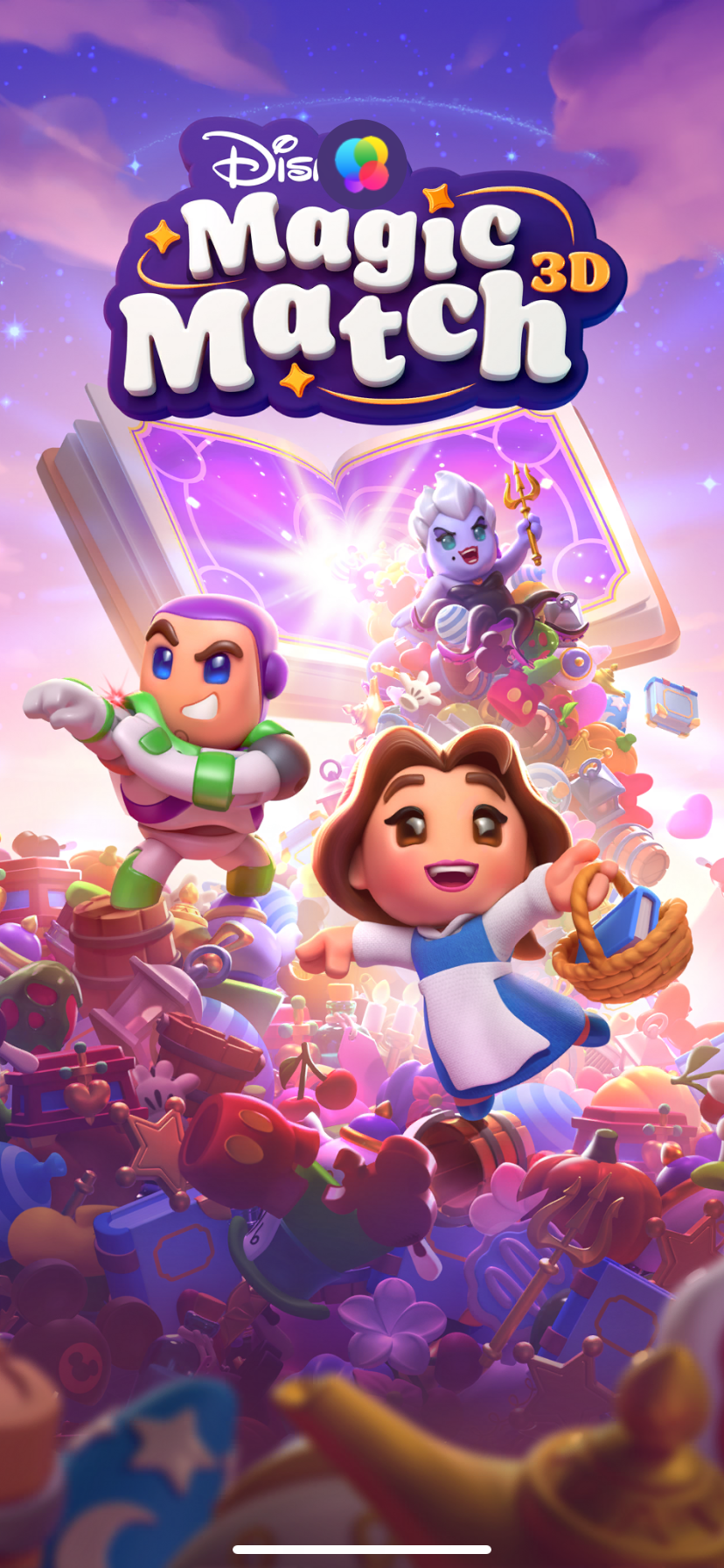
Splash Screen
Unique style creates sophistication through abstraction of characters. Elevated materials make collectables premium.
This is a multi-IP game. Filtering all props and characters through one stylization, from Pirates to Pooh Bear, ensures visual harmony and a brand identity.
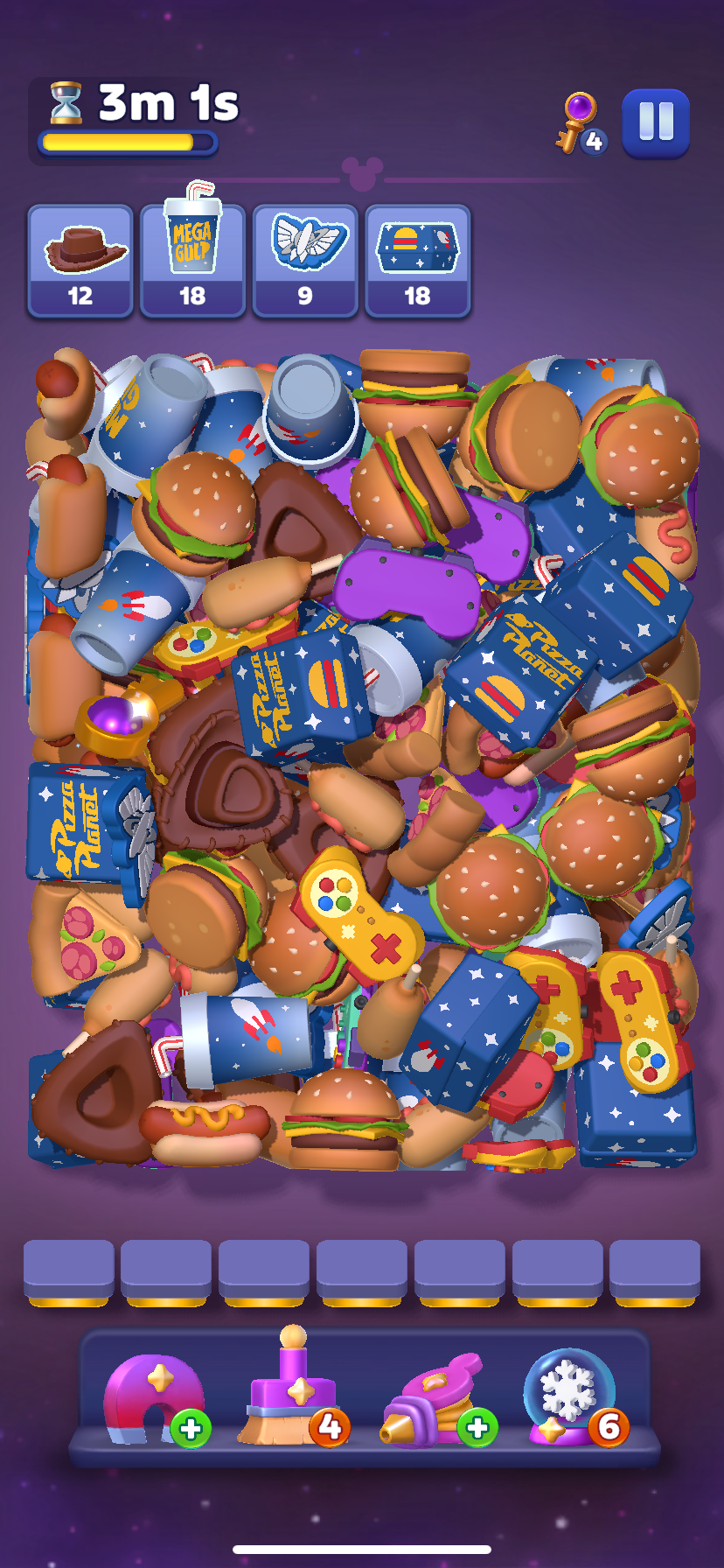
Game Play Screen
Find and match objective items at the top of the screen to win levels.
Tap an object to move it to the tray at the bottom. Match 3 items to clear them, and be careful not to fill the tray!
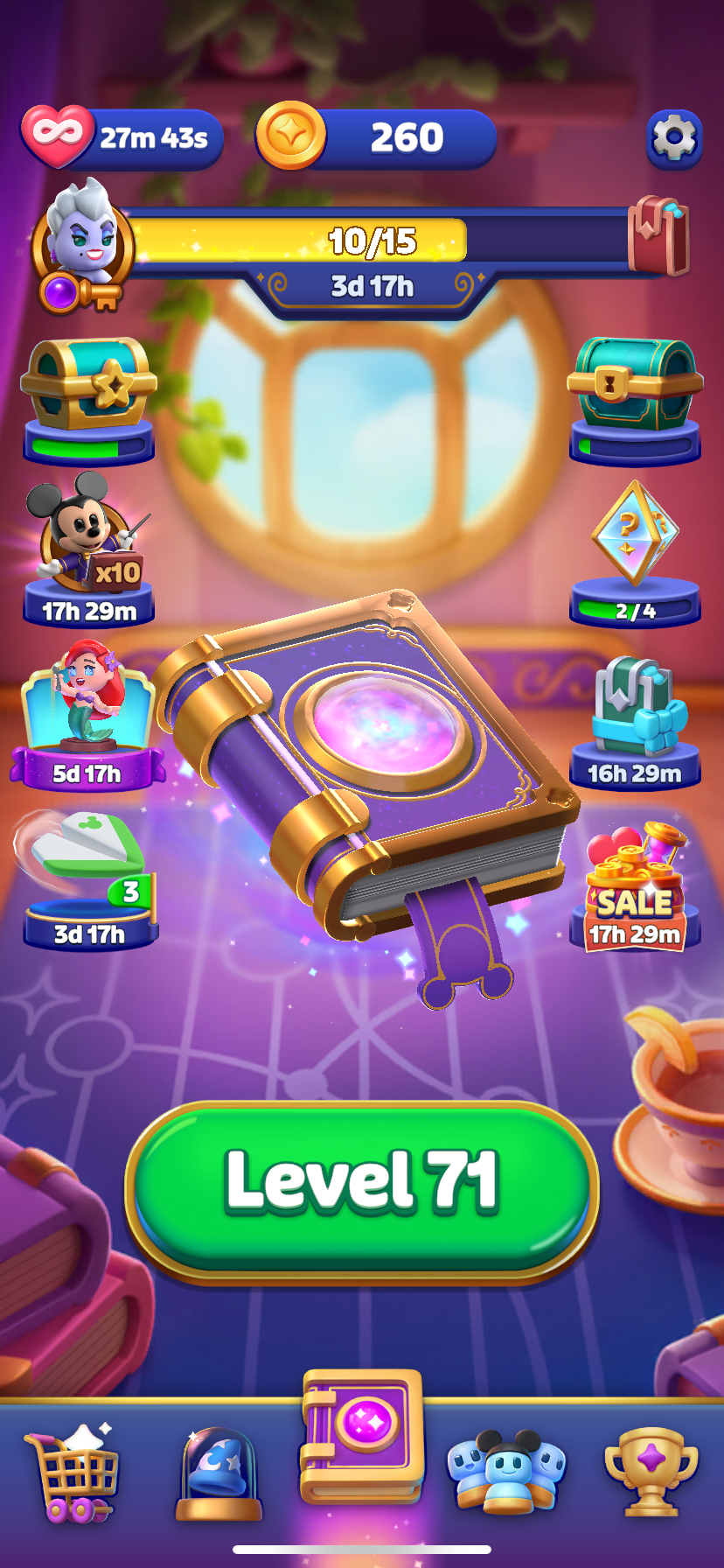
Home Screen
The Book of Magic is an enchanted book that contains everything Disney.
It’s chapters spill out, creating items from classic Disney stories!
Restore order by matching items to return them to the book from which they were created.
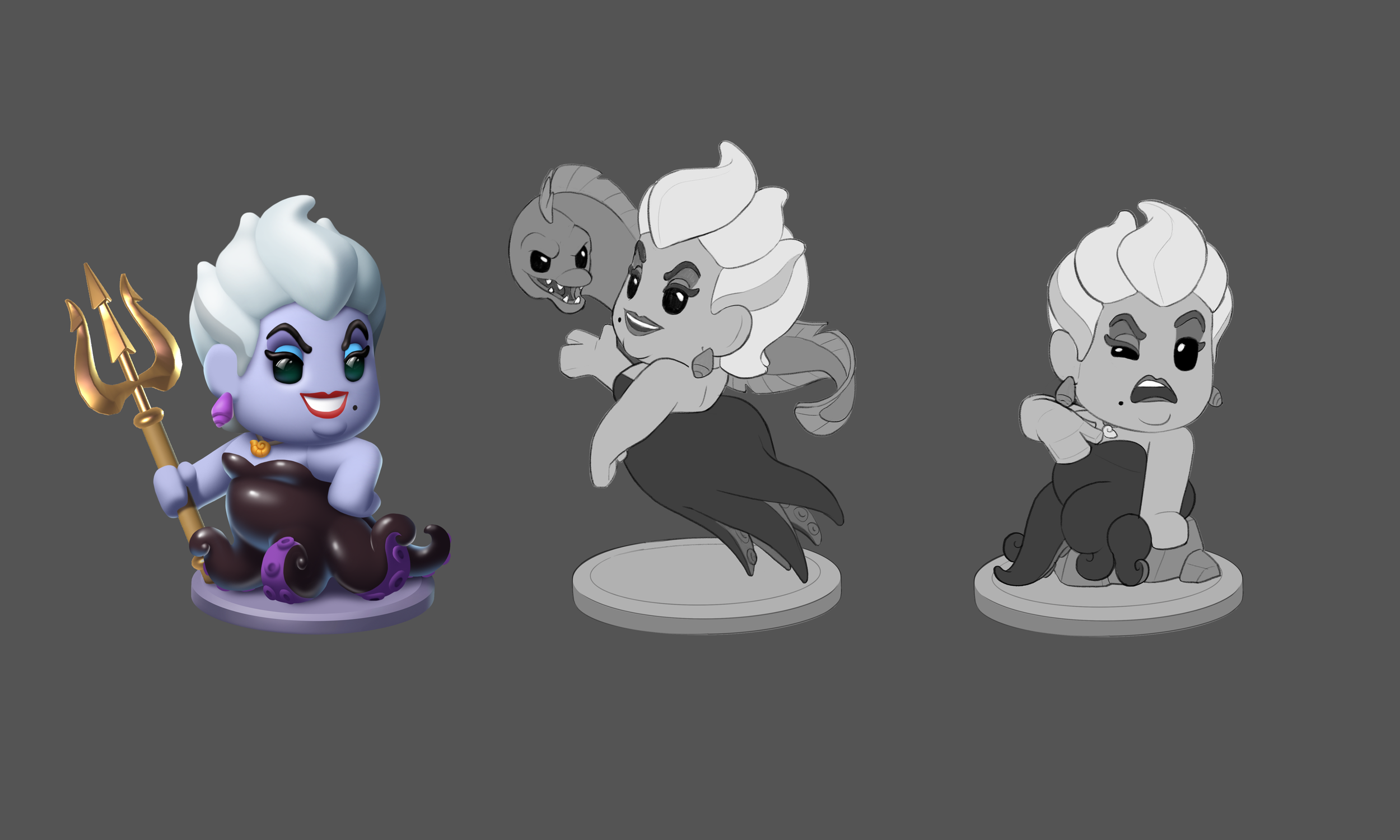
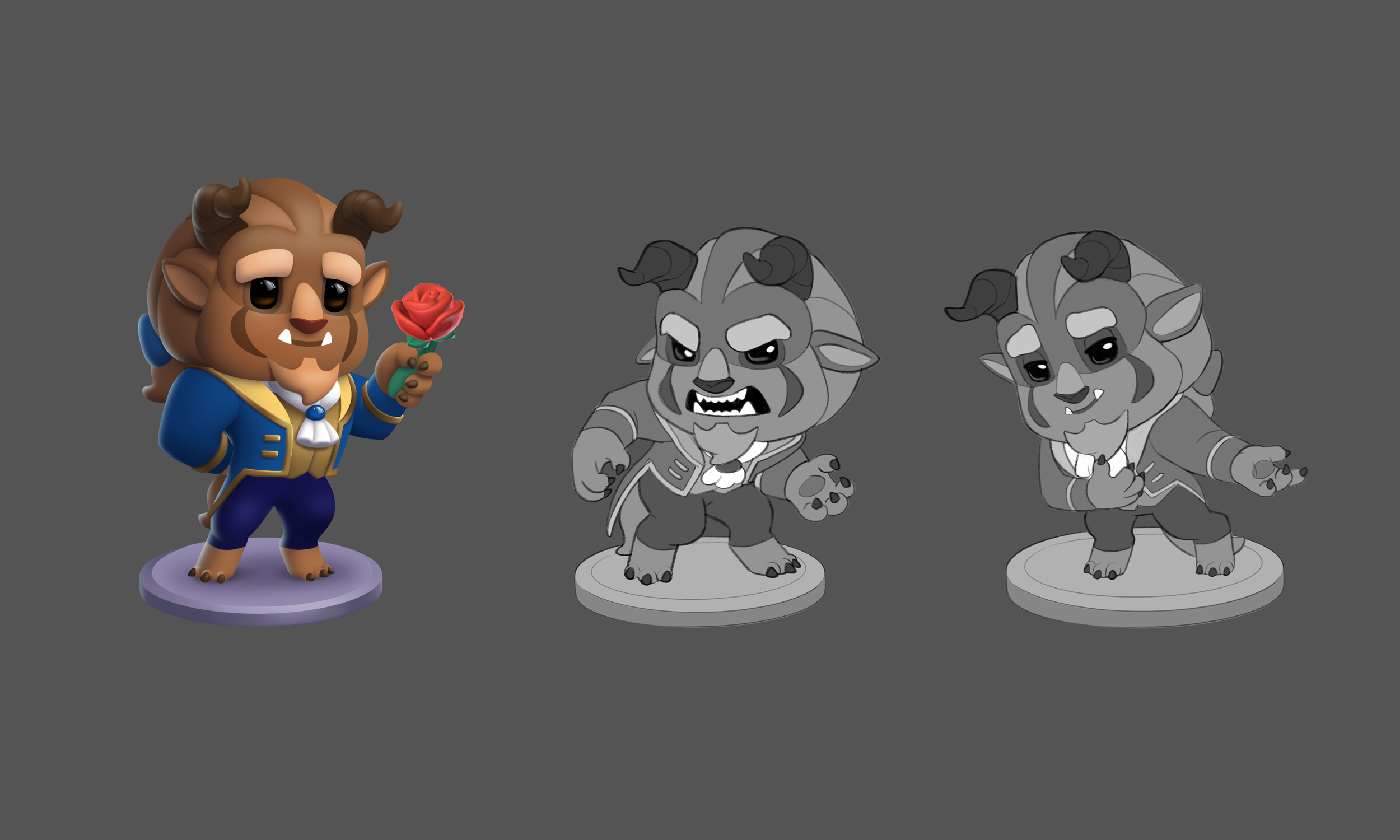
Initial 2D Character Renderings
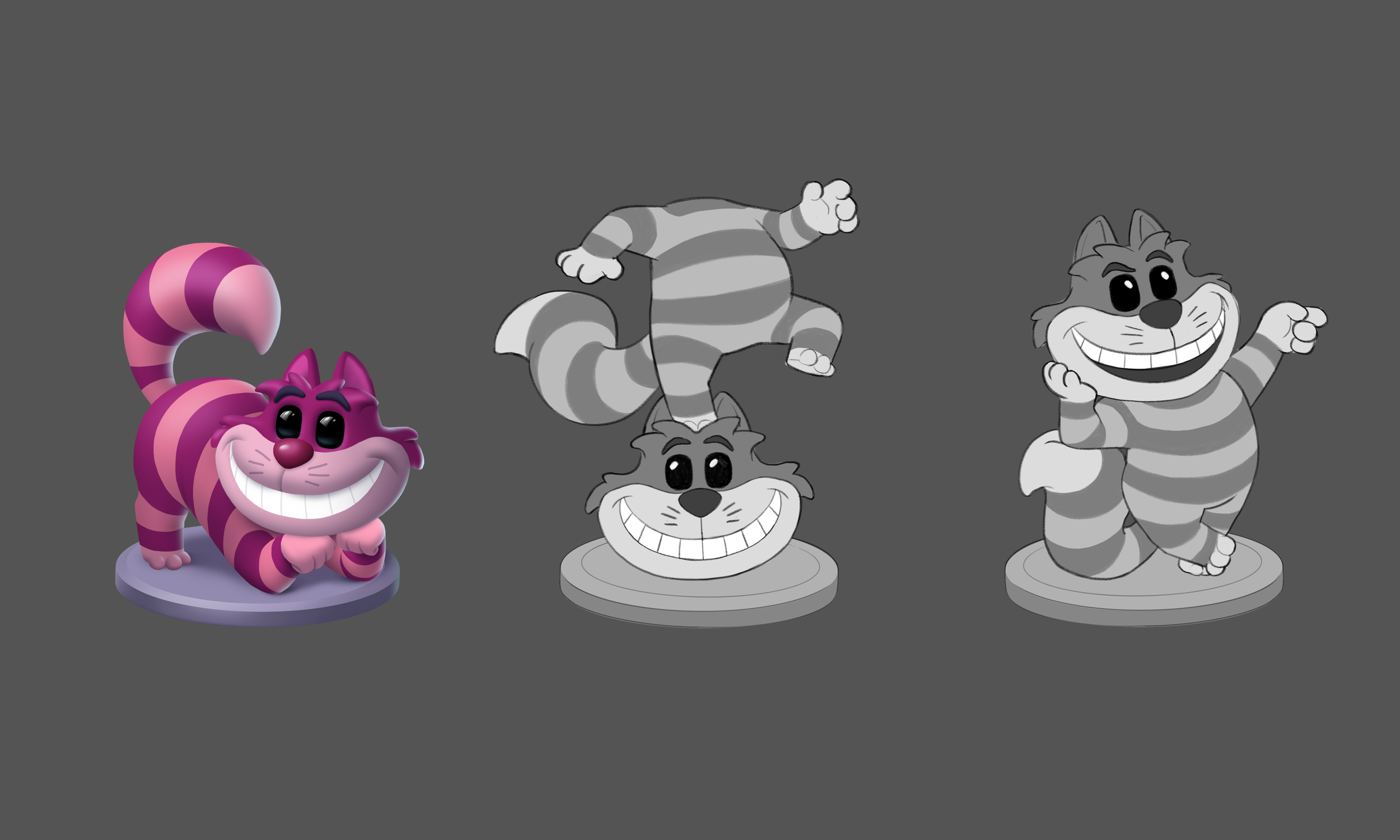
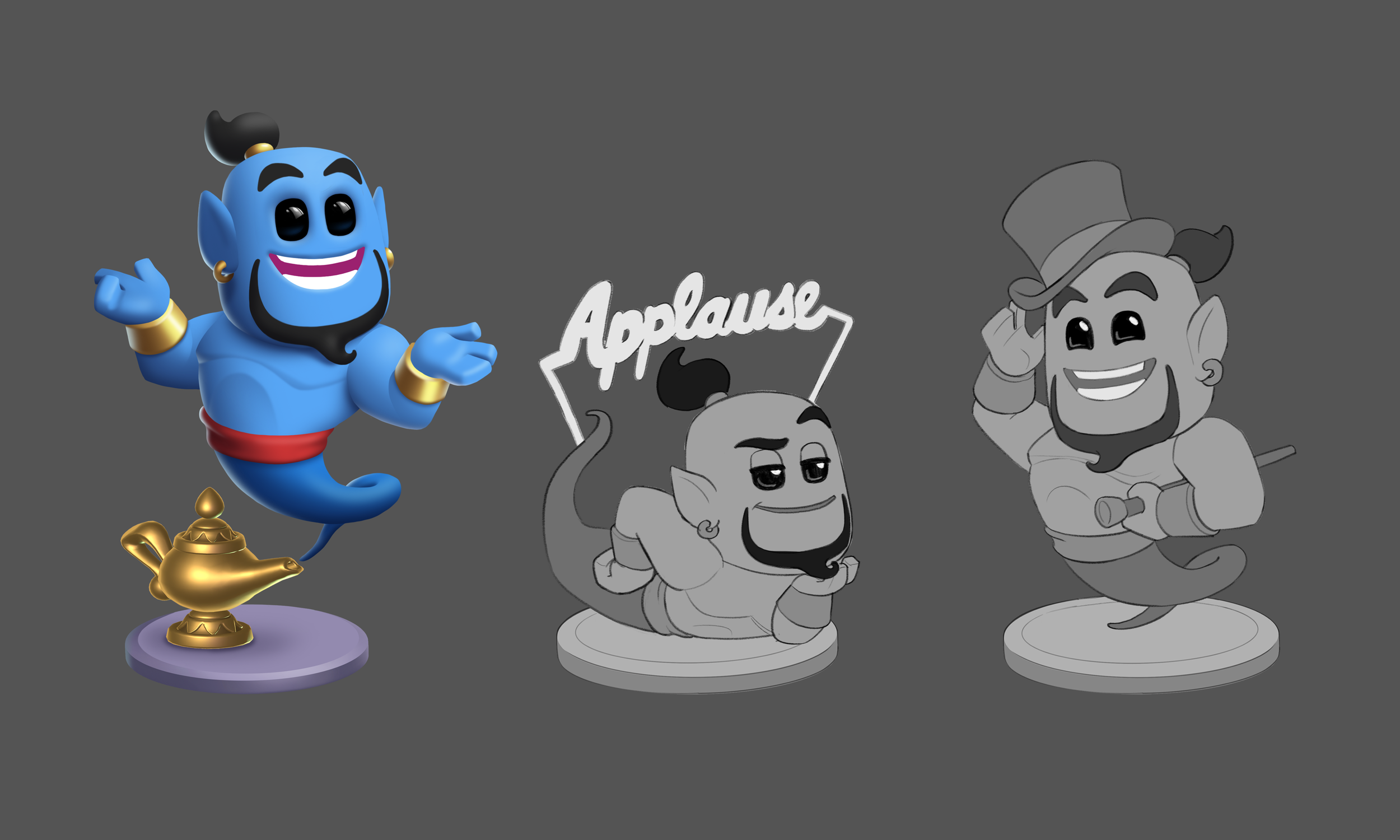
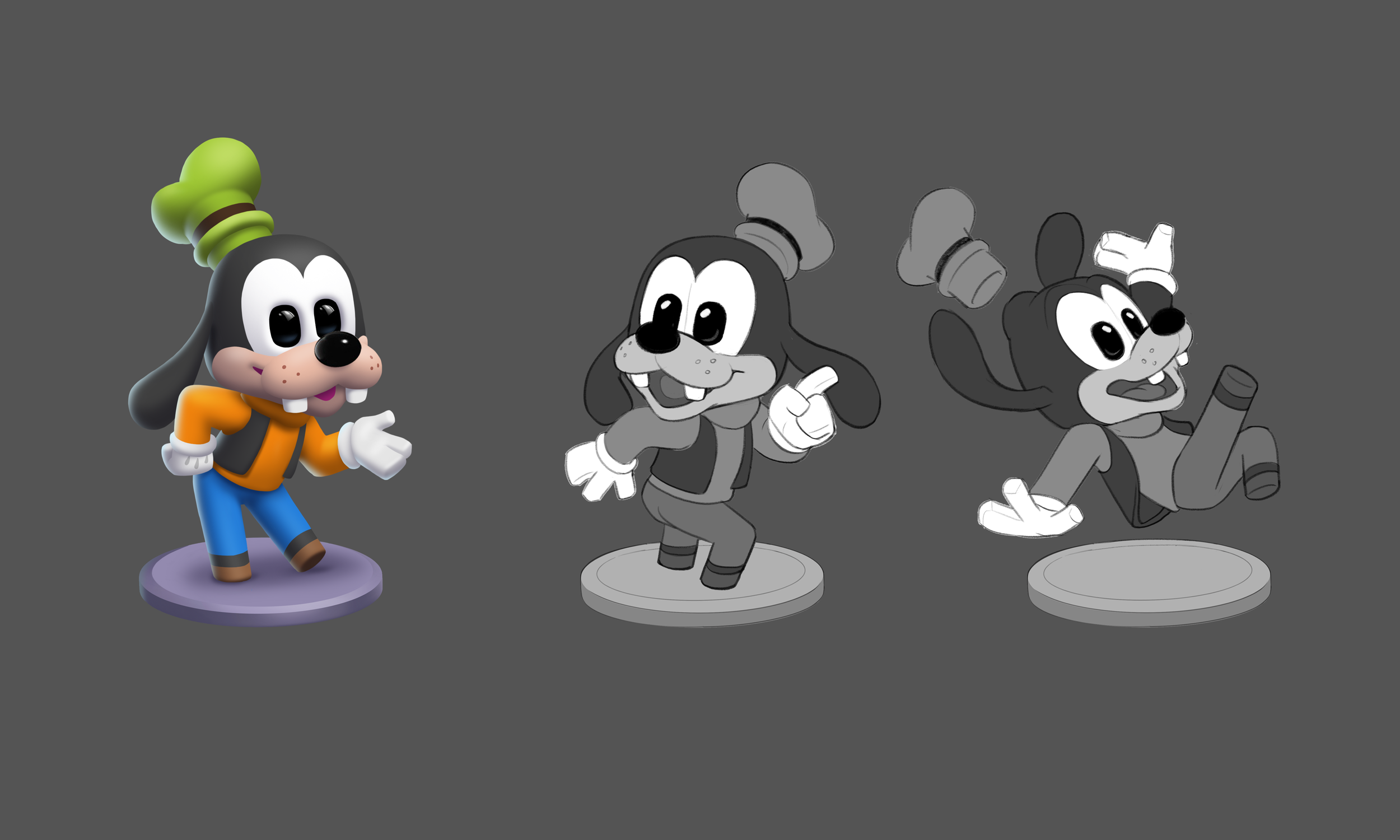
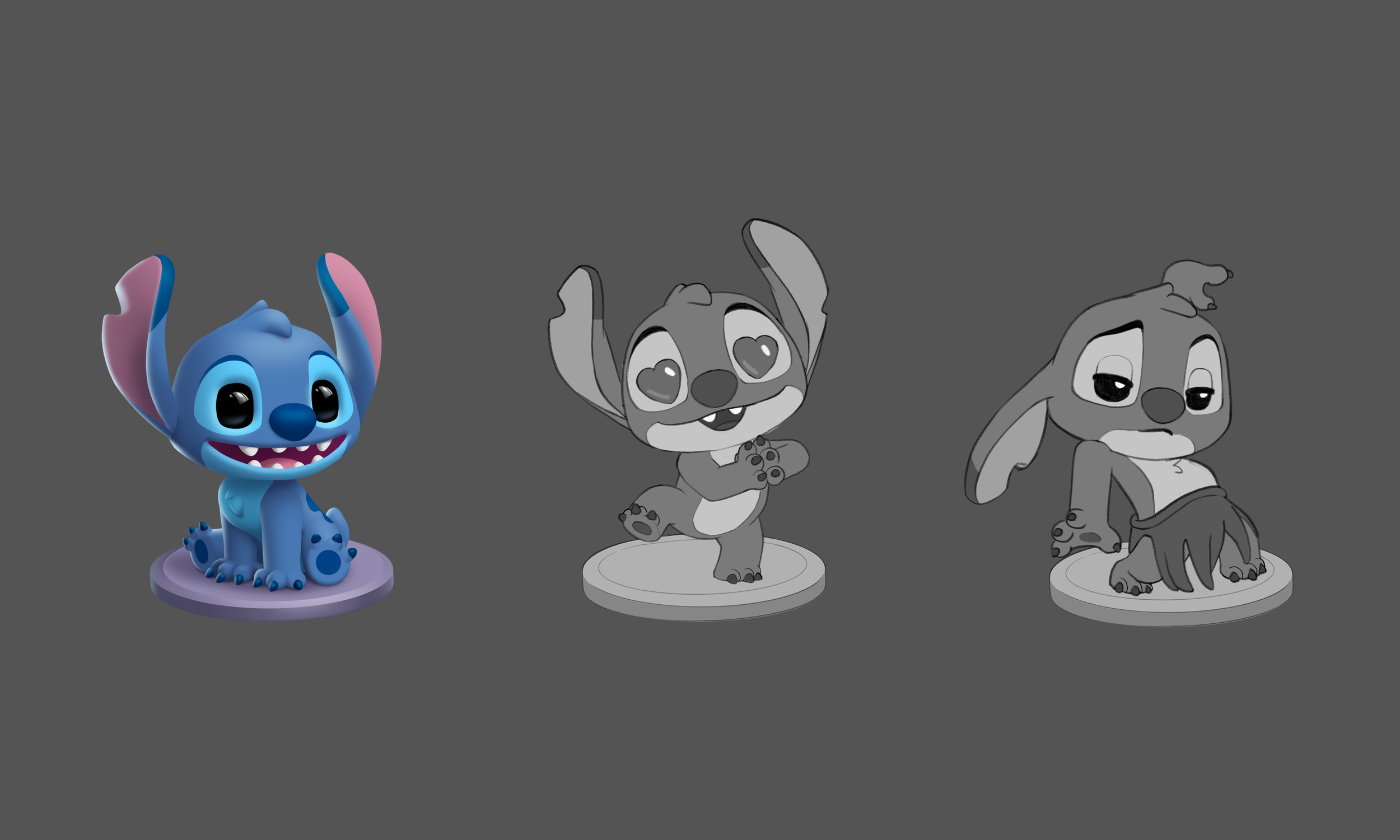
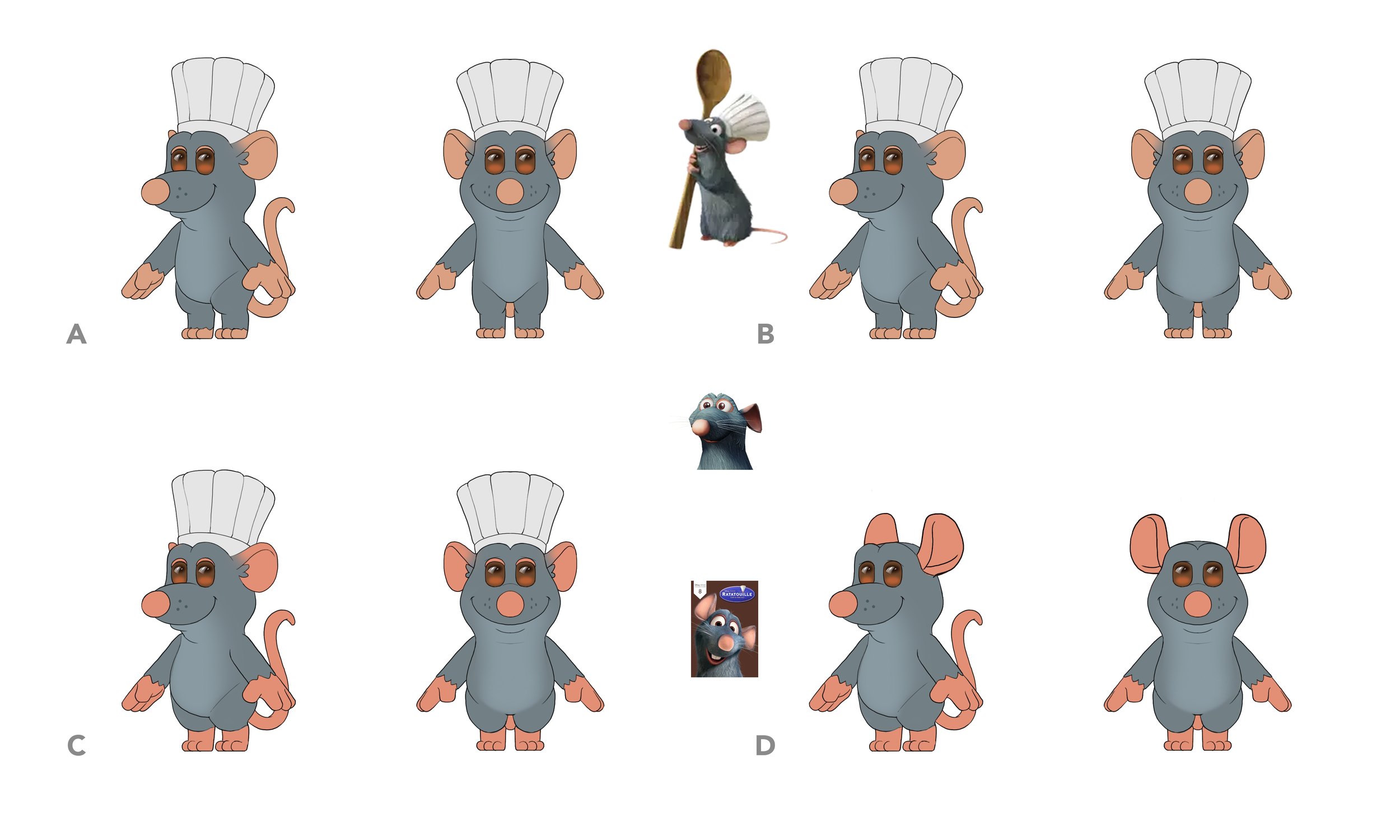
In the early stage after we defined the style of the characters, we did several poses along with a 2D painted rendering for each character to help solidify our design language:
1. Squared/ Chonky Proportions
2. Unified Pill-Shaped Eyes
3. Nubbin Feet and Simplified Hands
4. No Noses and Simplified Mouth shapes
Human Body Dummies
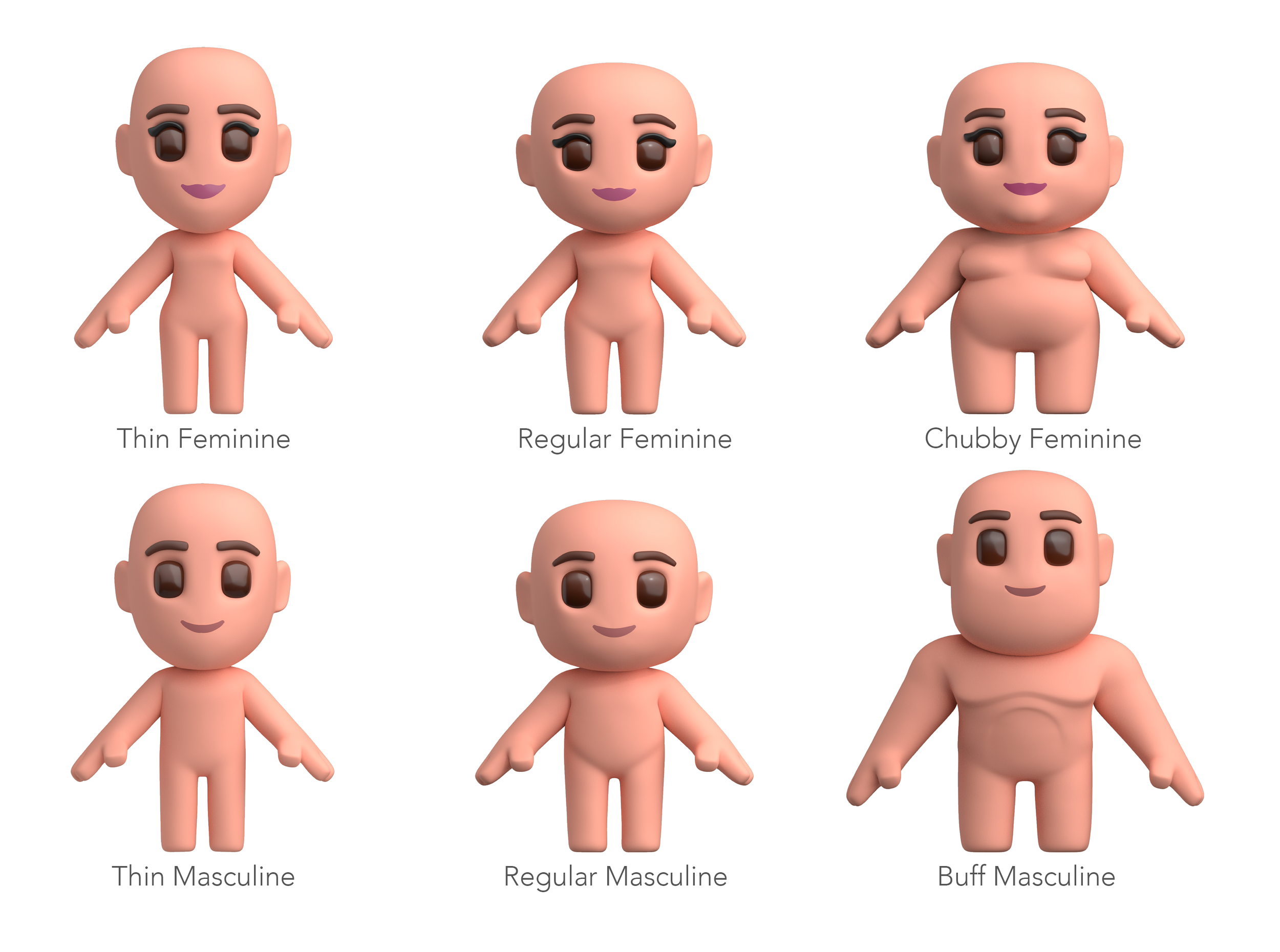
In order to create some consistency in our humanoid characters, we created several base body dummies in 3D that would cover a broad range of body types that can be reused across multiple characters. Bodies can be modular with different combinations of head shapes and body shapes with unique skin-tones/ hairstyles and outfits. The humanoid characters can all share expressions using the base dummy models as well.
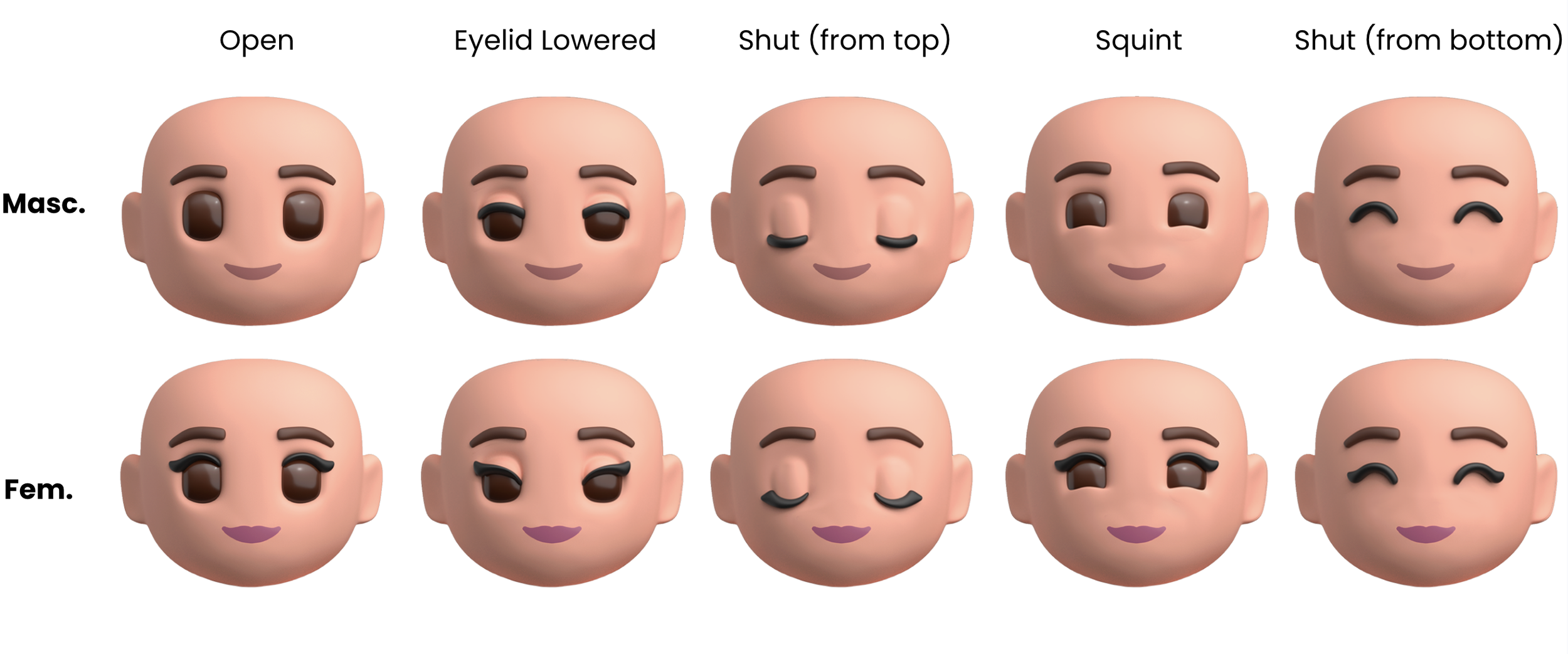
Eyelids
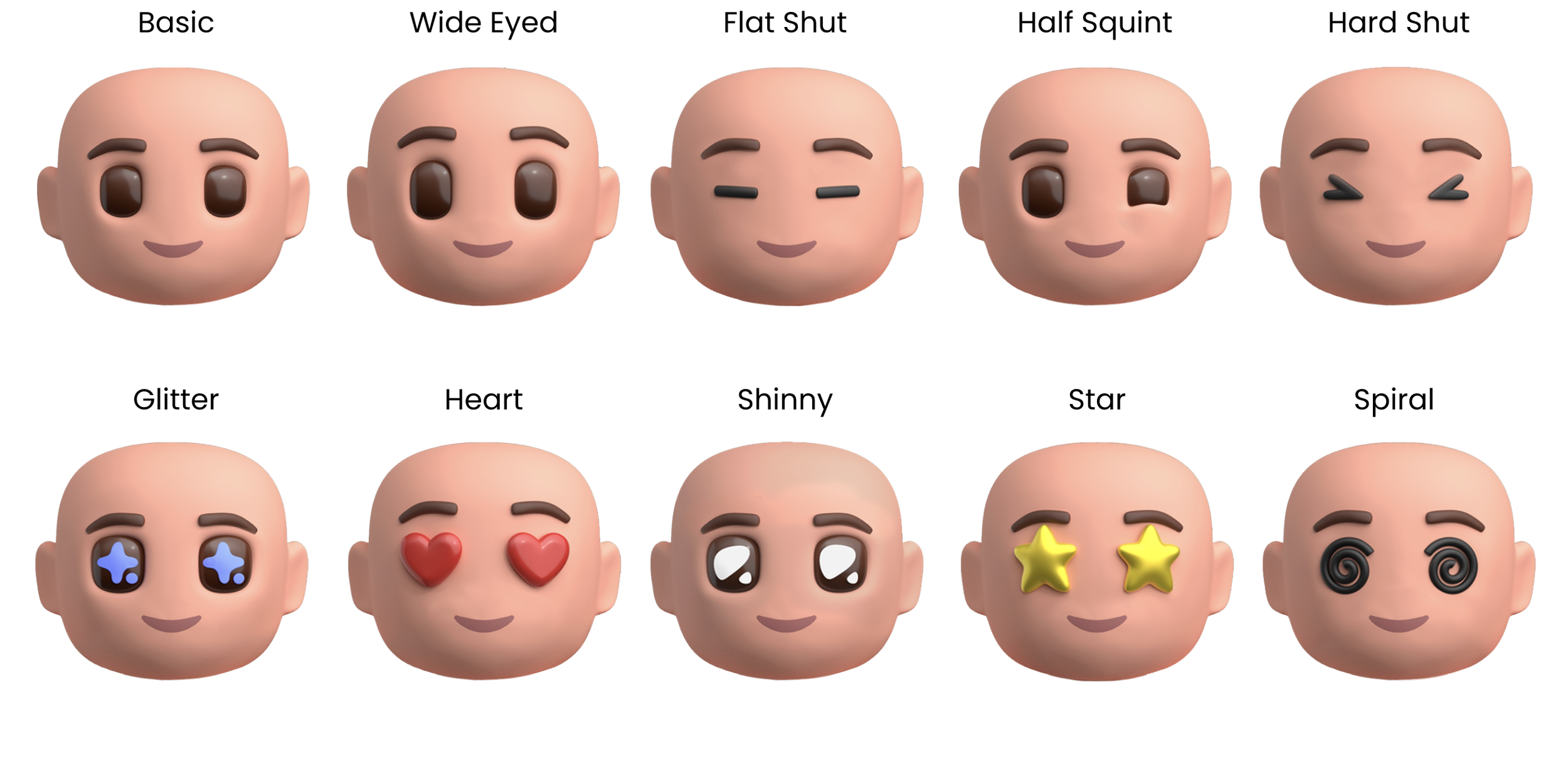
Eye Shapes
Brow Positions
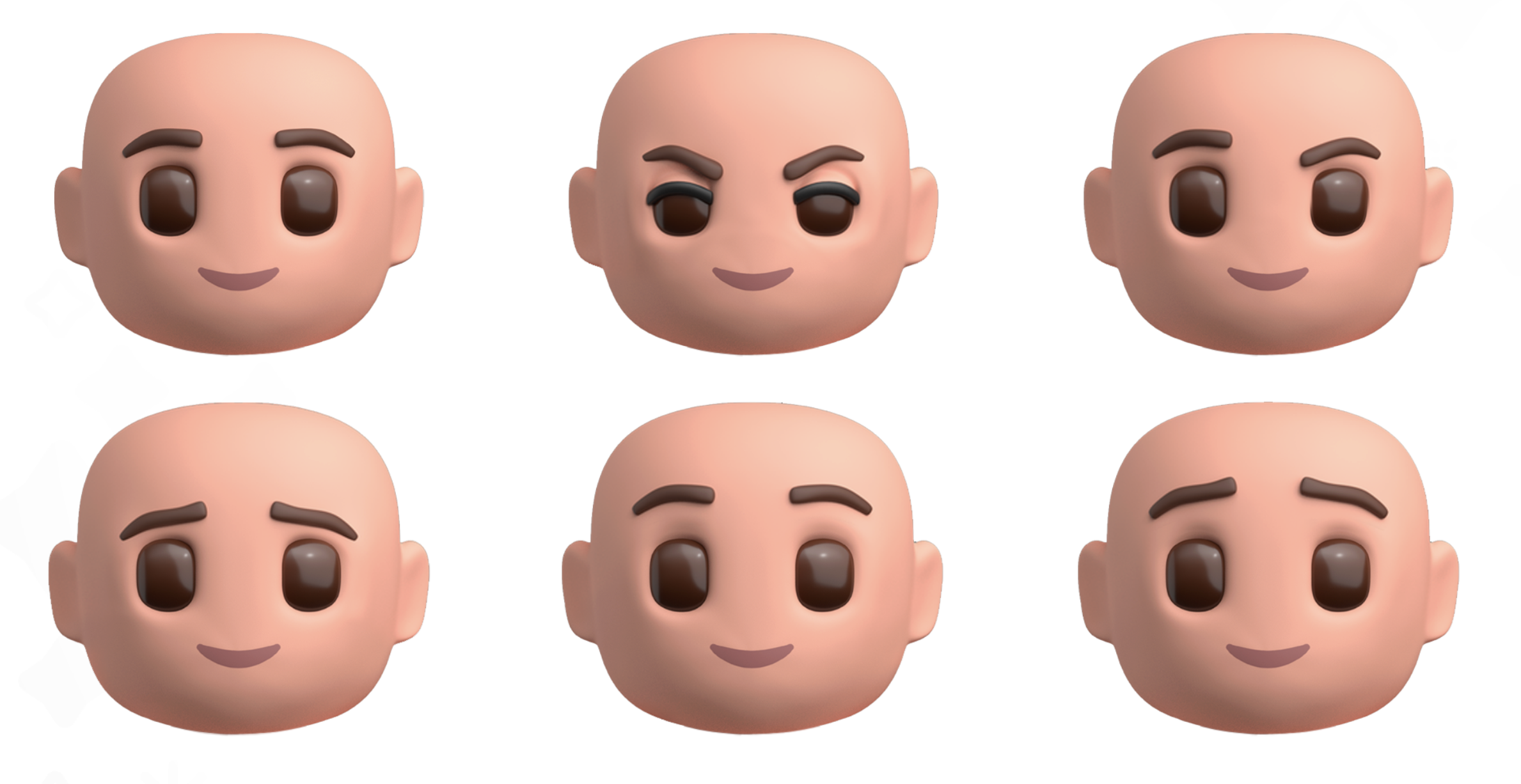
Brow Shapes
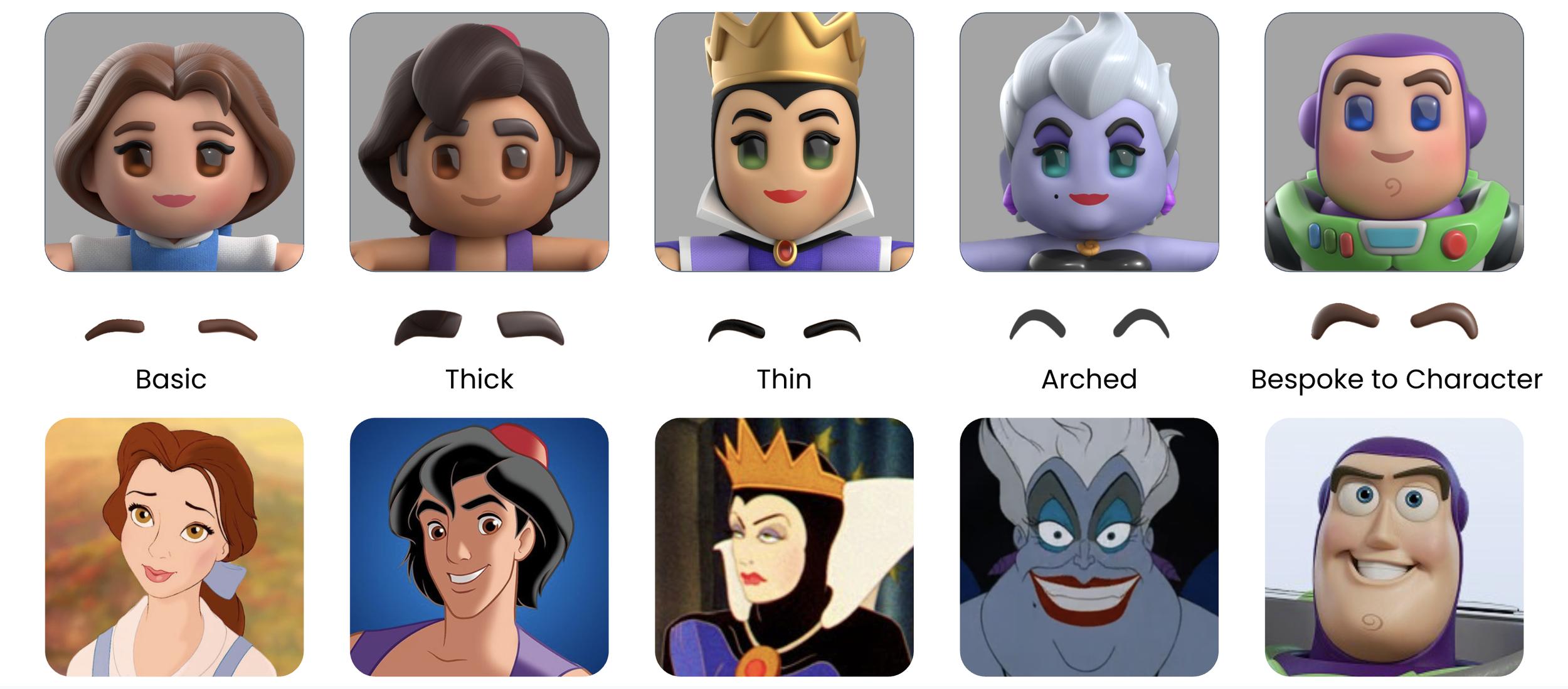
Mouth Types
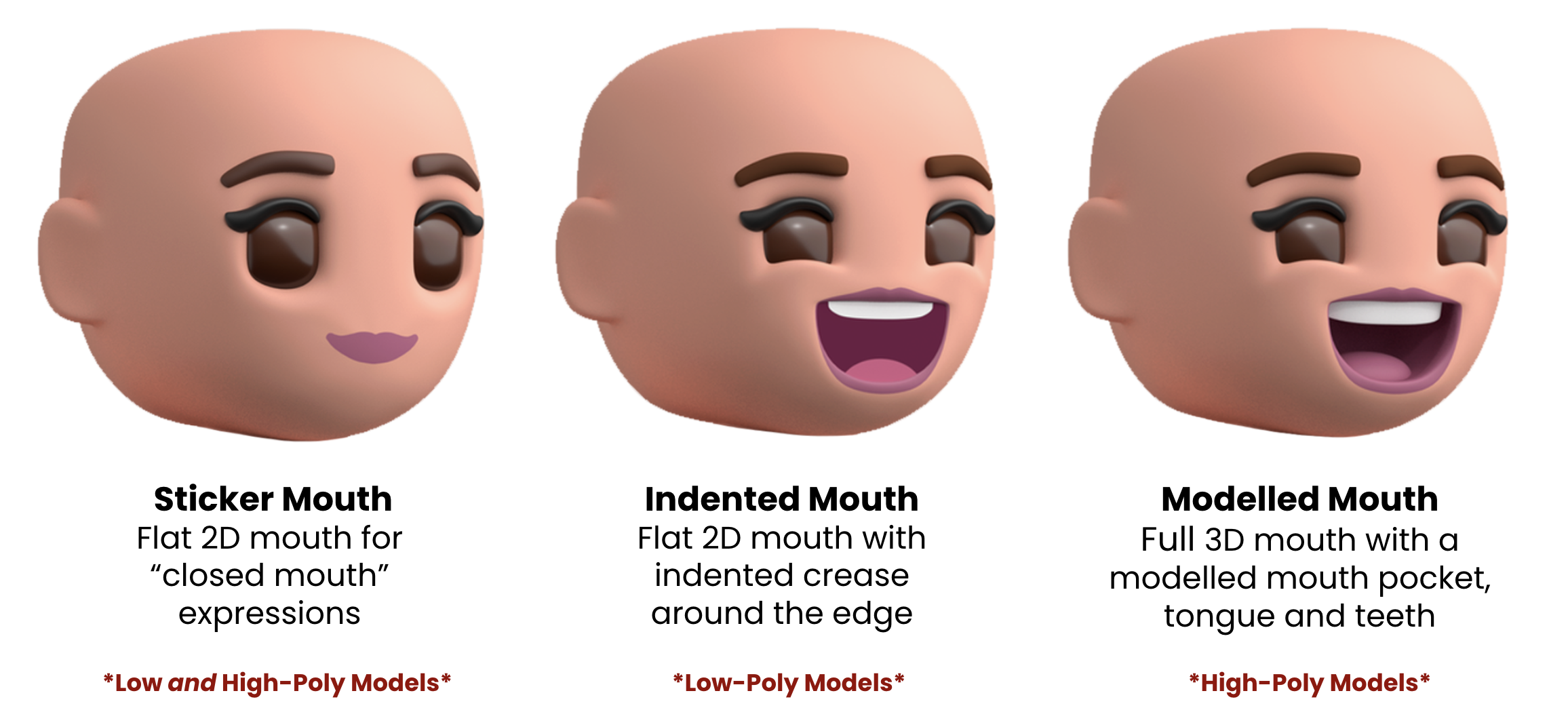
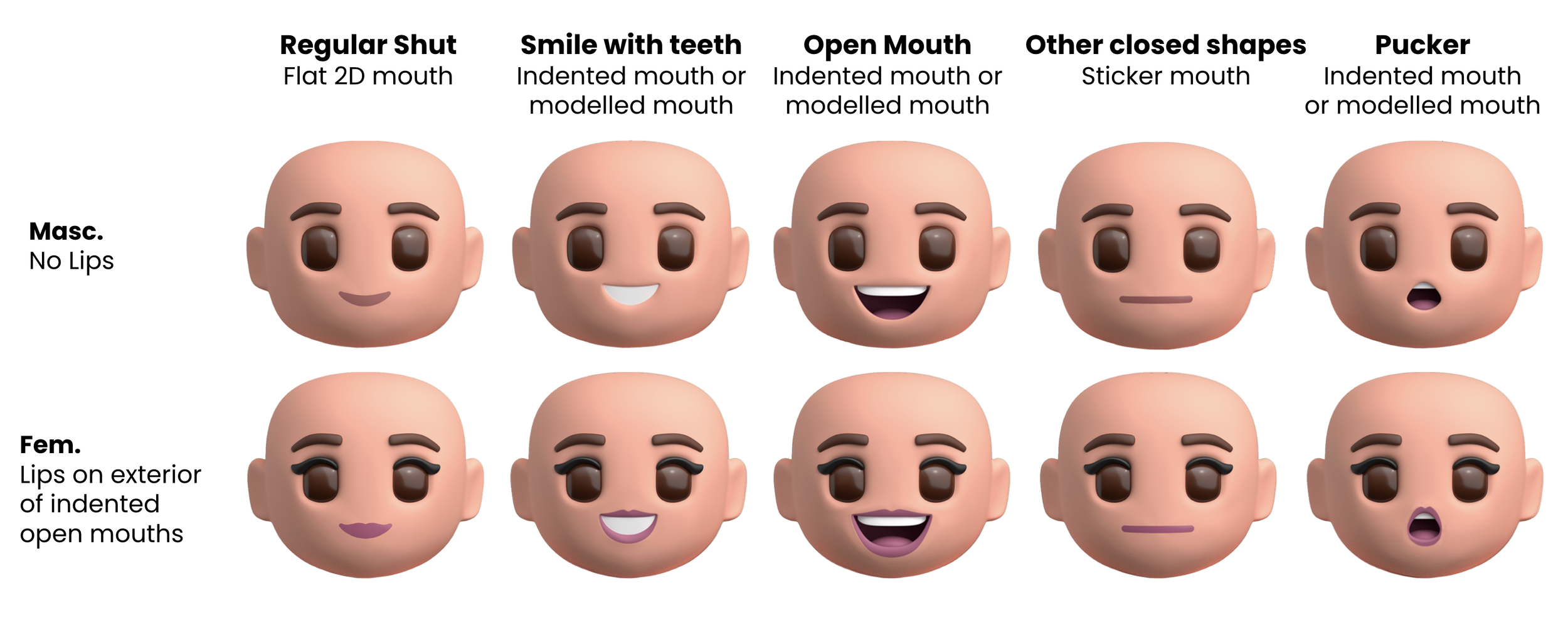
Mouth Shapes
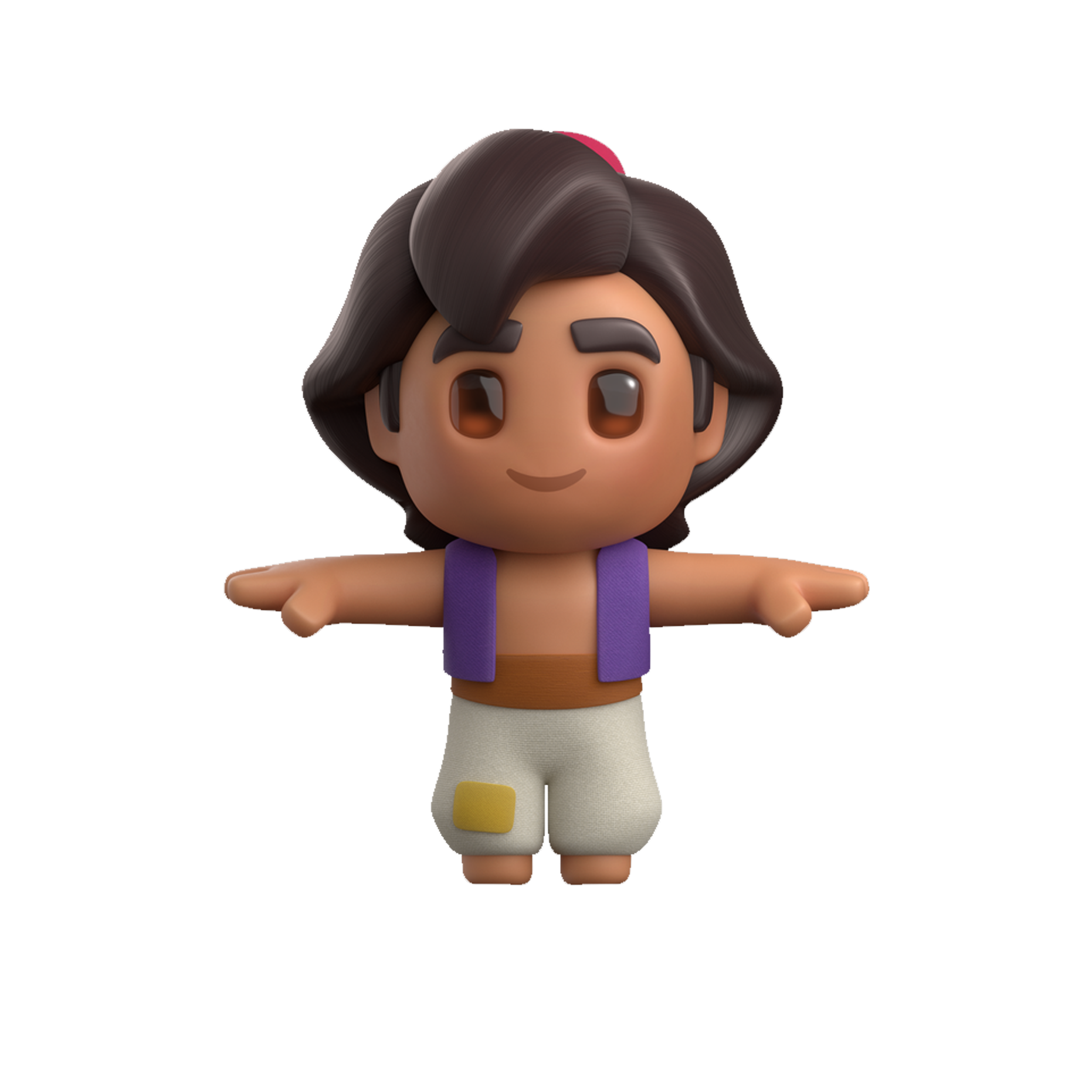
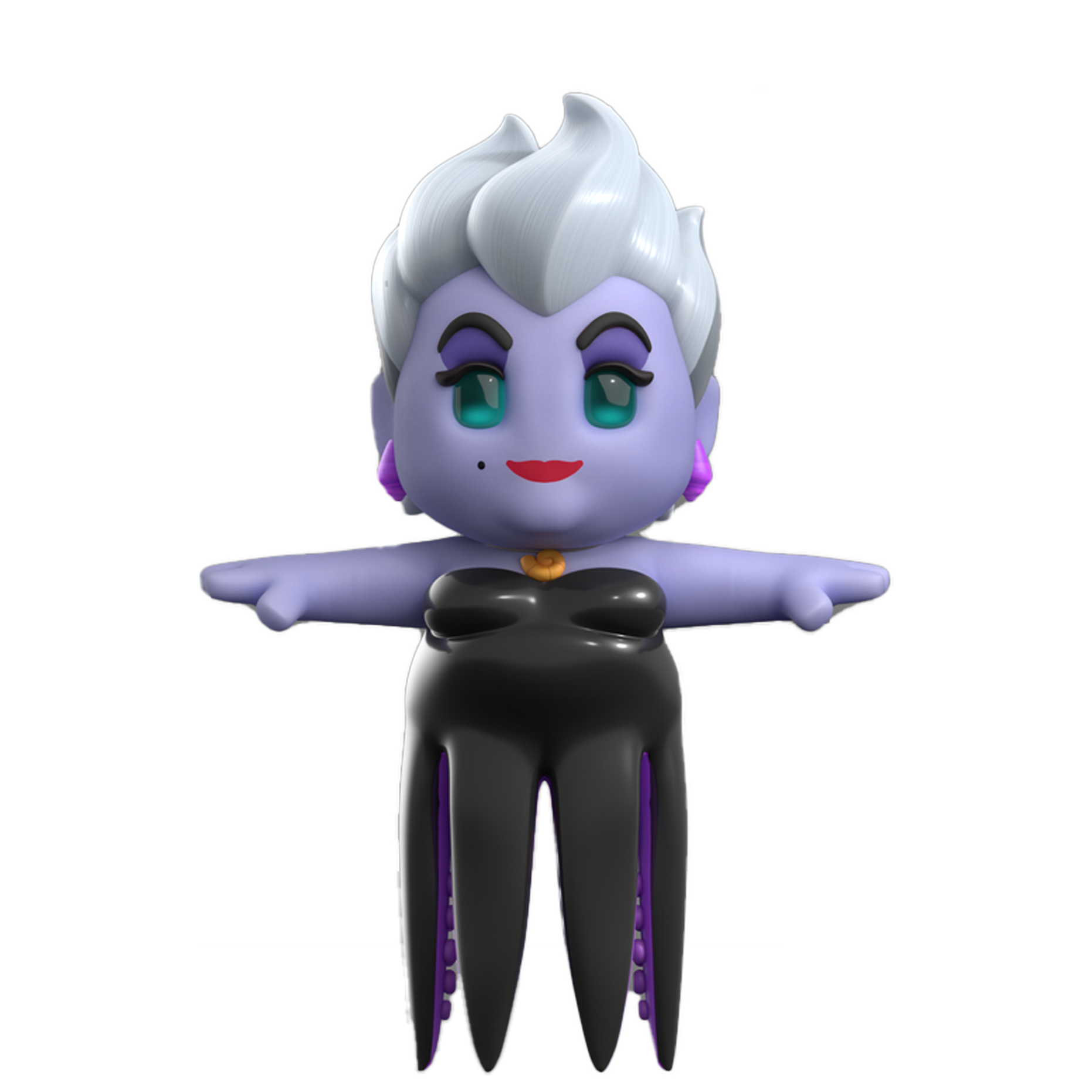
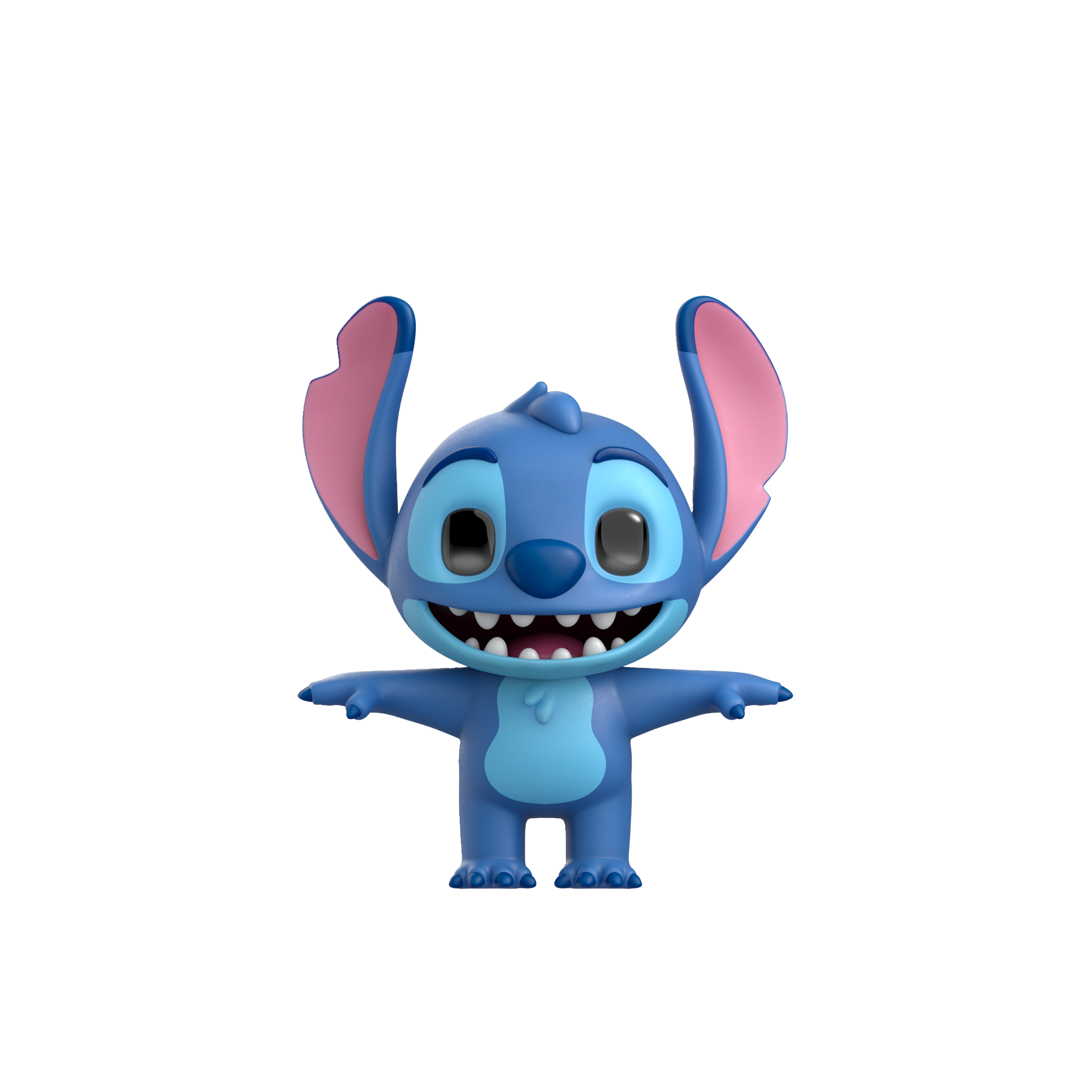
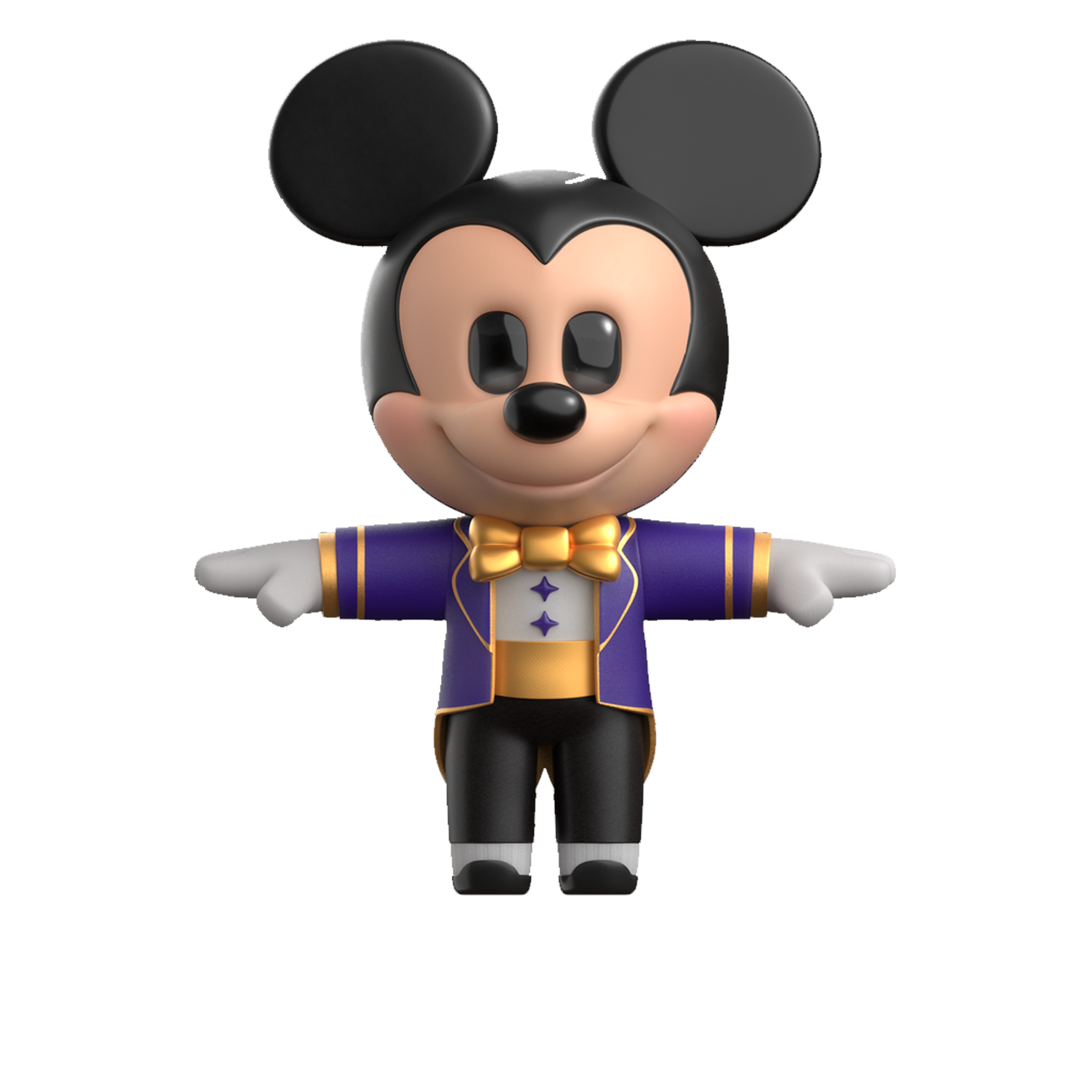
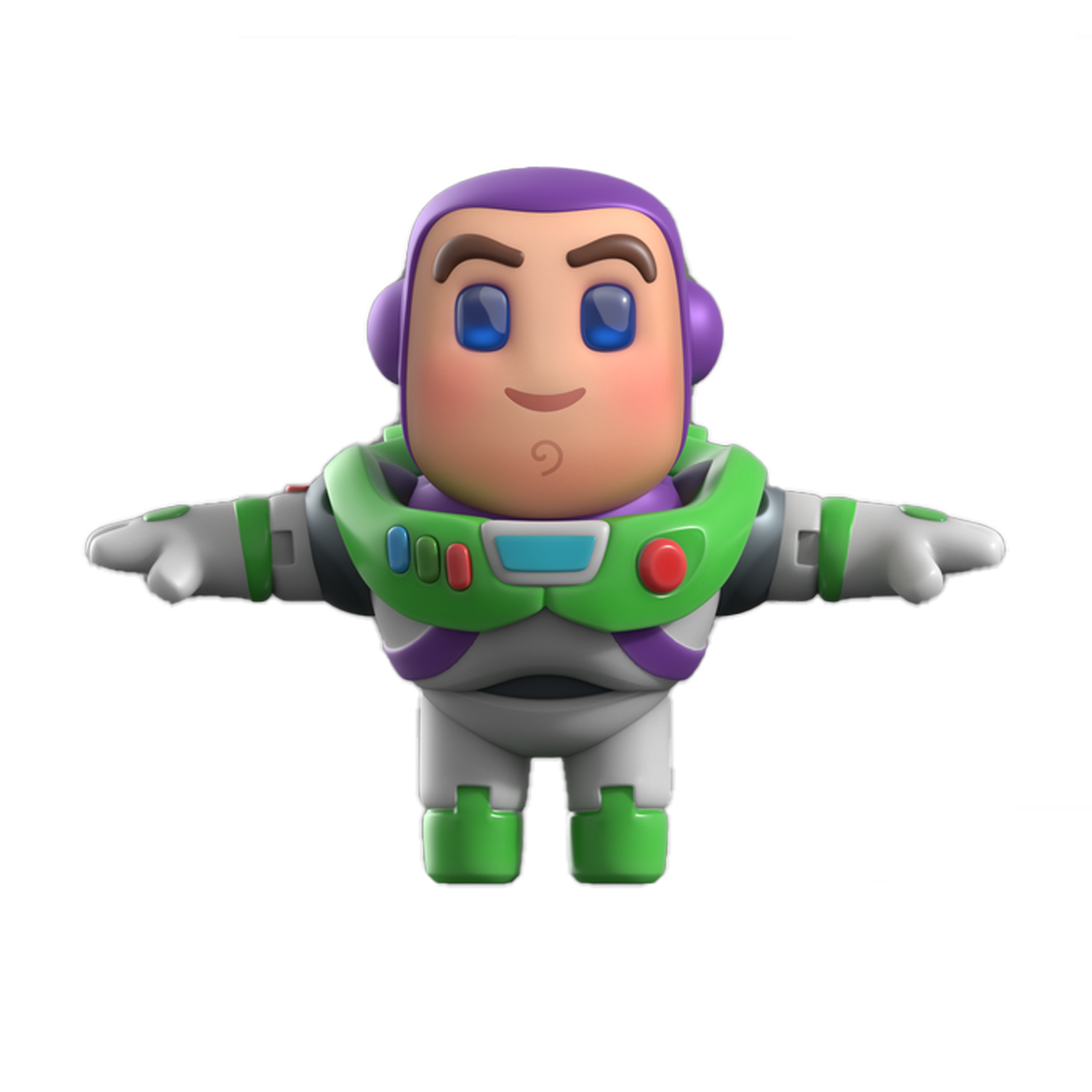
High Poly 3D Characters (T-Pose Renders)
Created by our partners at Ocellus, based on internal 2D turn arounds
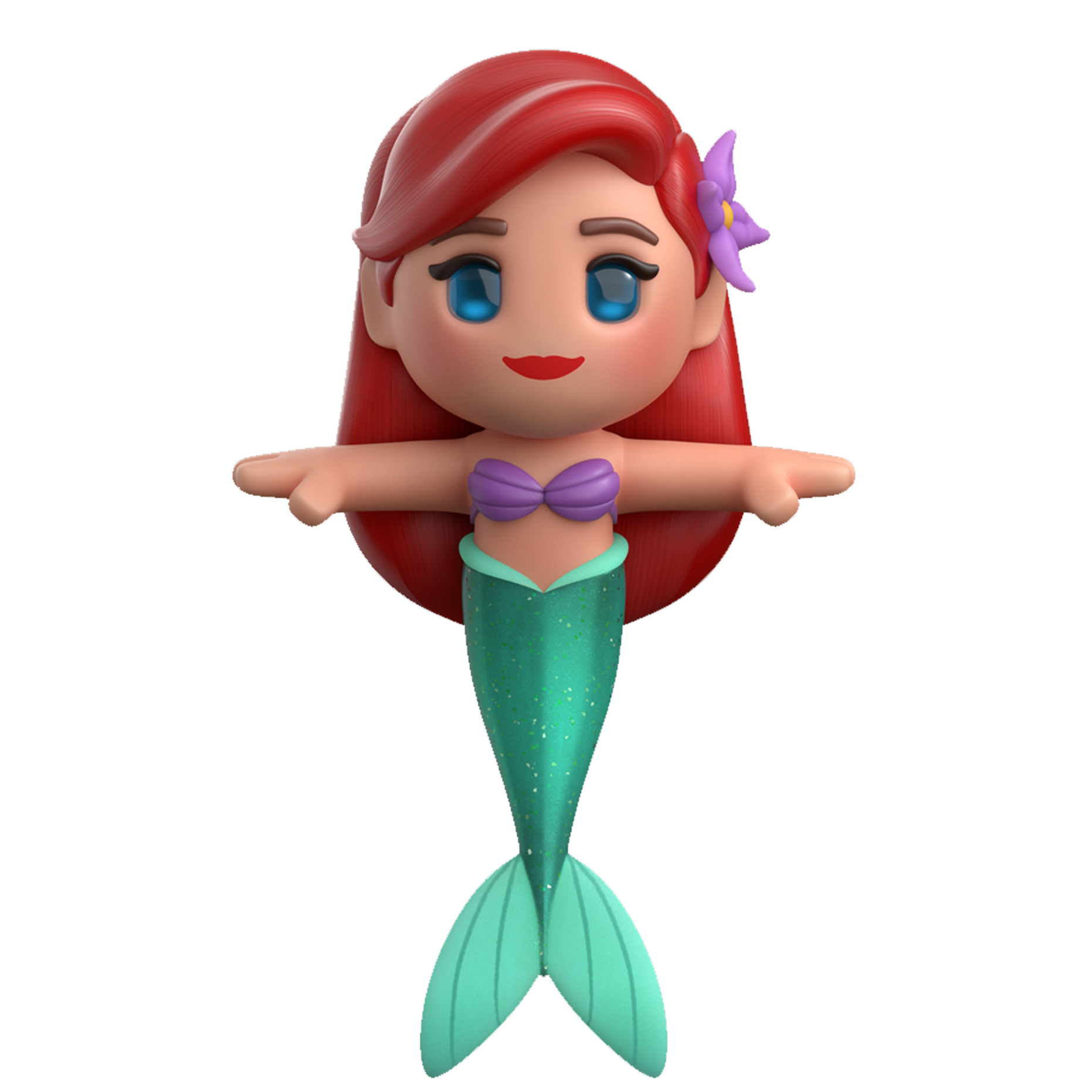
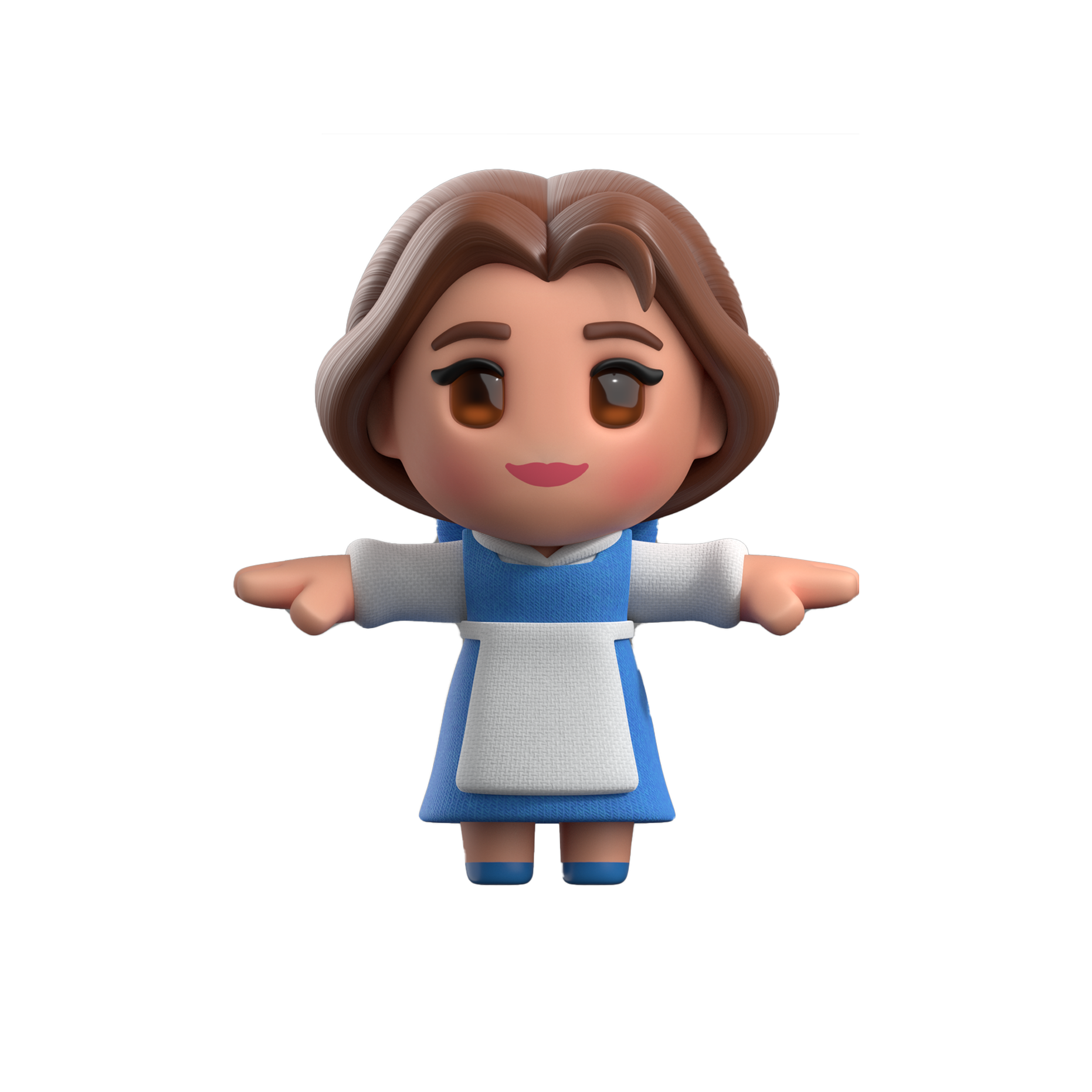
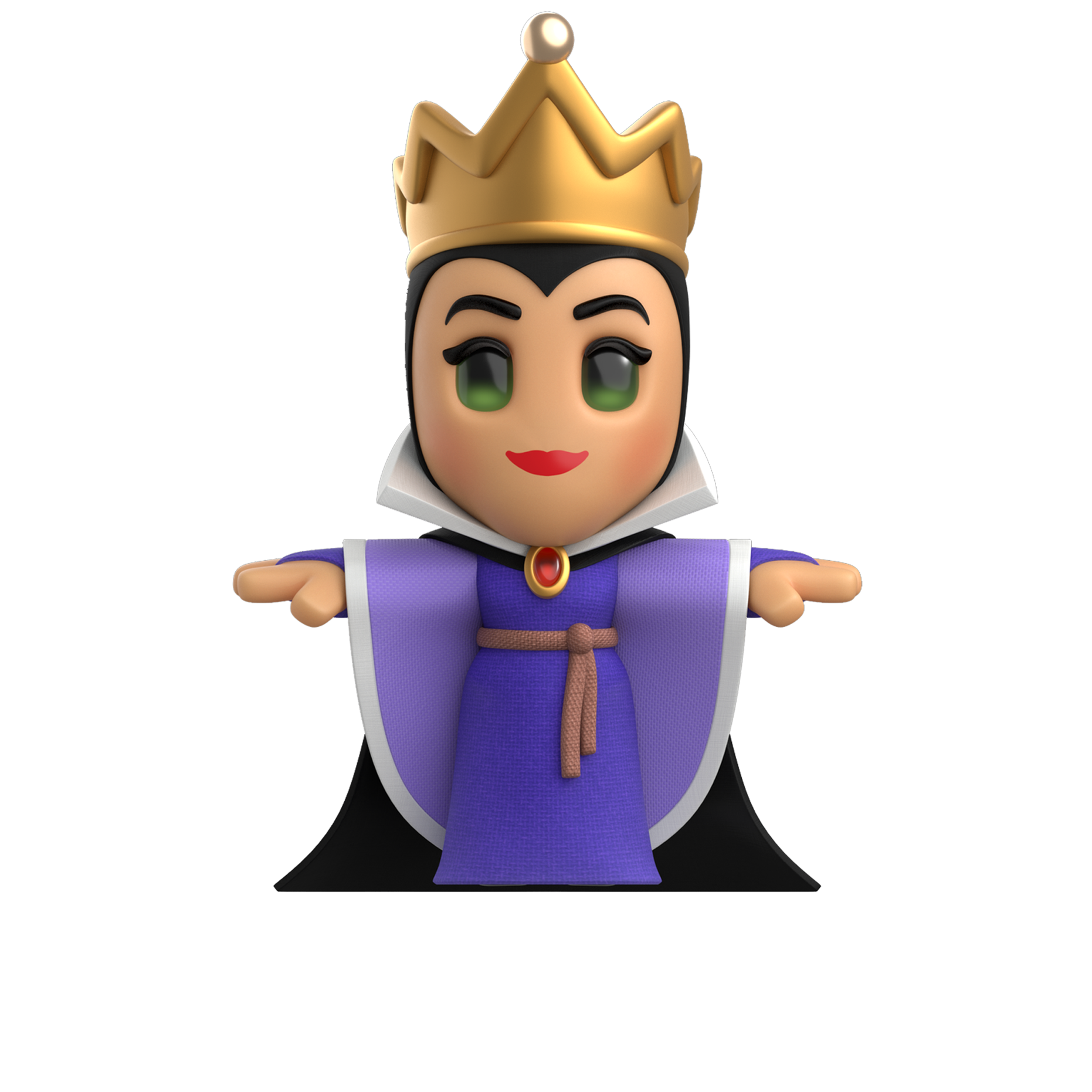
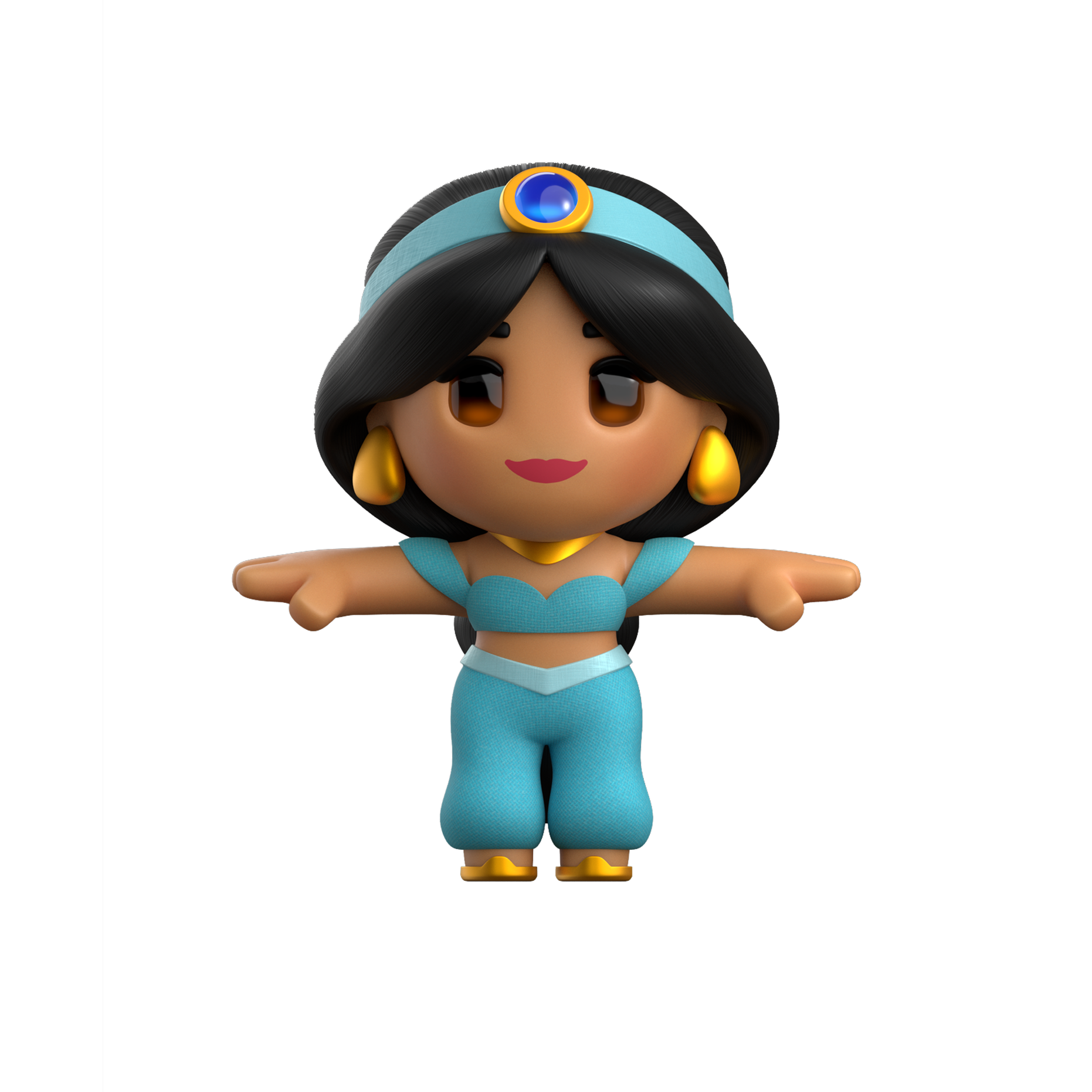
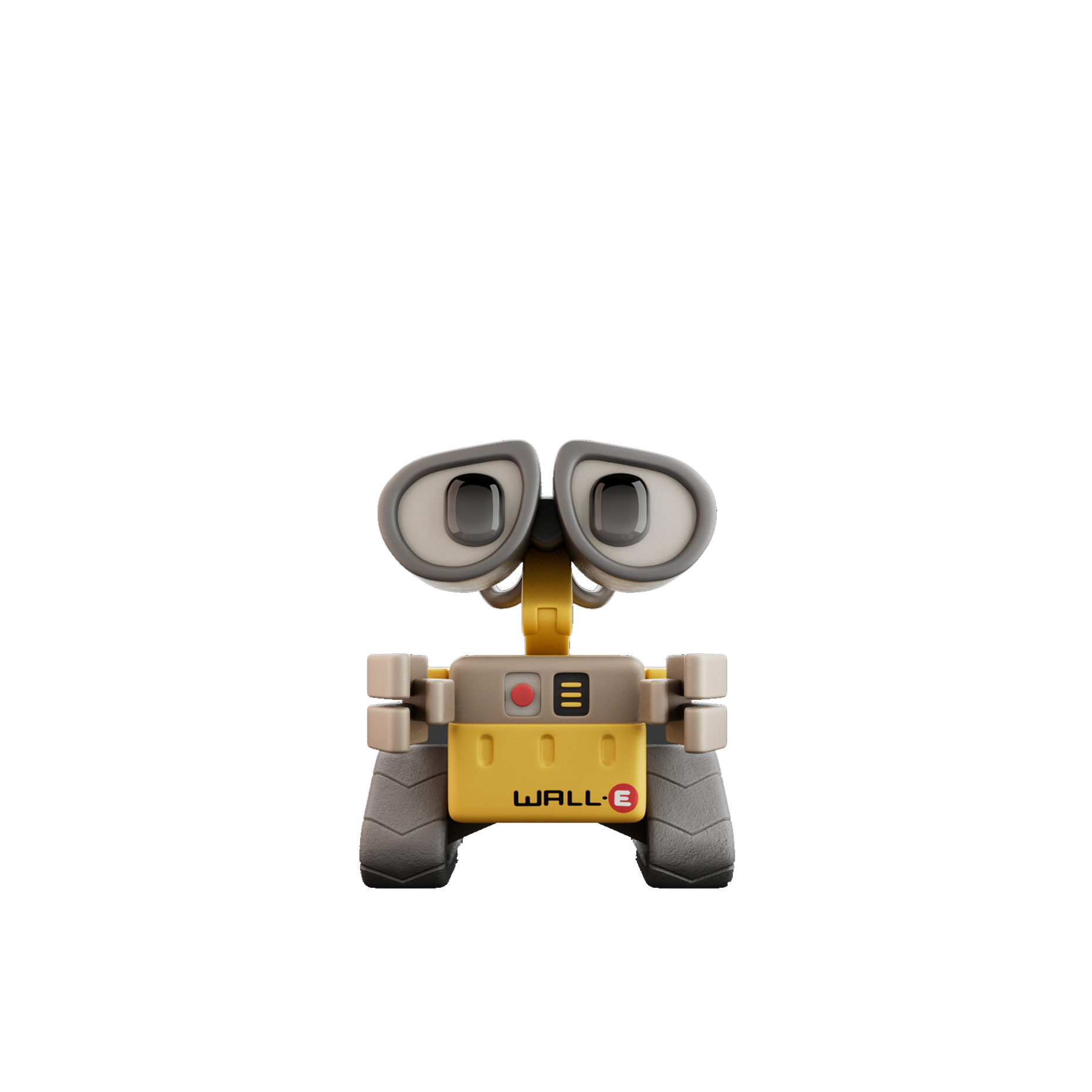
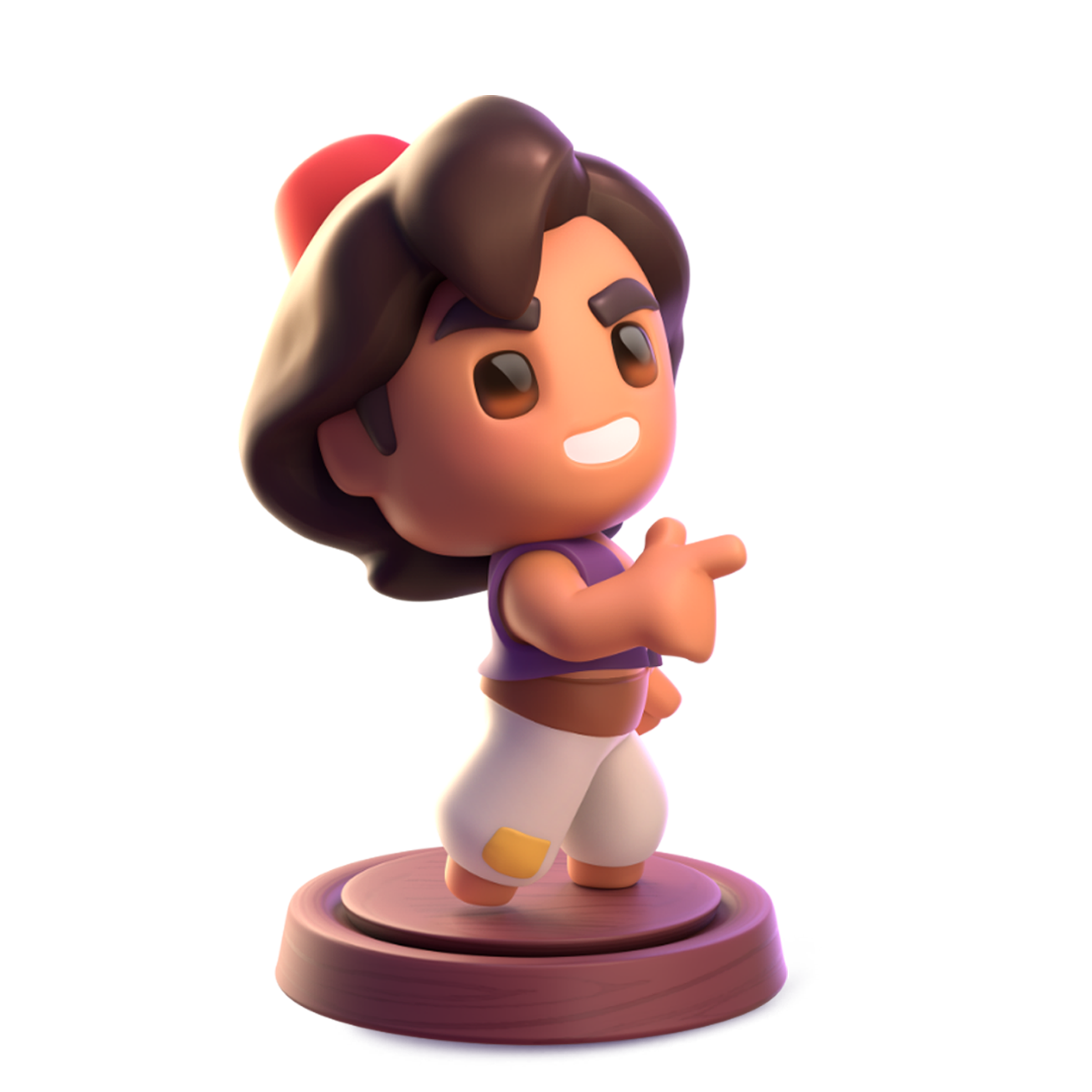
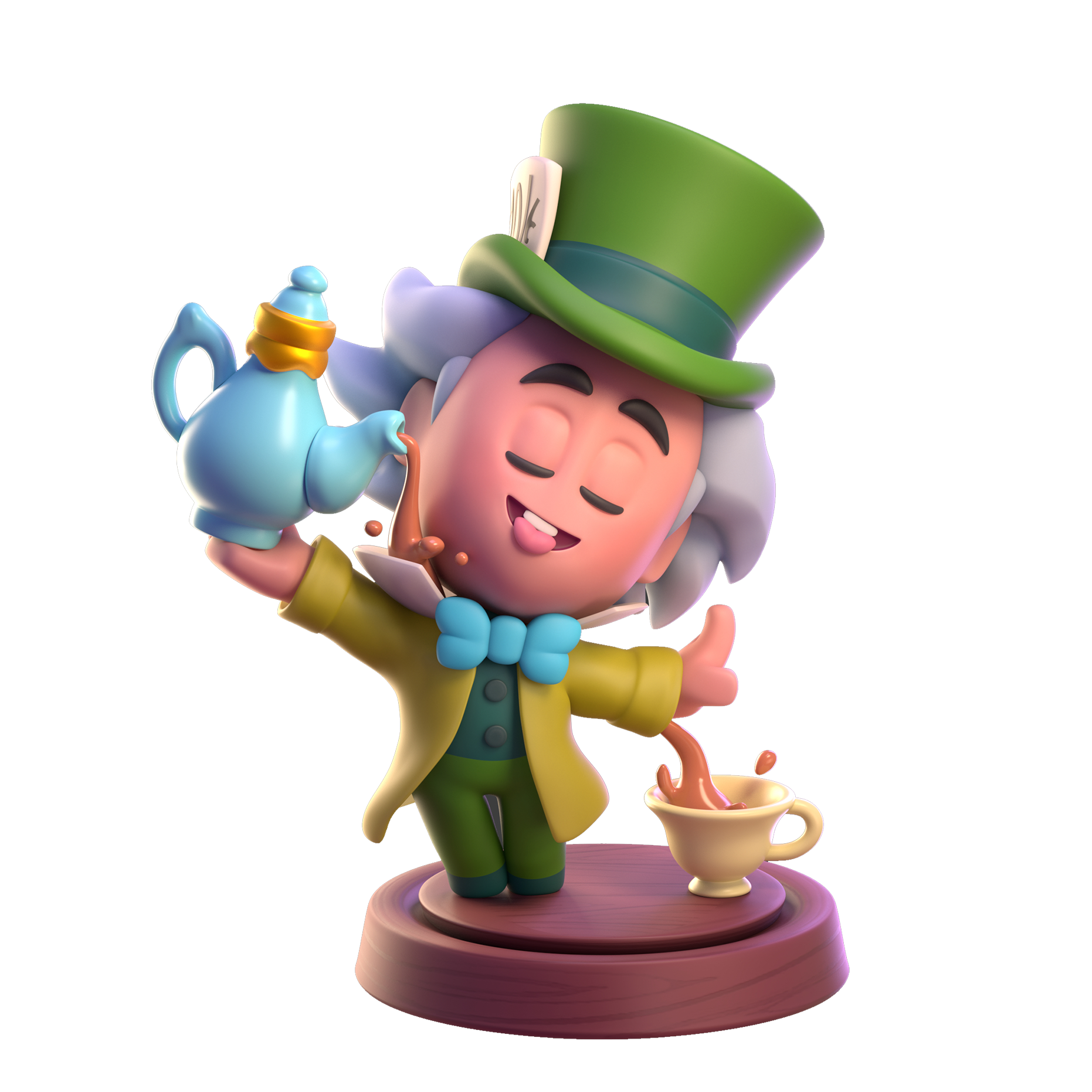
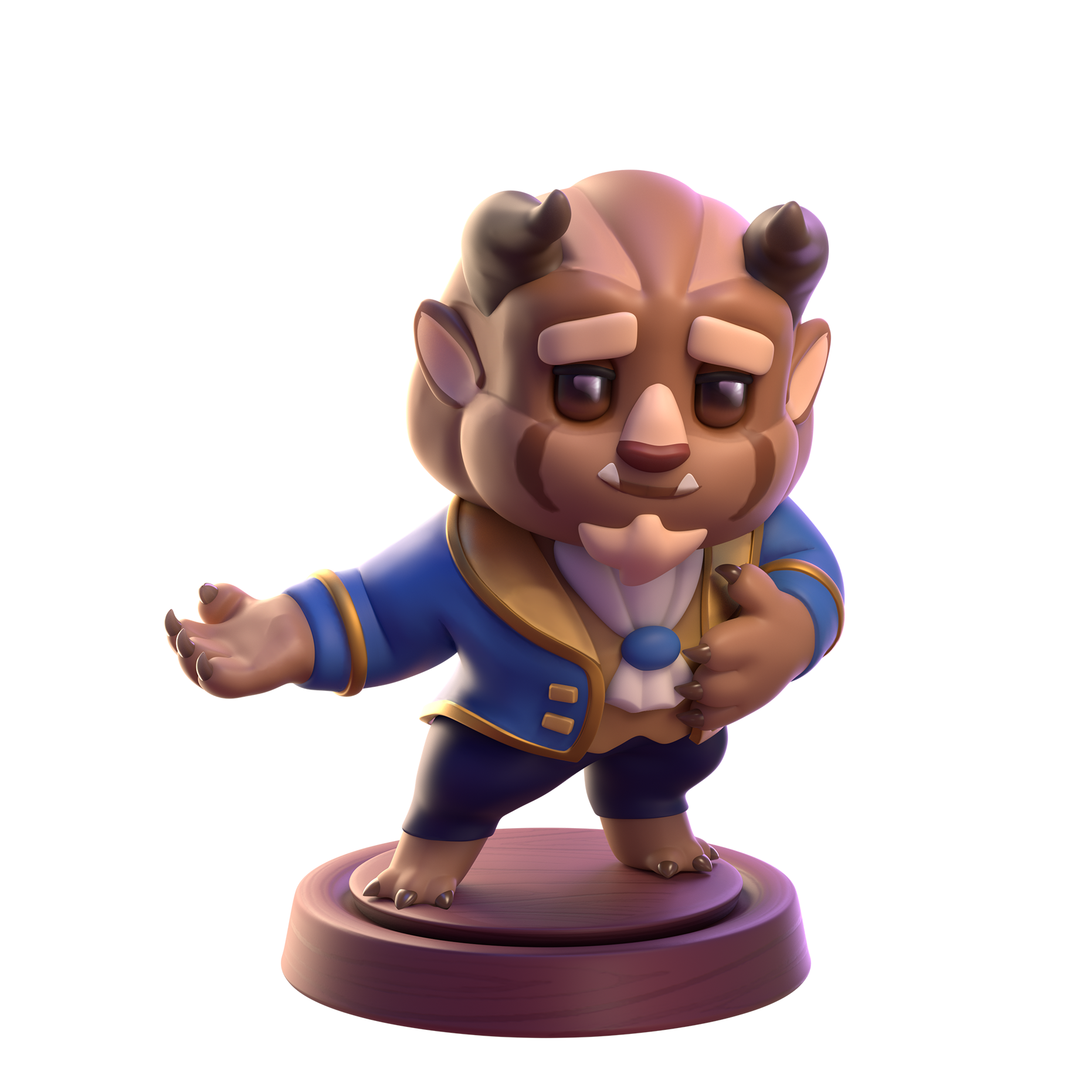
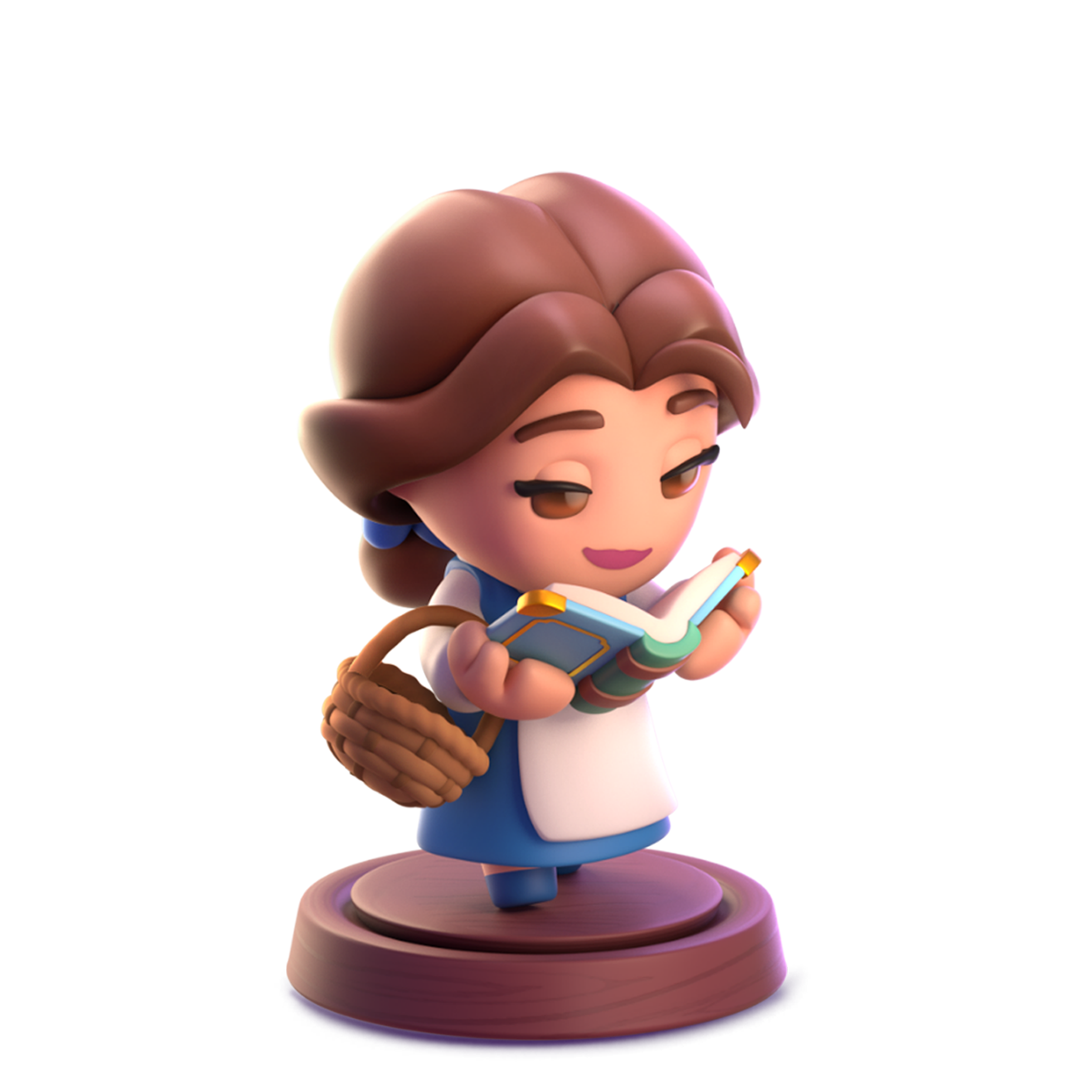
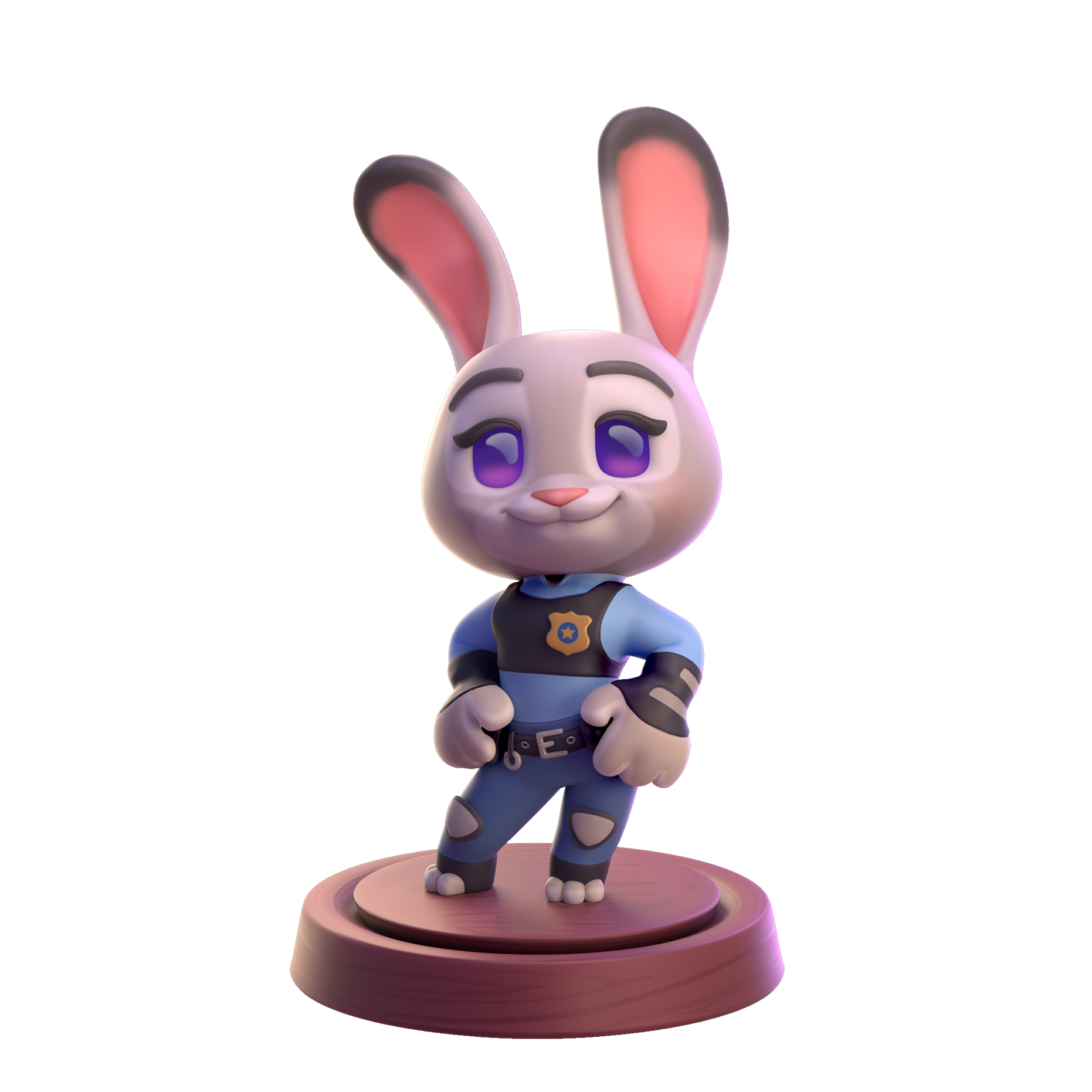
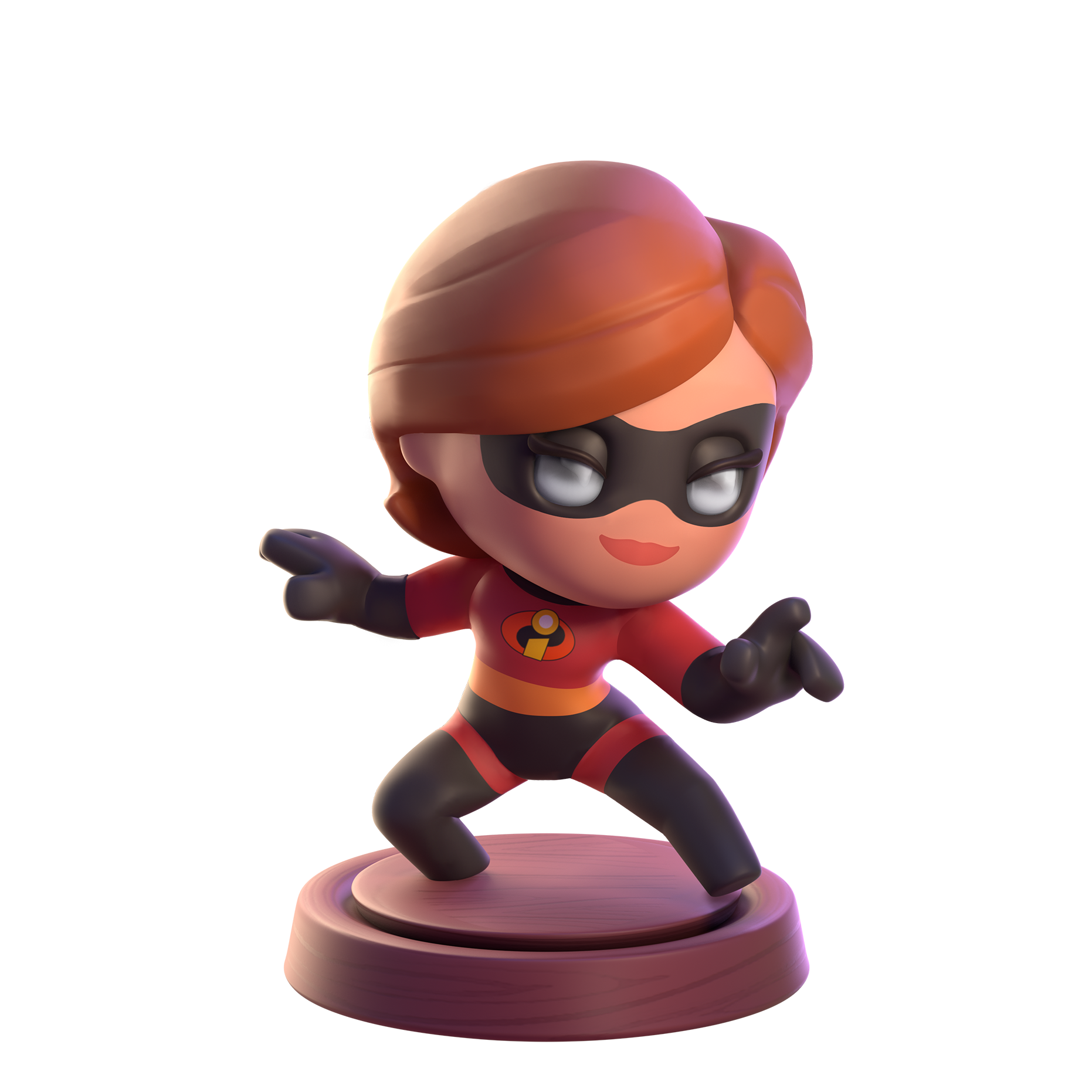
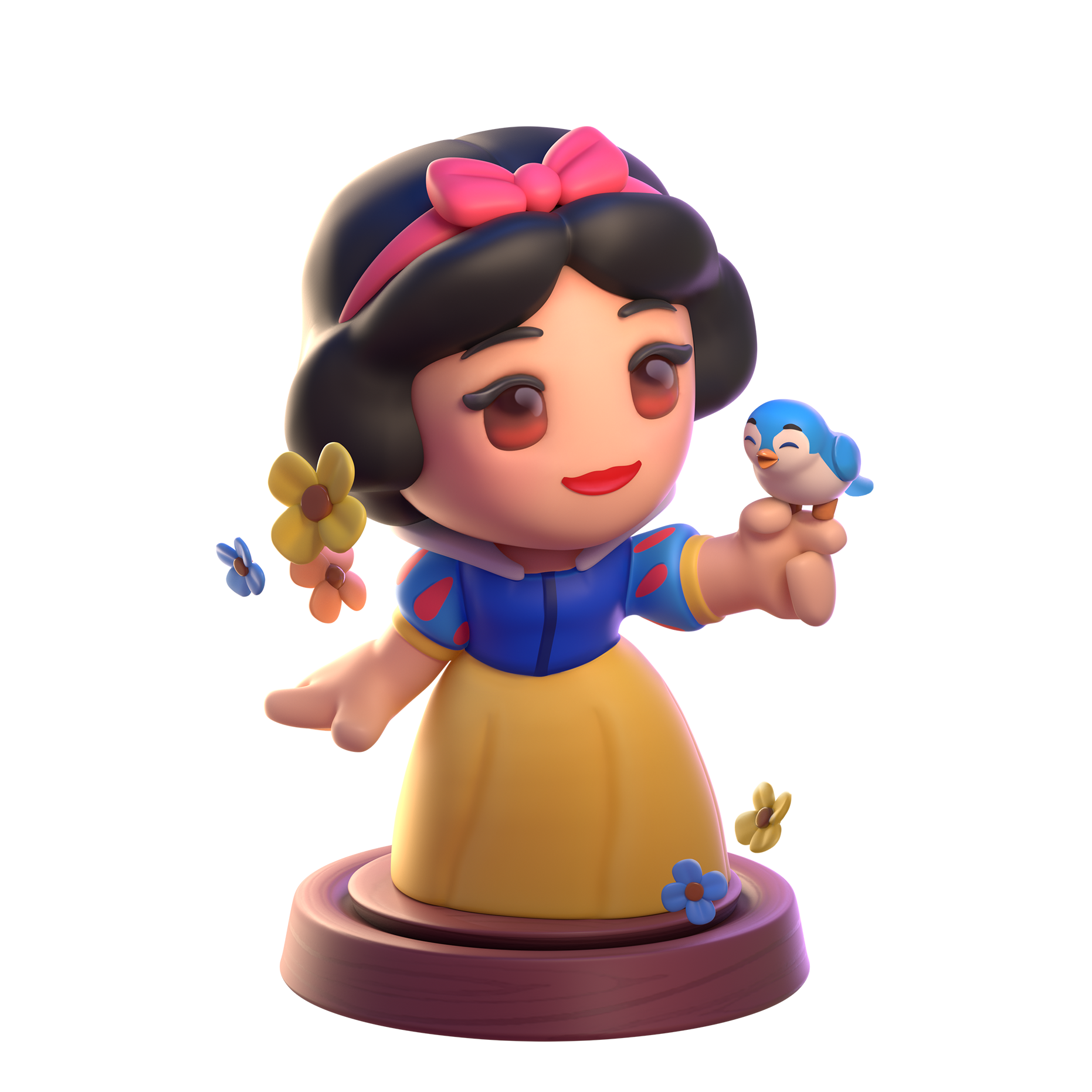
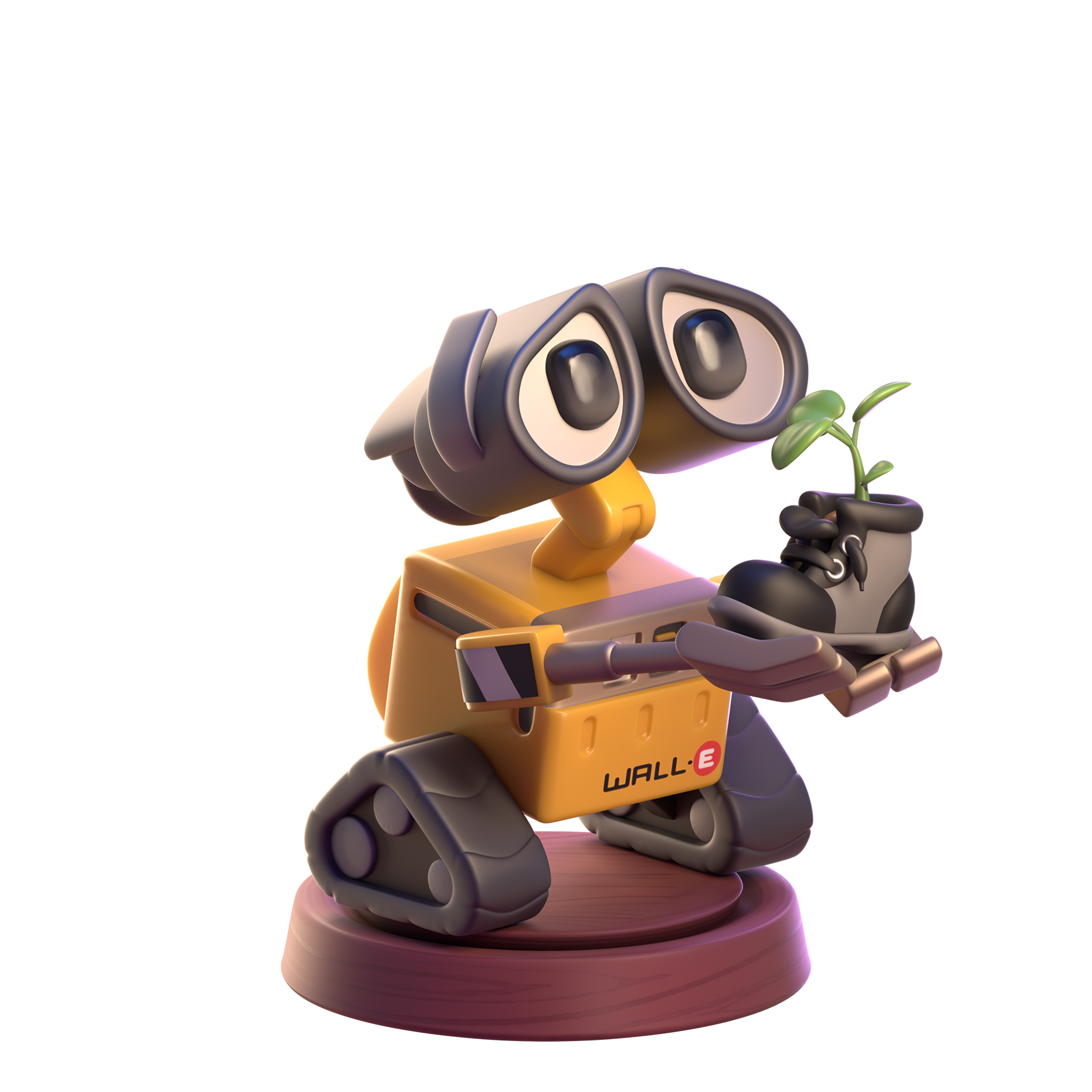
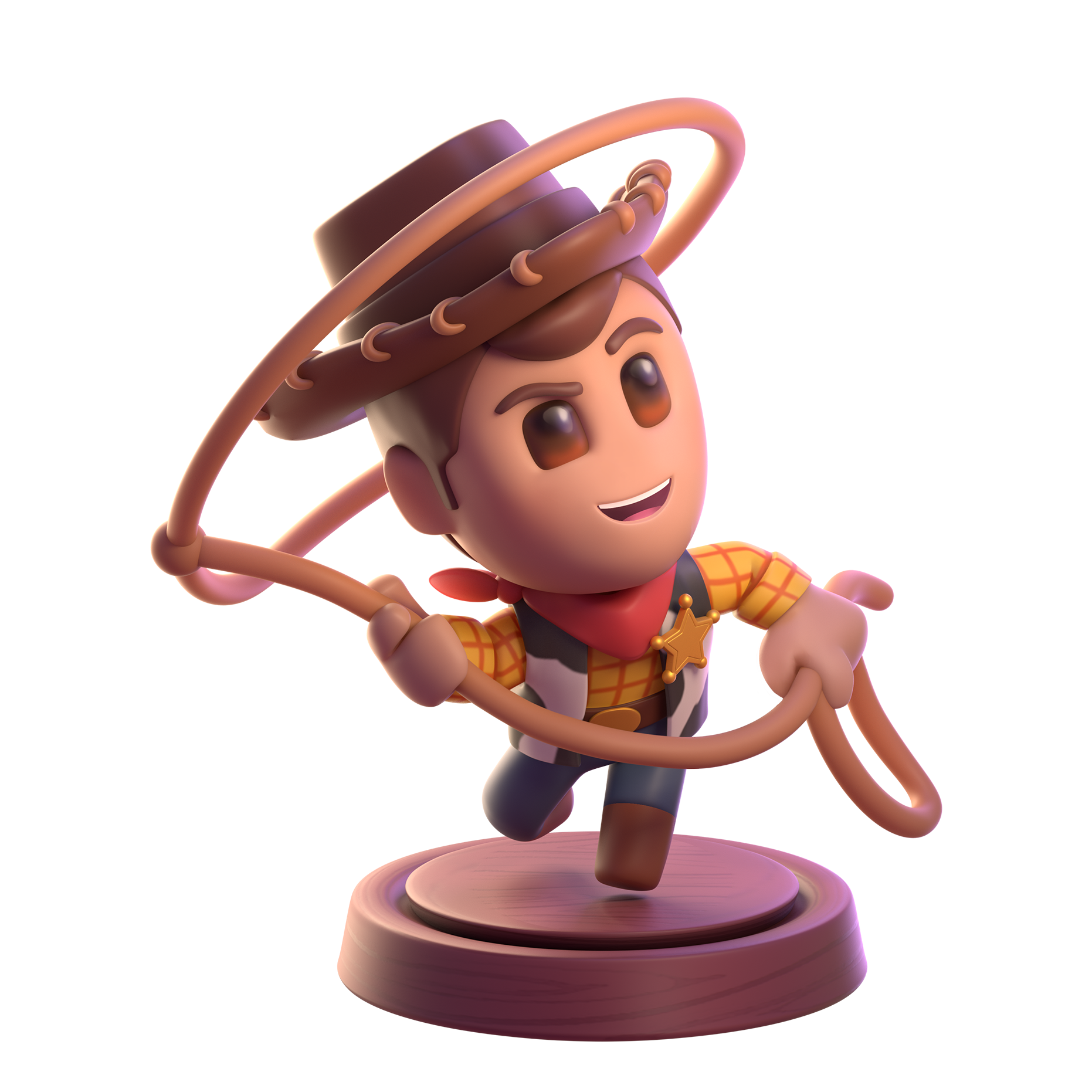
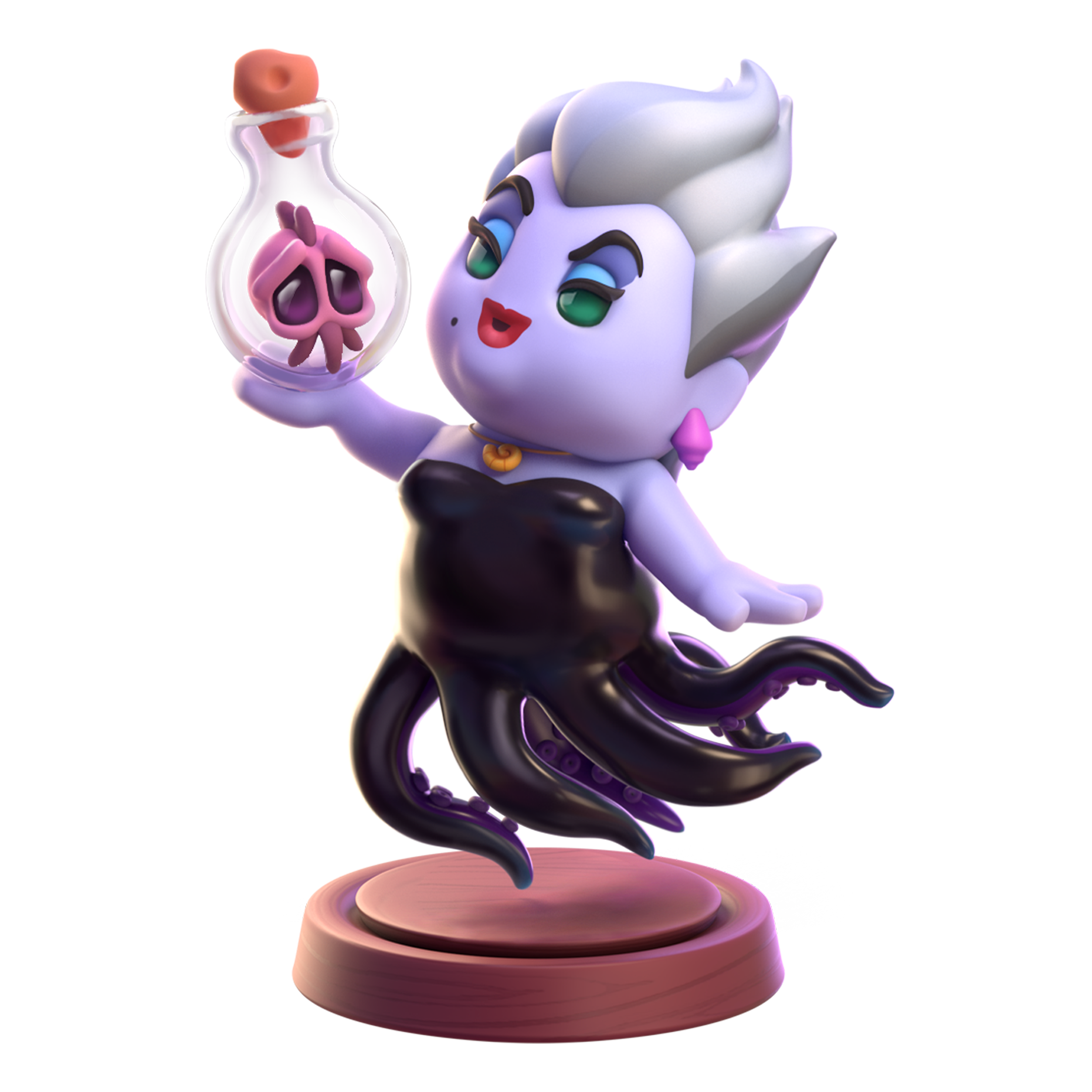
Magic Minis
3D in-game collectibles created by our partners at Ocellus based on internal drawings of poses
Concept Sketches
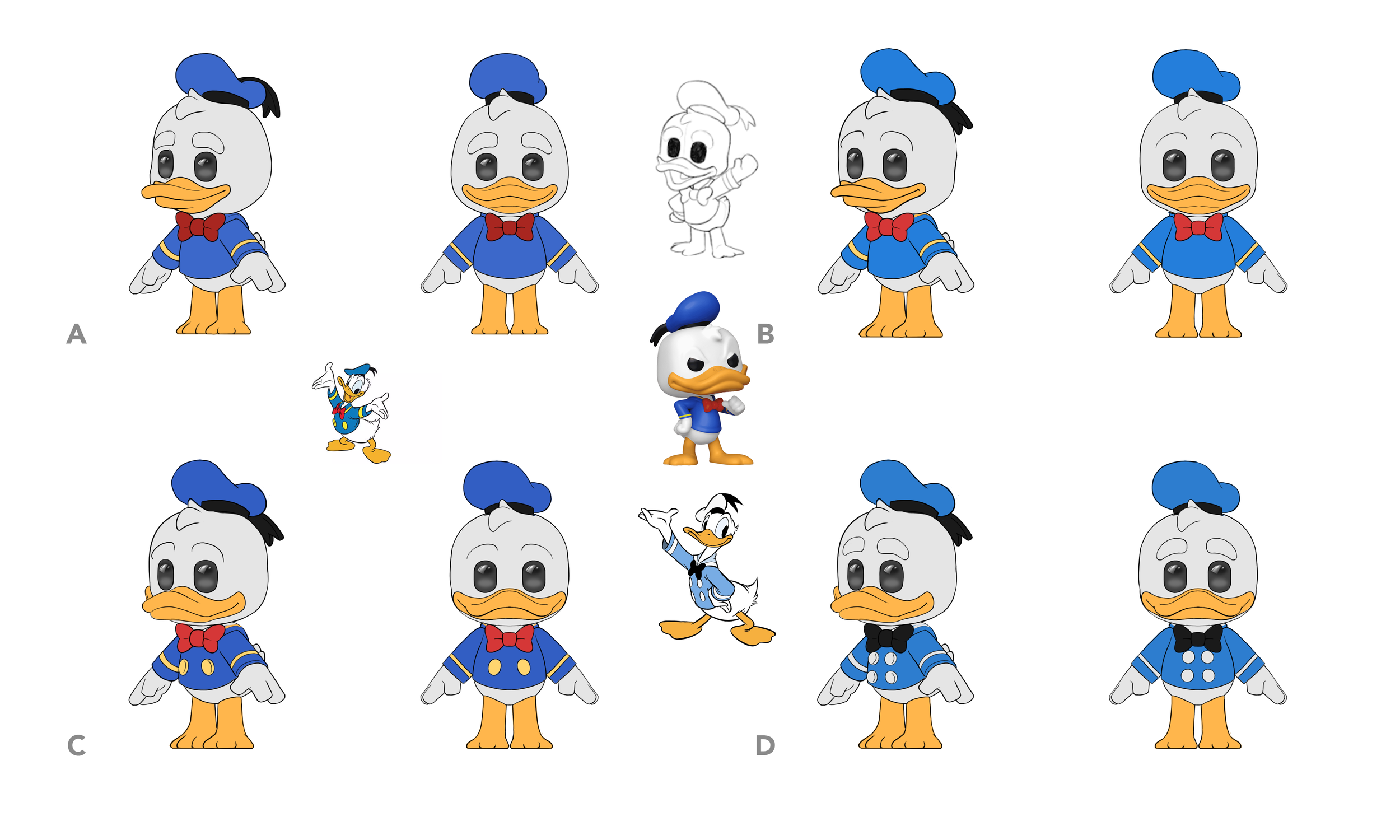
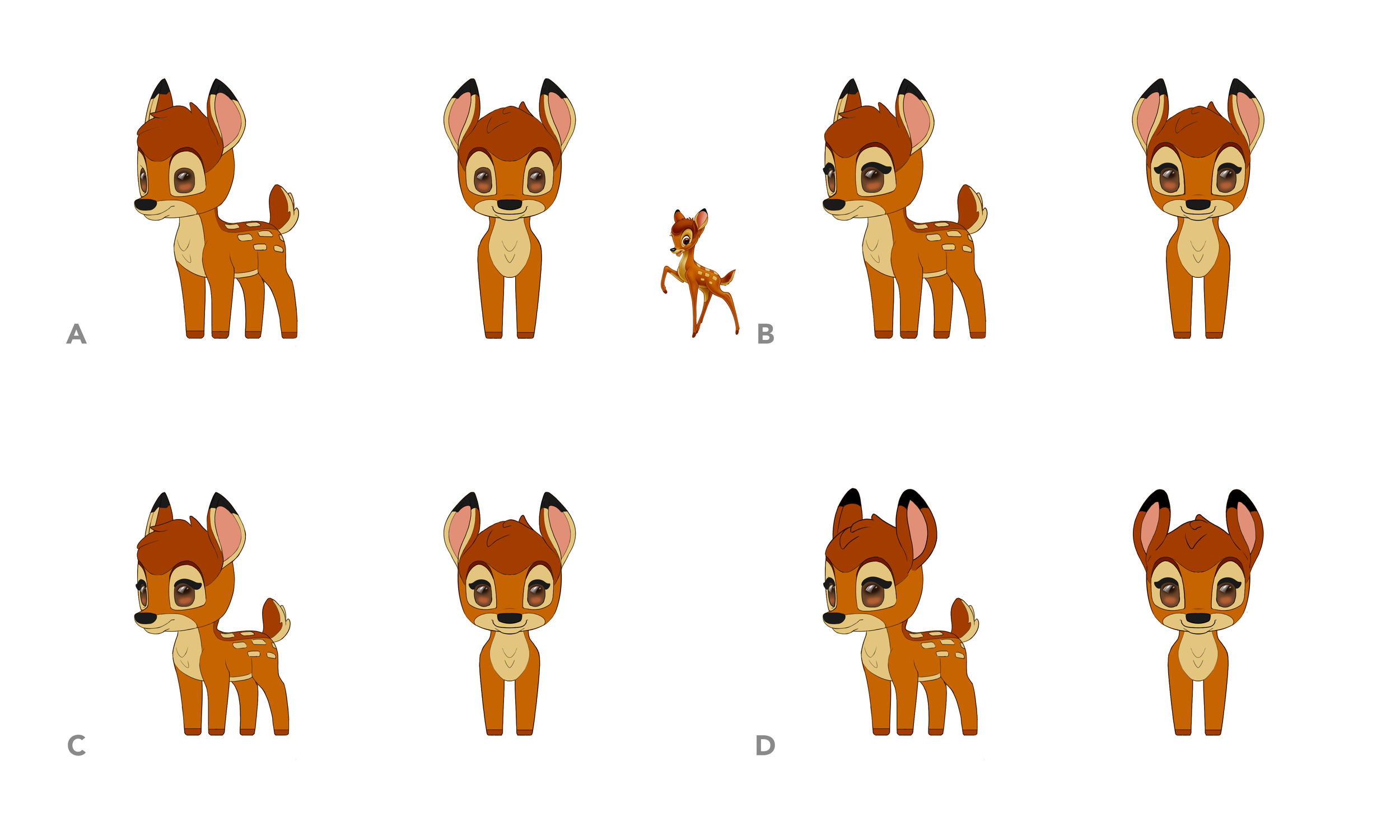
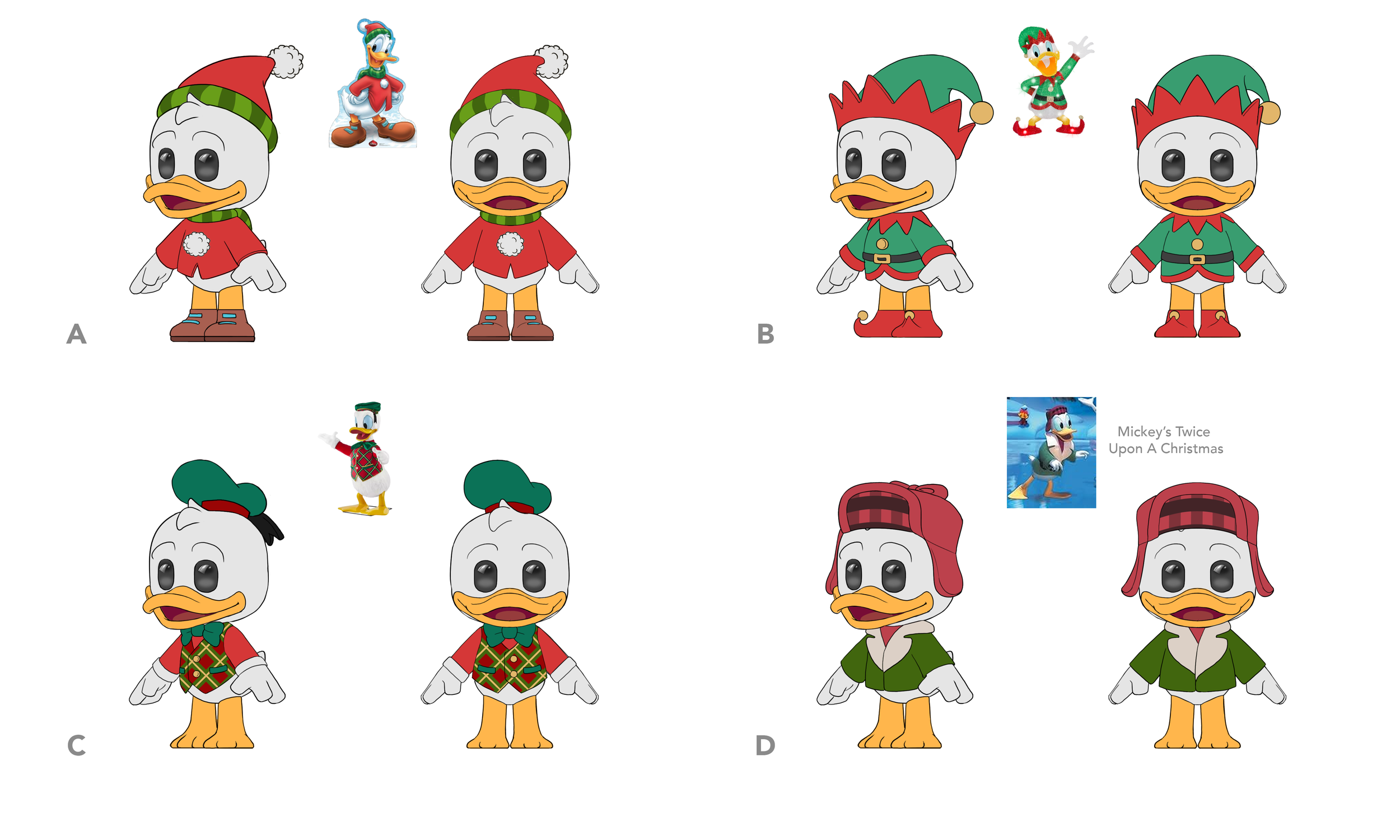
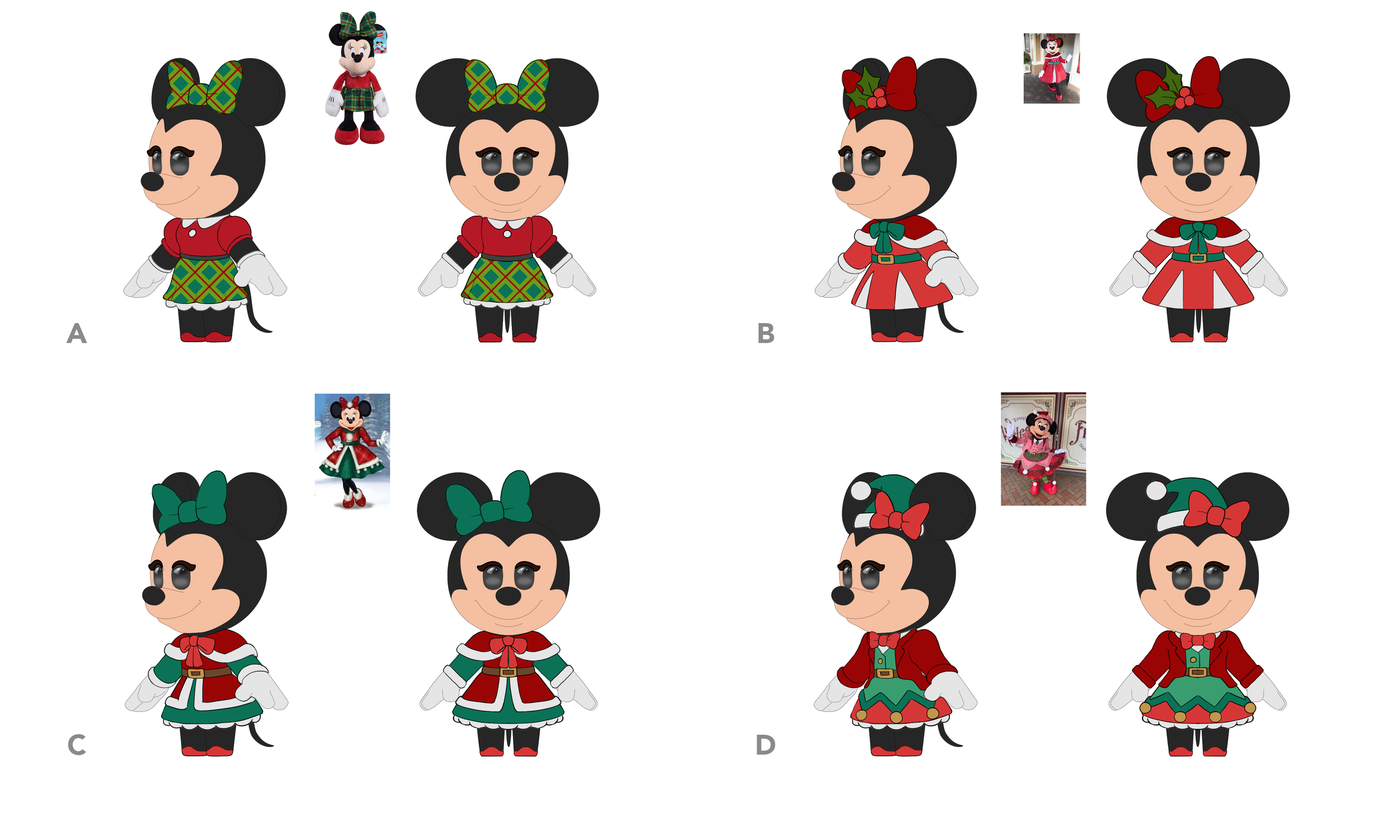
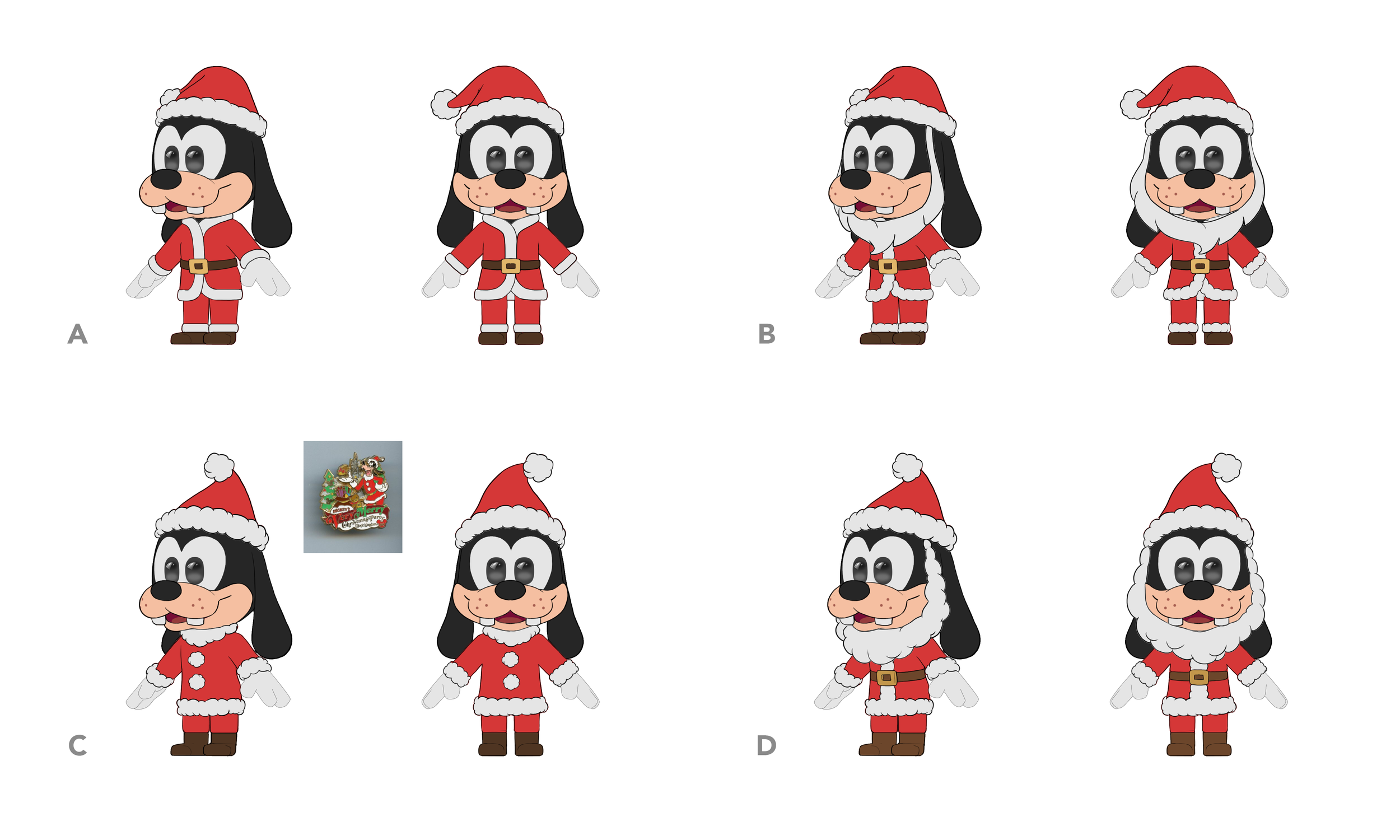
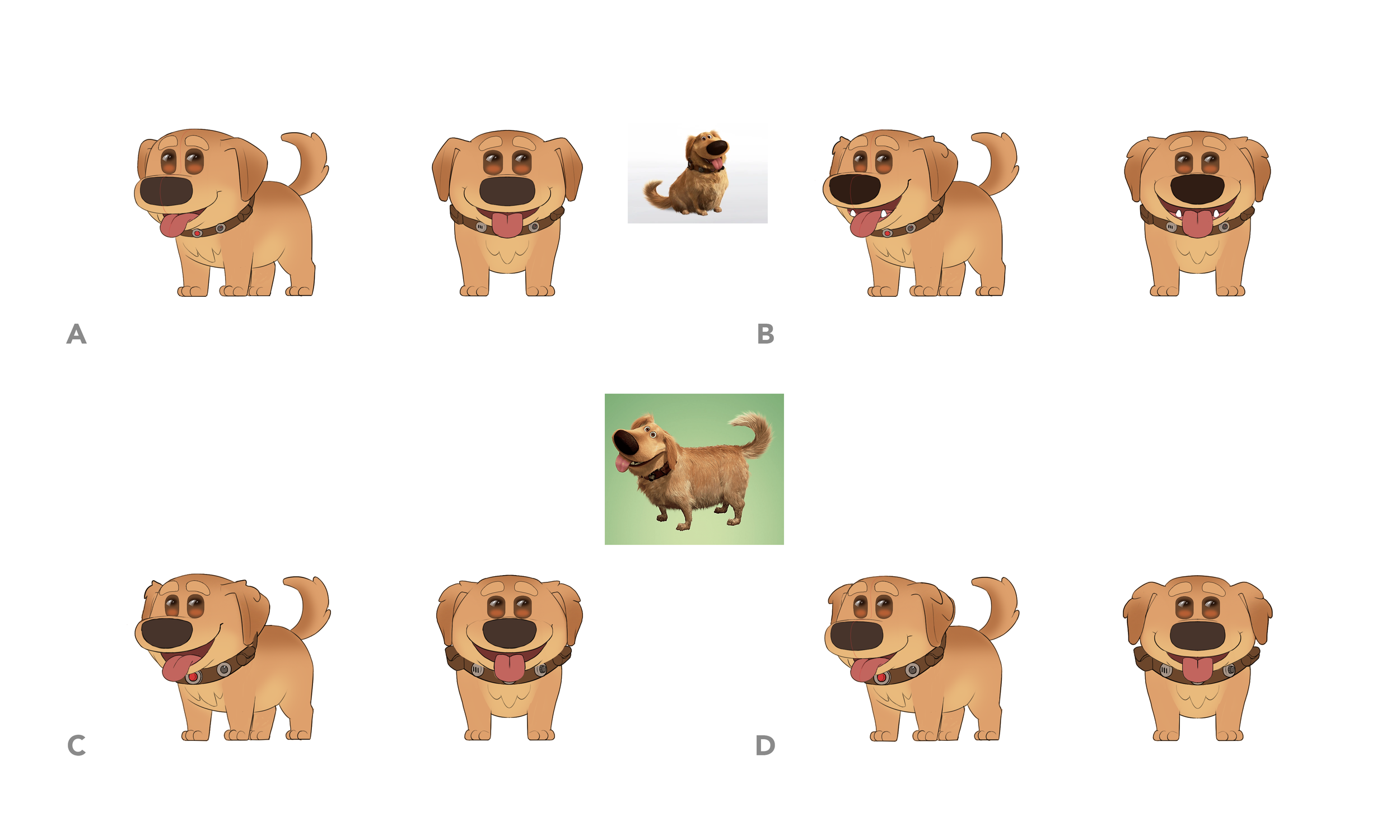
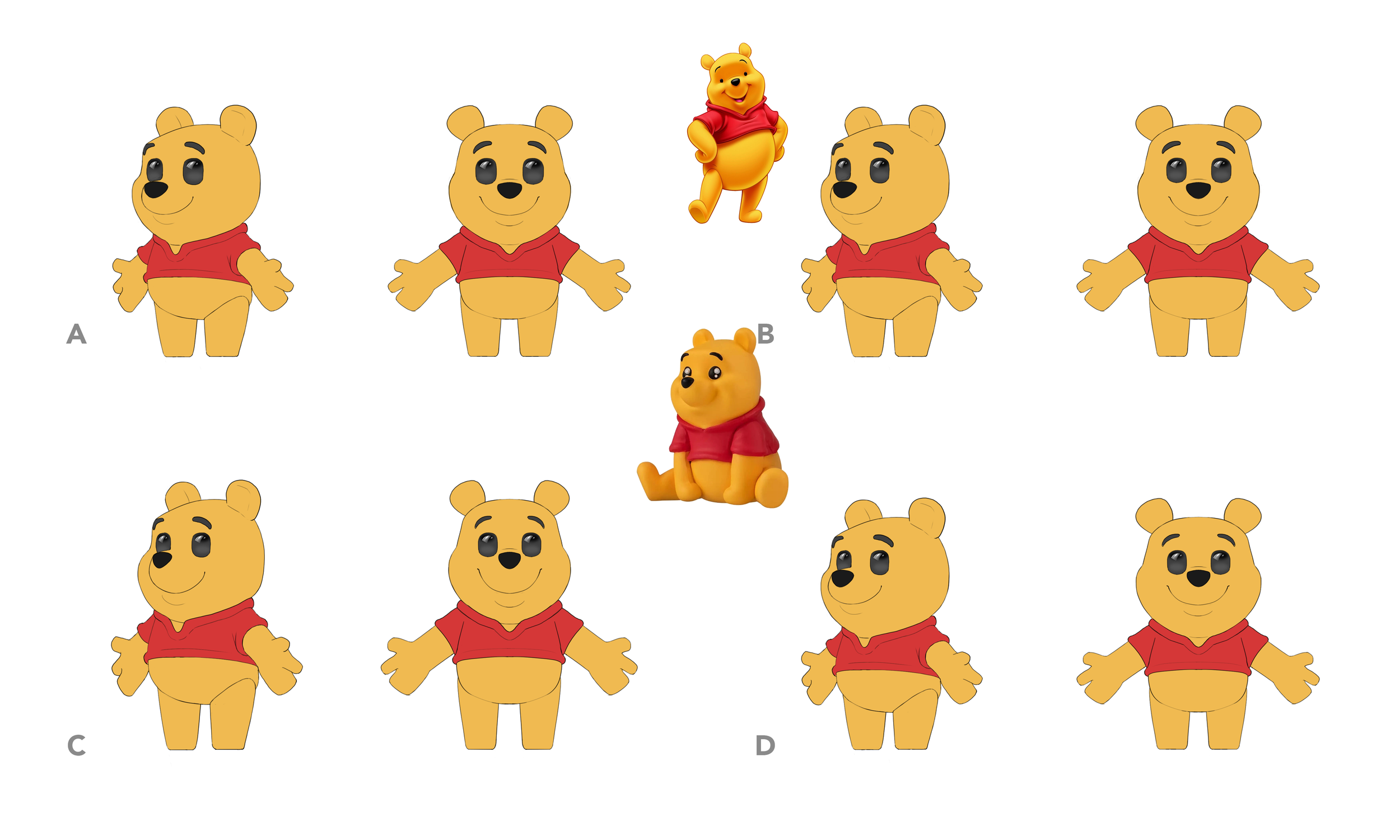
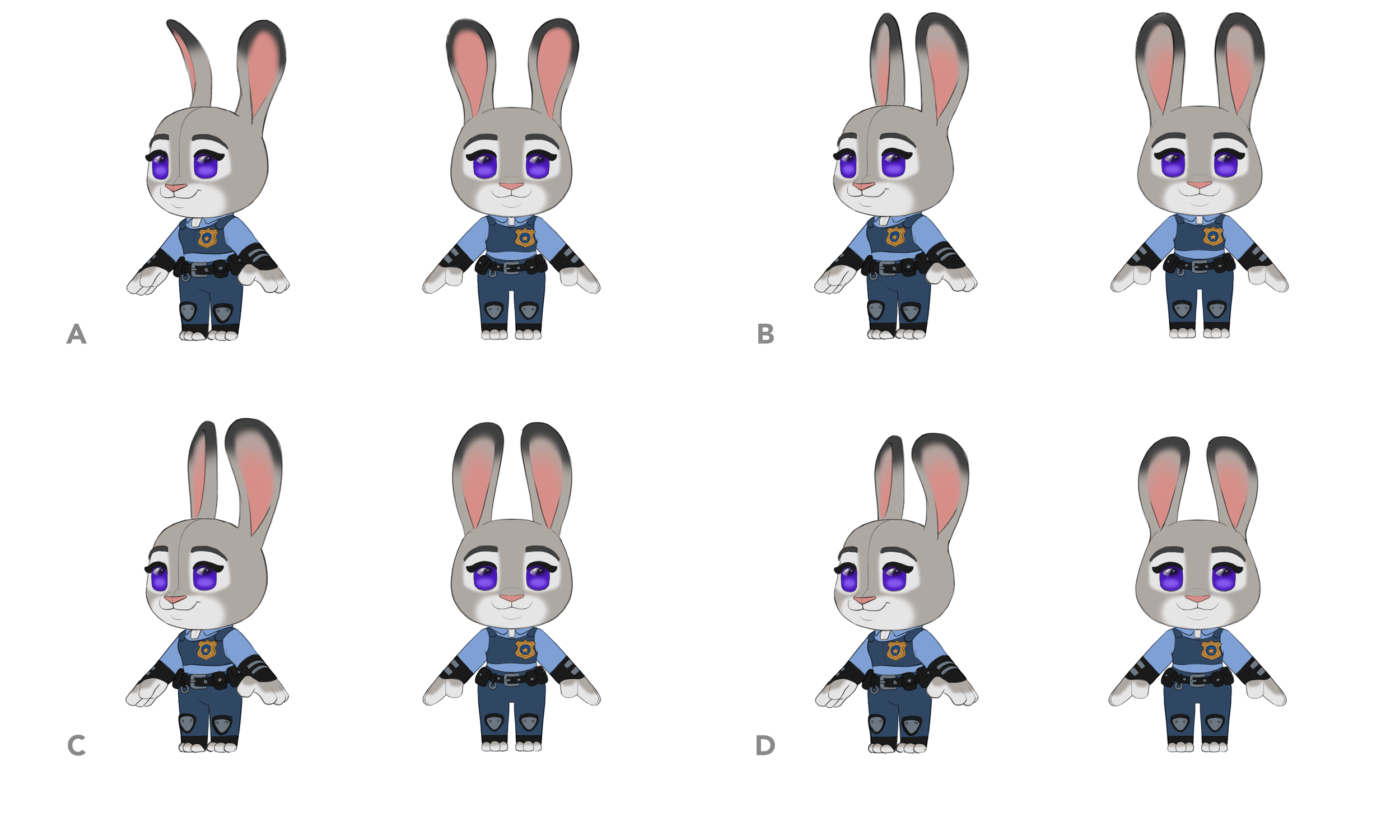
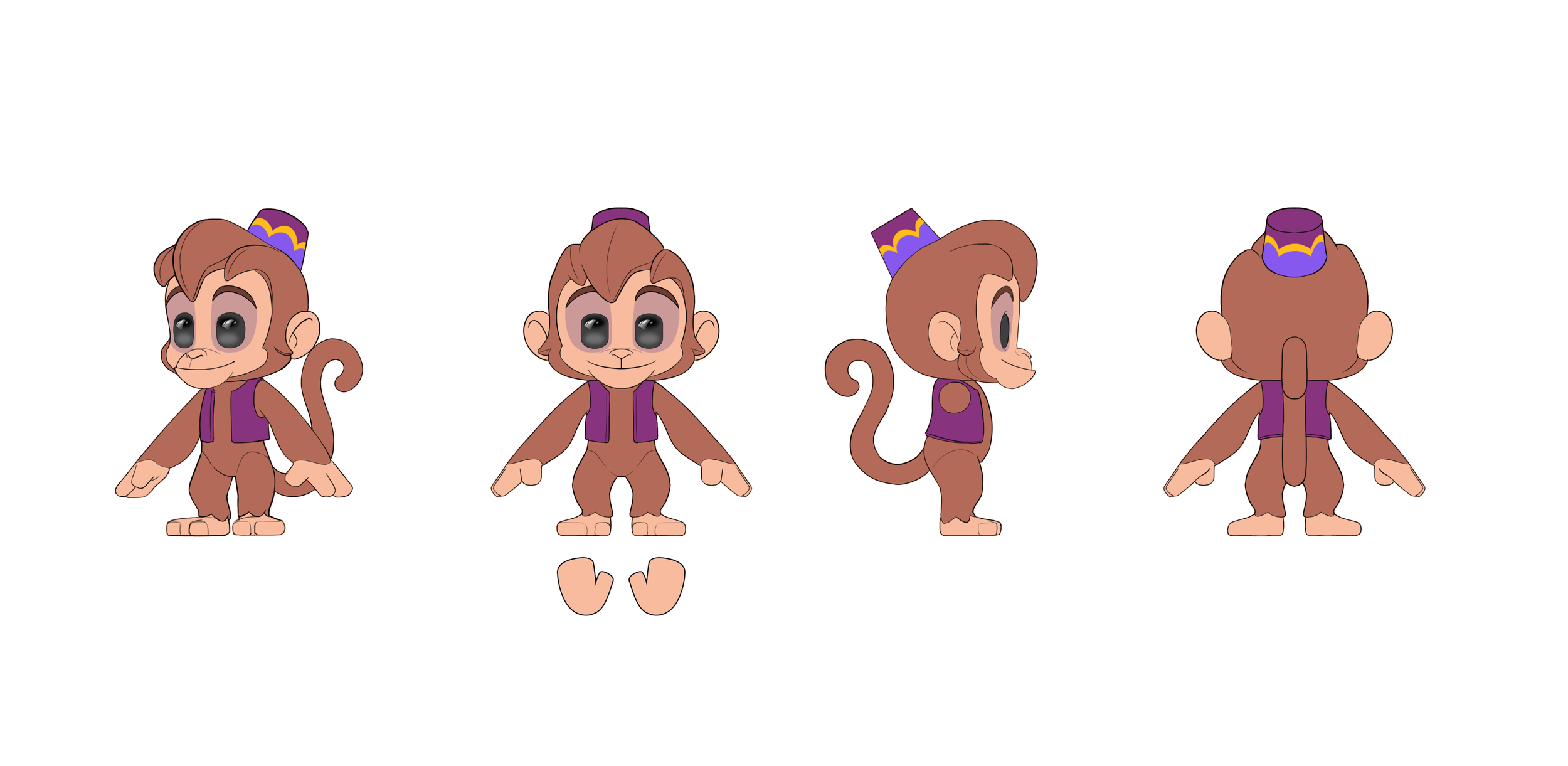
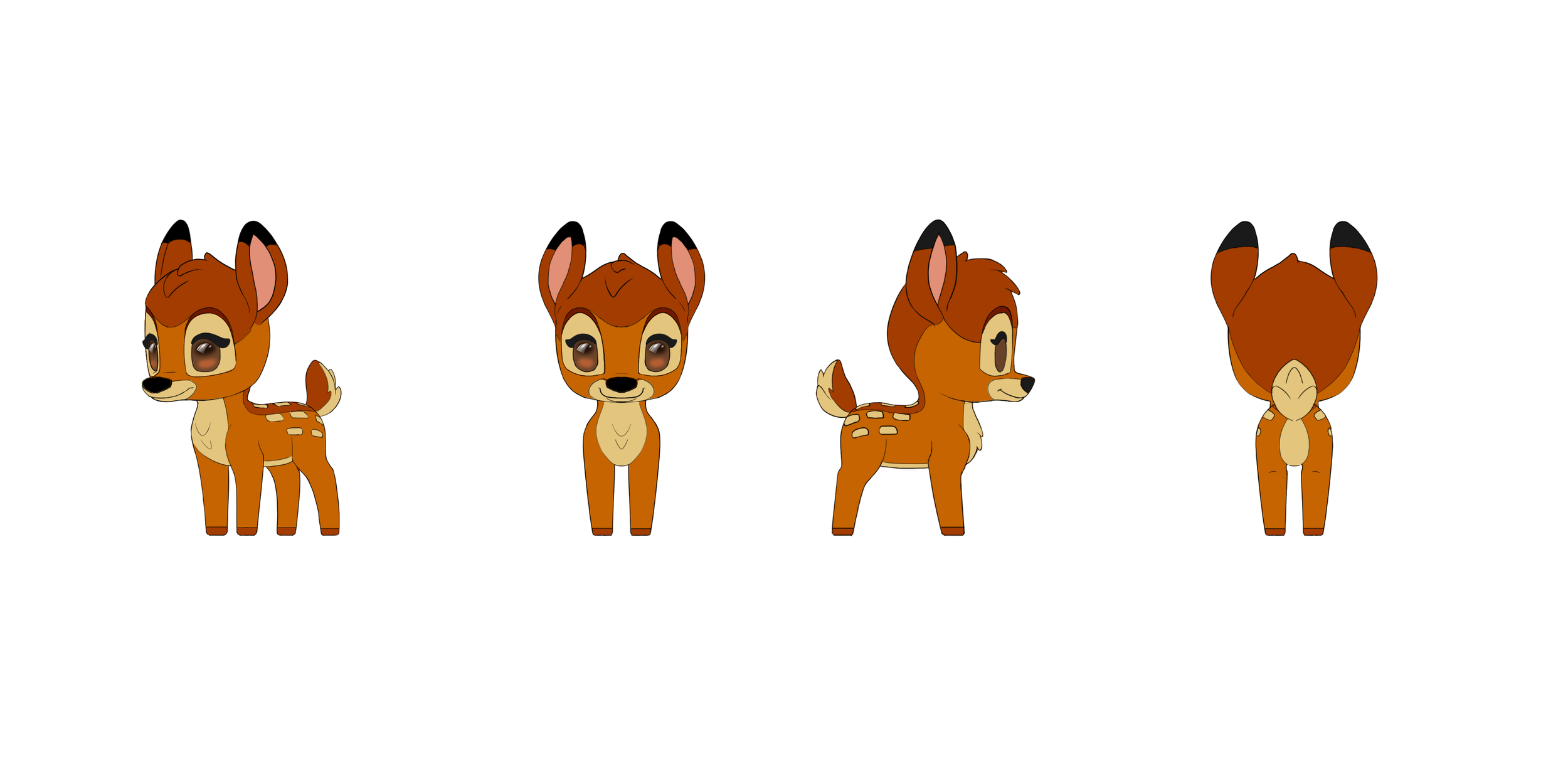
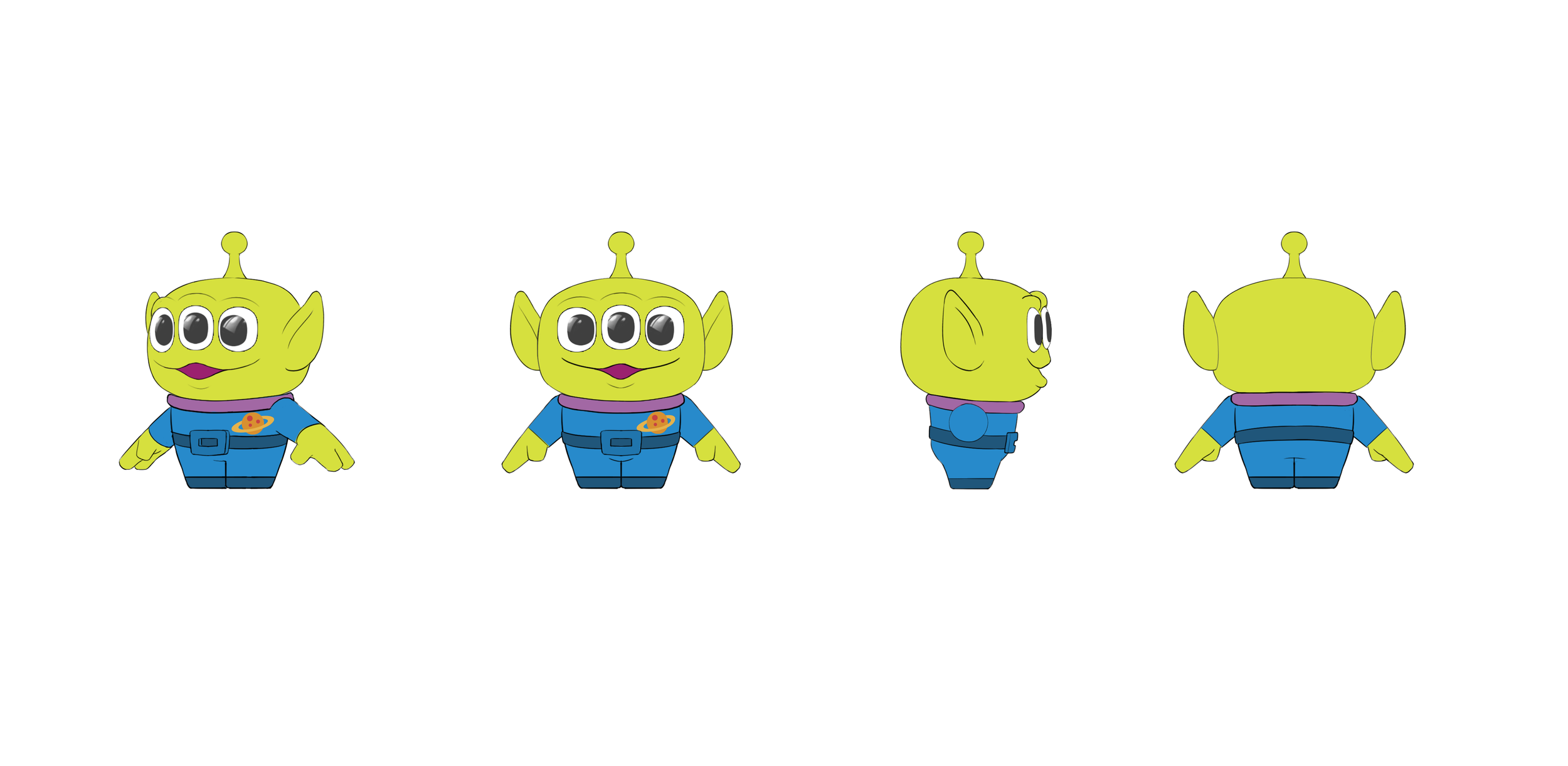
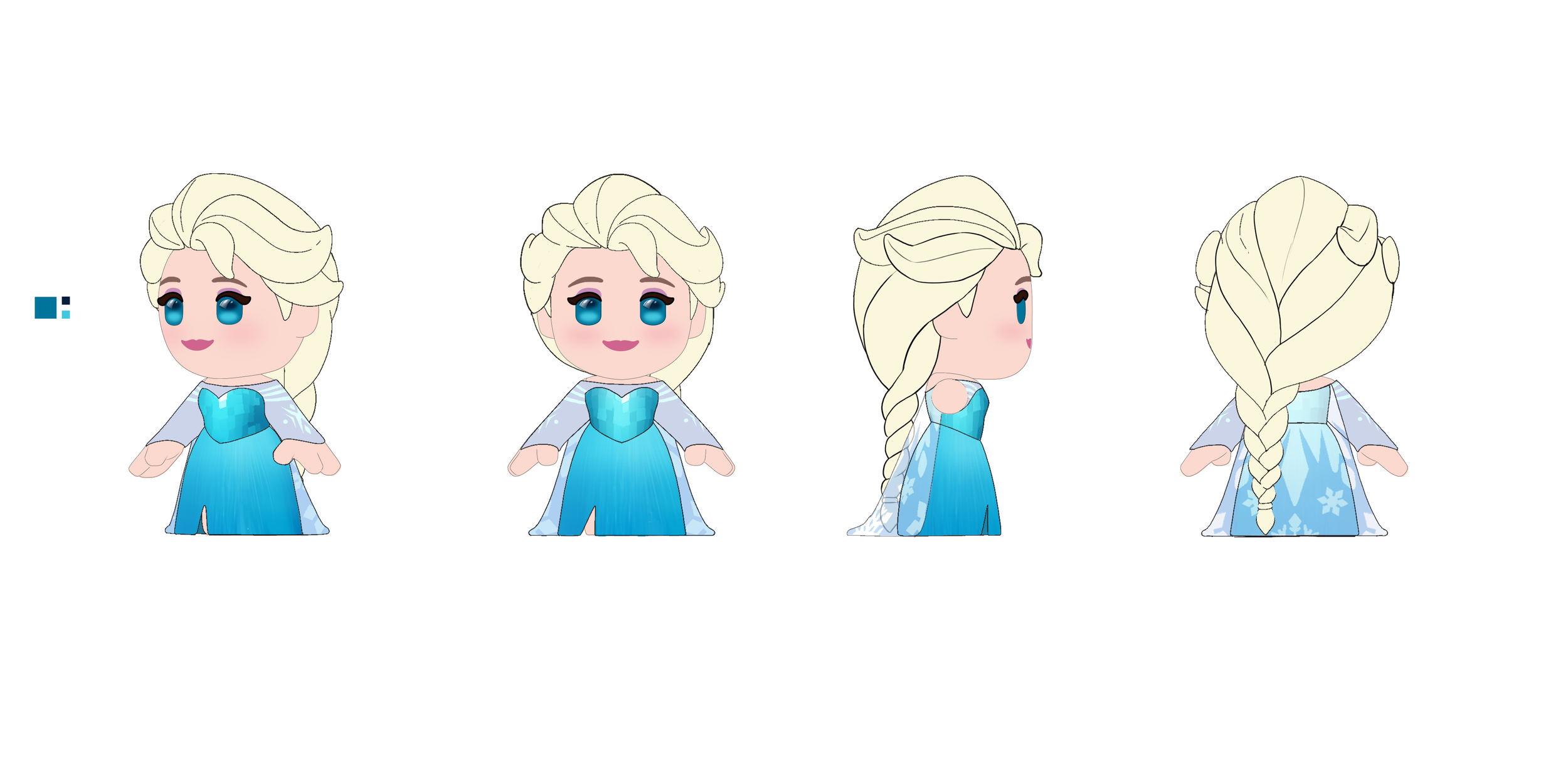
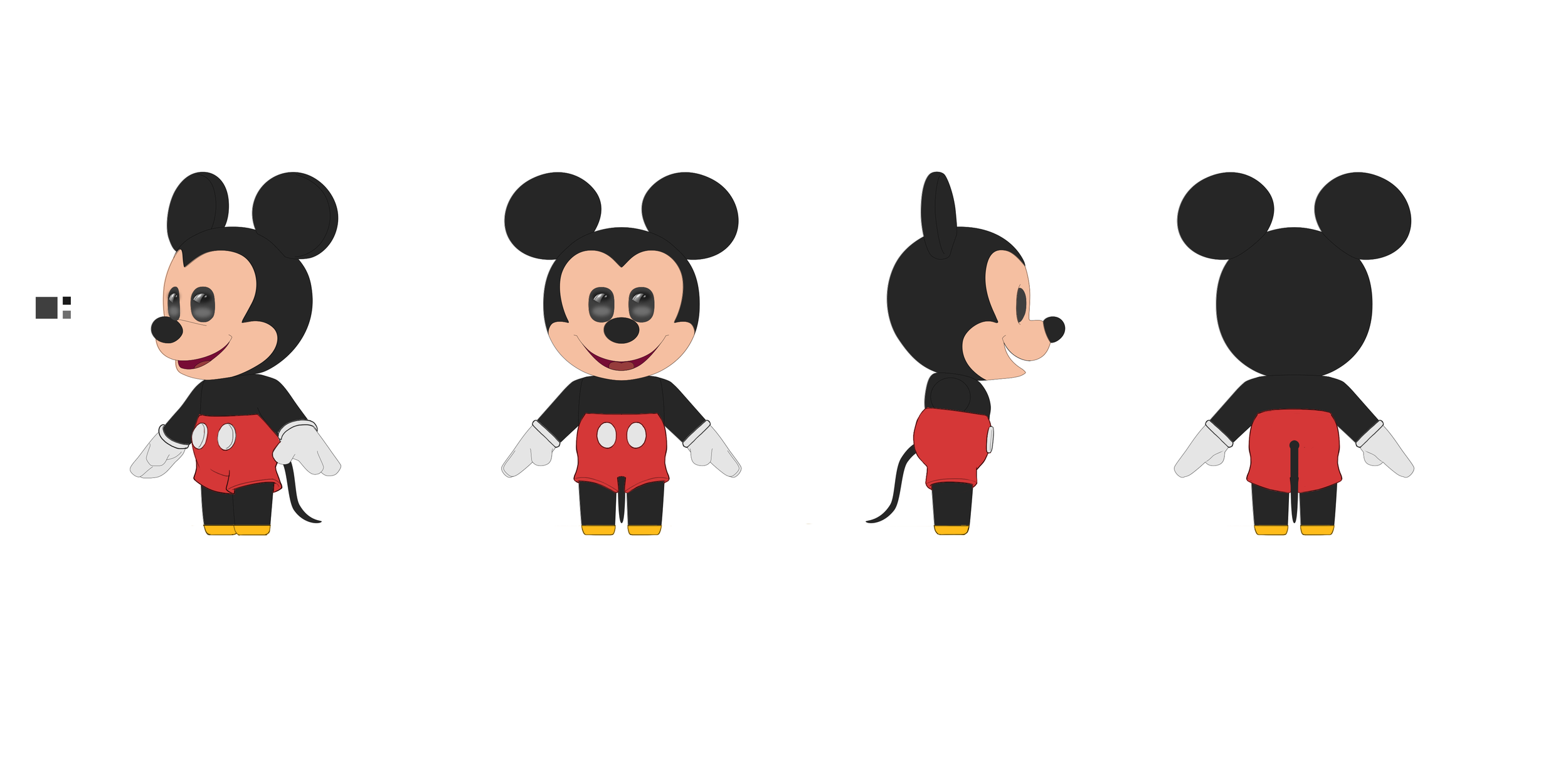
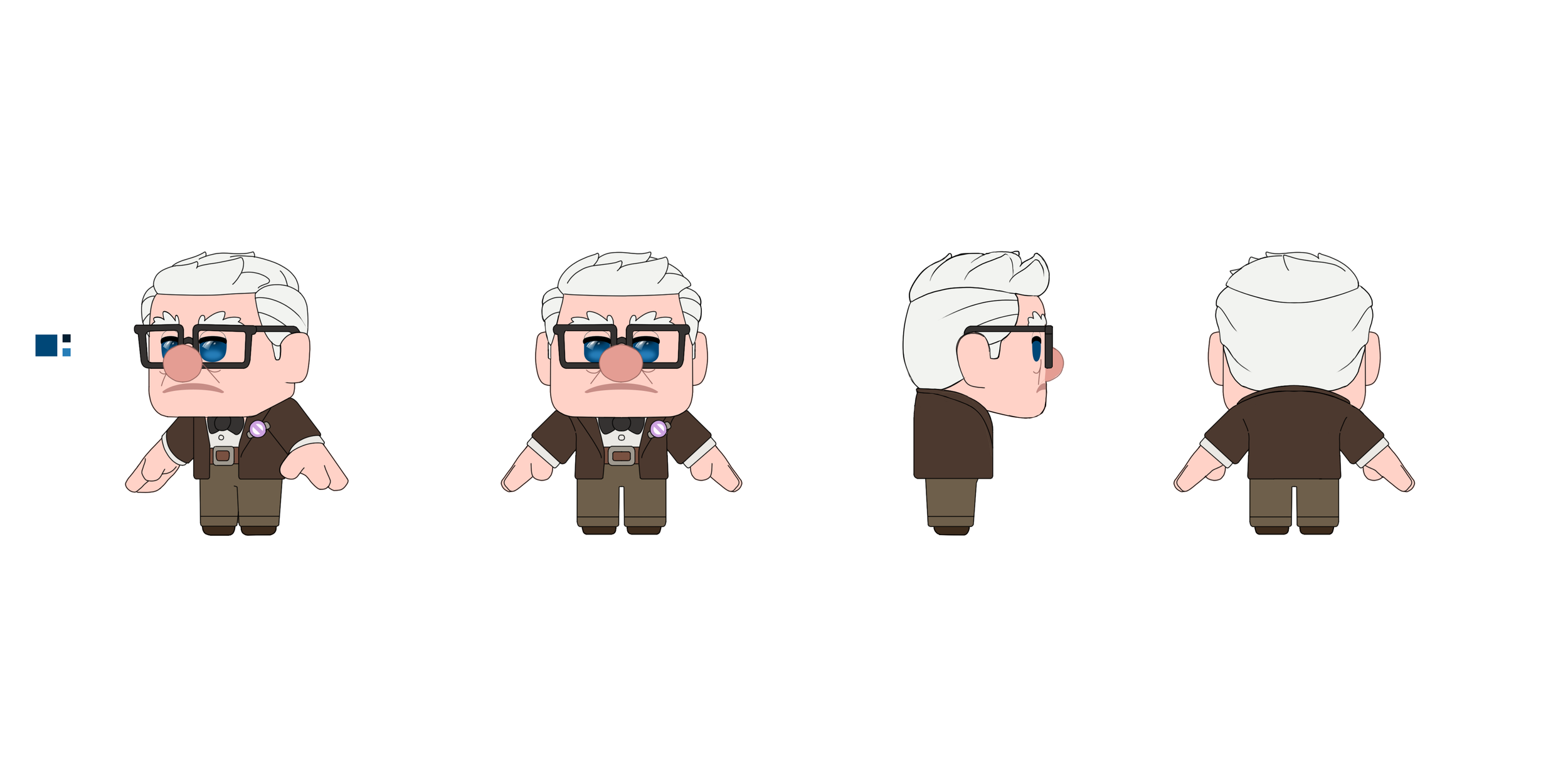
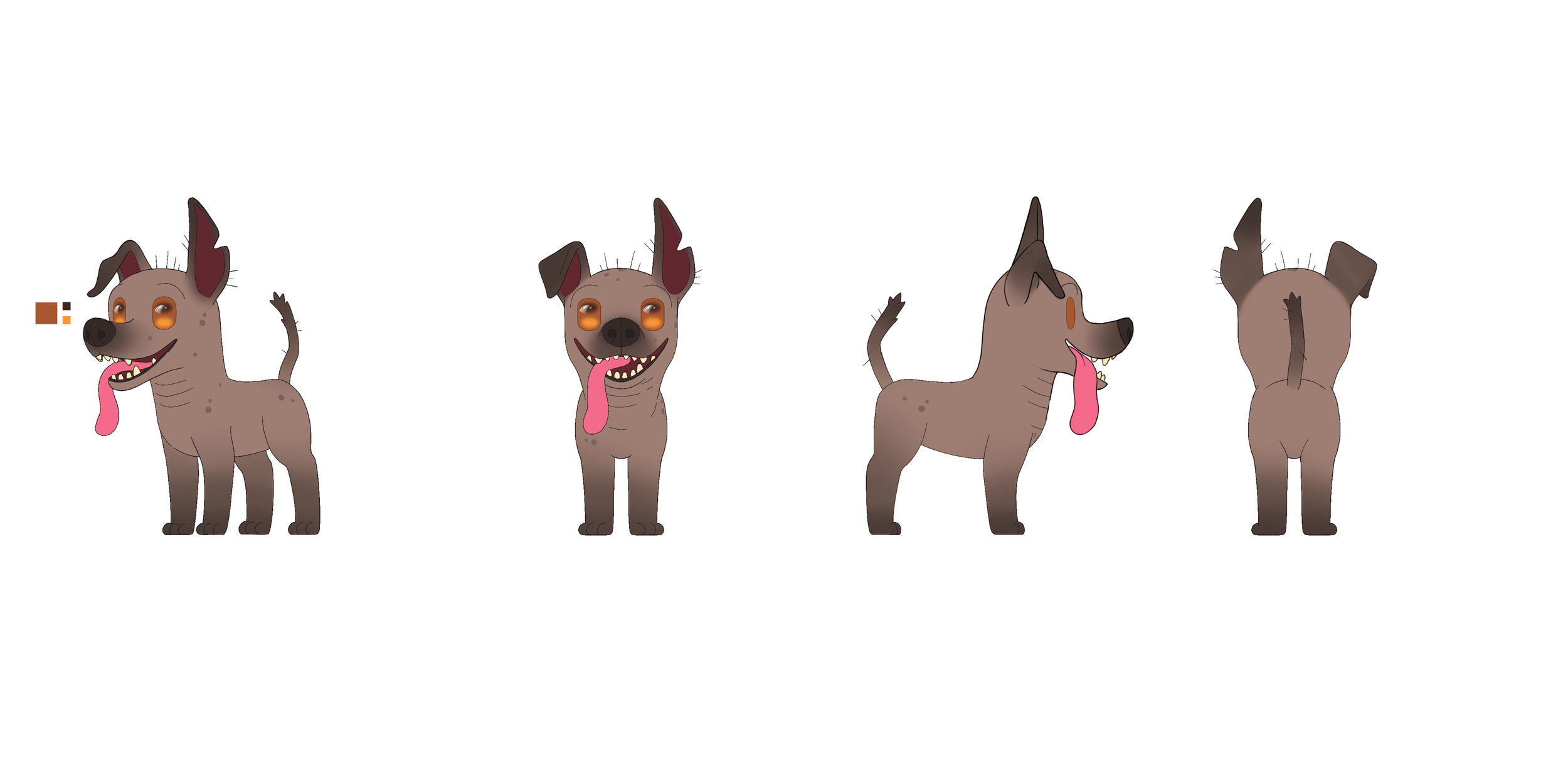
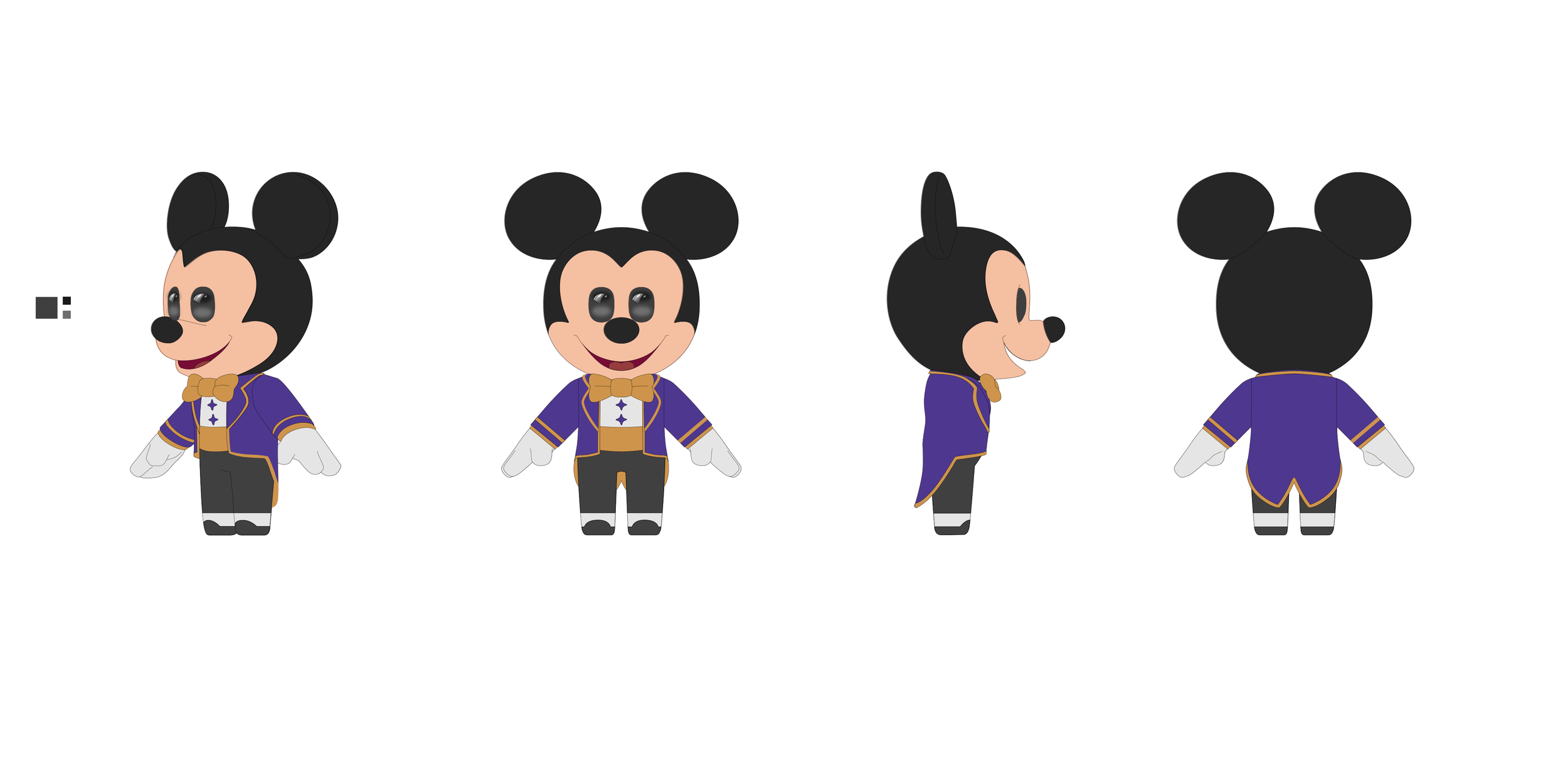
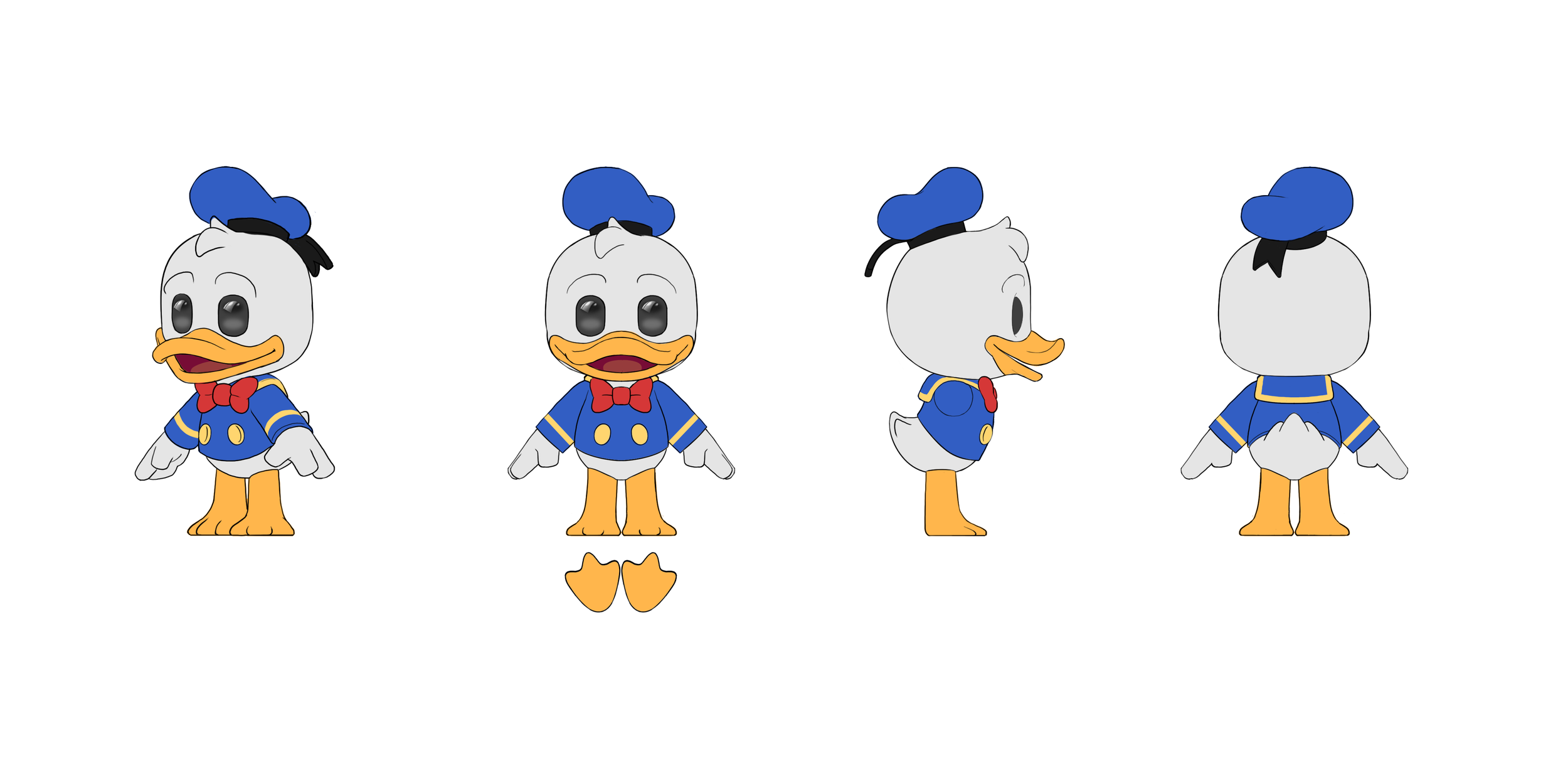
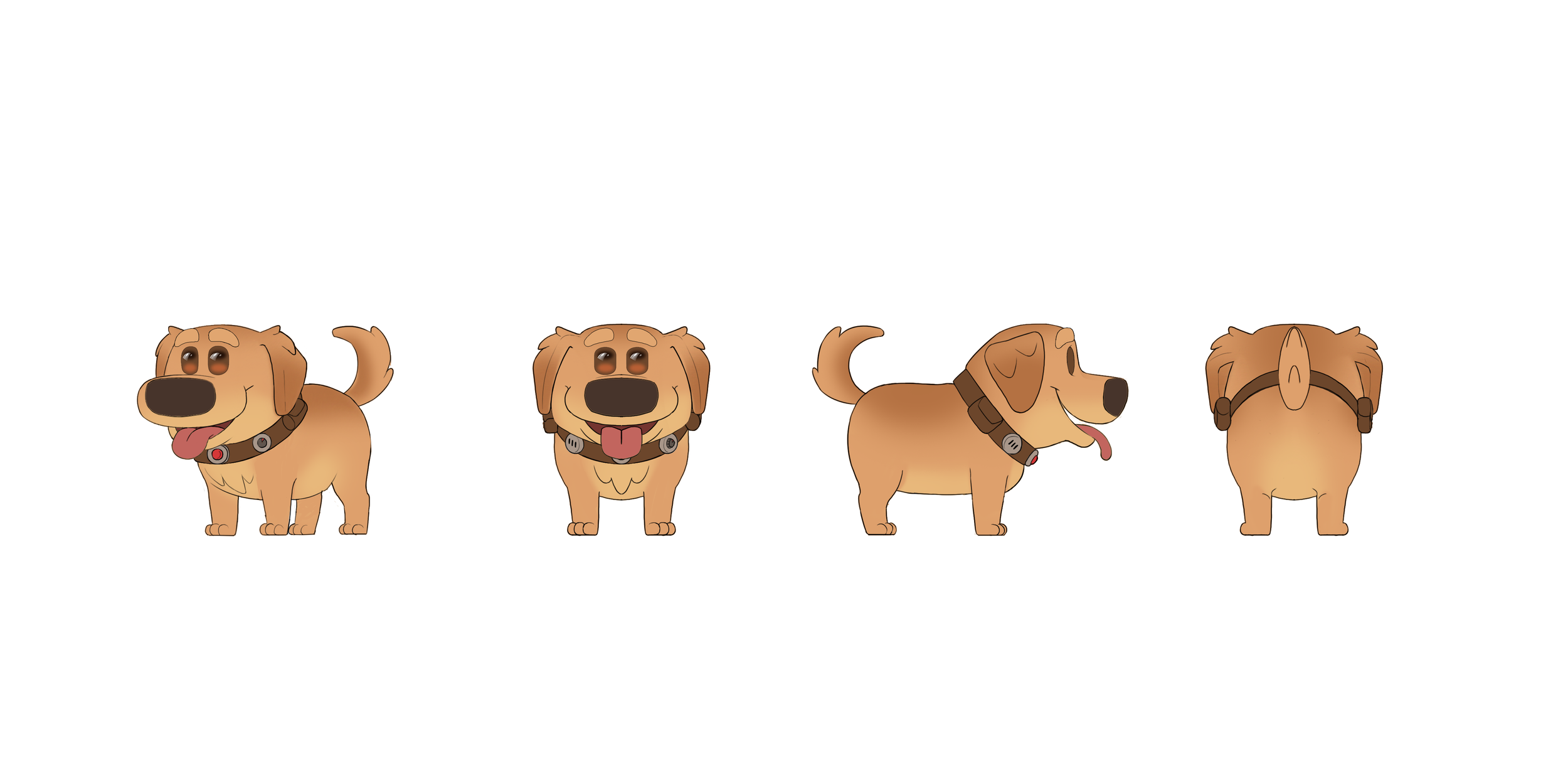
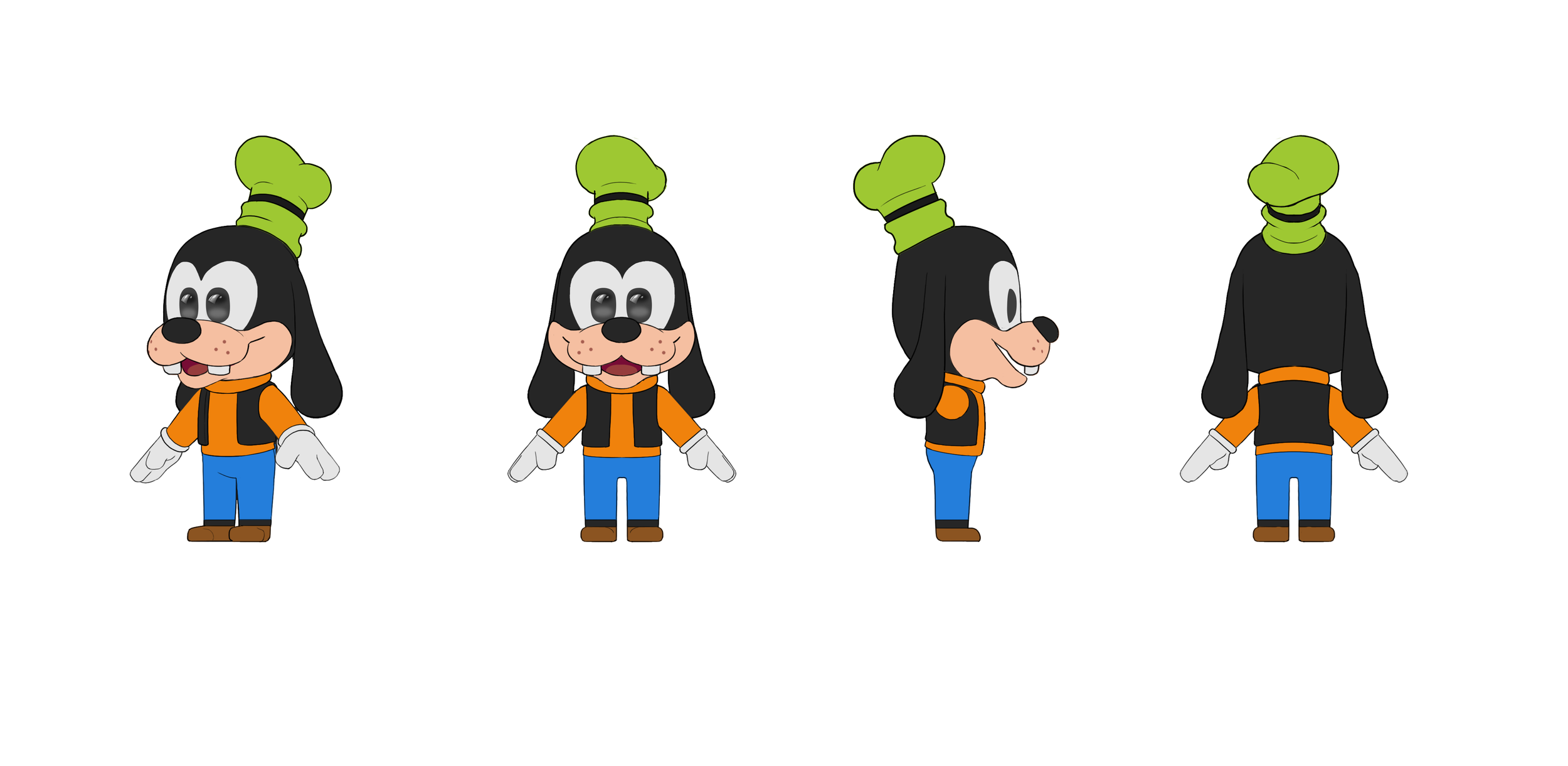
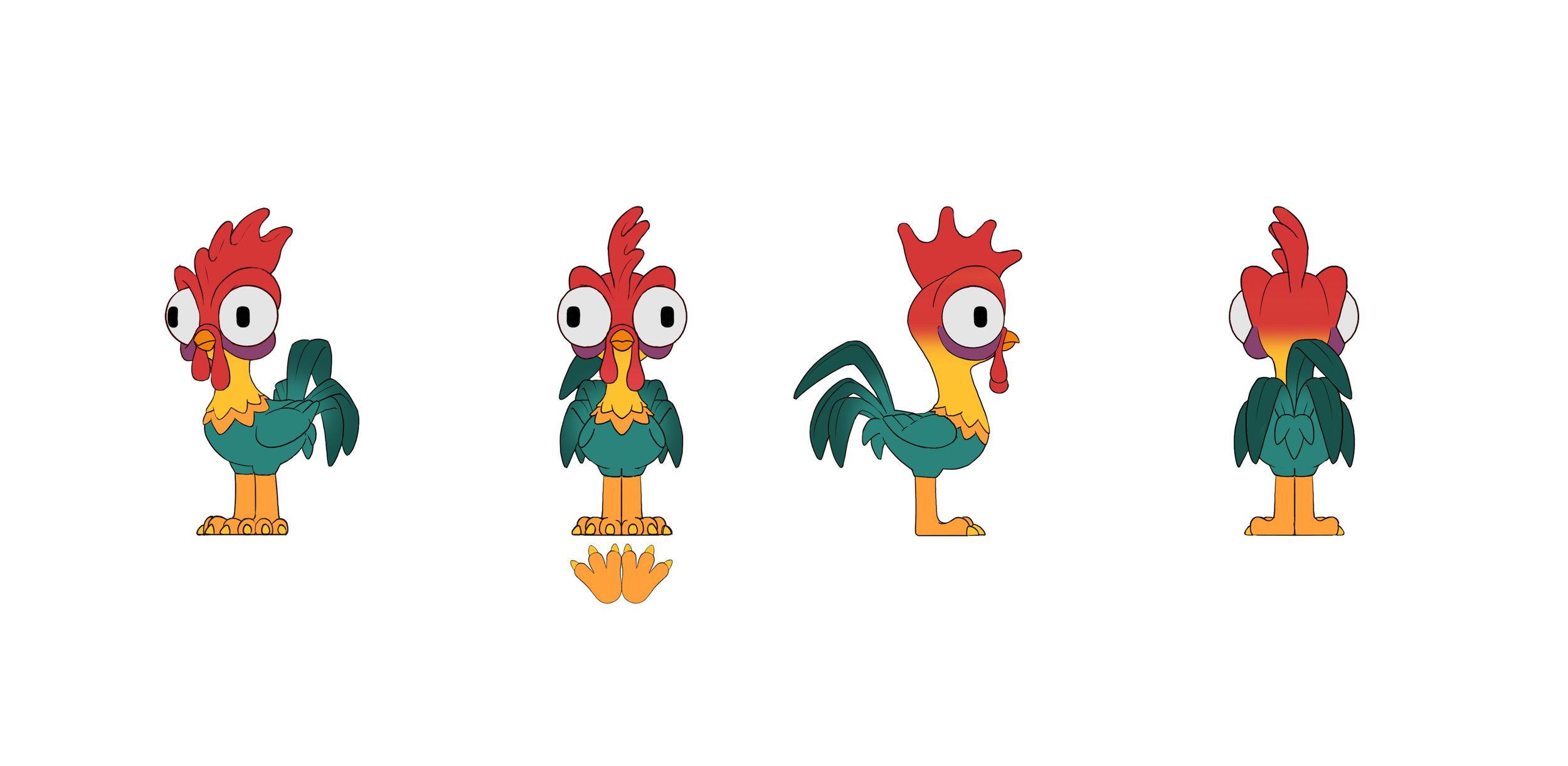
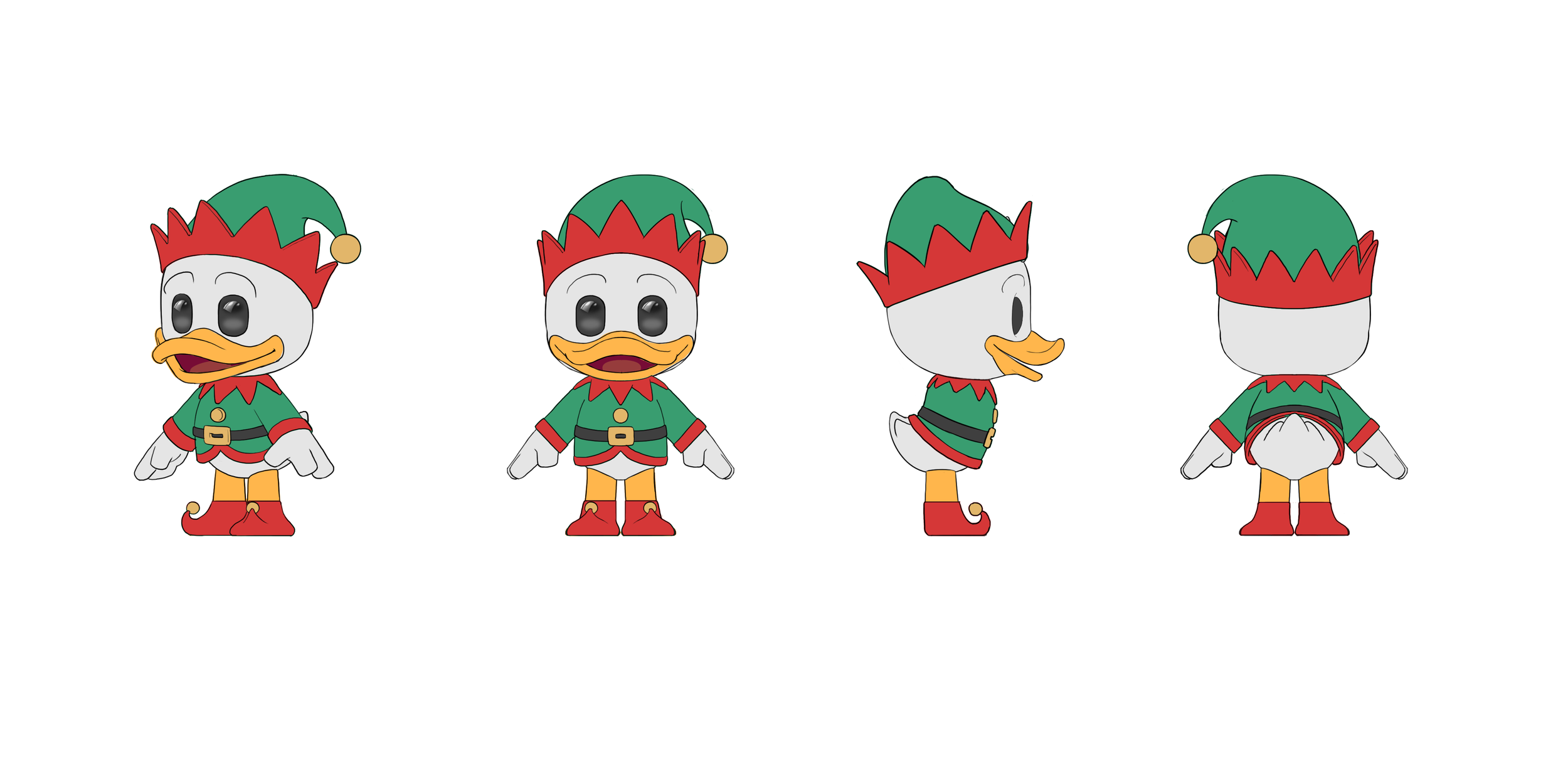
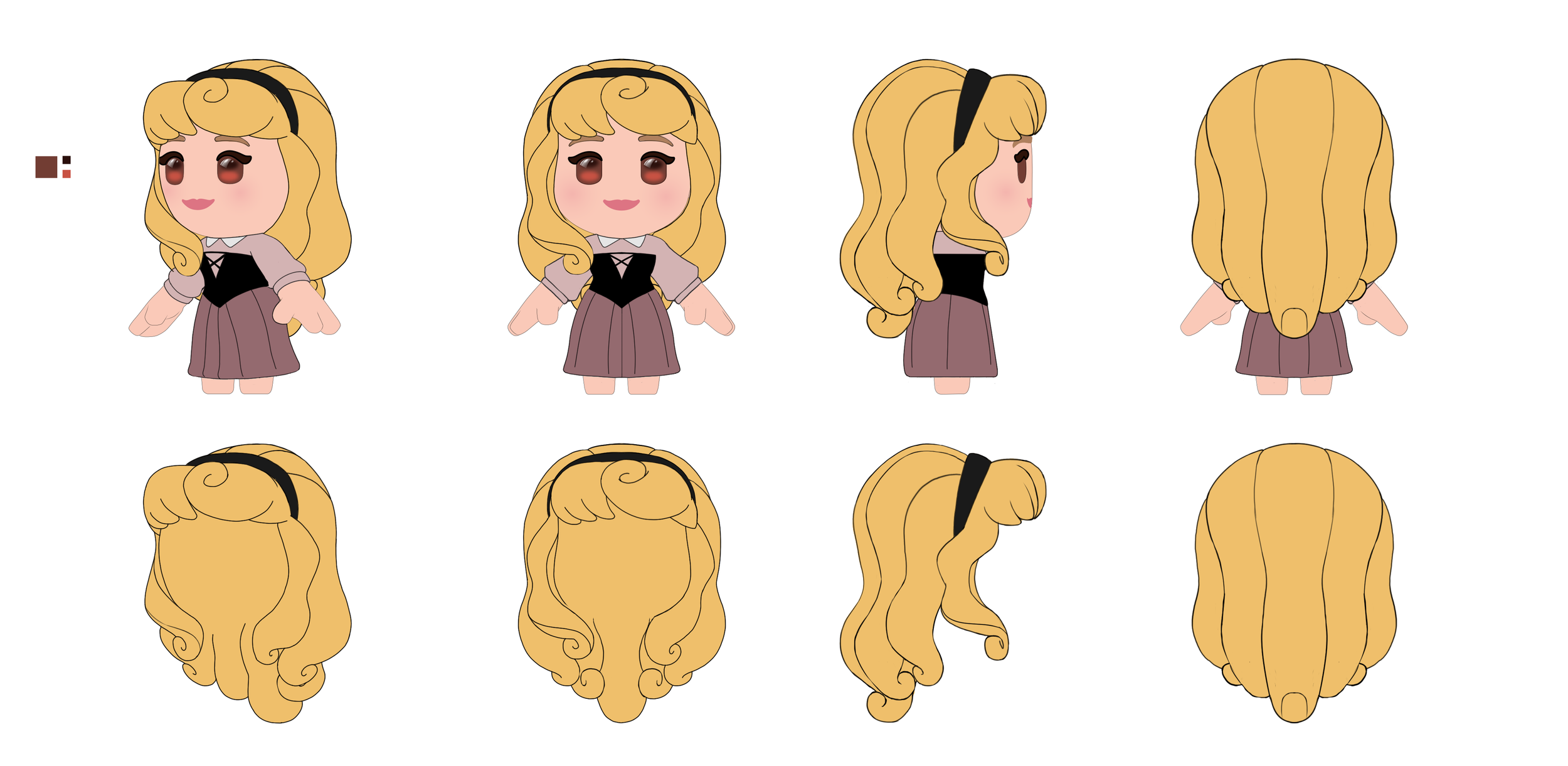
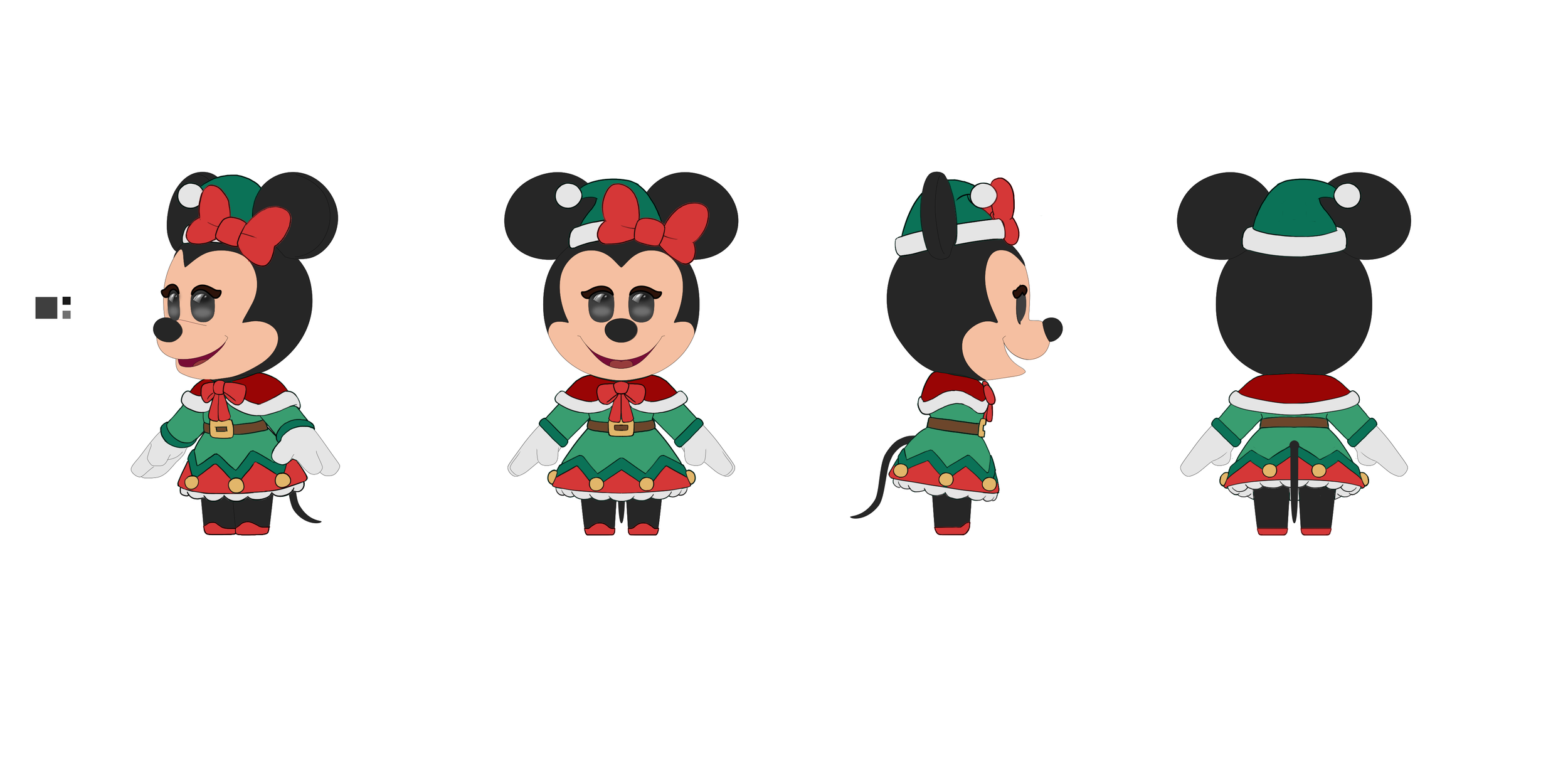
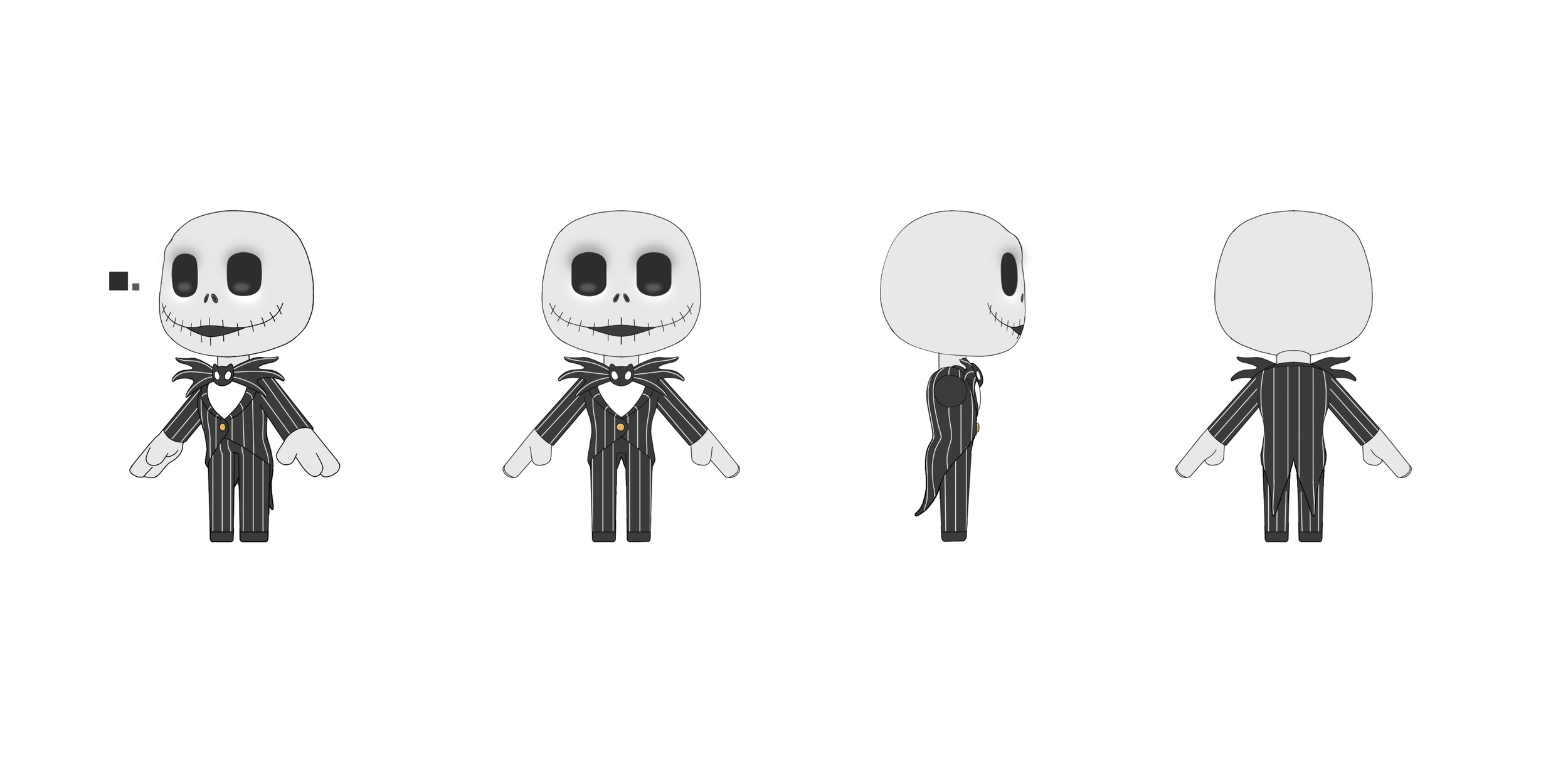
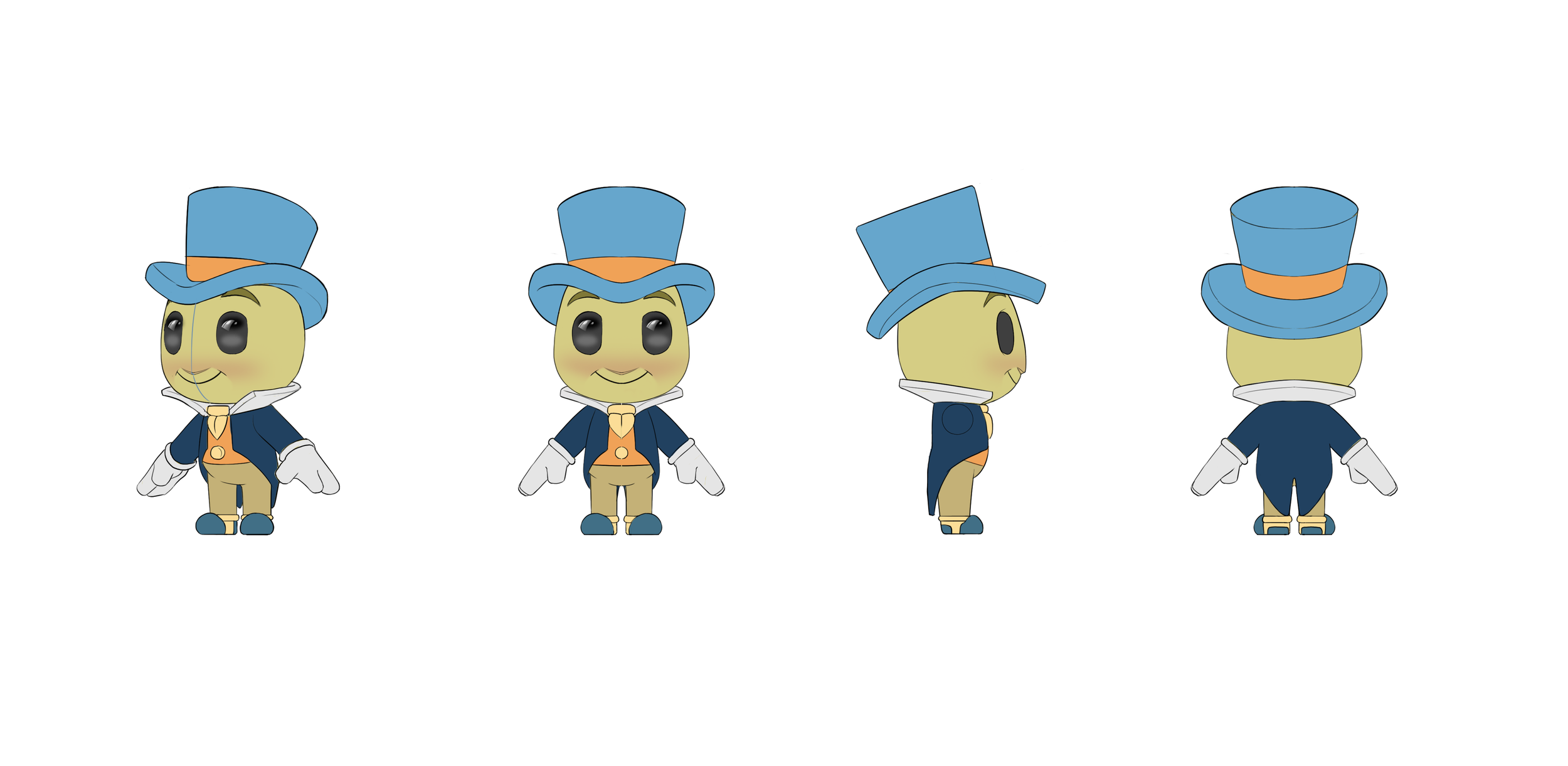
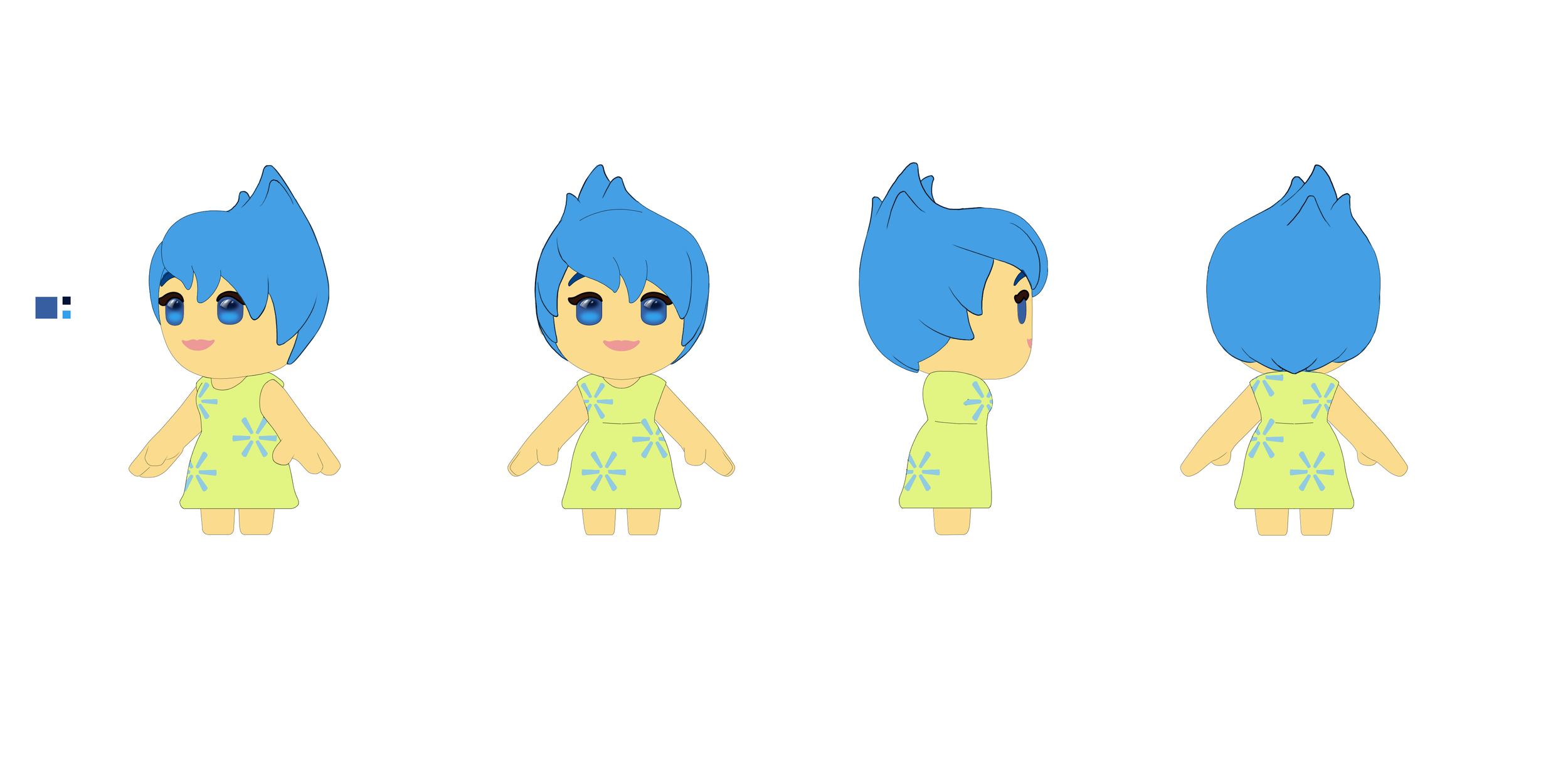
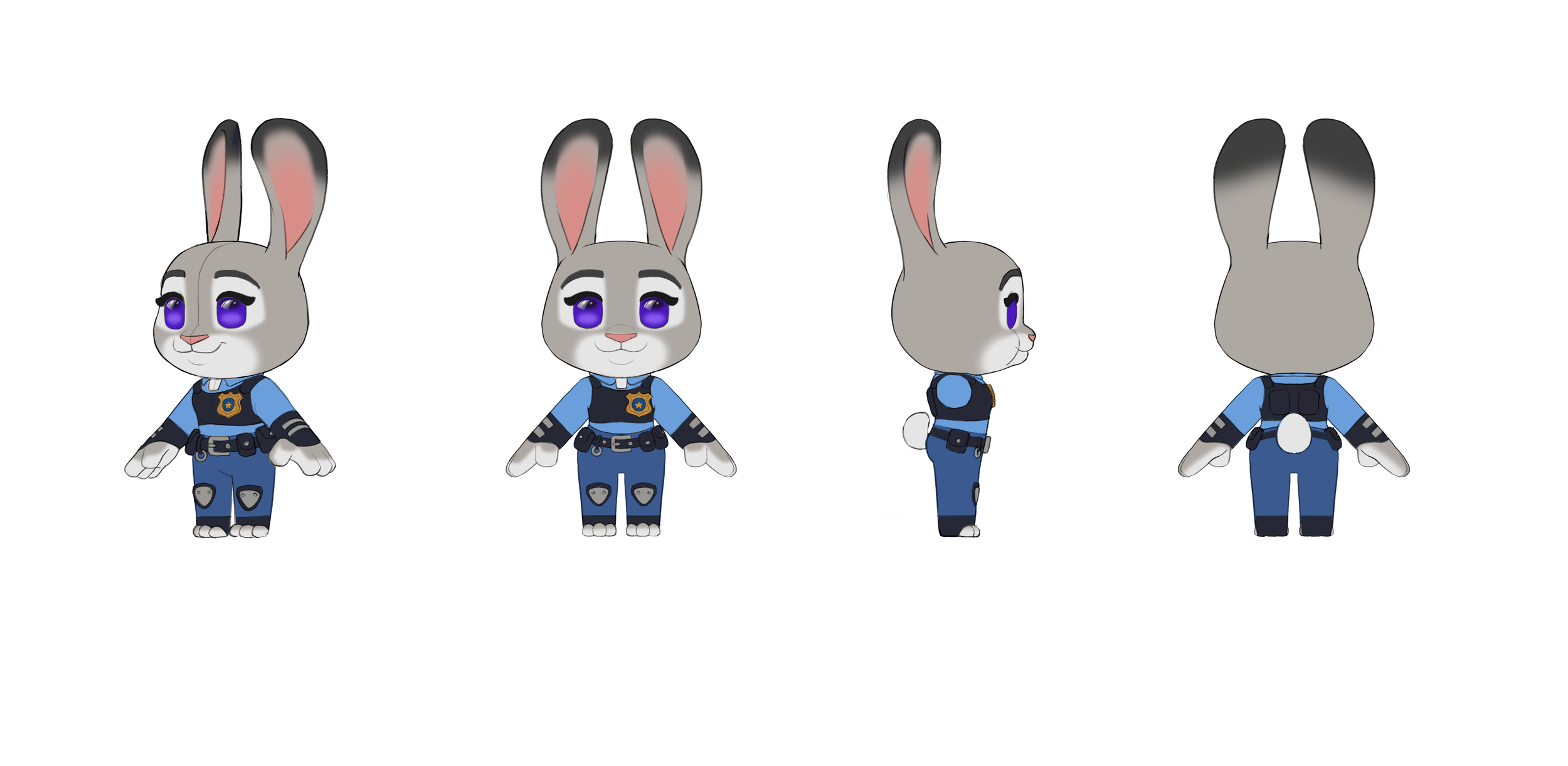
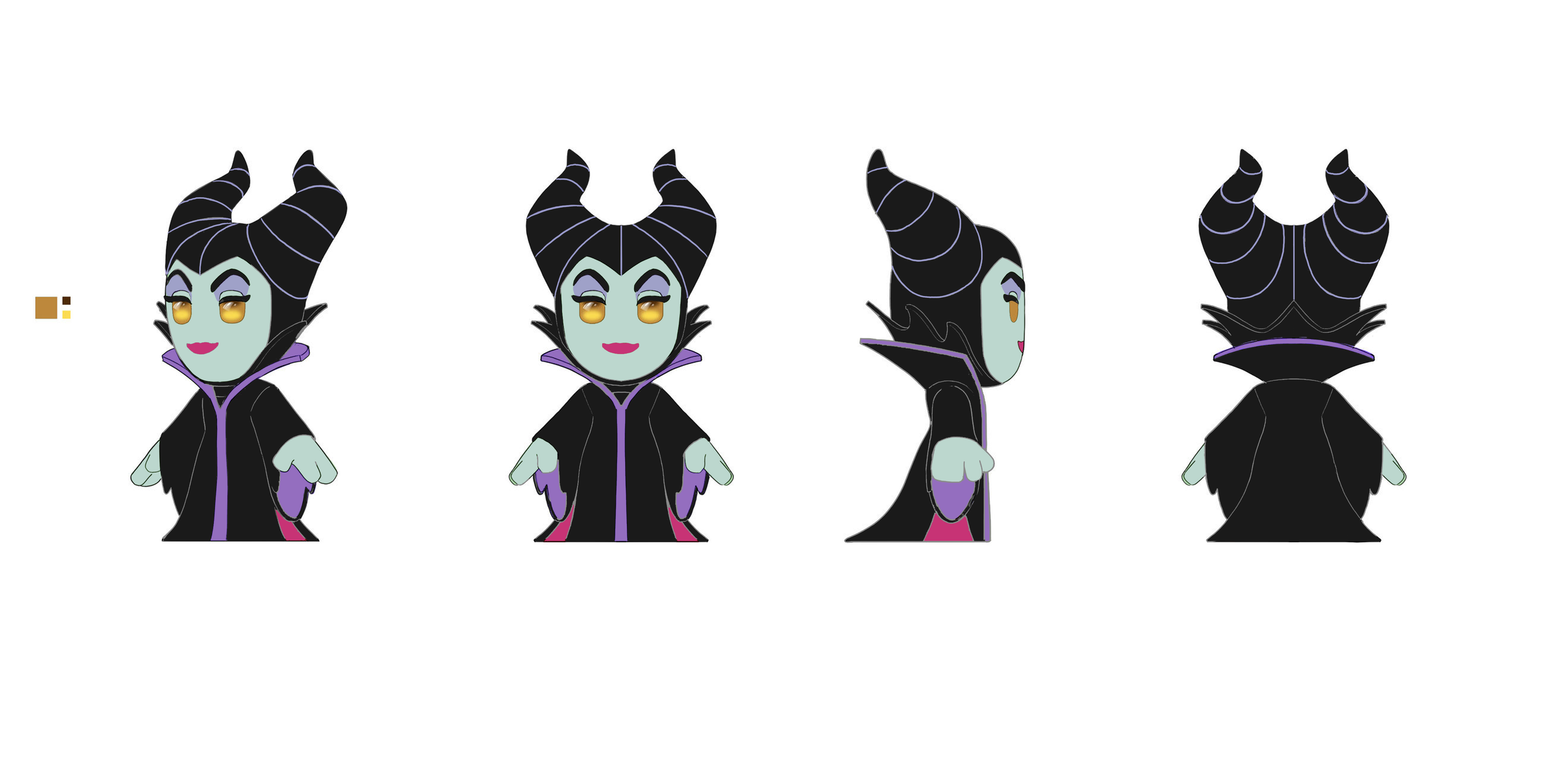
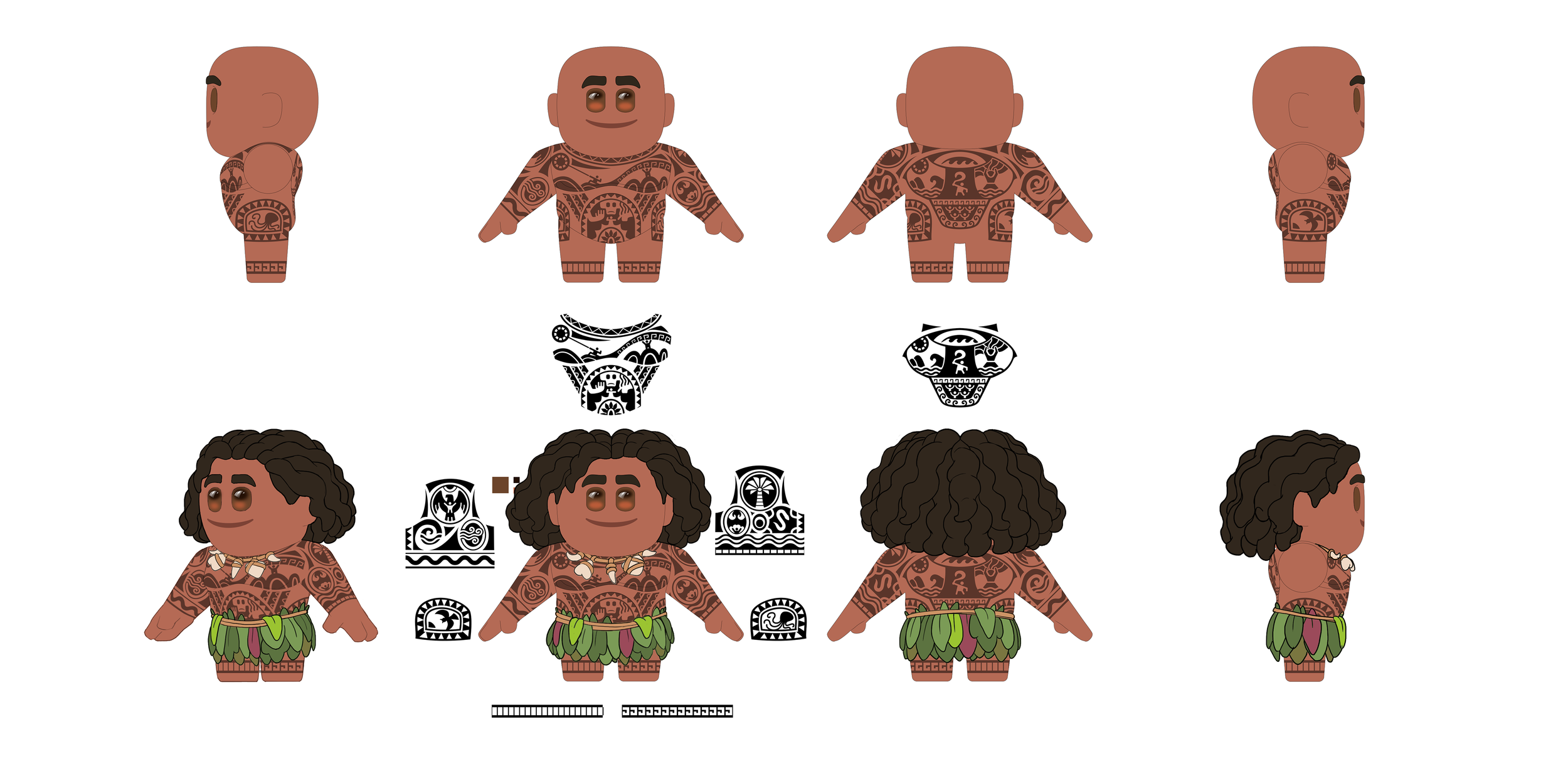
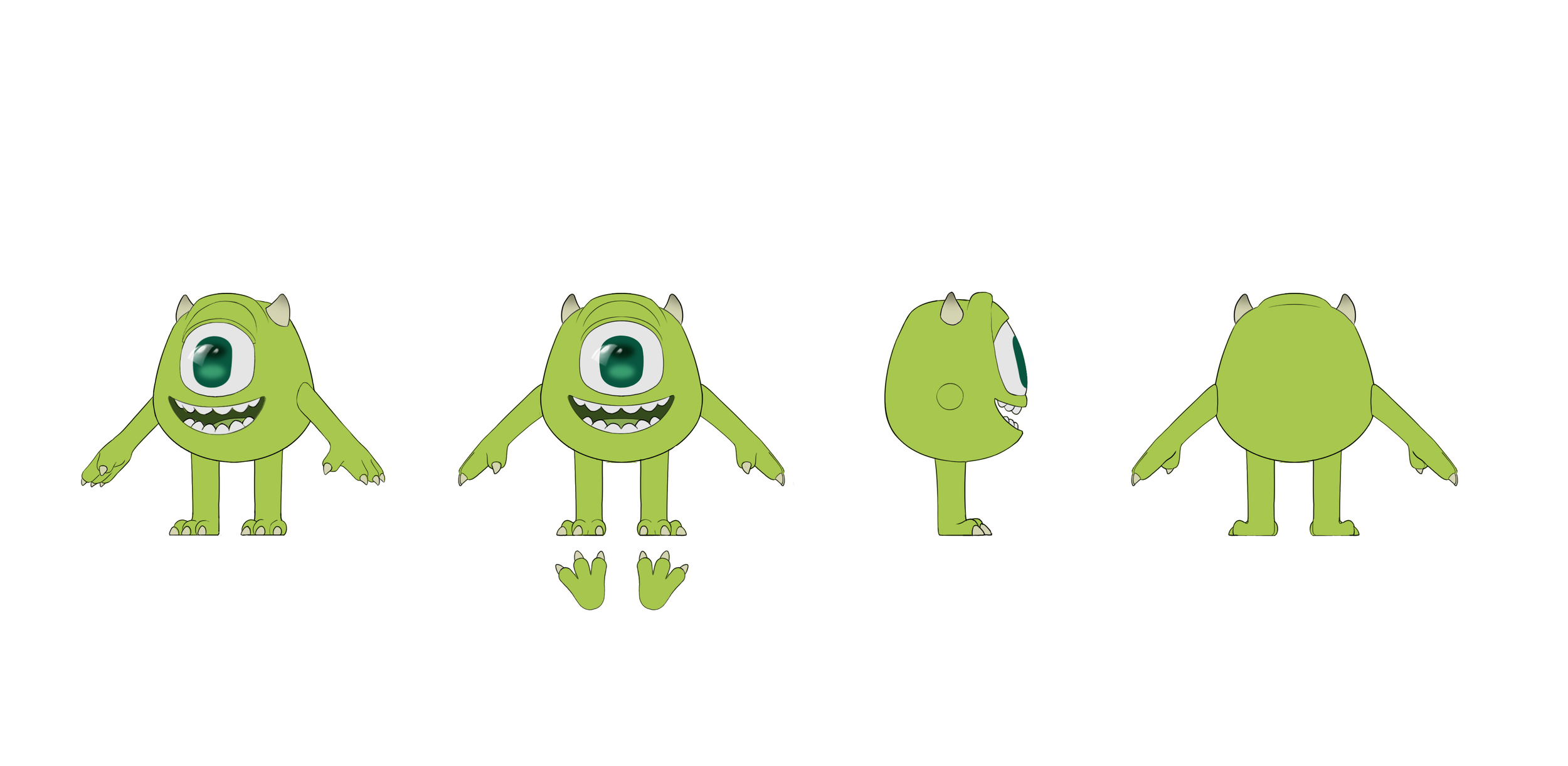
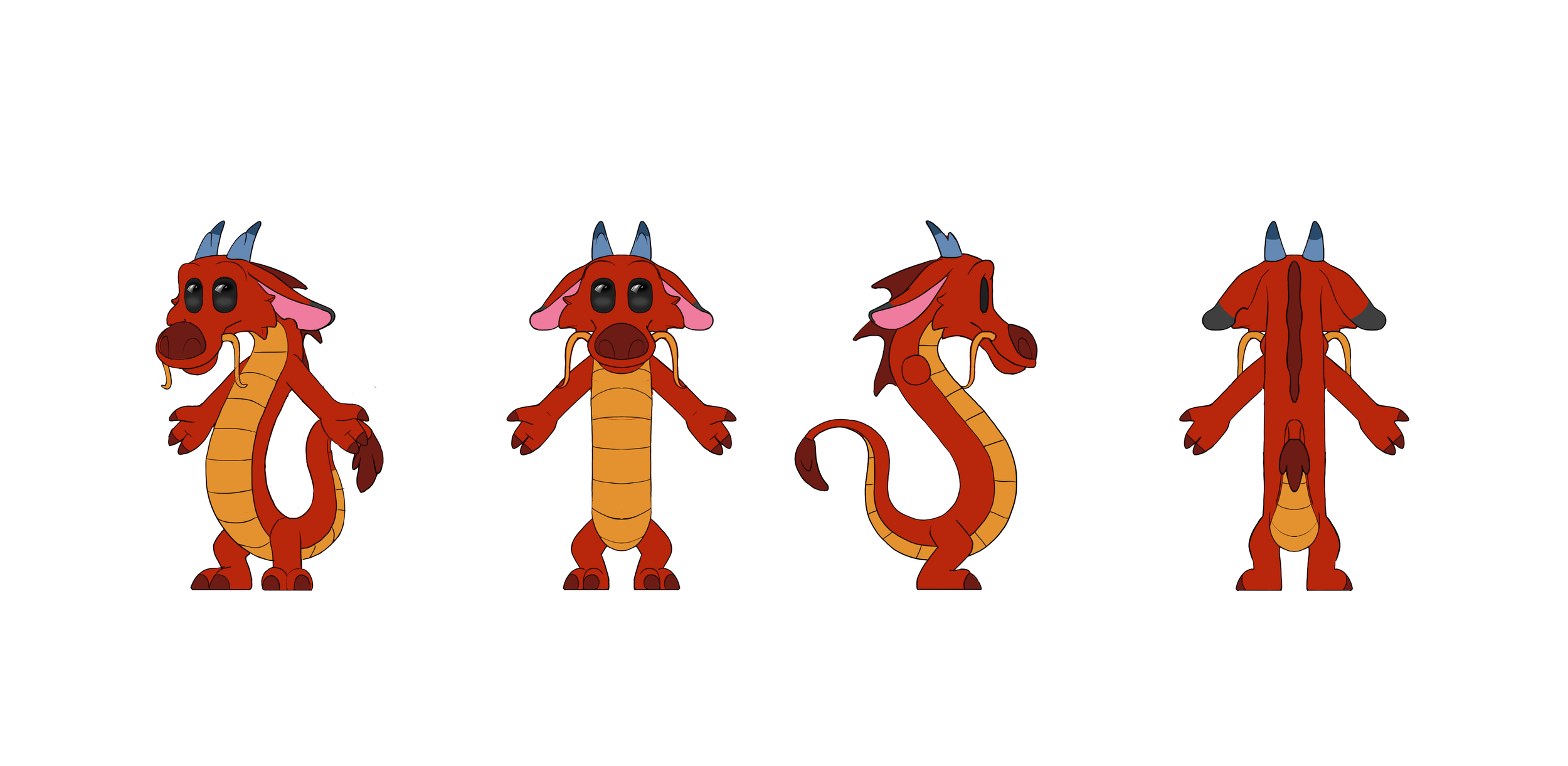
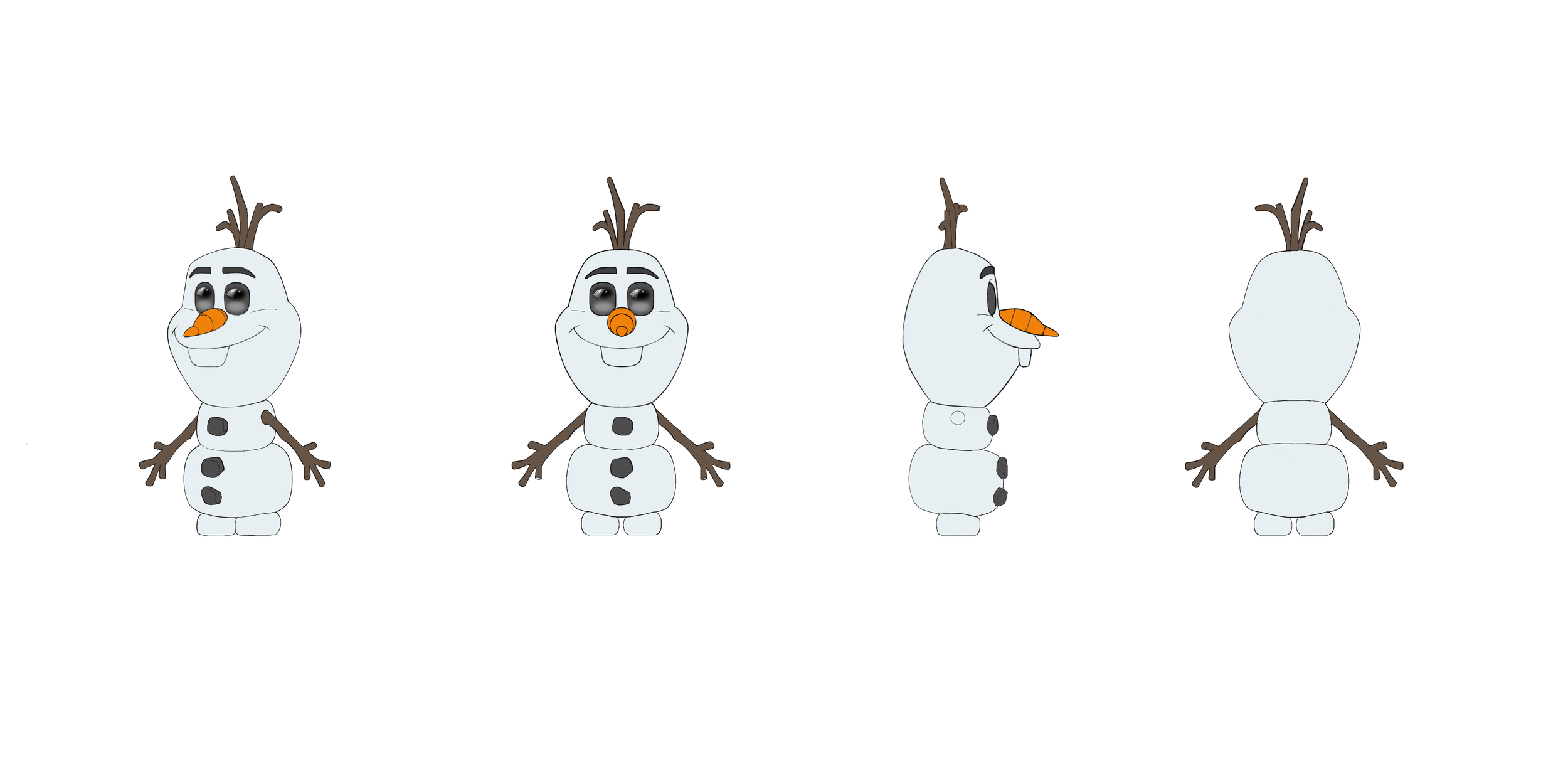
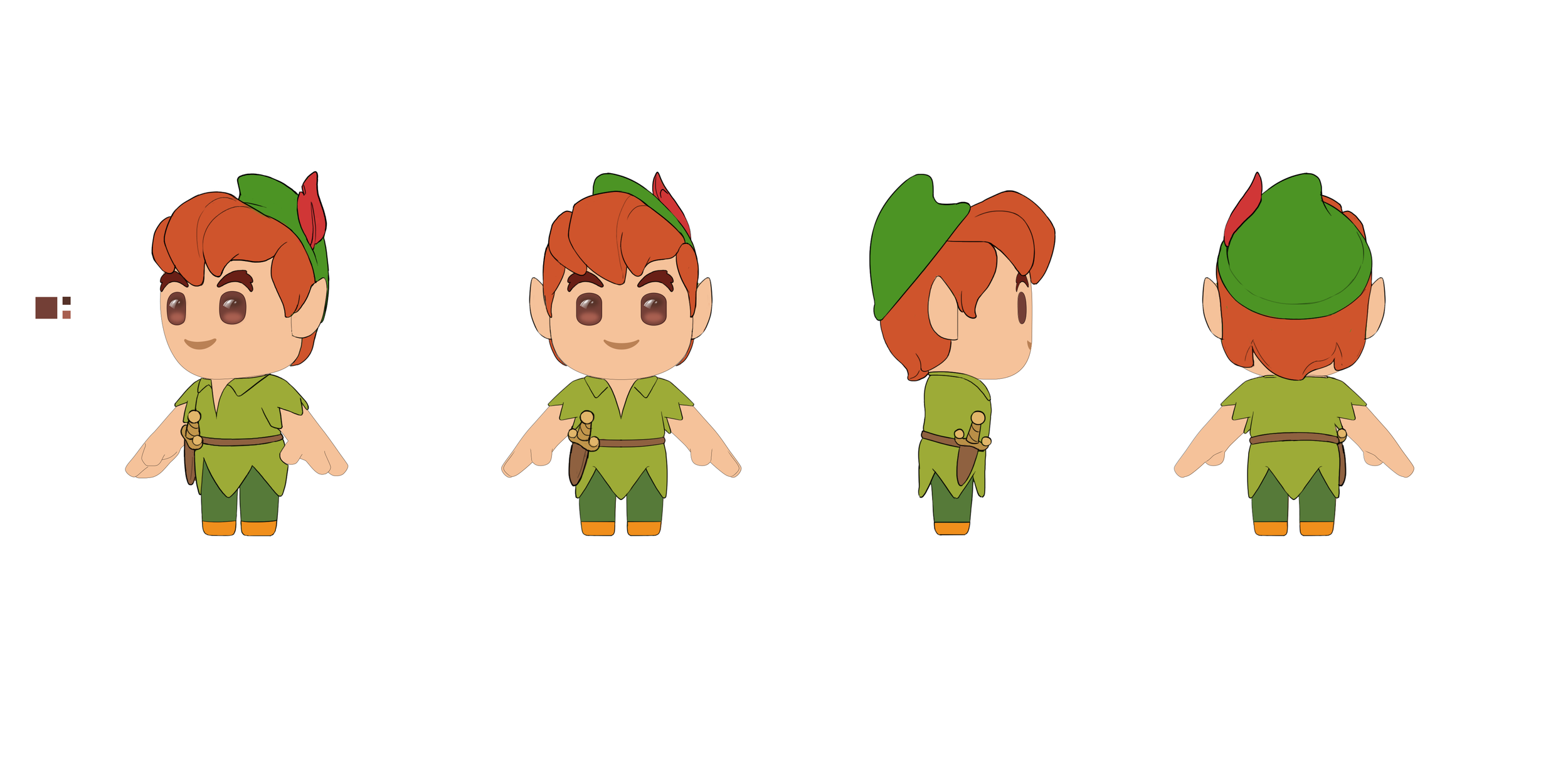
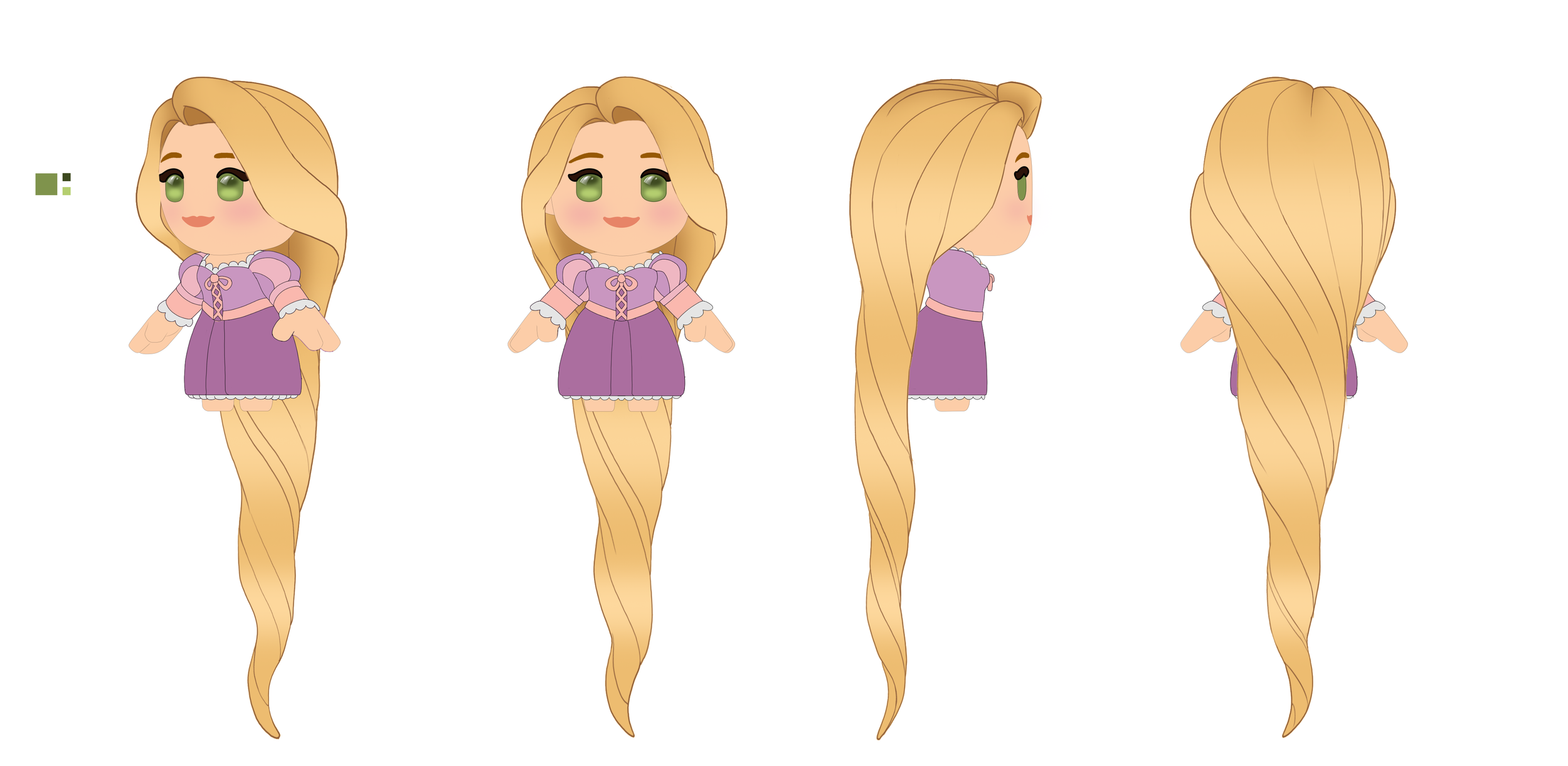
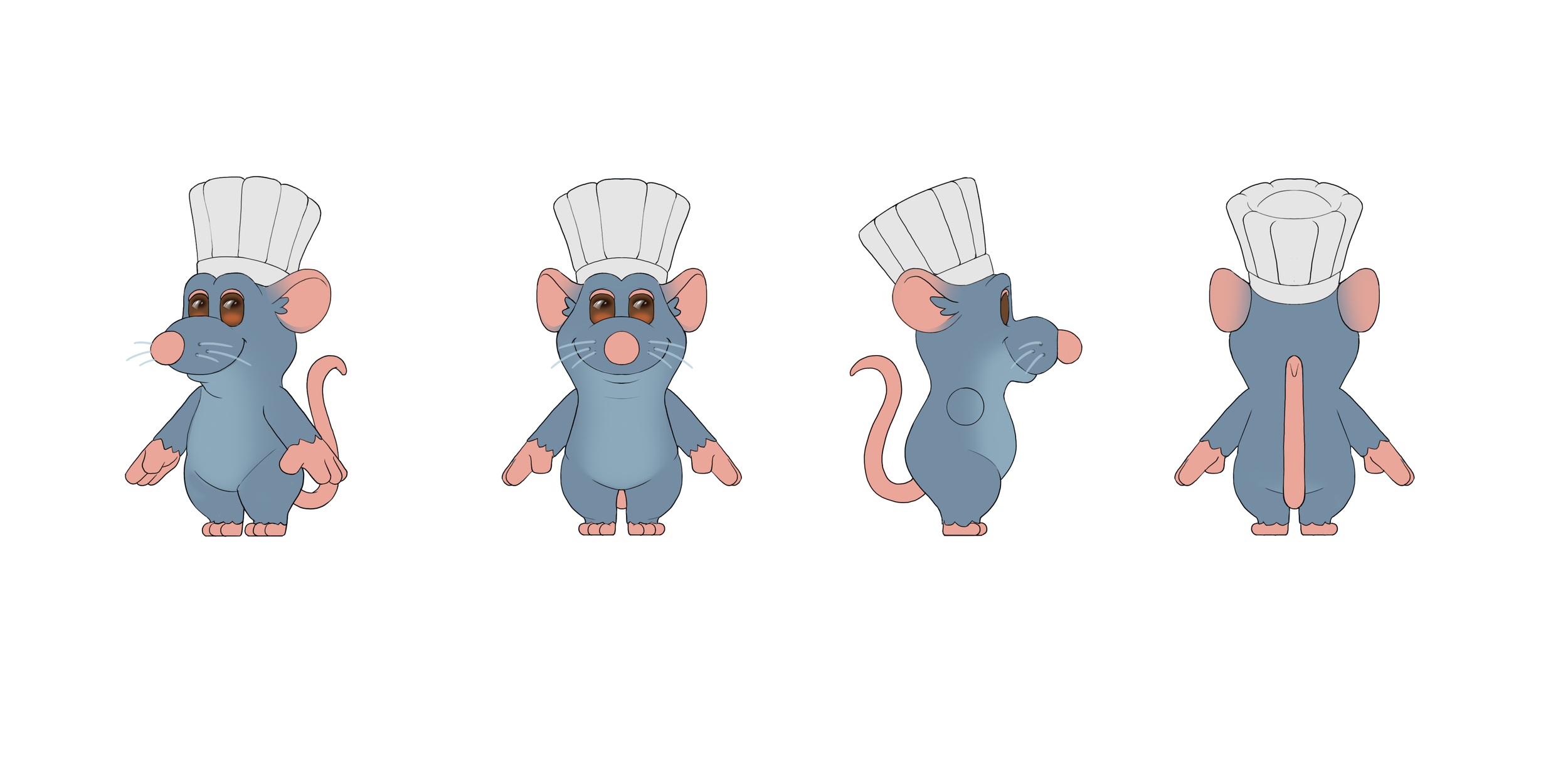
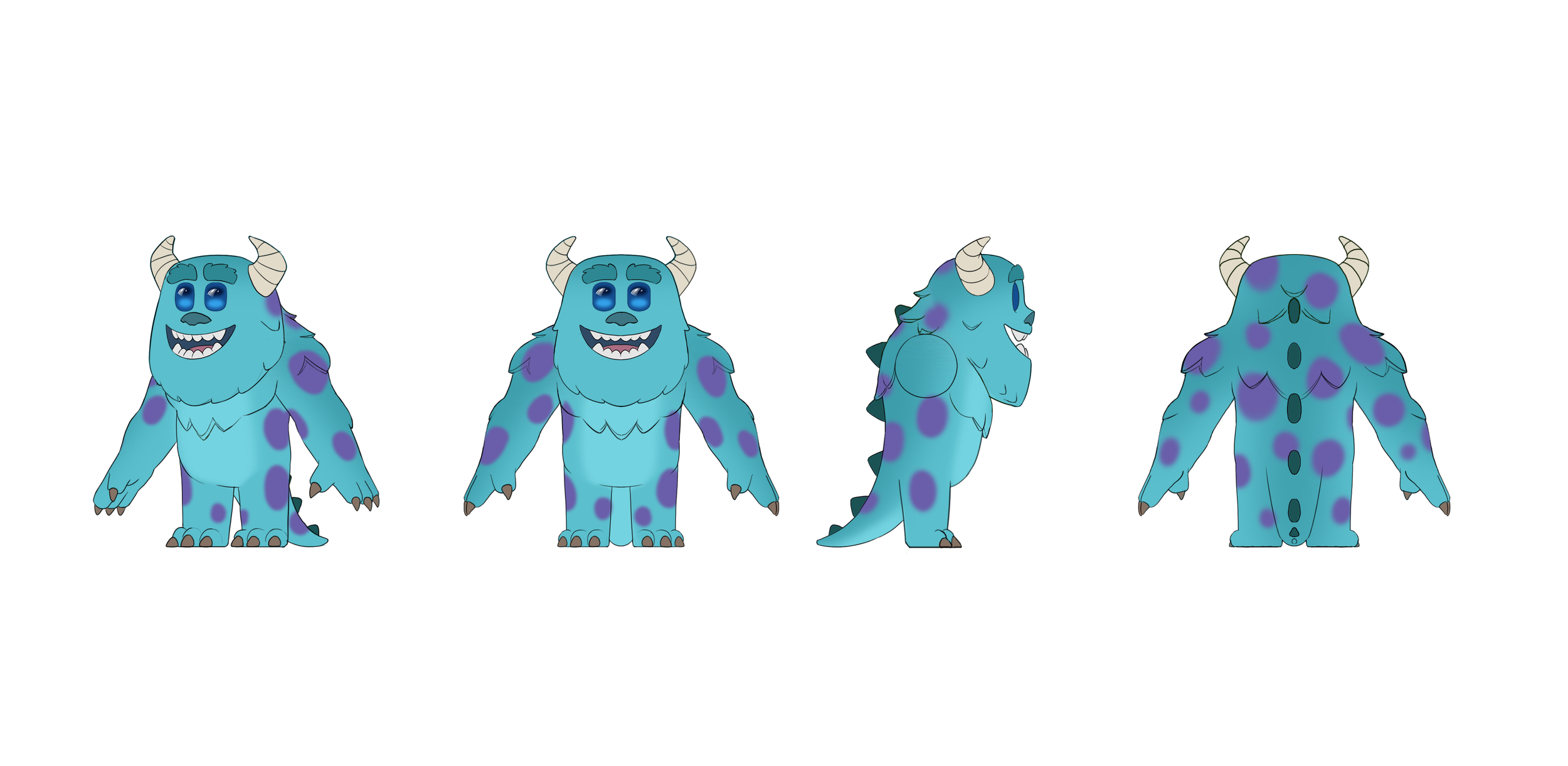
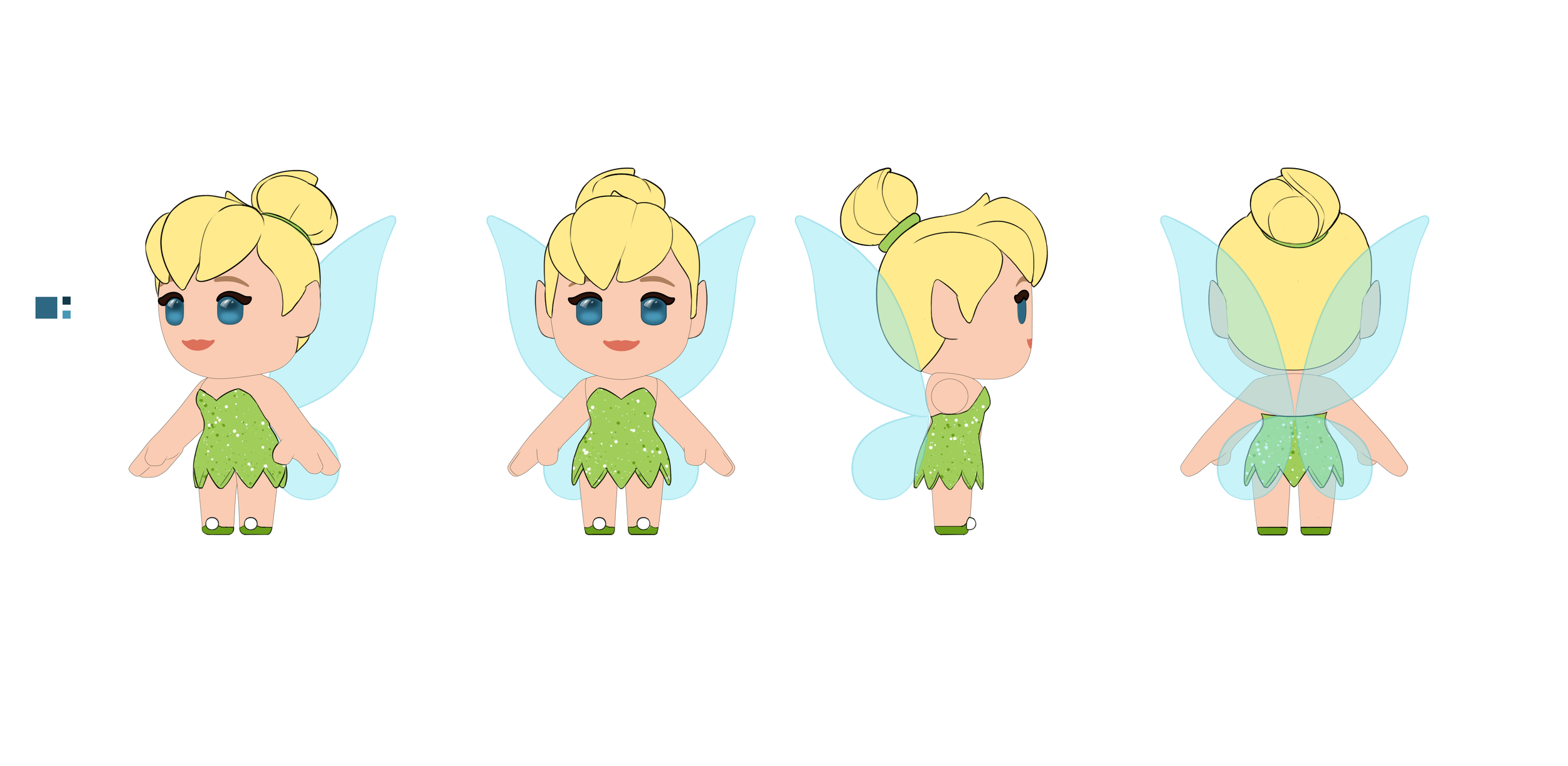
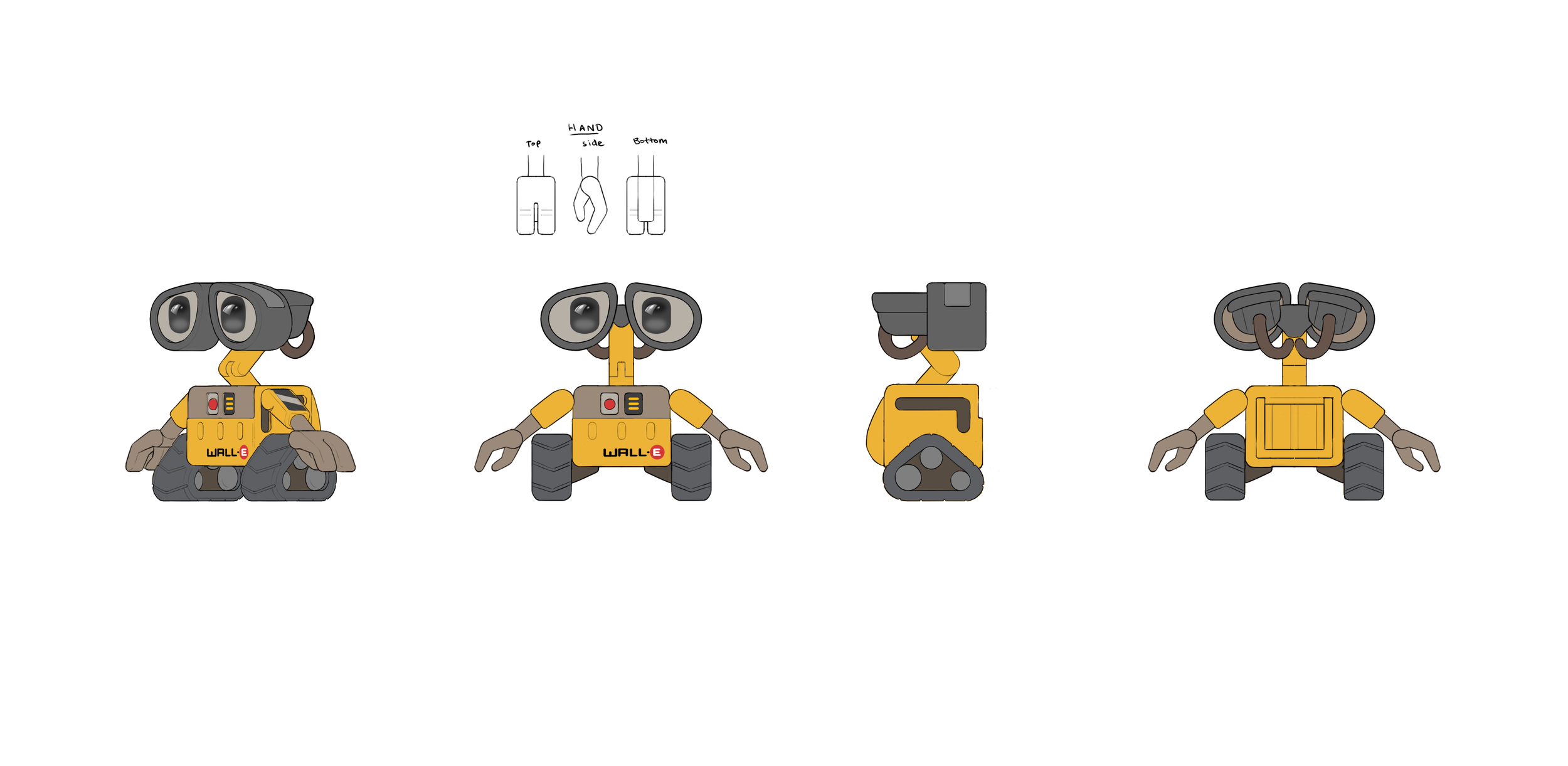
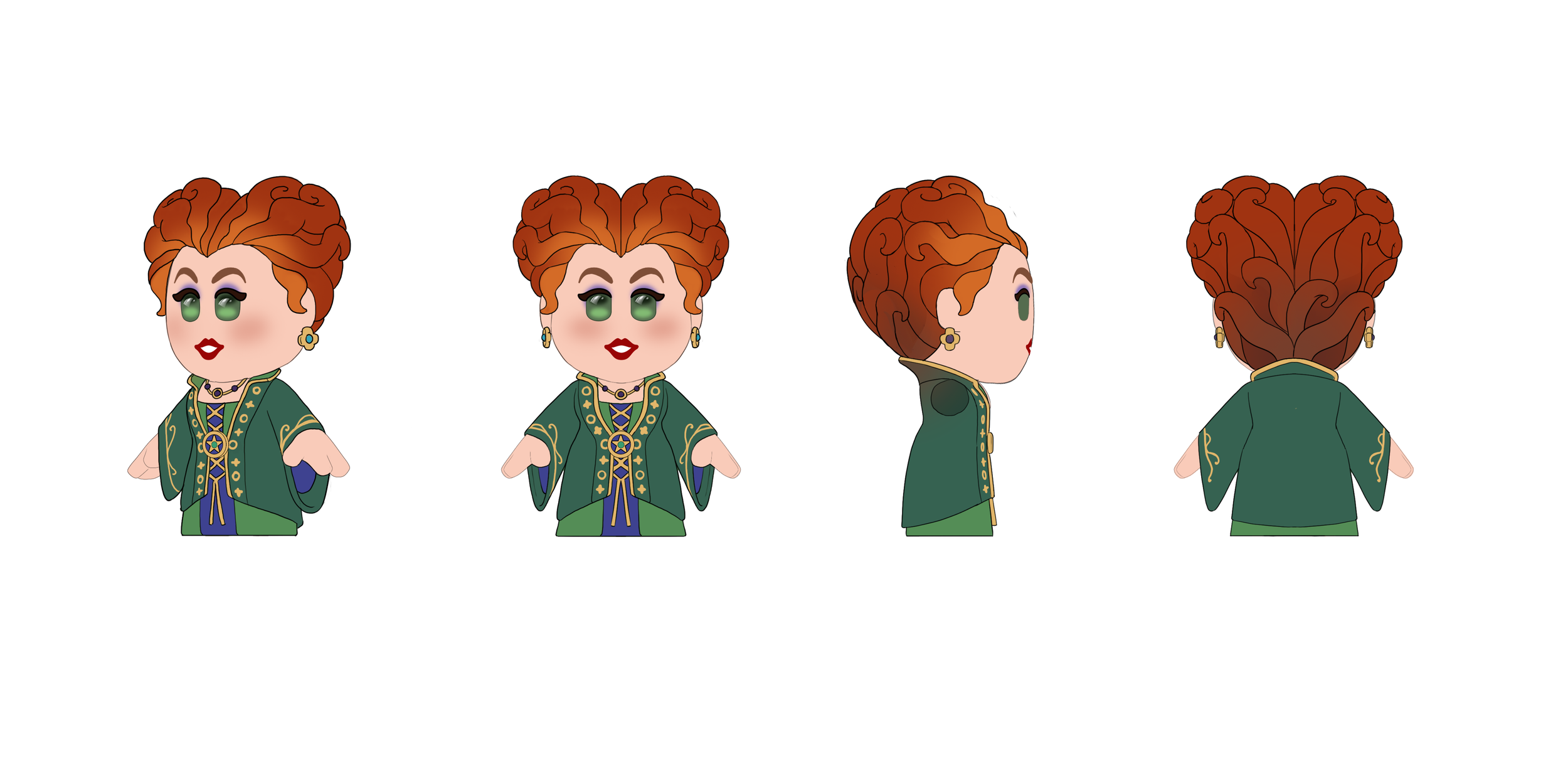
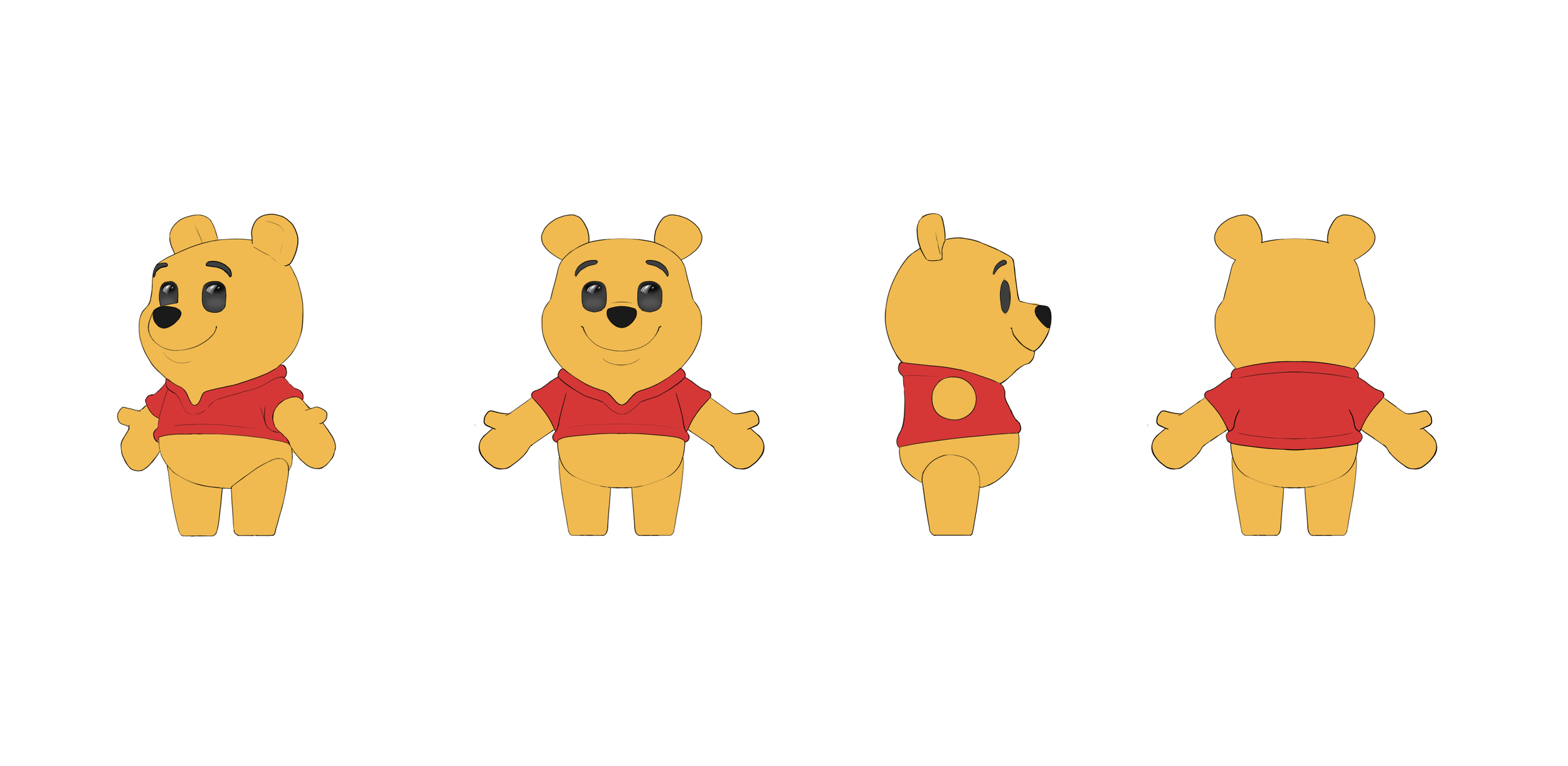
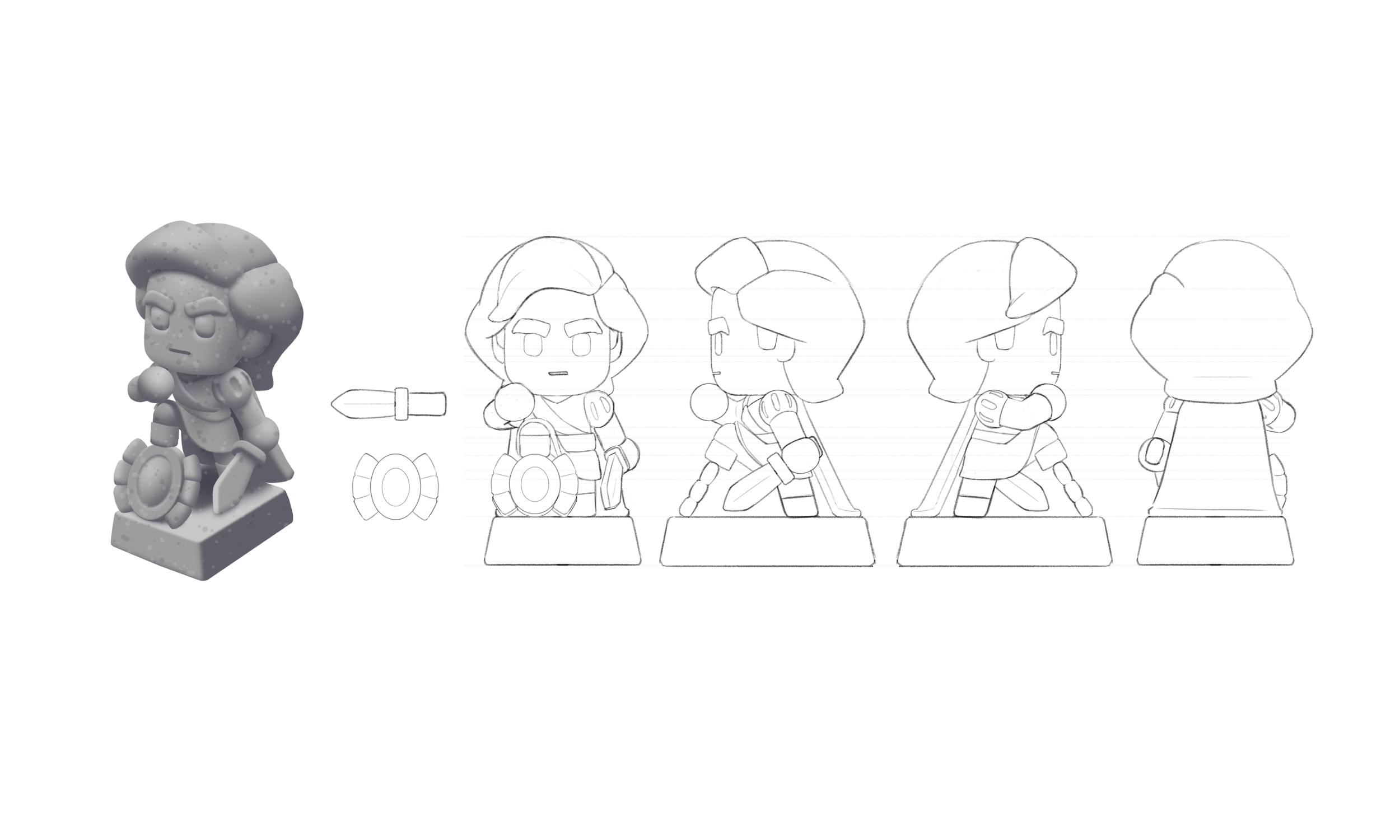
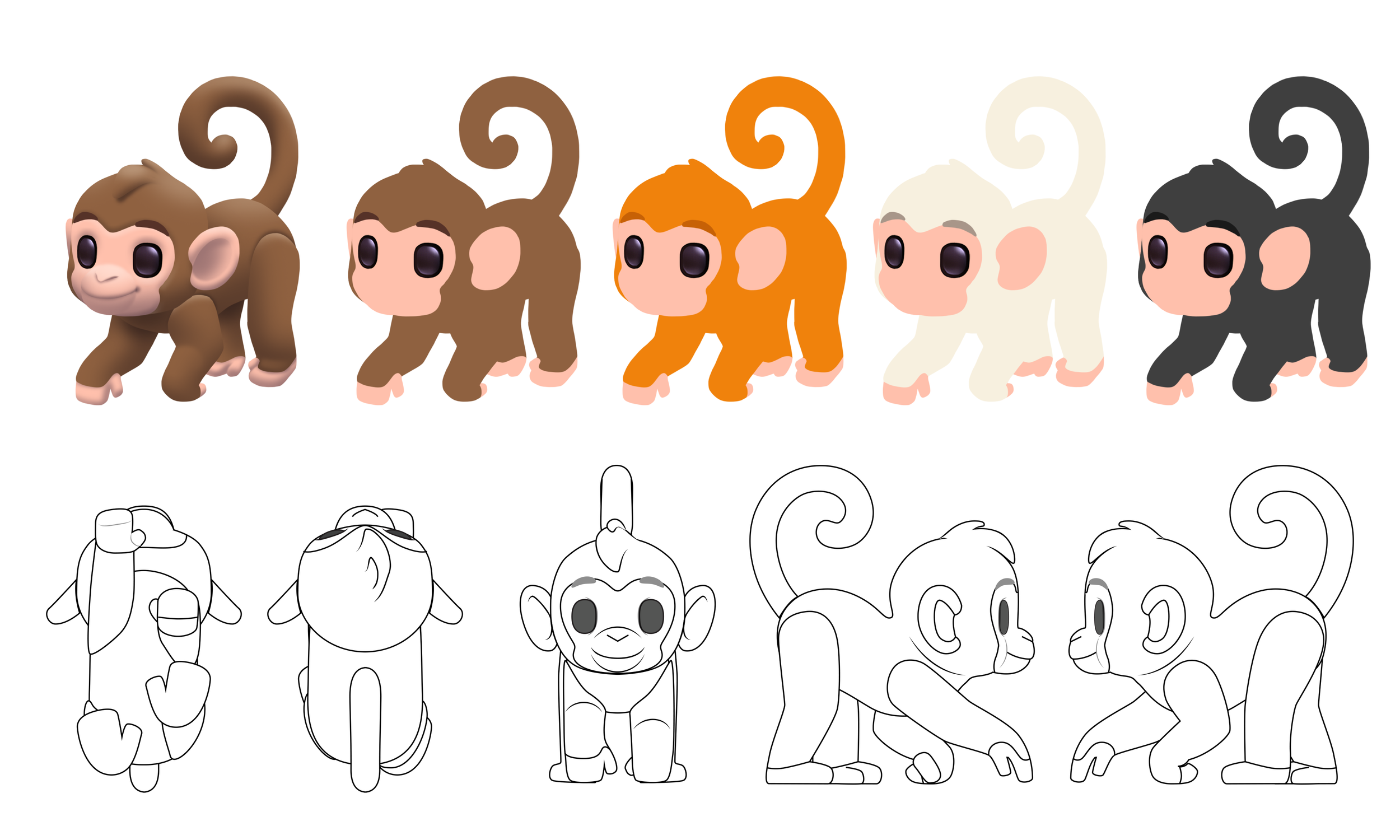
I spearheaded the character design pipeline by setting up a template of our characters based on the dummy models. The first step in development was concept sketches. We tried out 4 variations on their design before choosing one to move forward with; this variation was then made into a full Turn Around (Front, Side, 3/4s, and back view.)
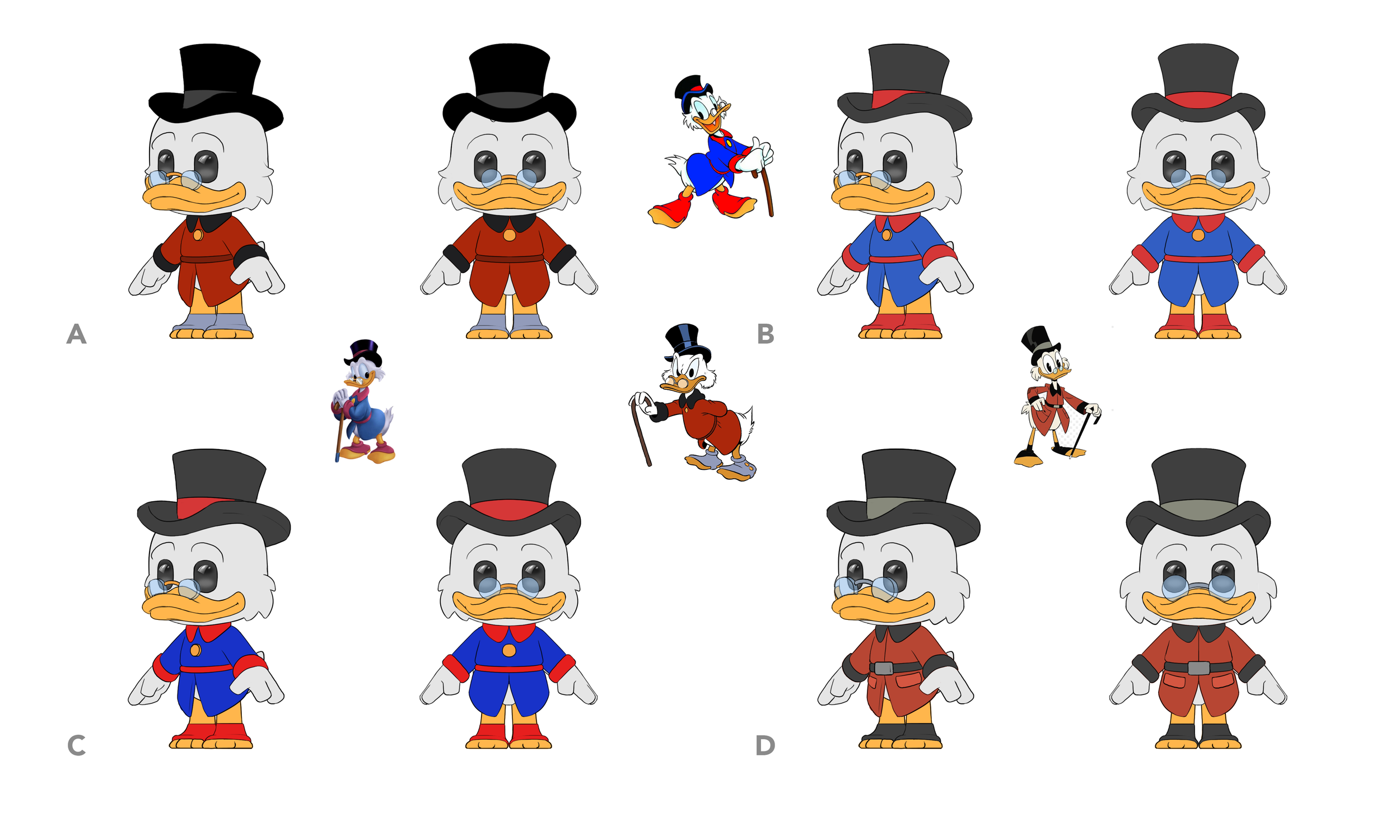
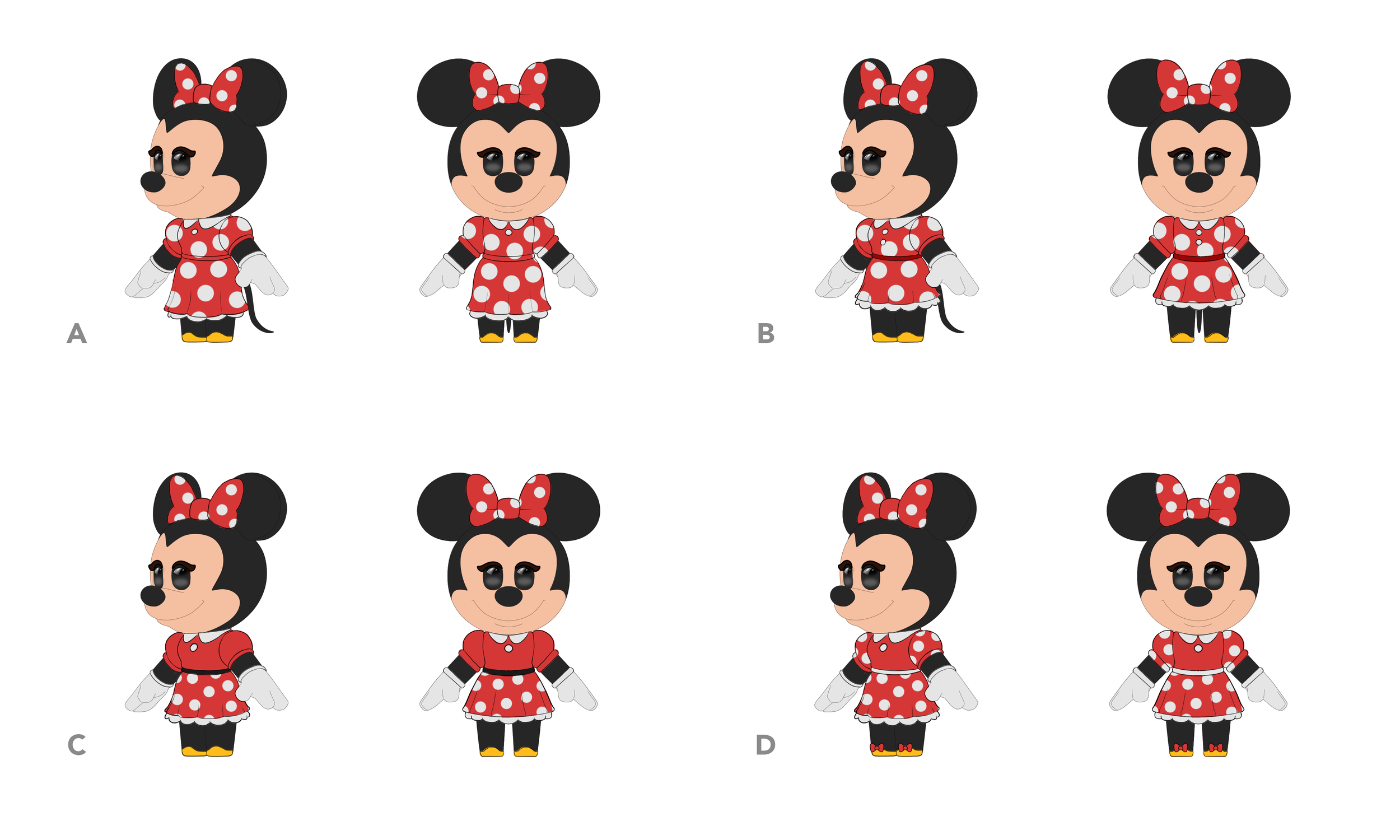
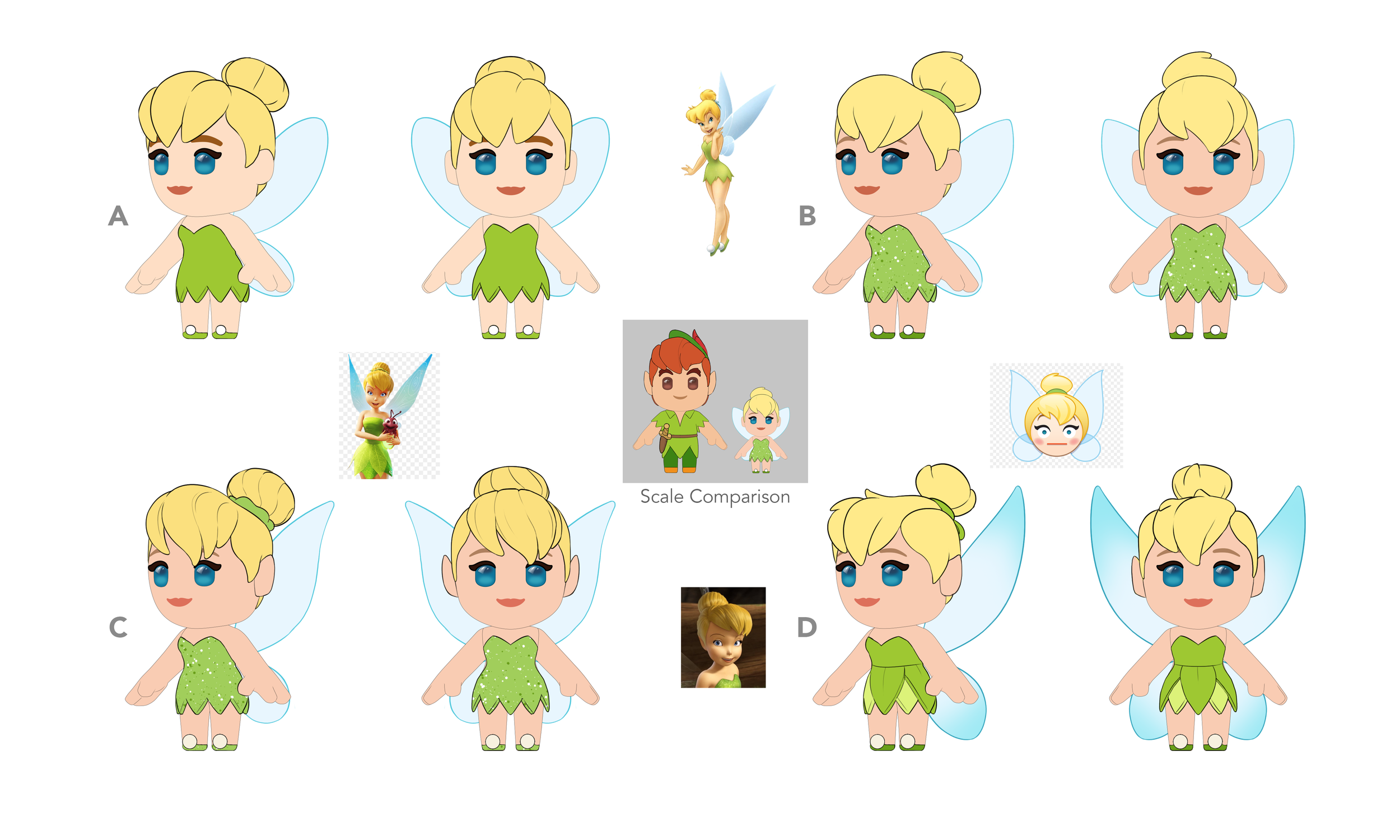
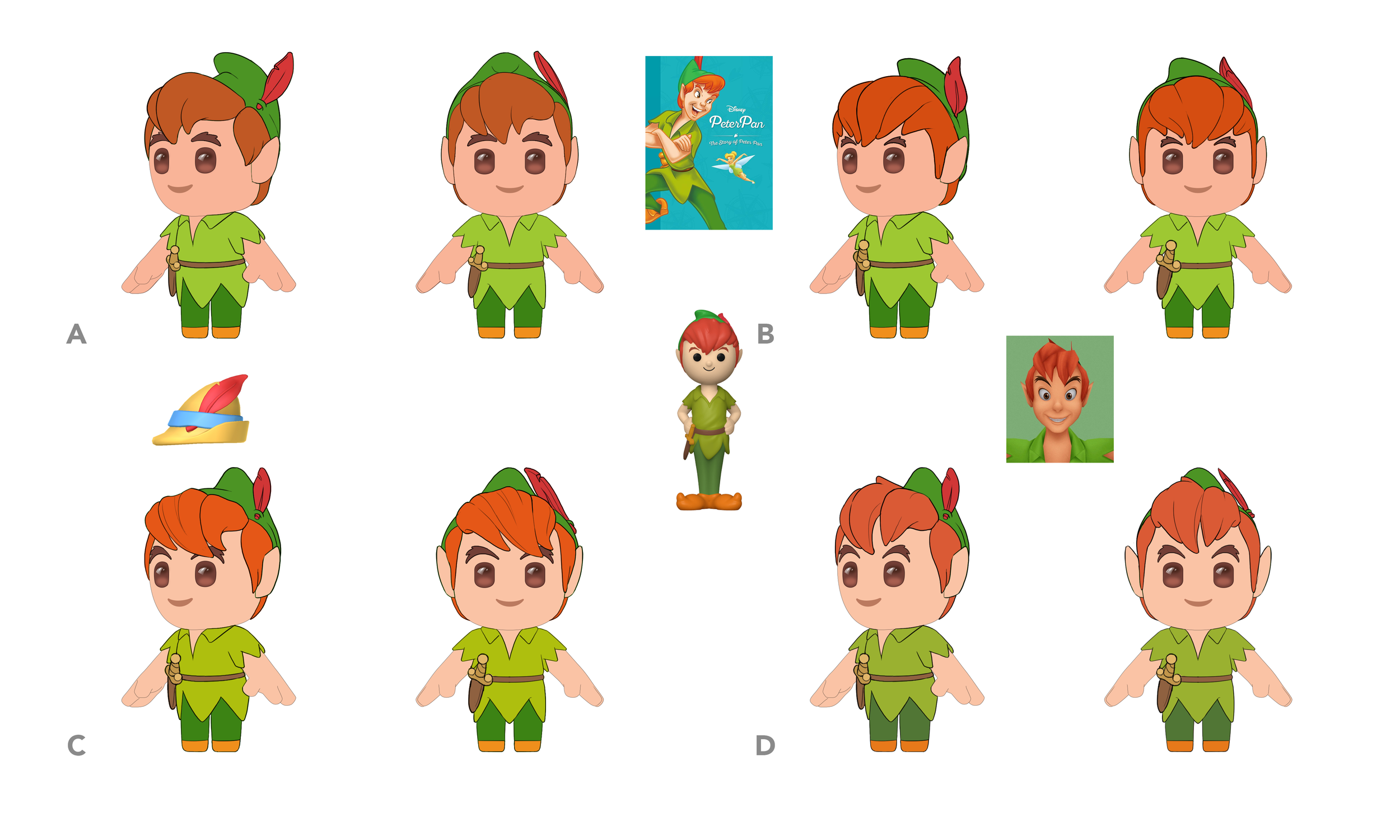
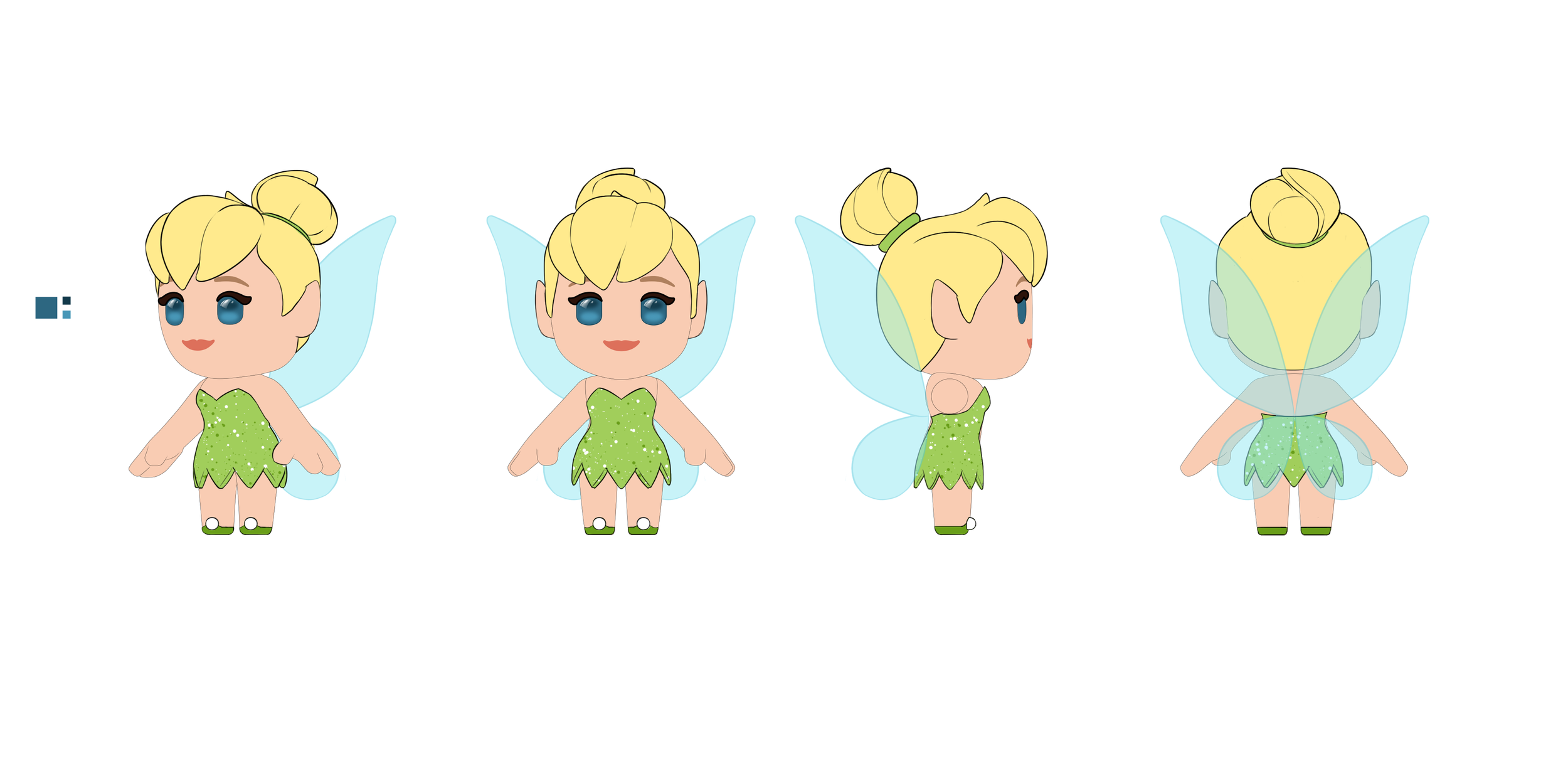
Turn Around Drawings
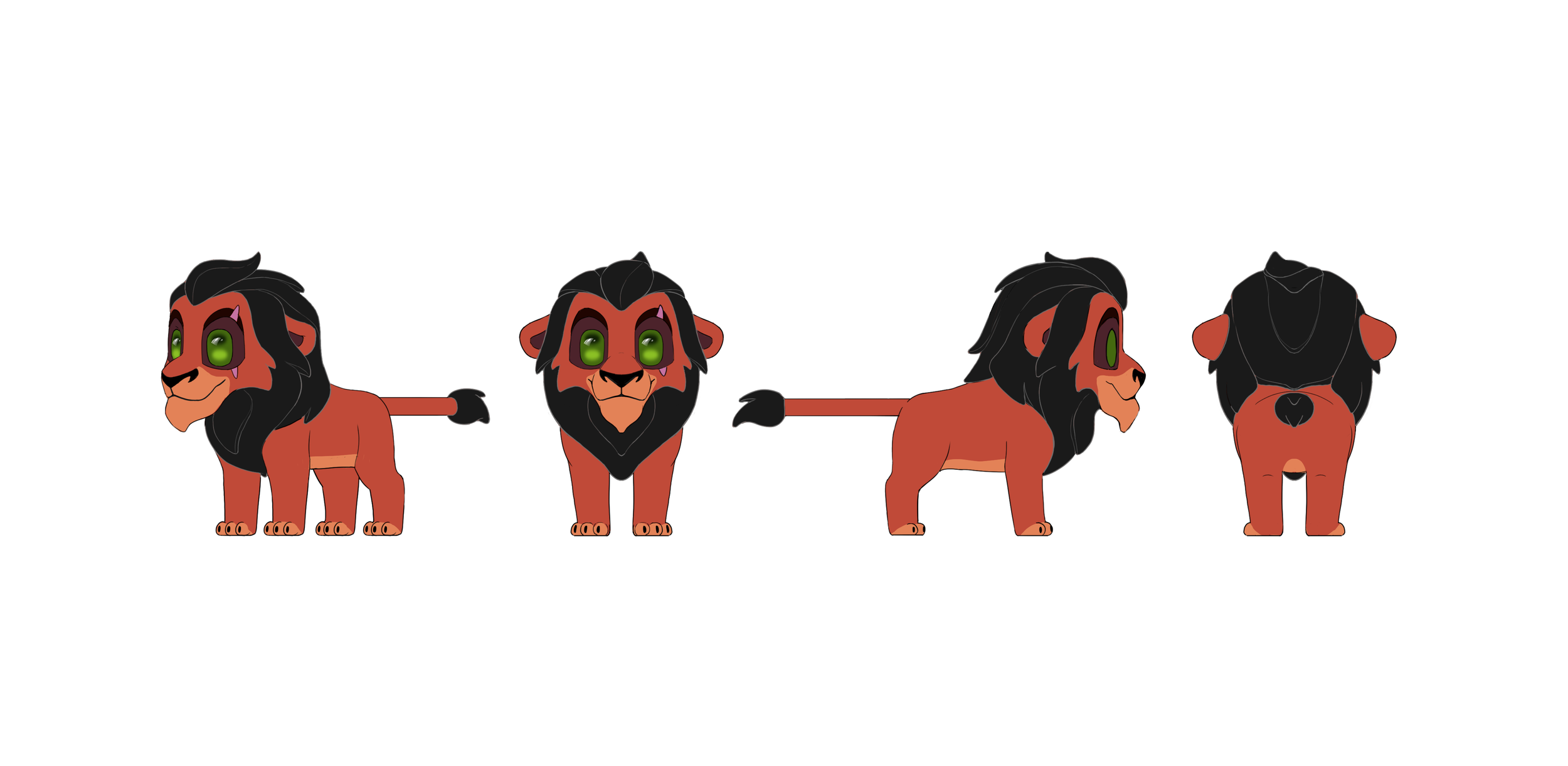
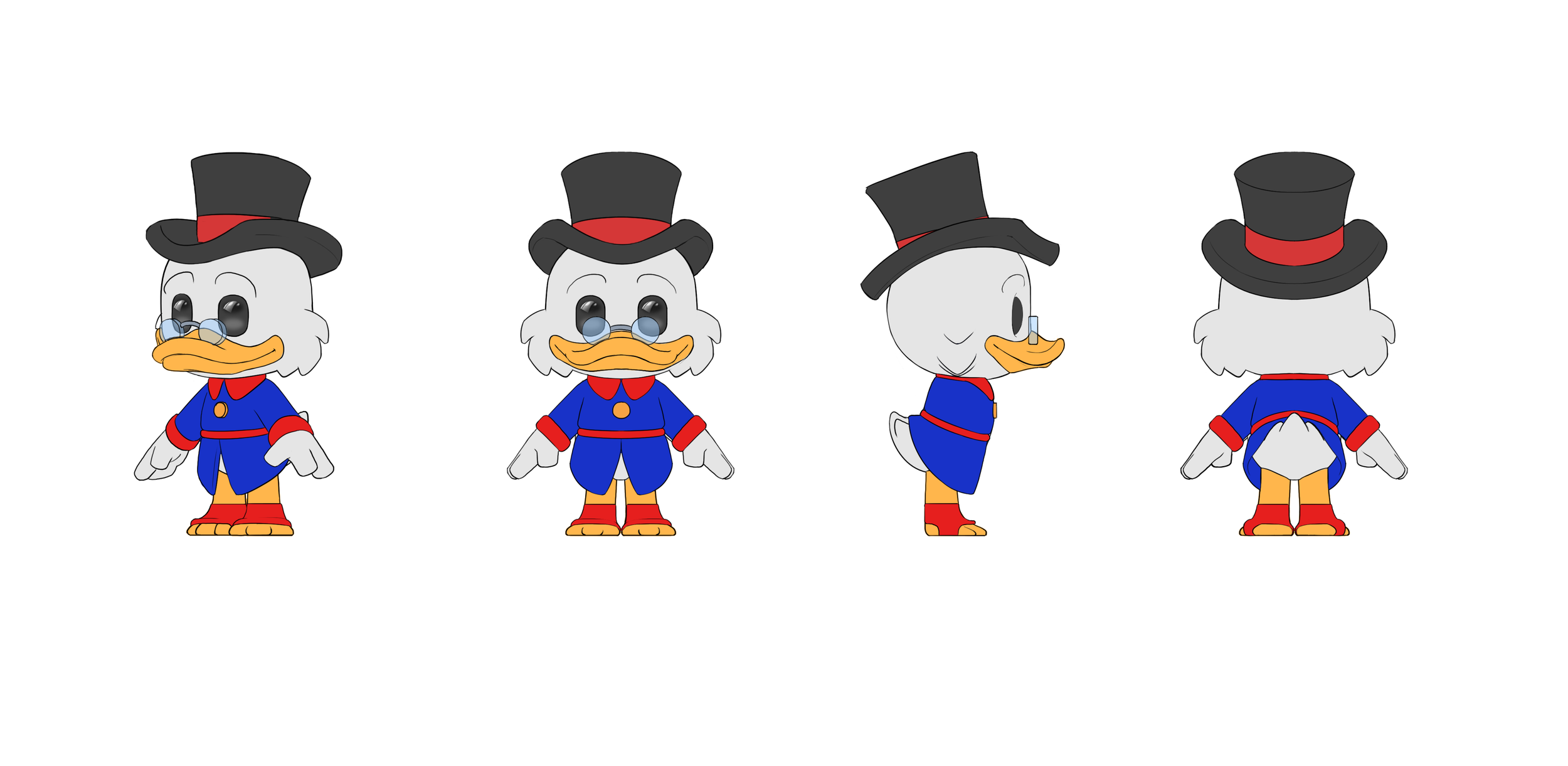
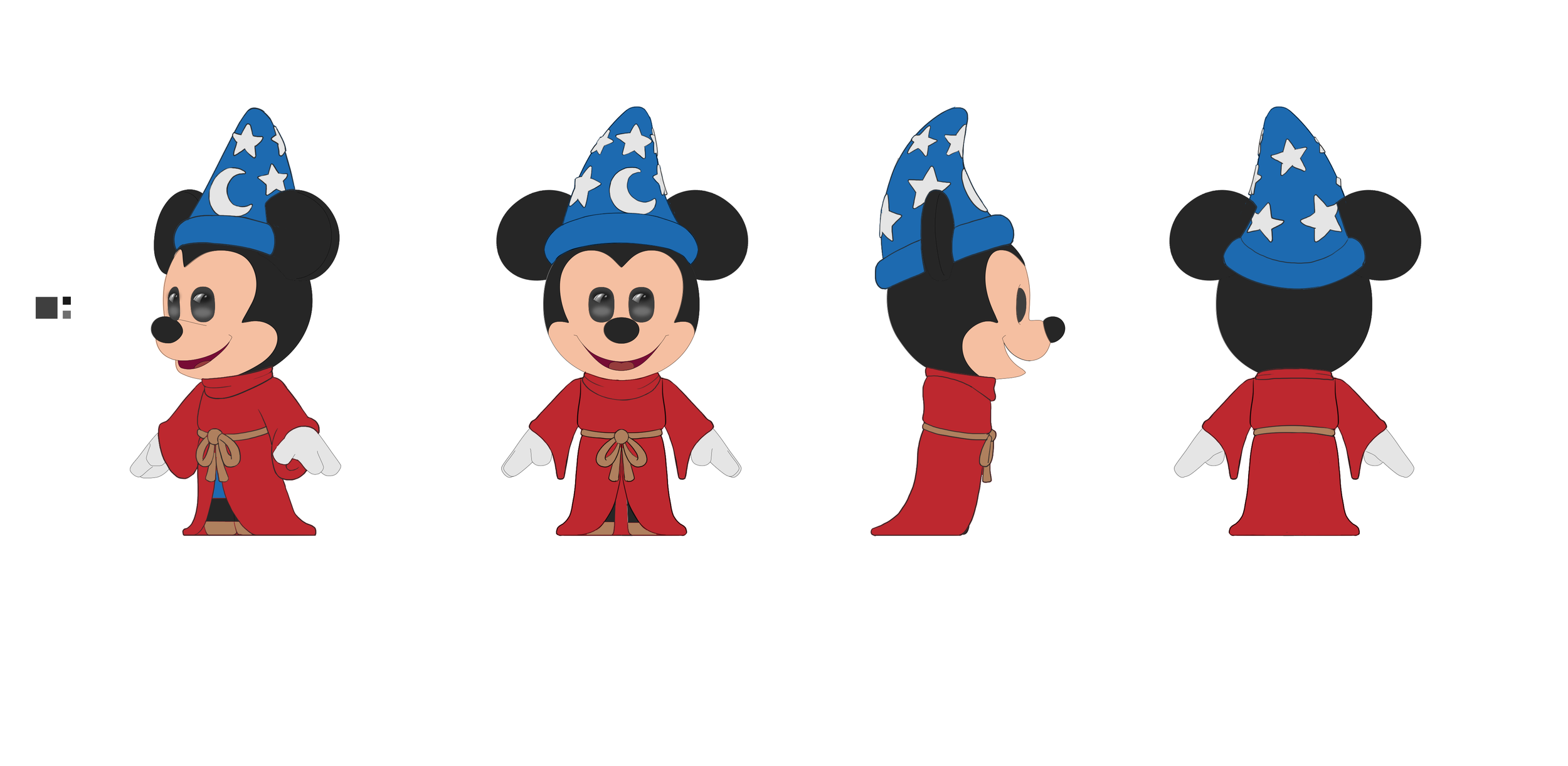
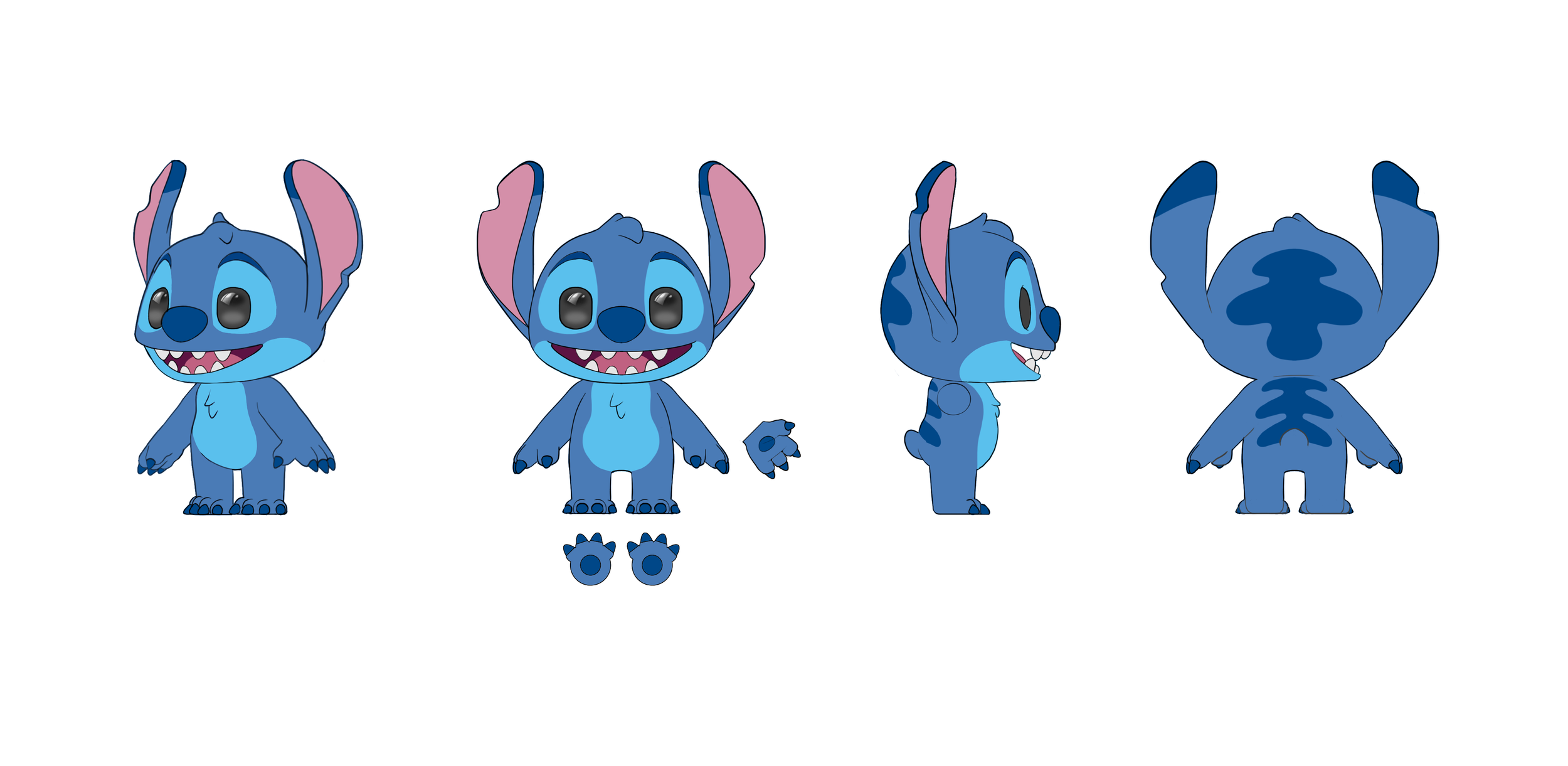
For Turn Arounds I also started by creating a template from the base dummy models that any artist could come in and draw on top of. I created many of these turns myself, but I also led the charge on reviewing and giving feedback to our outsourcing partners at Ocellus who helped provide Turn Arounds as well. Once these were finalized we sent them to the 3D team to model.
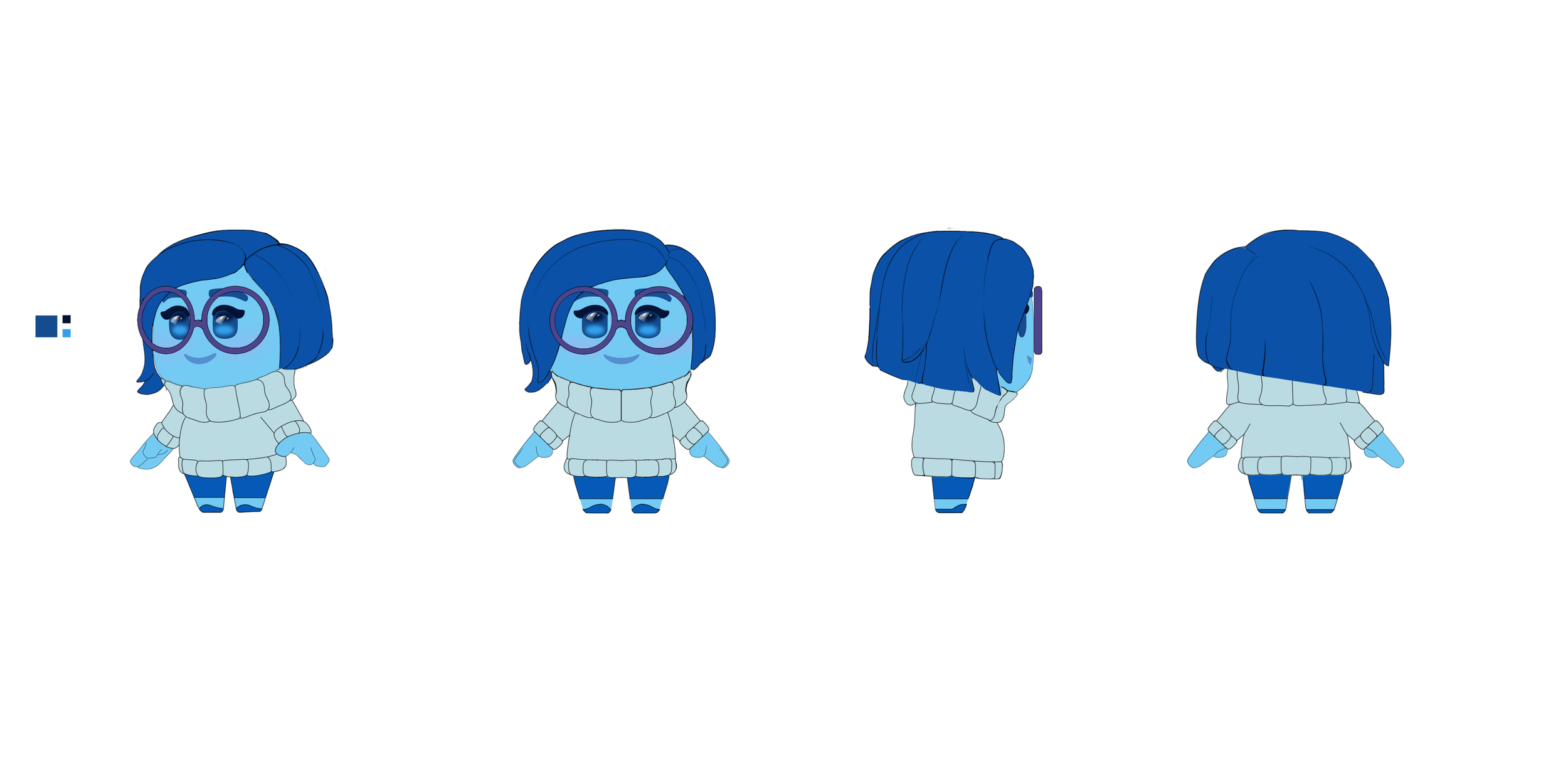
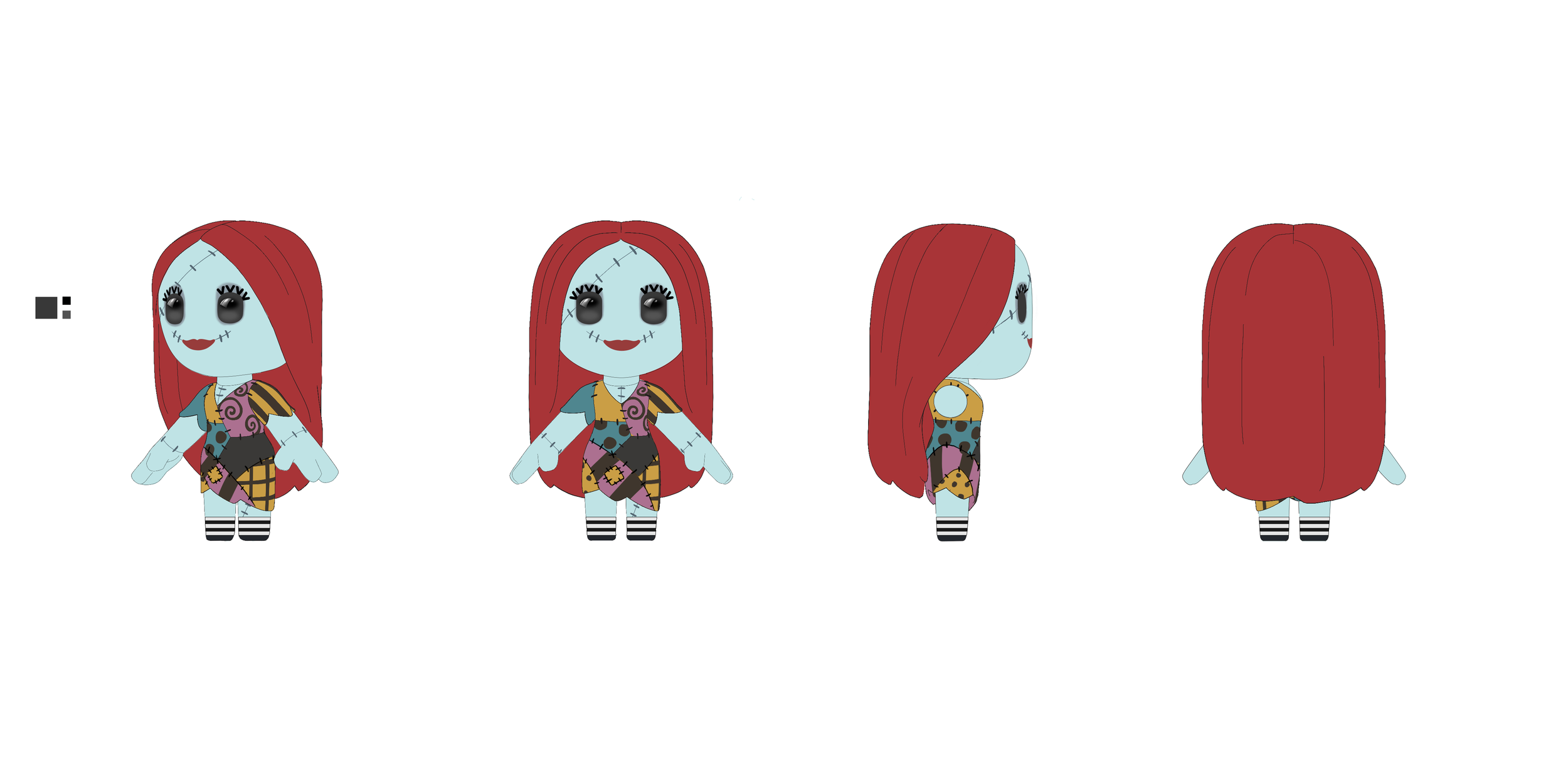
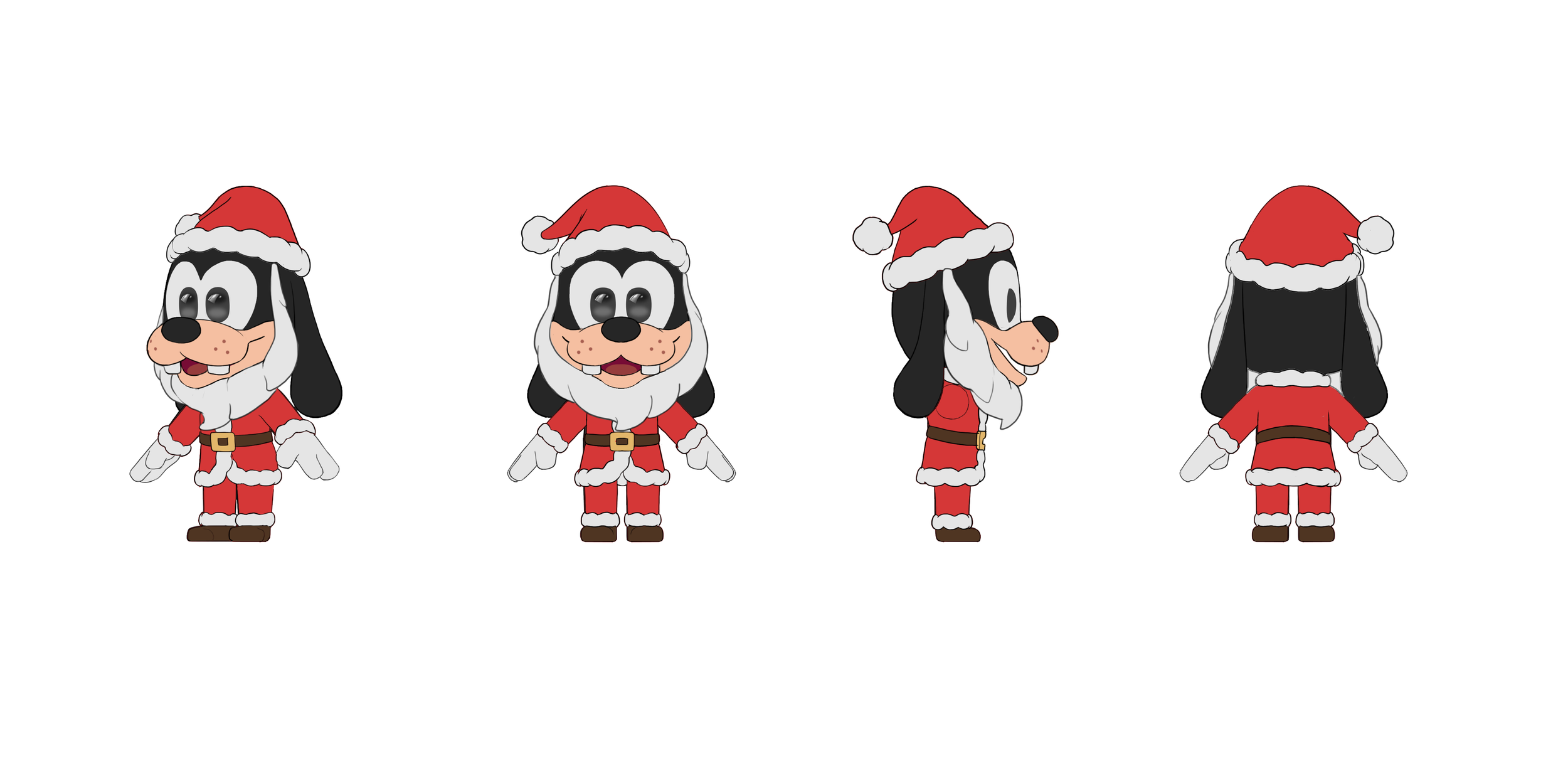
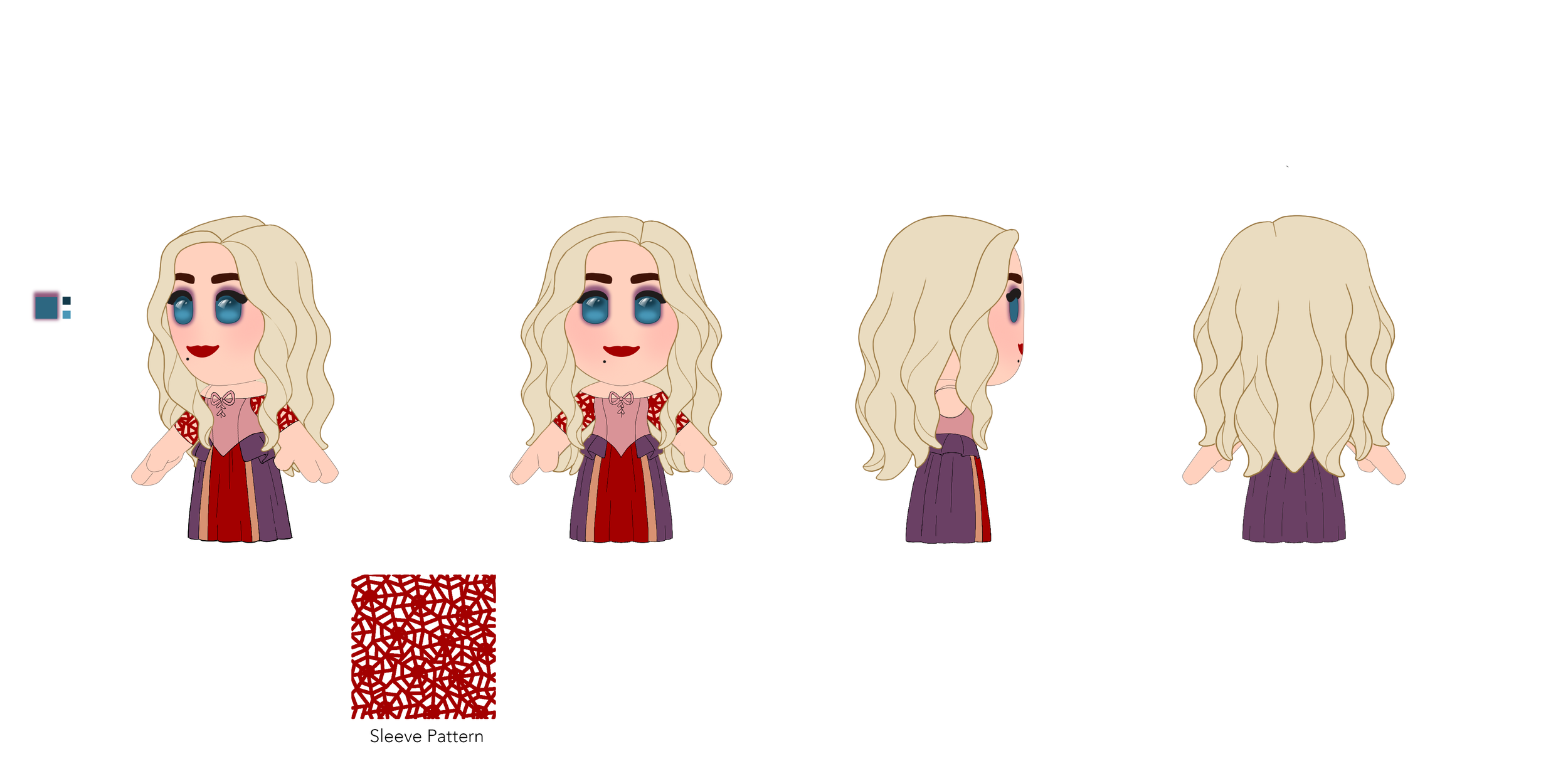
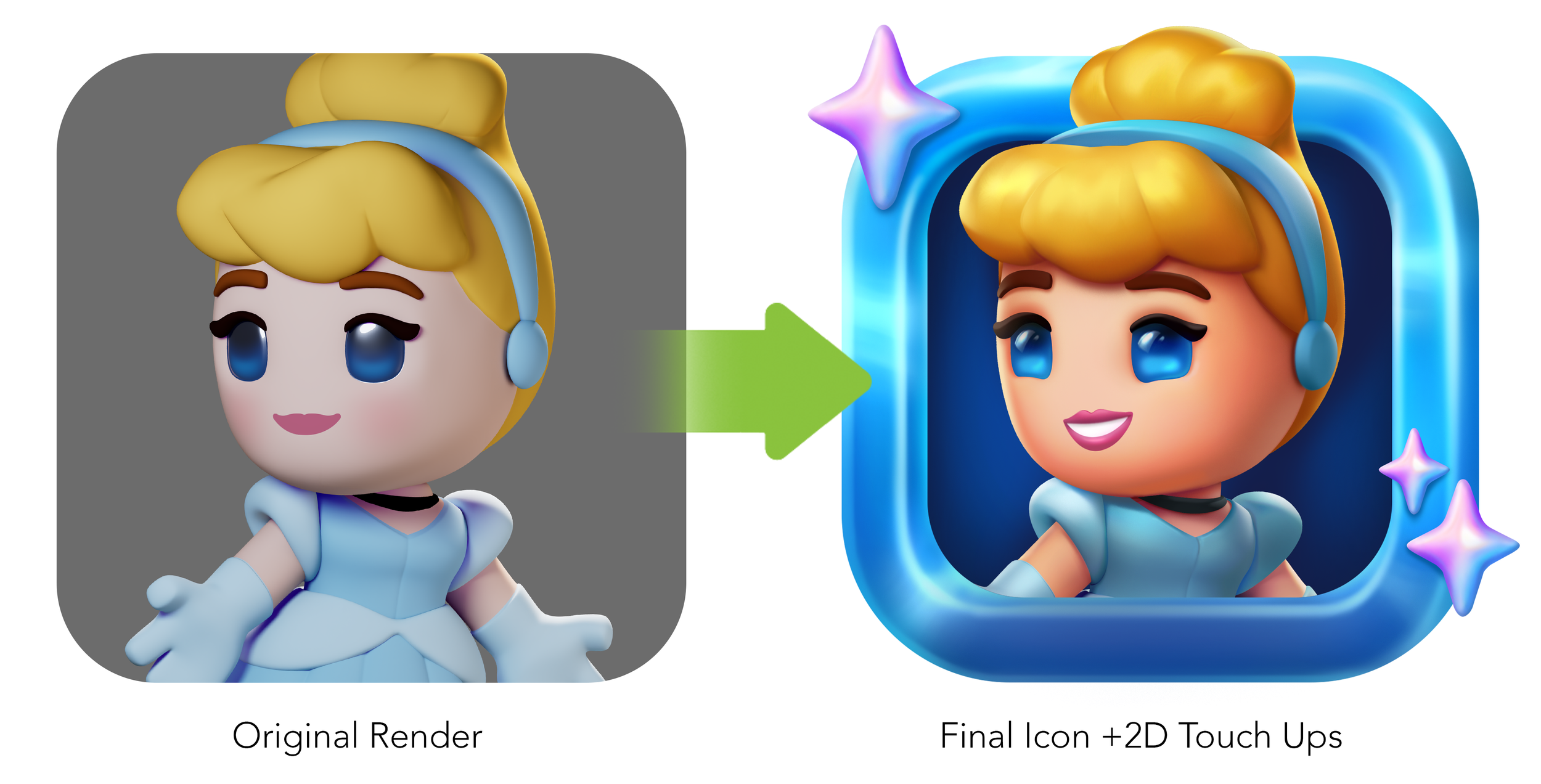
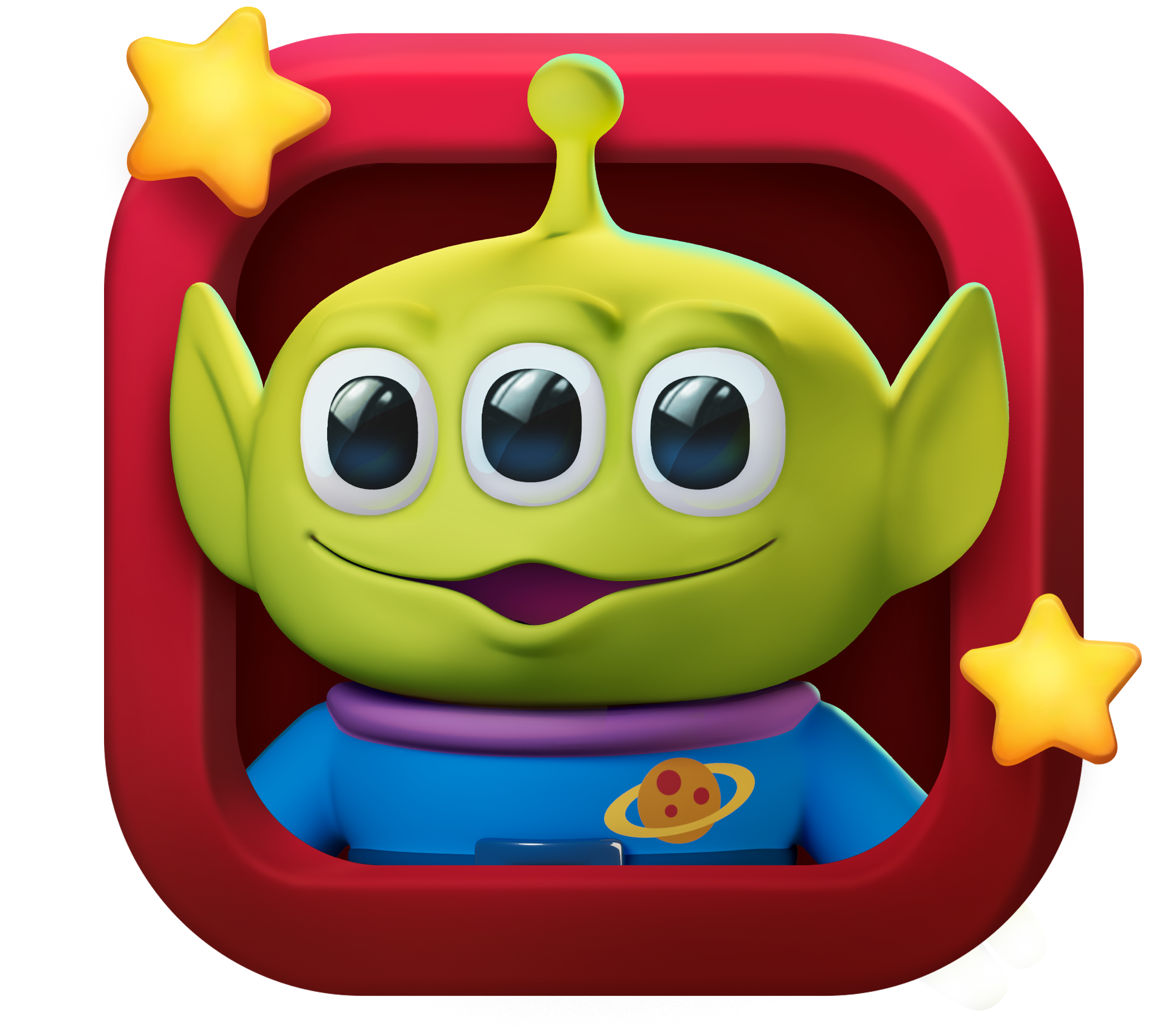
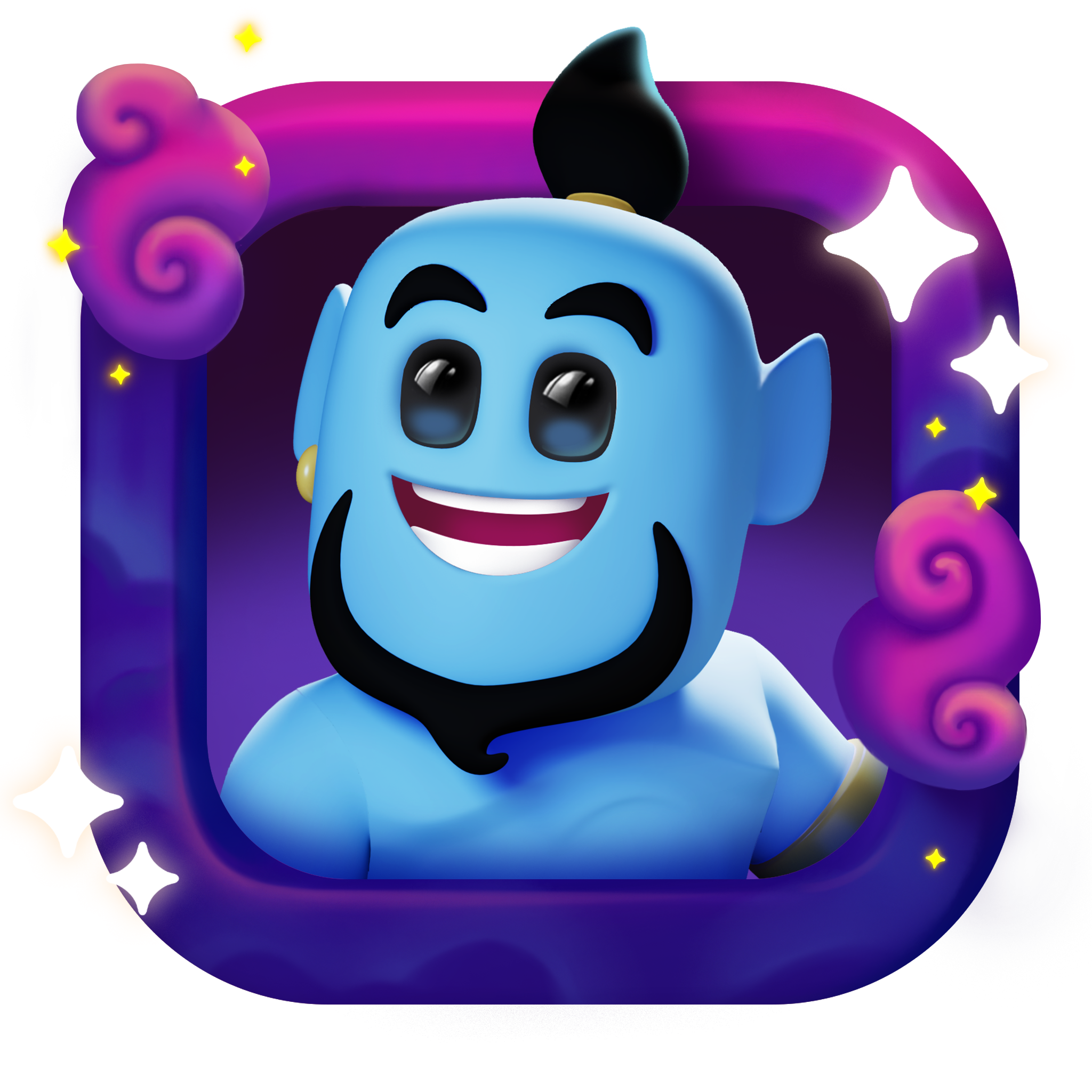
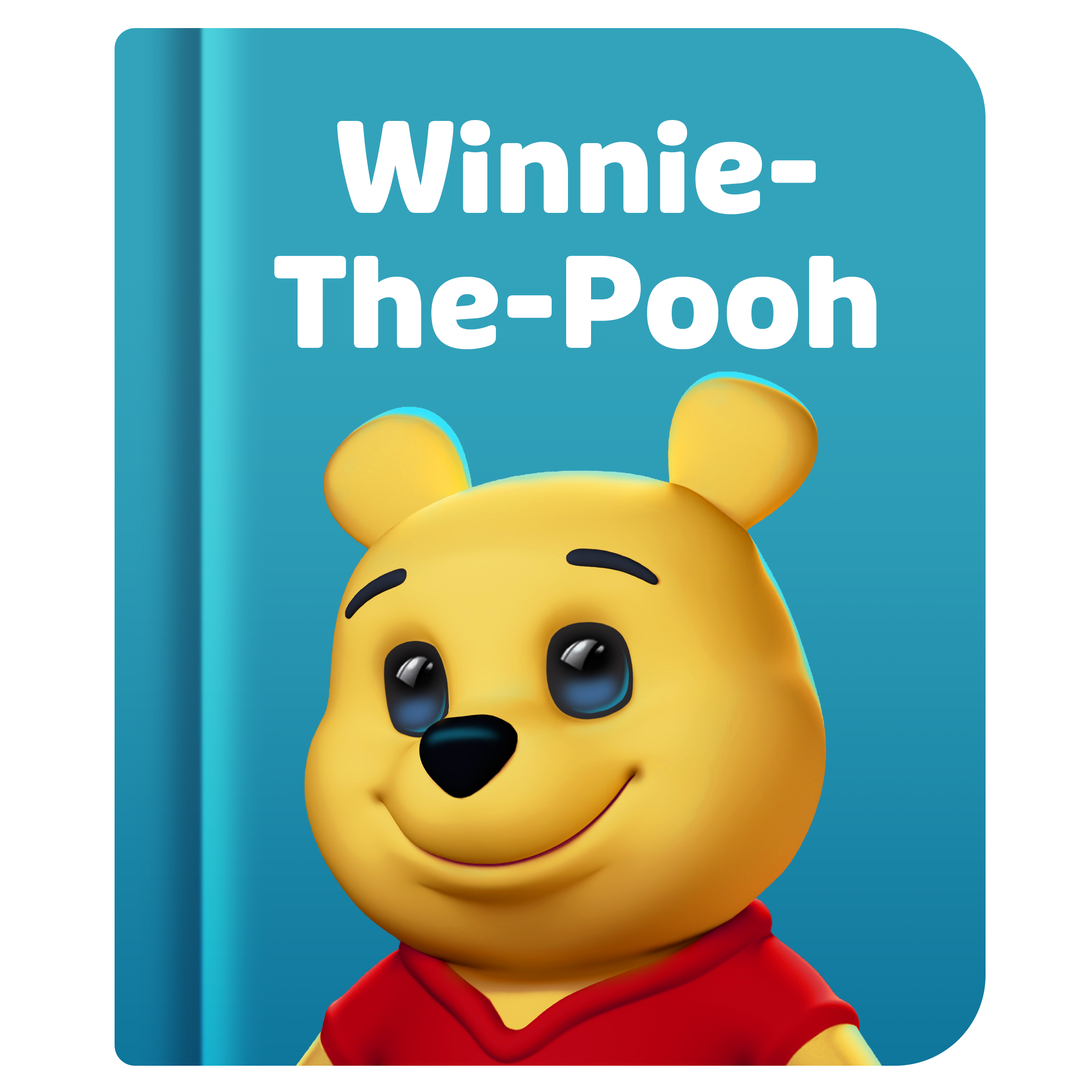
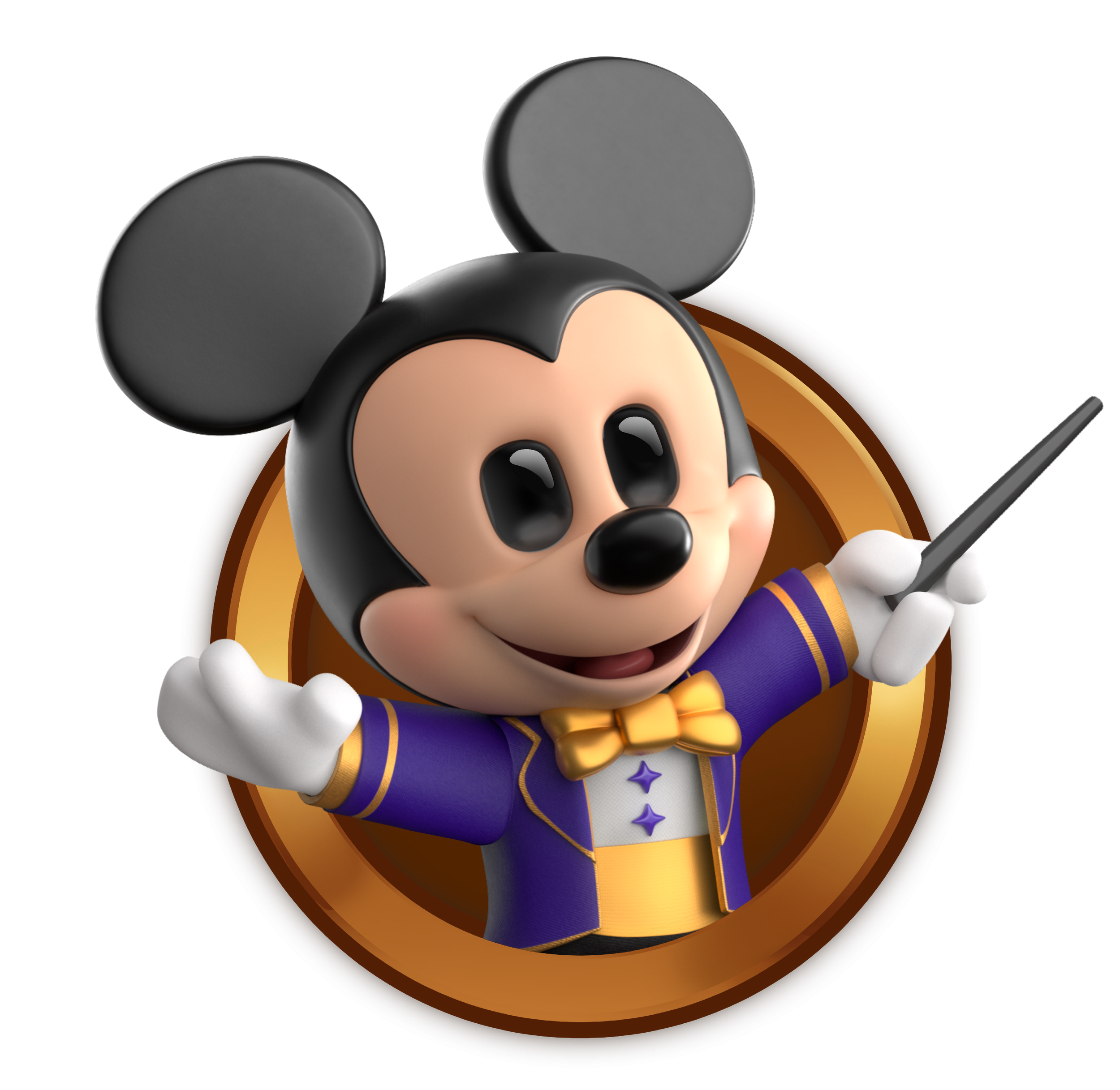
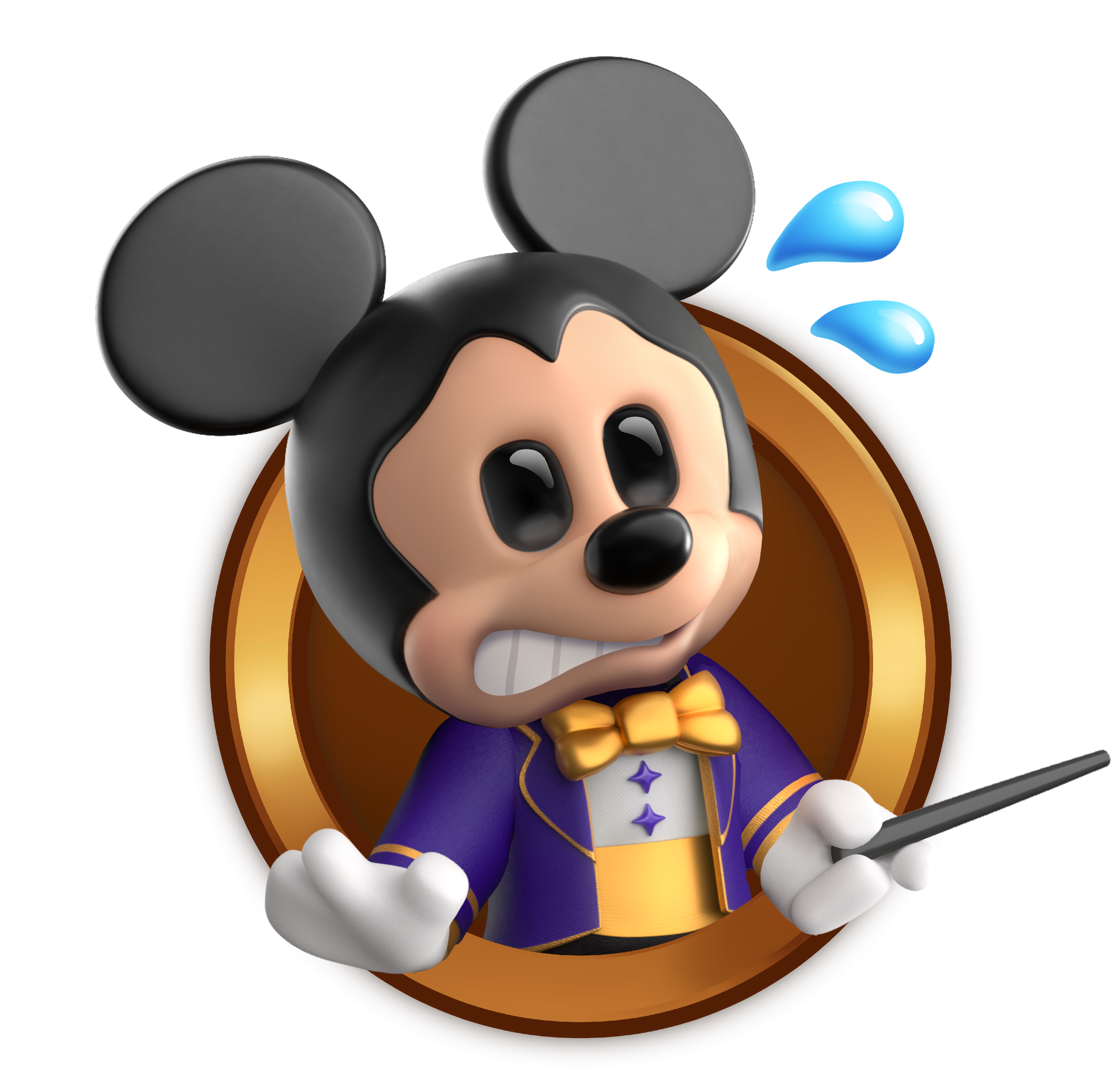
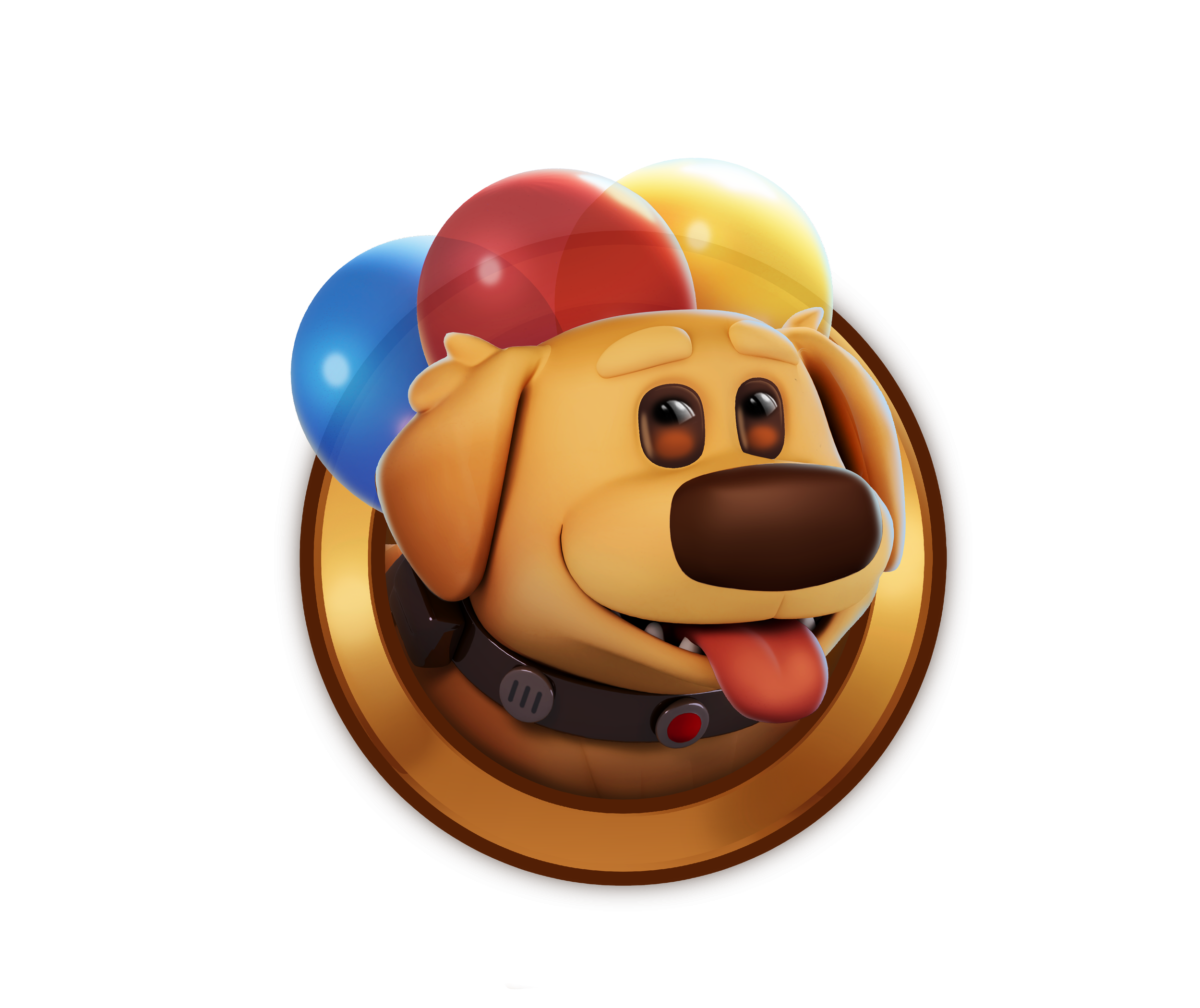
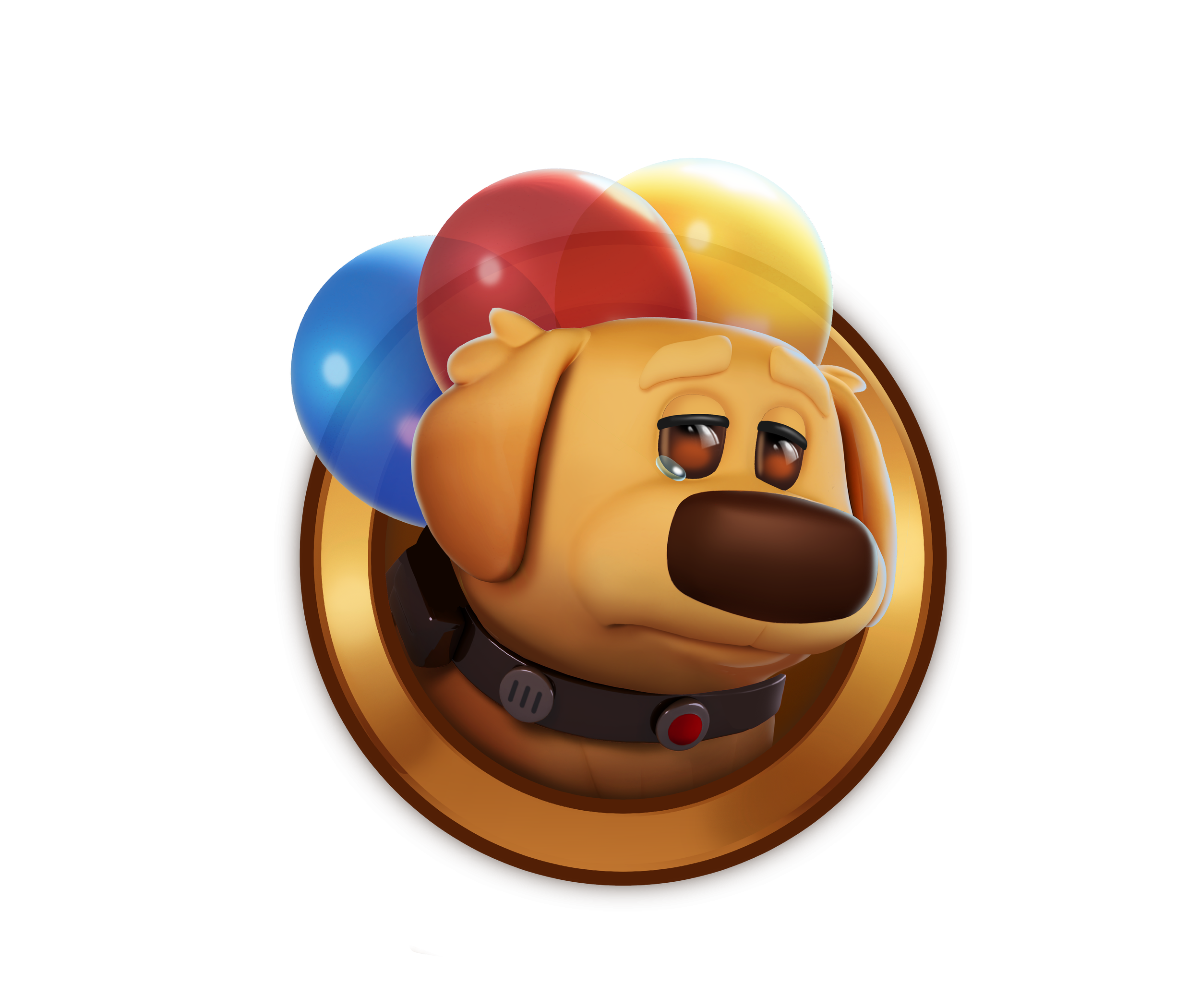
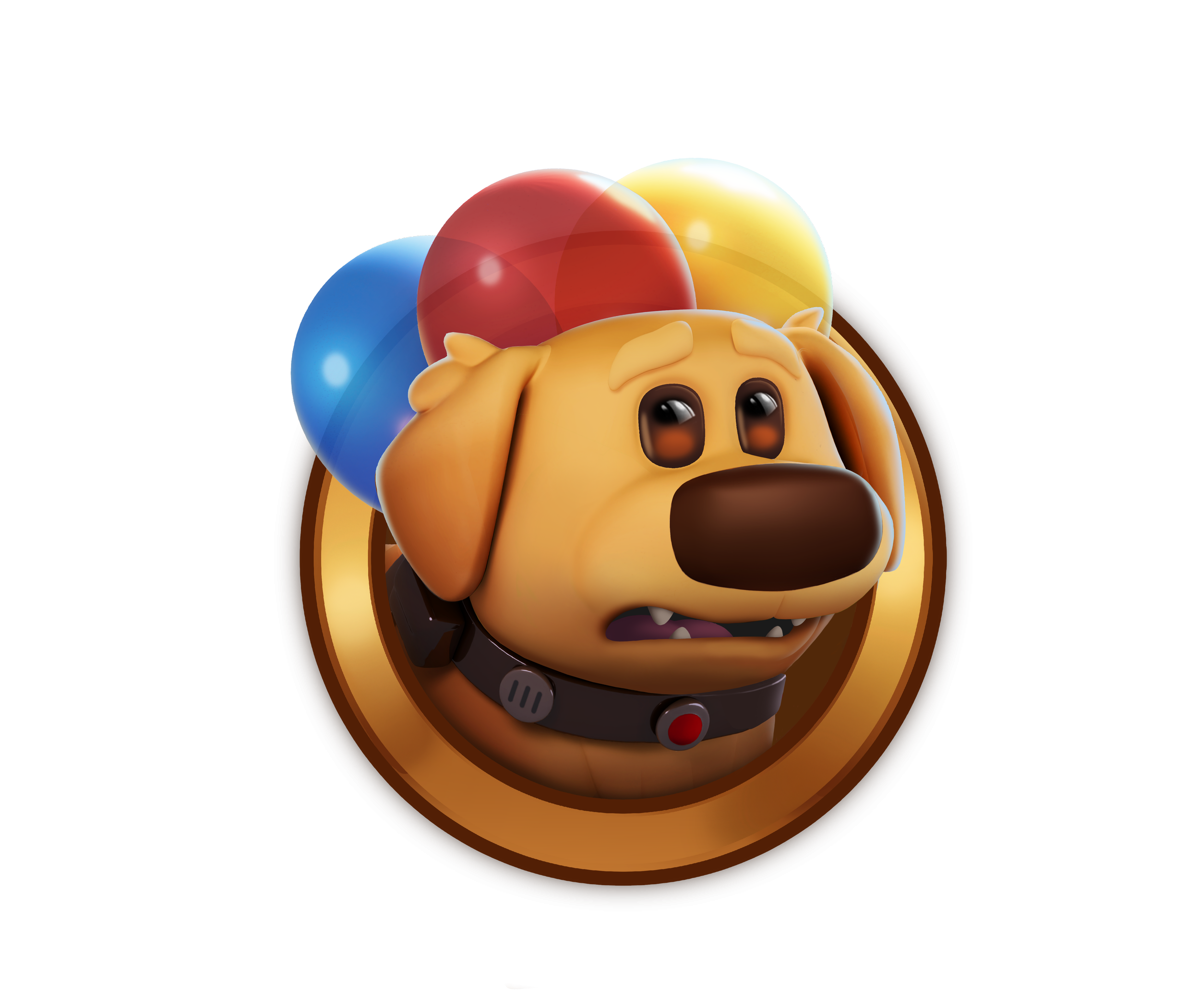
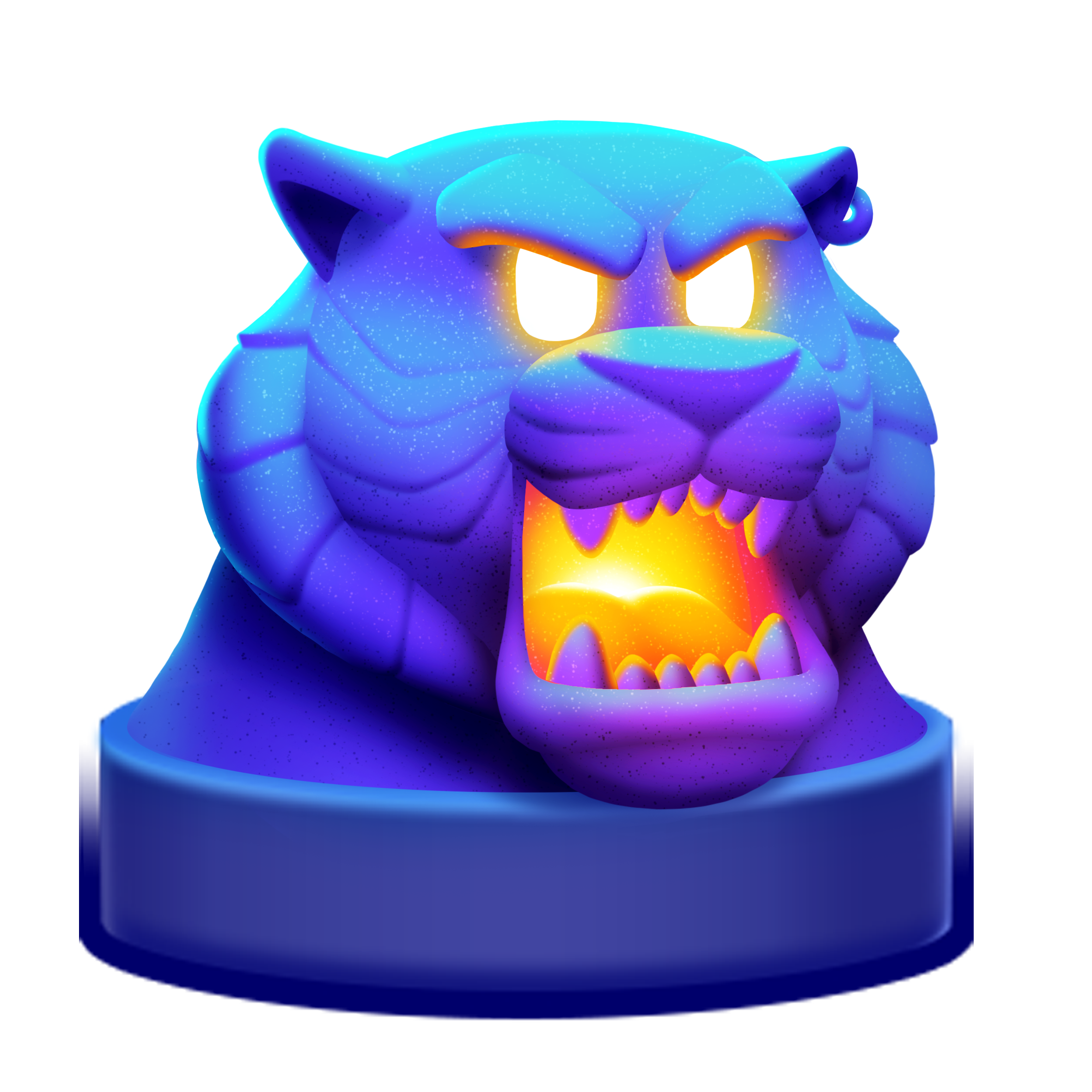
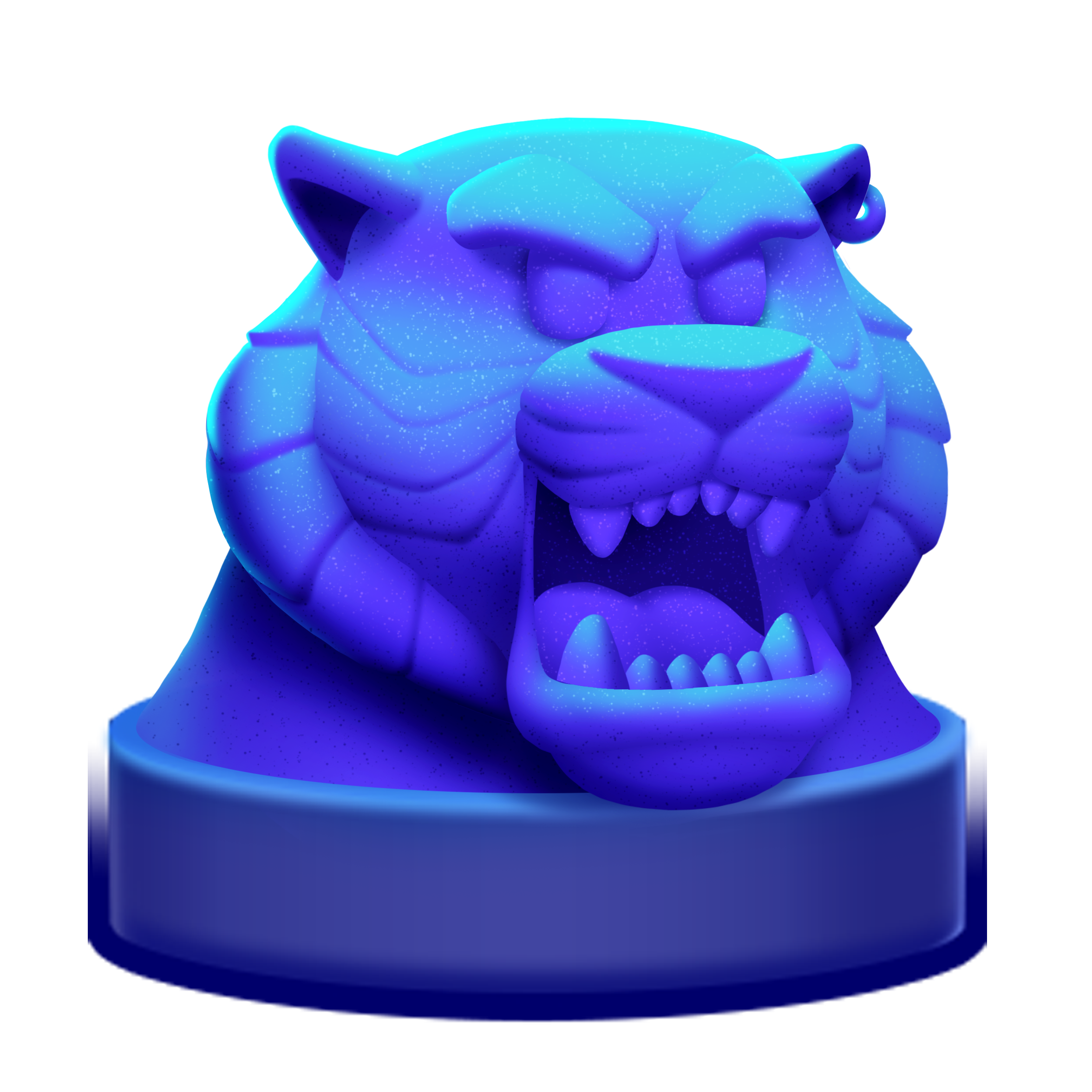
Badge Icon Designs
I learned how to make lighting set ups in Maya, very roughly pose the 3D character models, and render out 3D images using Arnold.
After I had the original render, I would add 2D Touch Ups in Photoshop, including color correction, boosting highlights and shadows, and adding expressions.
Pile Item Designs
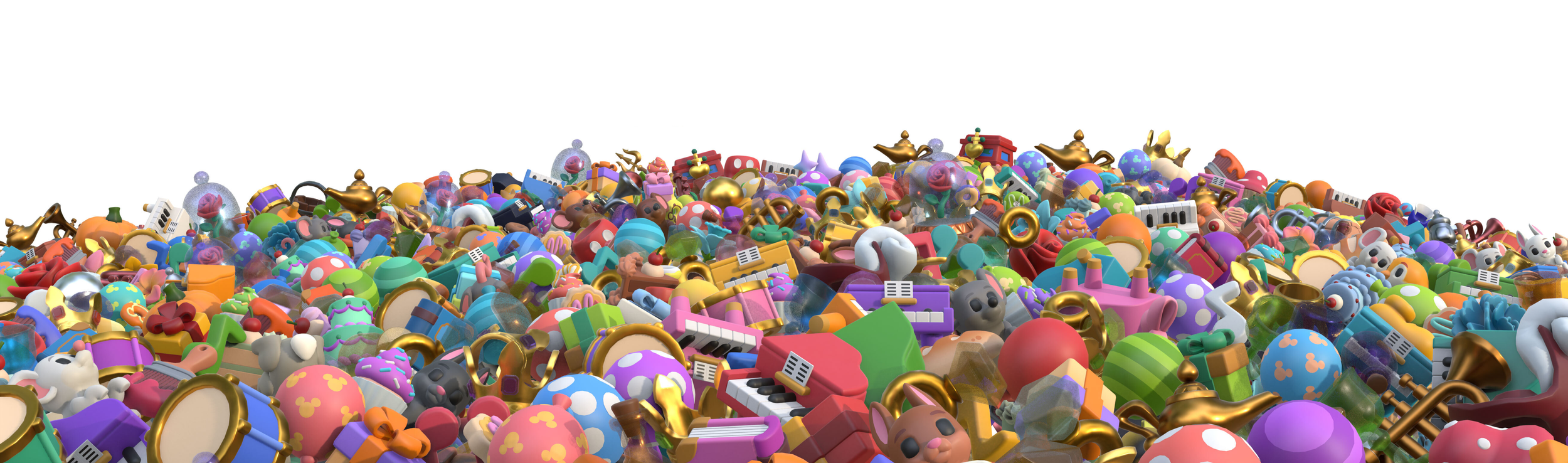
Exaggerated proportions, simplified details, minimum thickness, refined color, and edge control are the essential ingredients used to create an item for Disney Magic Match. All of these work in tandem to reinforce tangibility and clarity, which ultimately leads to a delightful player experience. I helped design our pile item visual language and put it all together in a style guide document.
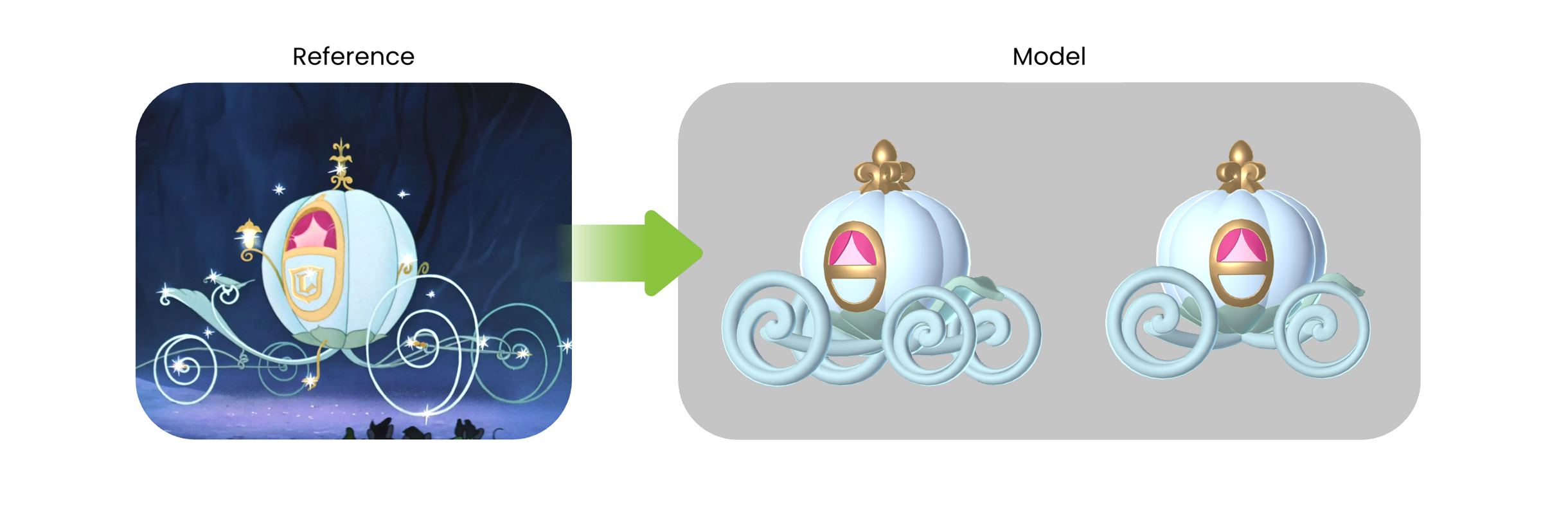
Stylized and Exaggerated Proportions
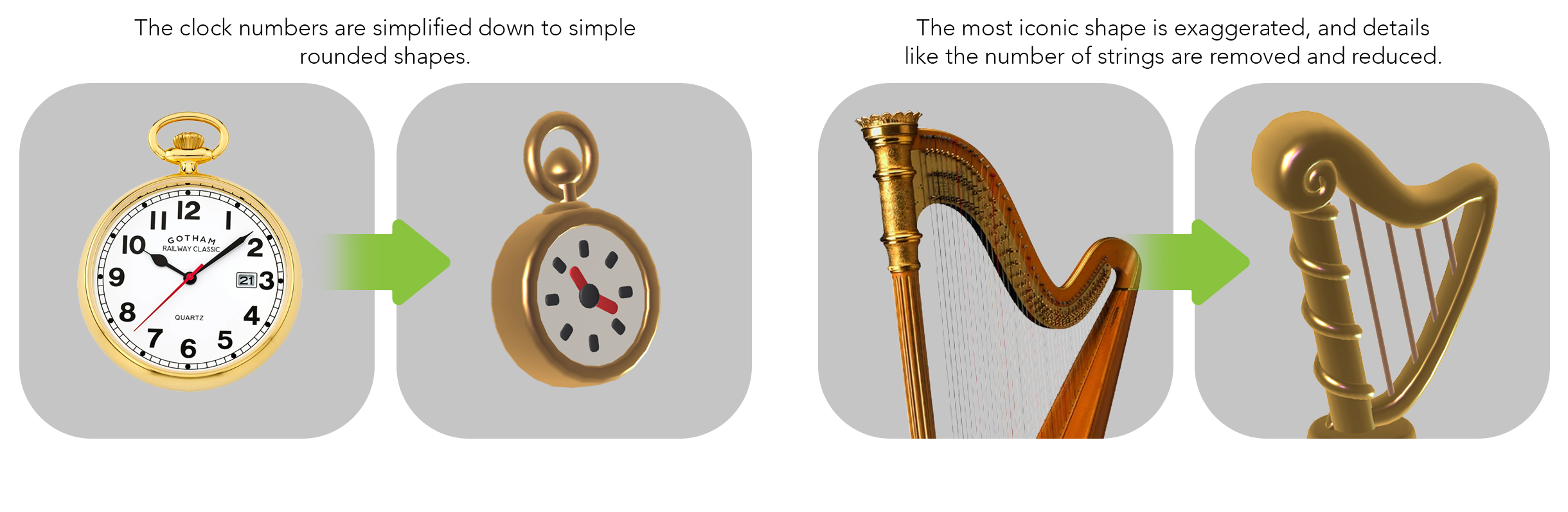
Simplified Functional Details
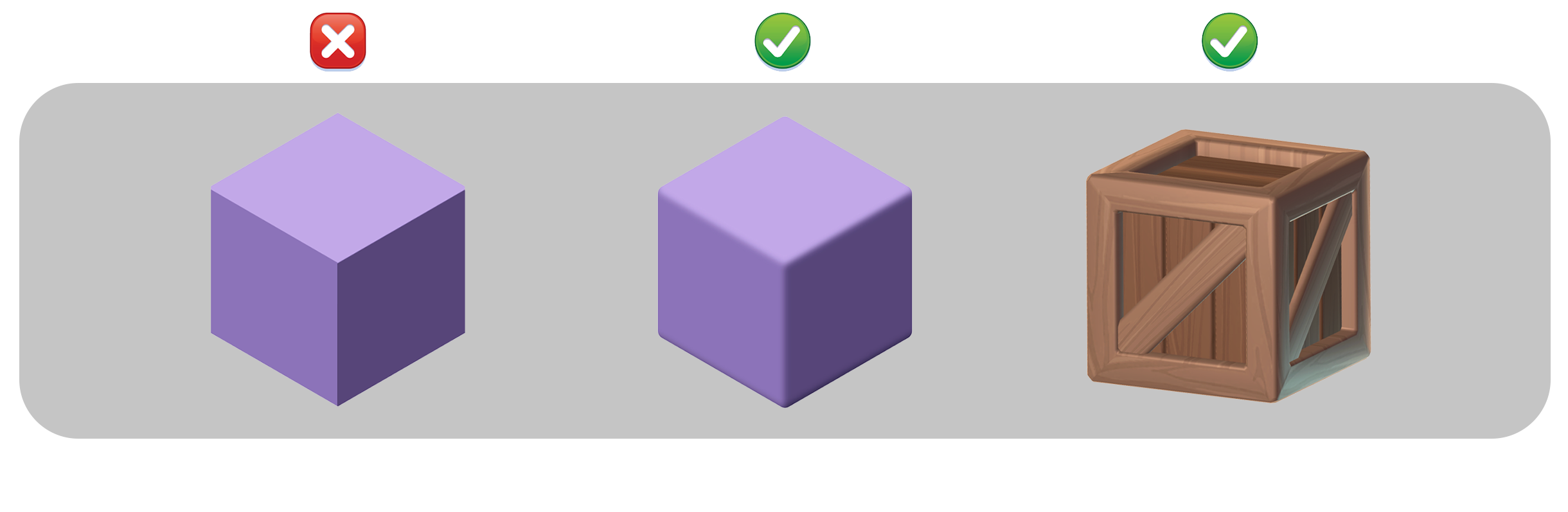
Soft Edges
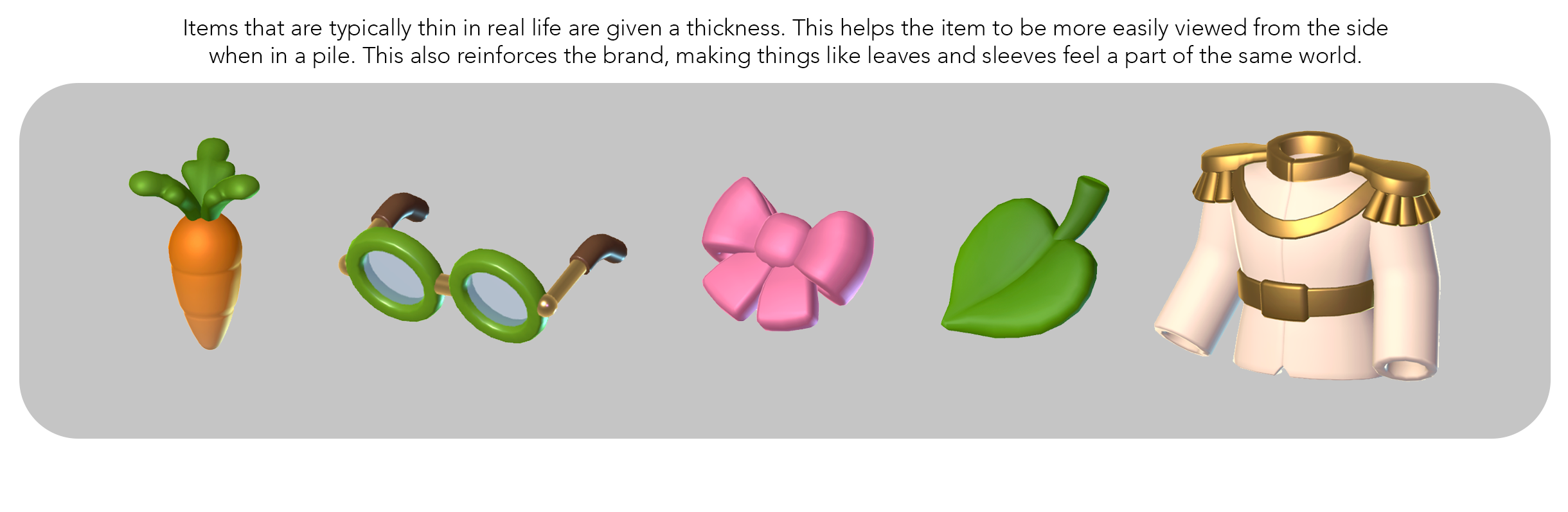
Minimum Material Thickness

Material Surfaces
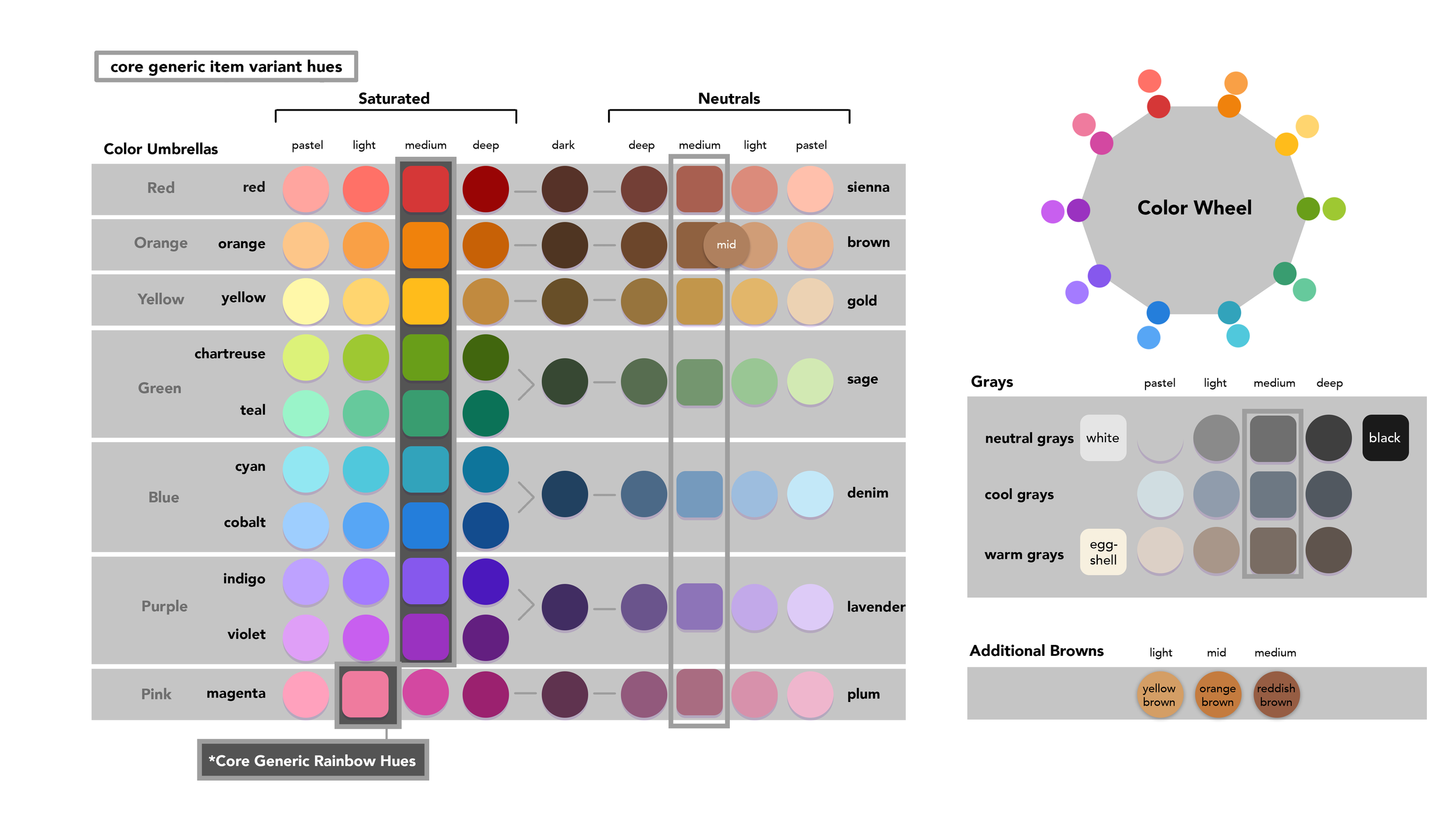
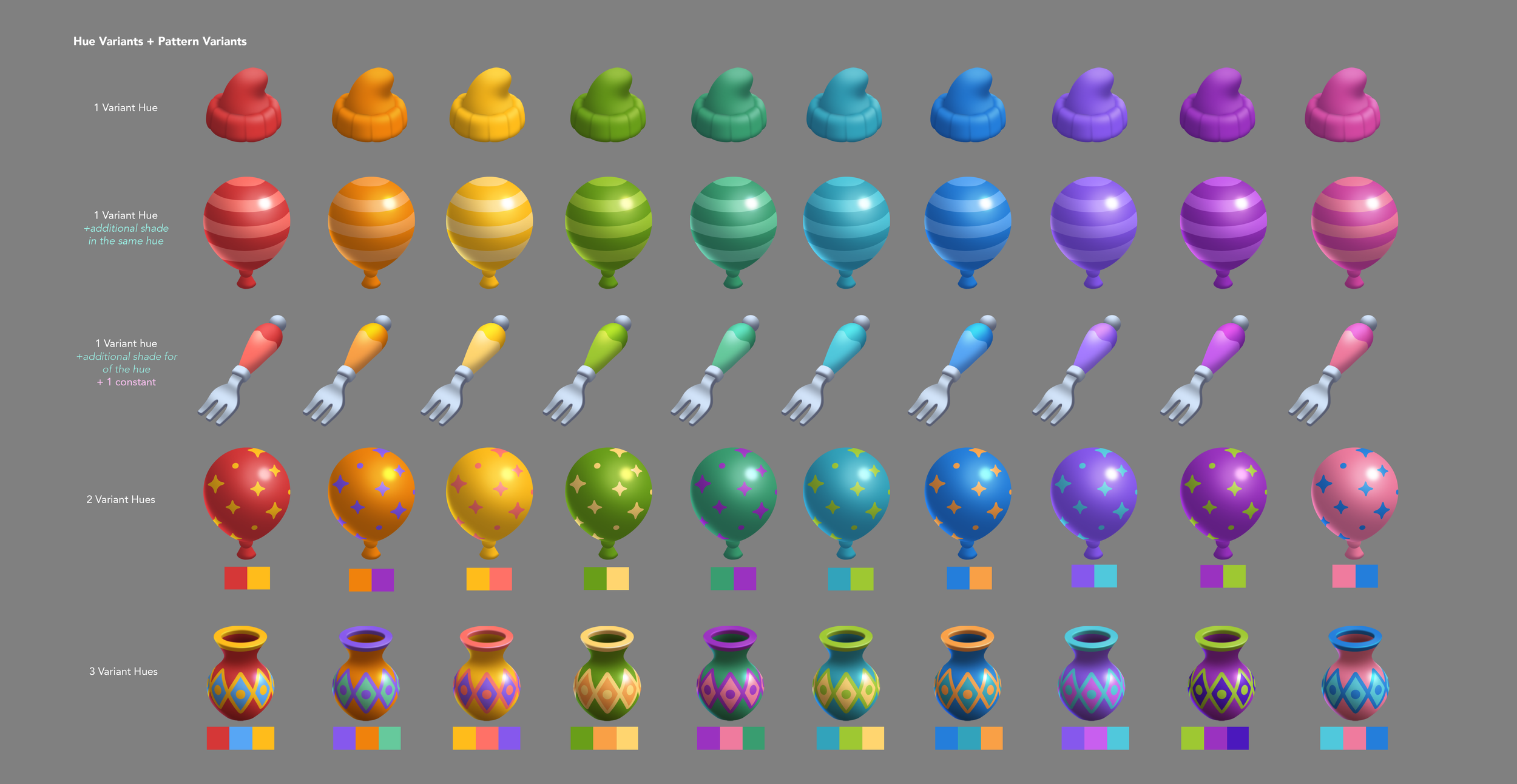
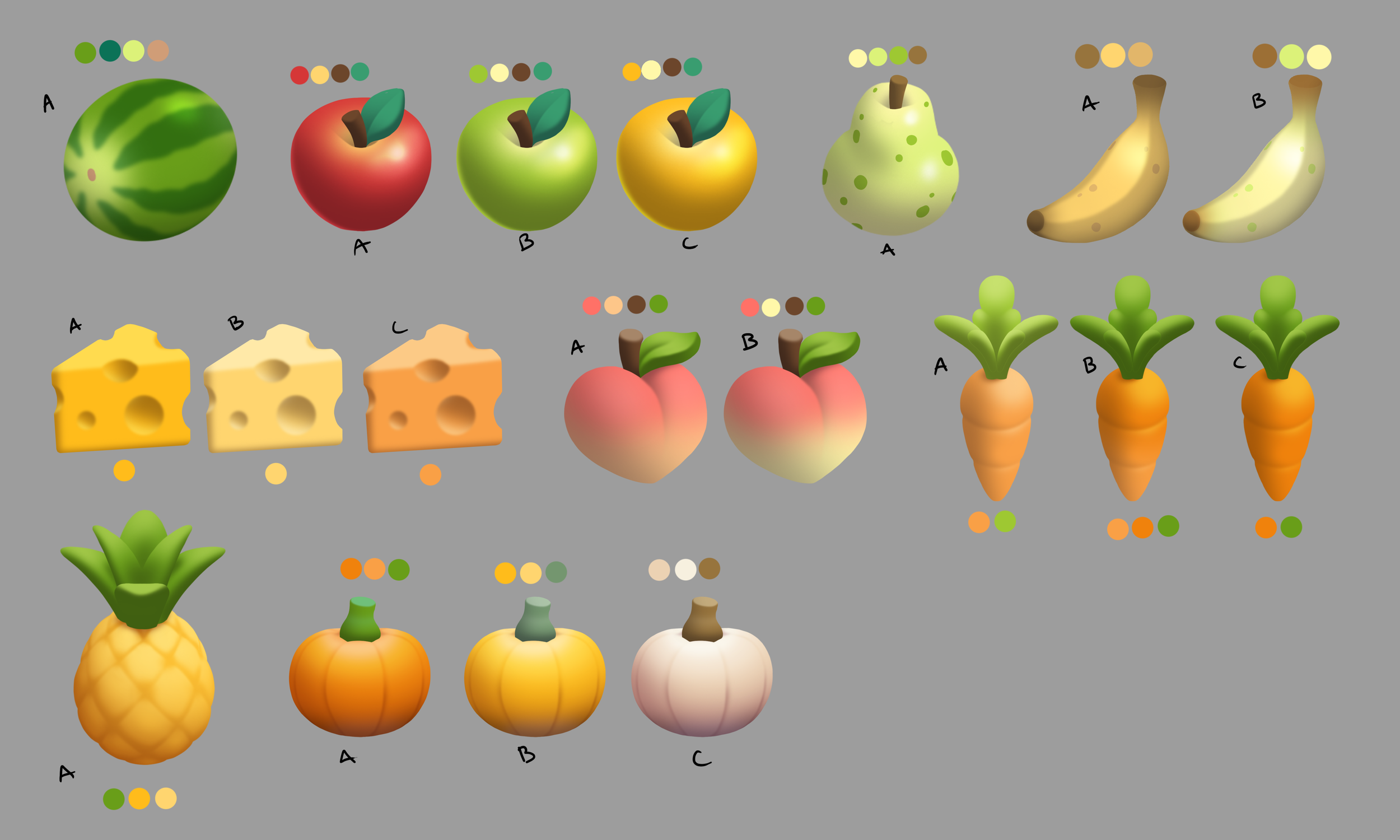
Limited Color Palette
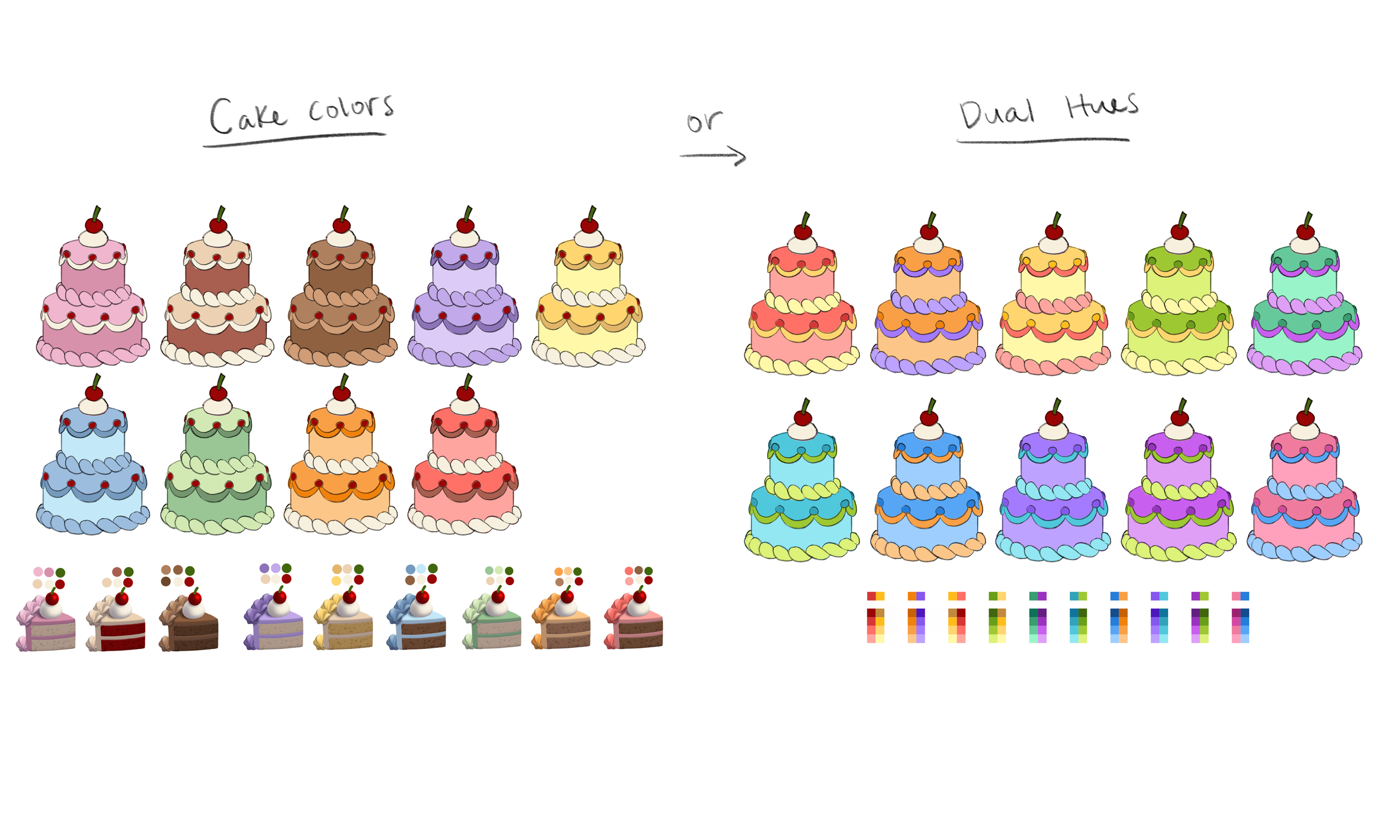
We attempted to use a limited palette in order to control color across hundreds of items and their variants. Since then we have expanded to a broader range of color, but these hues still make up the base of the pile item colors I curated.
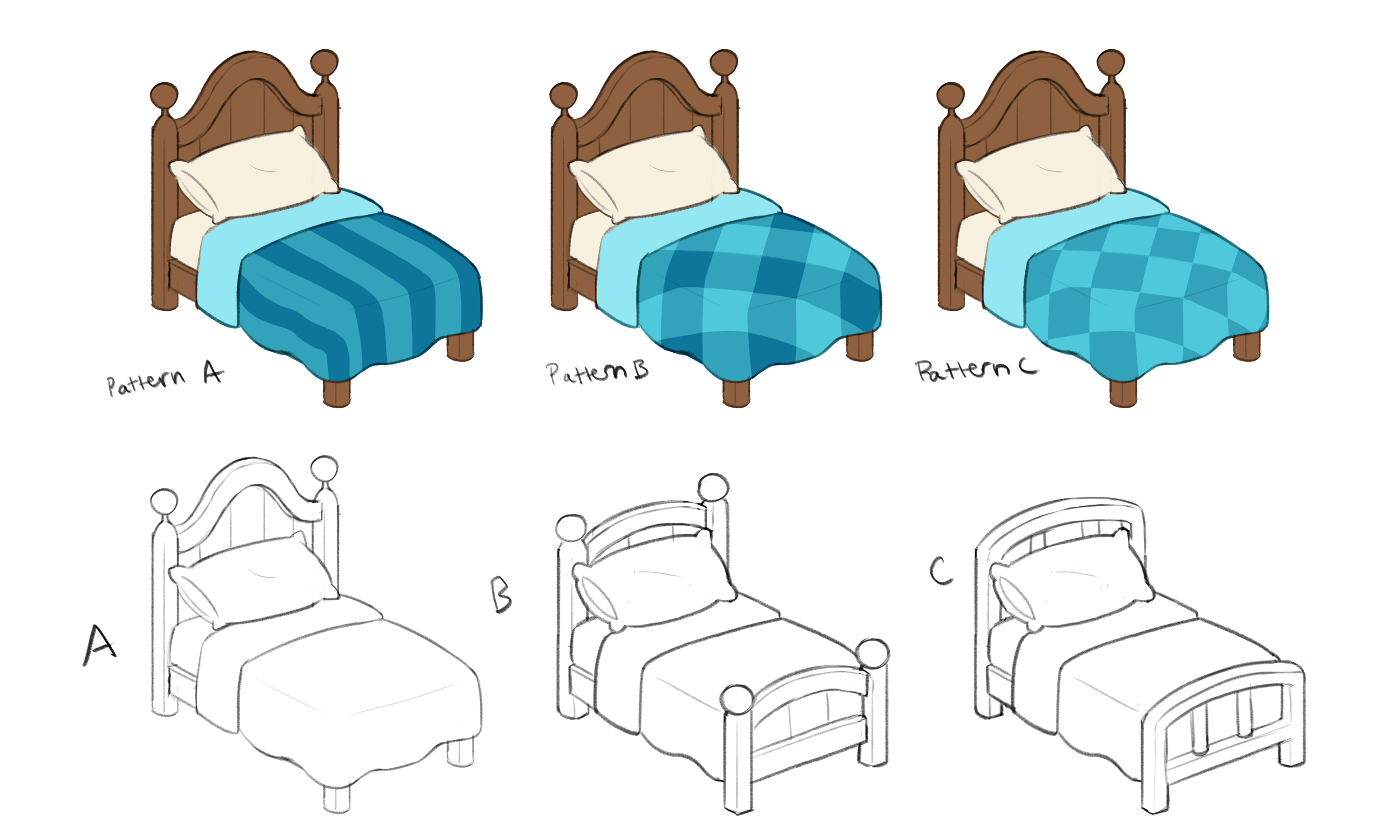
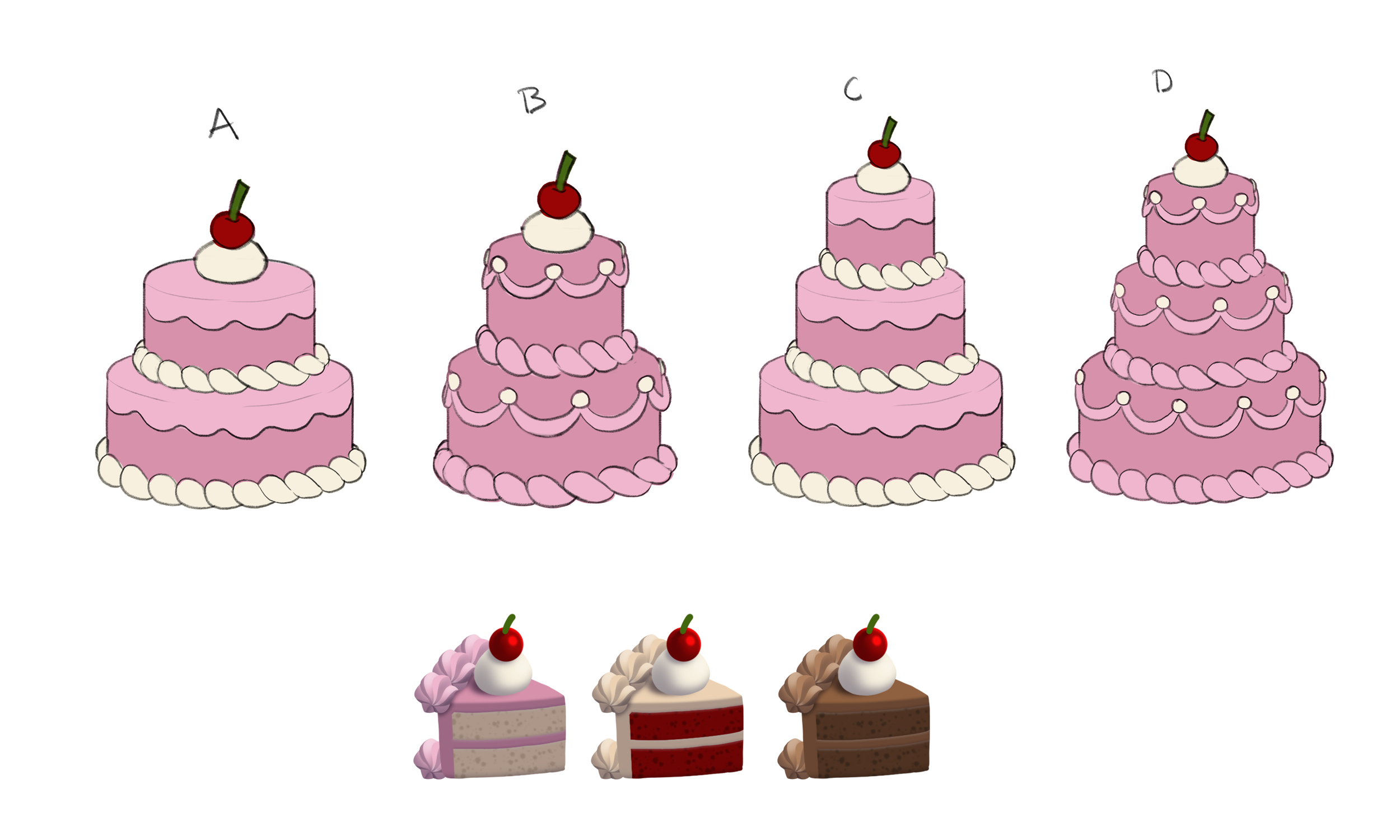
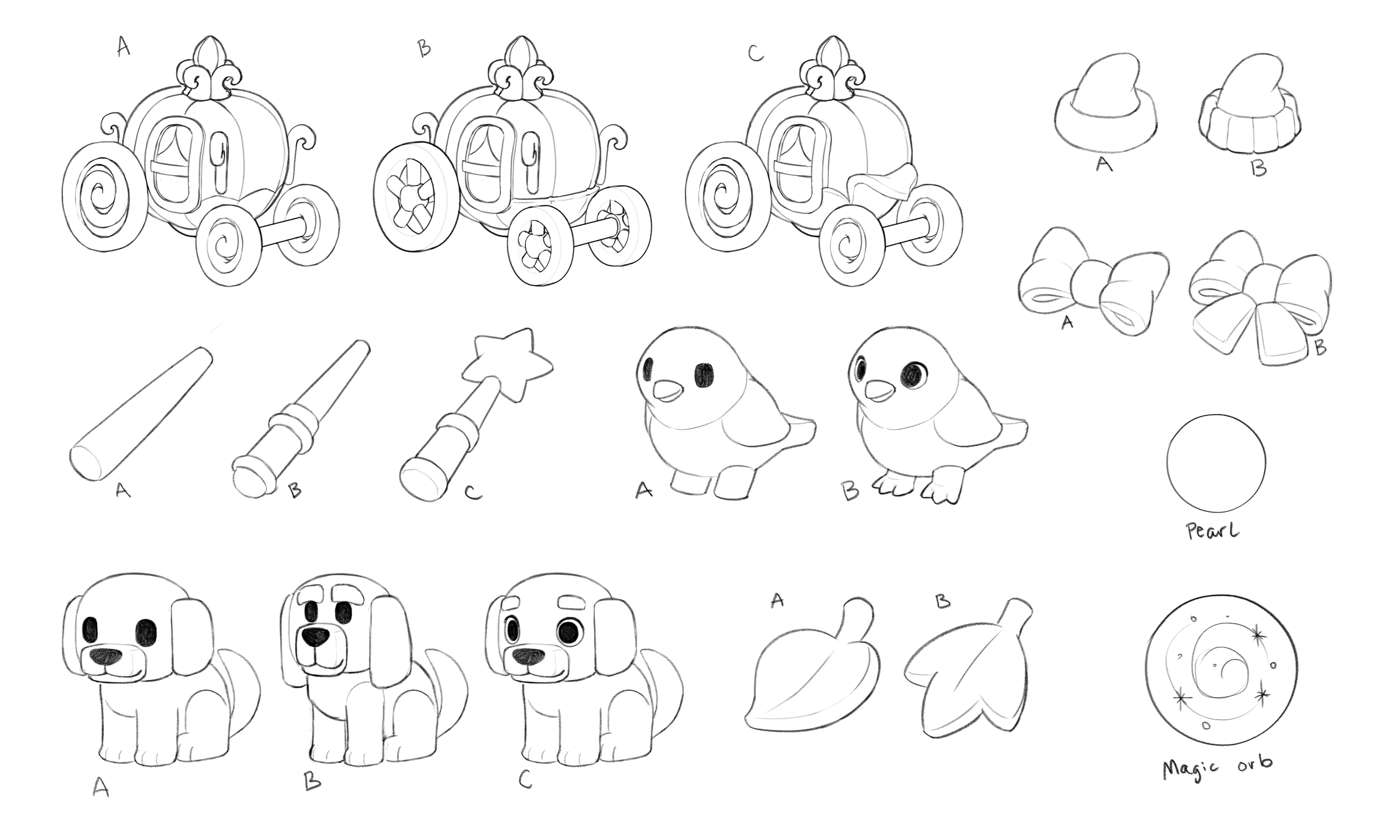
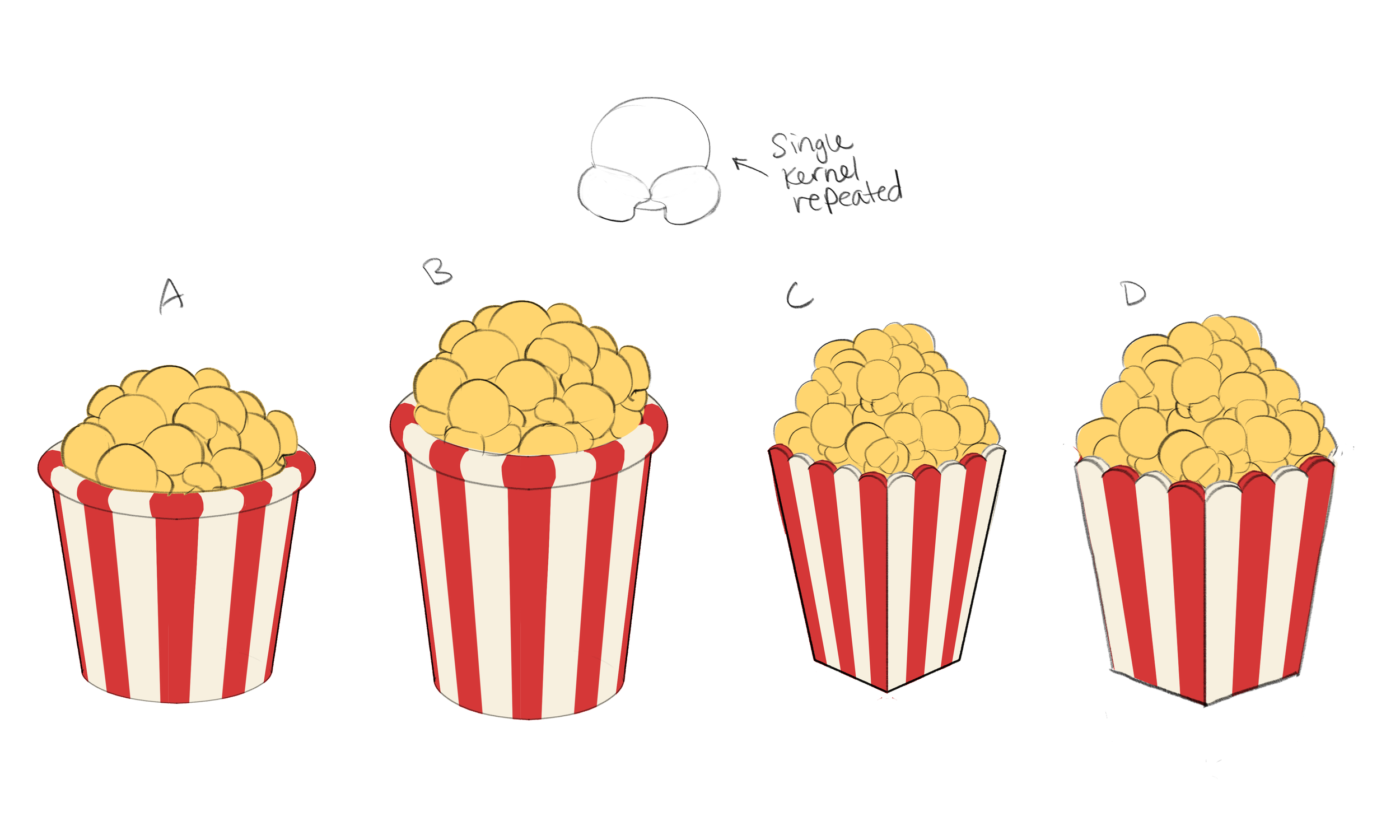
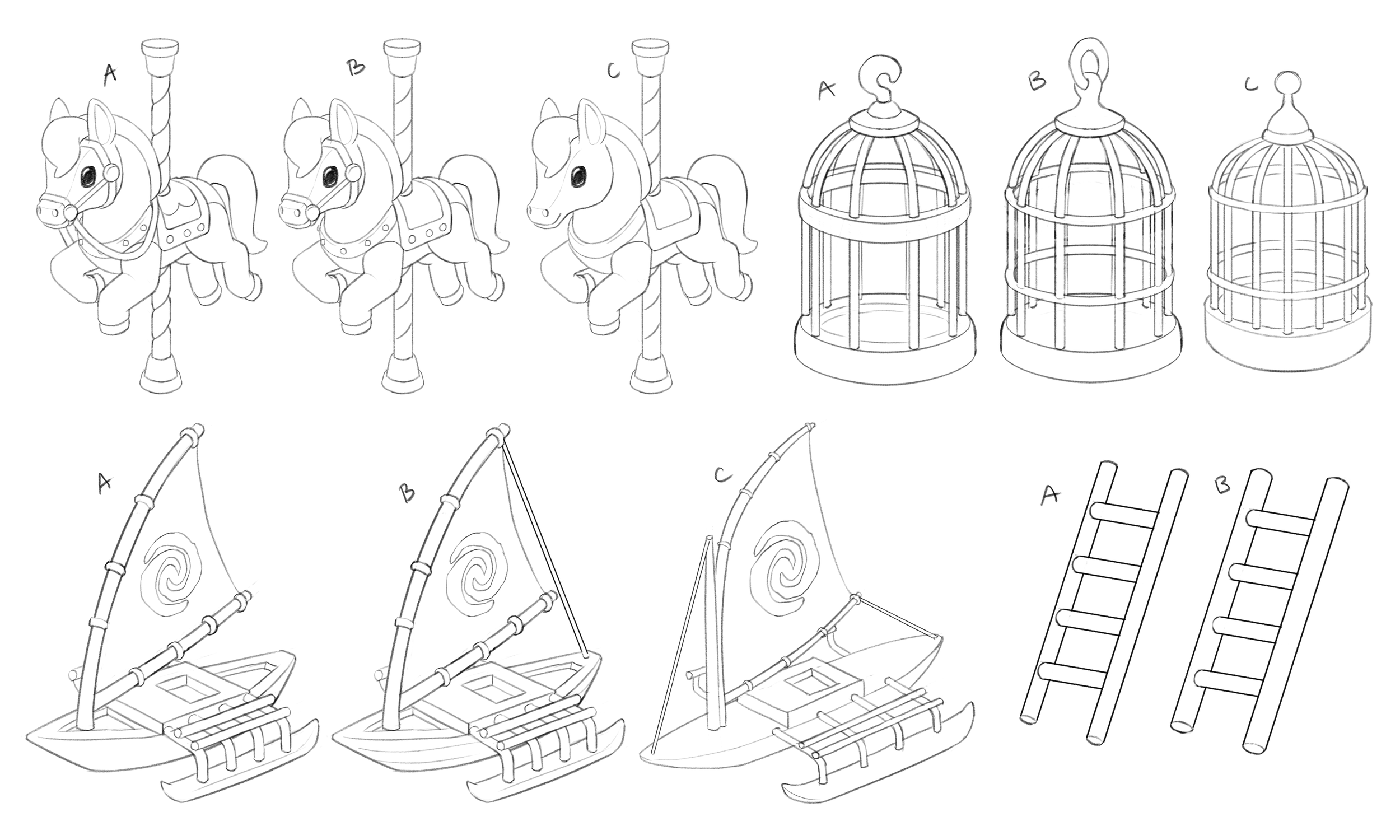
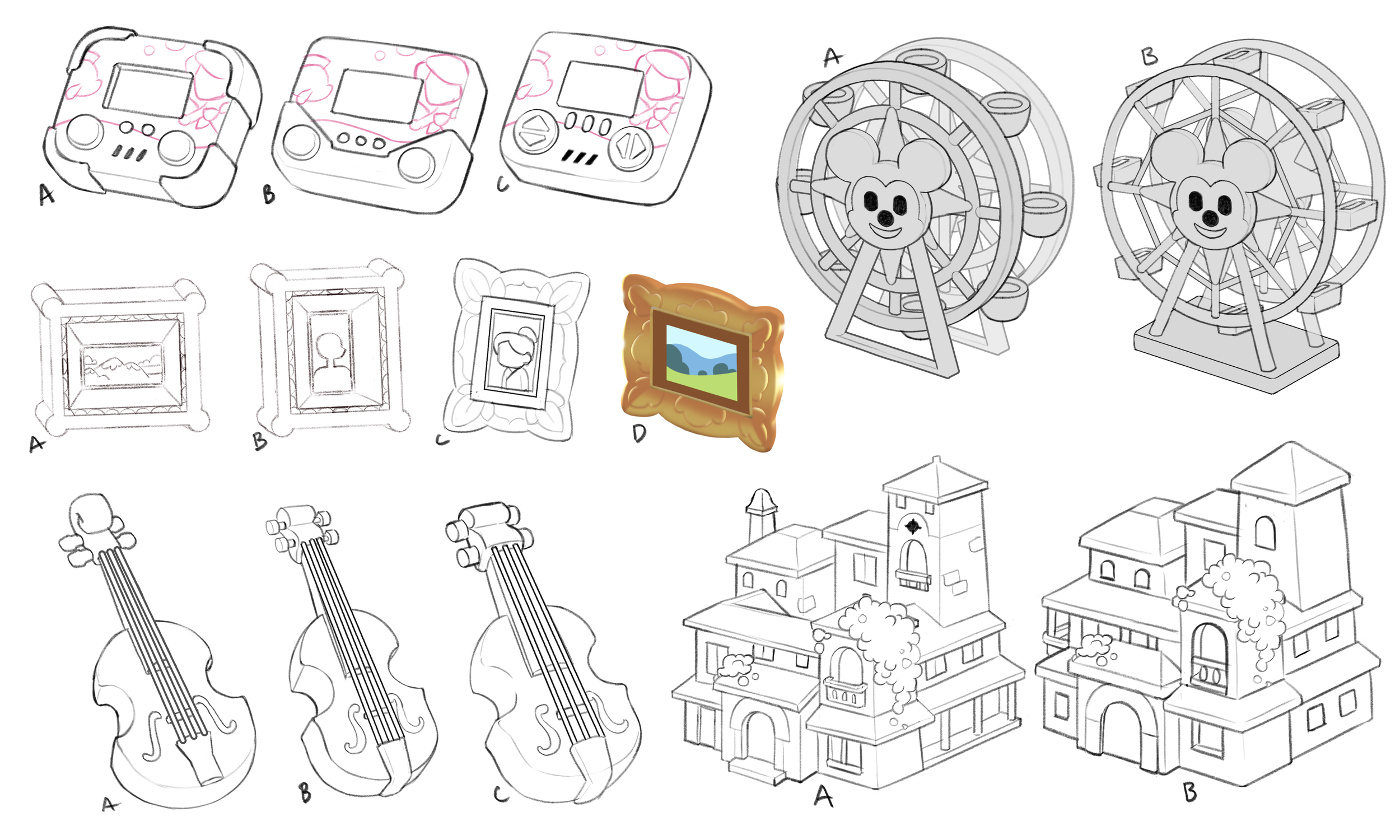
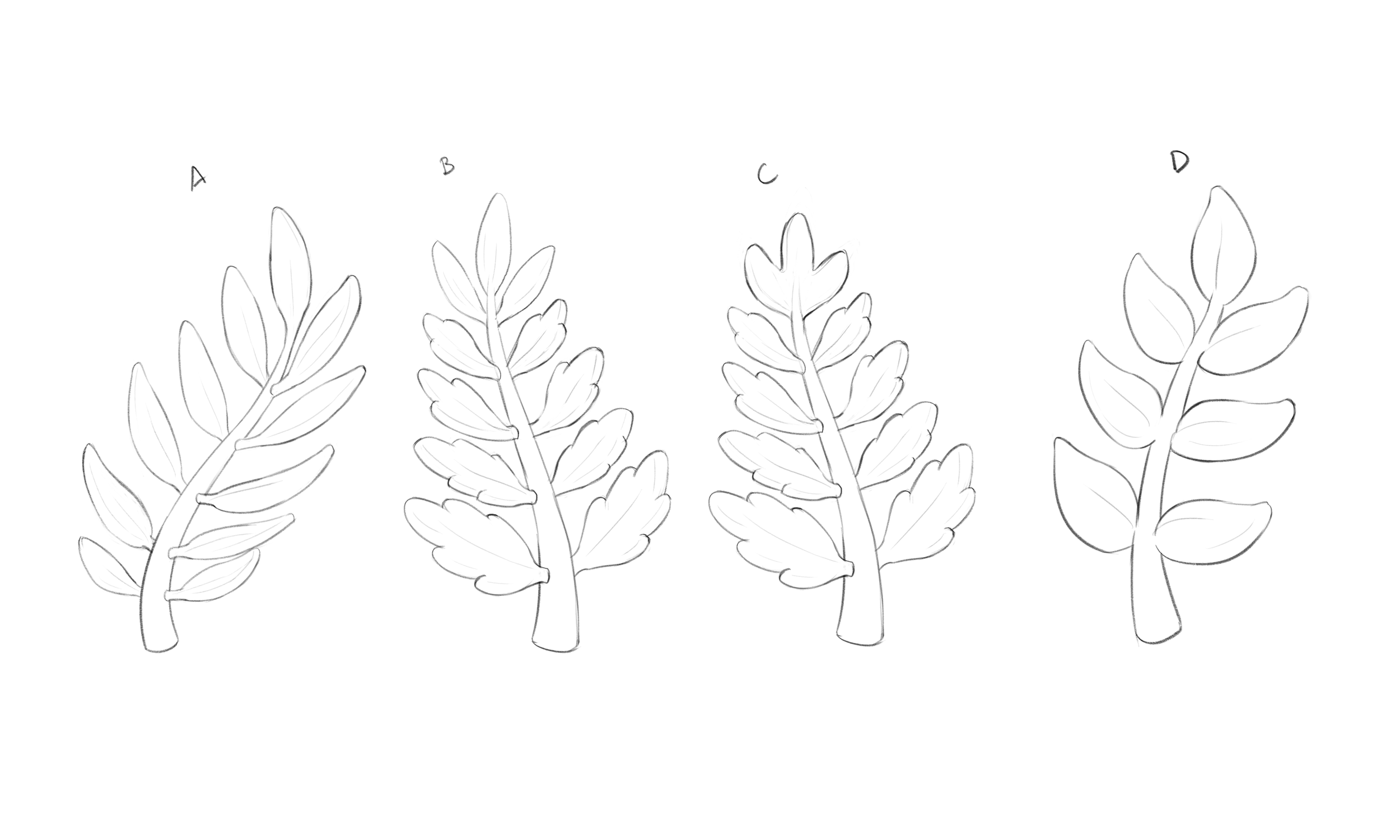
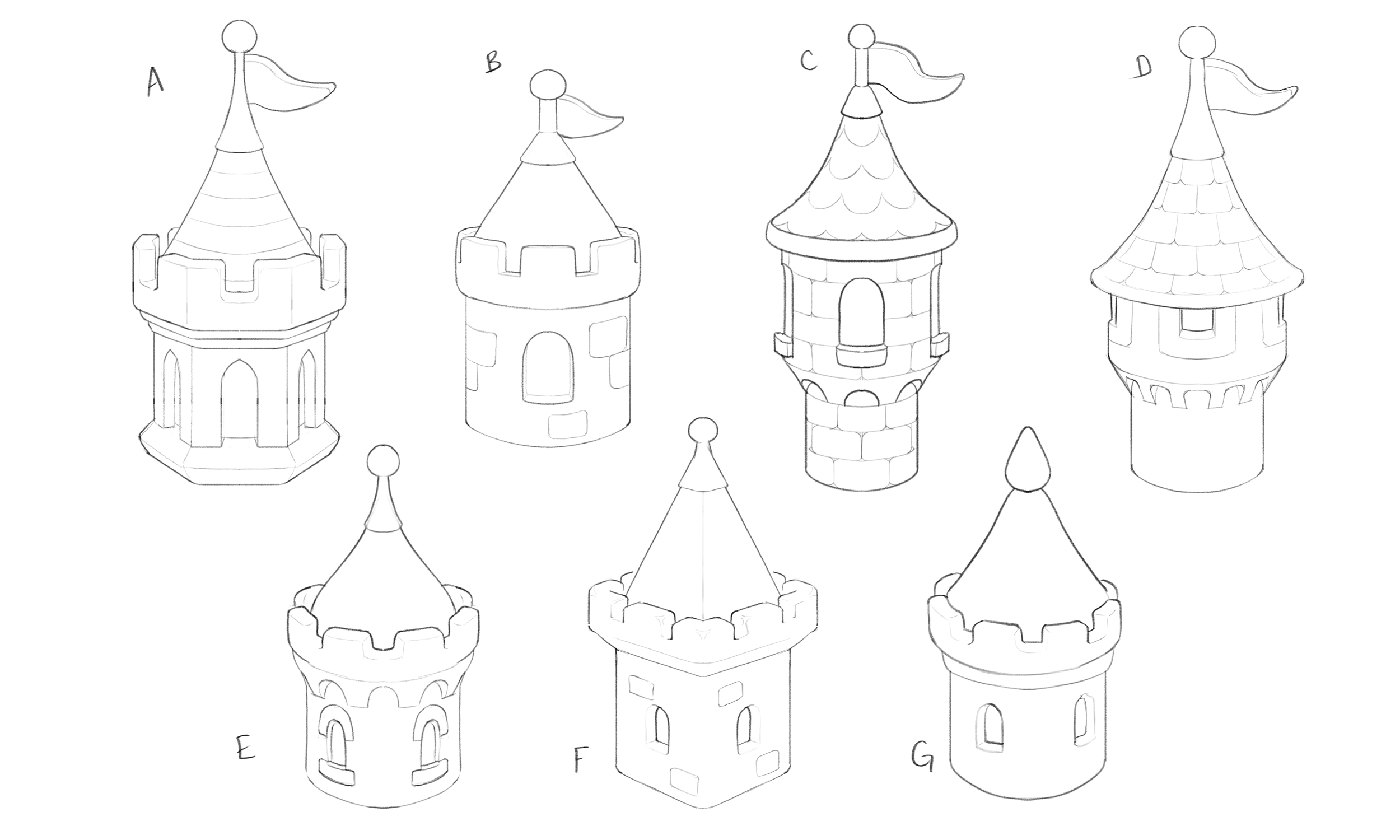
Step 1: Concept Sketches
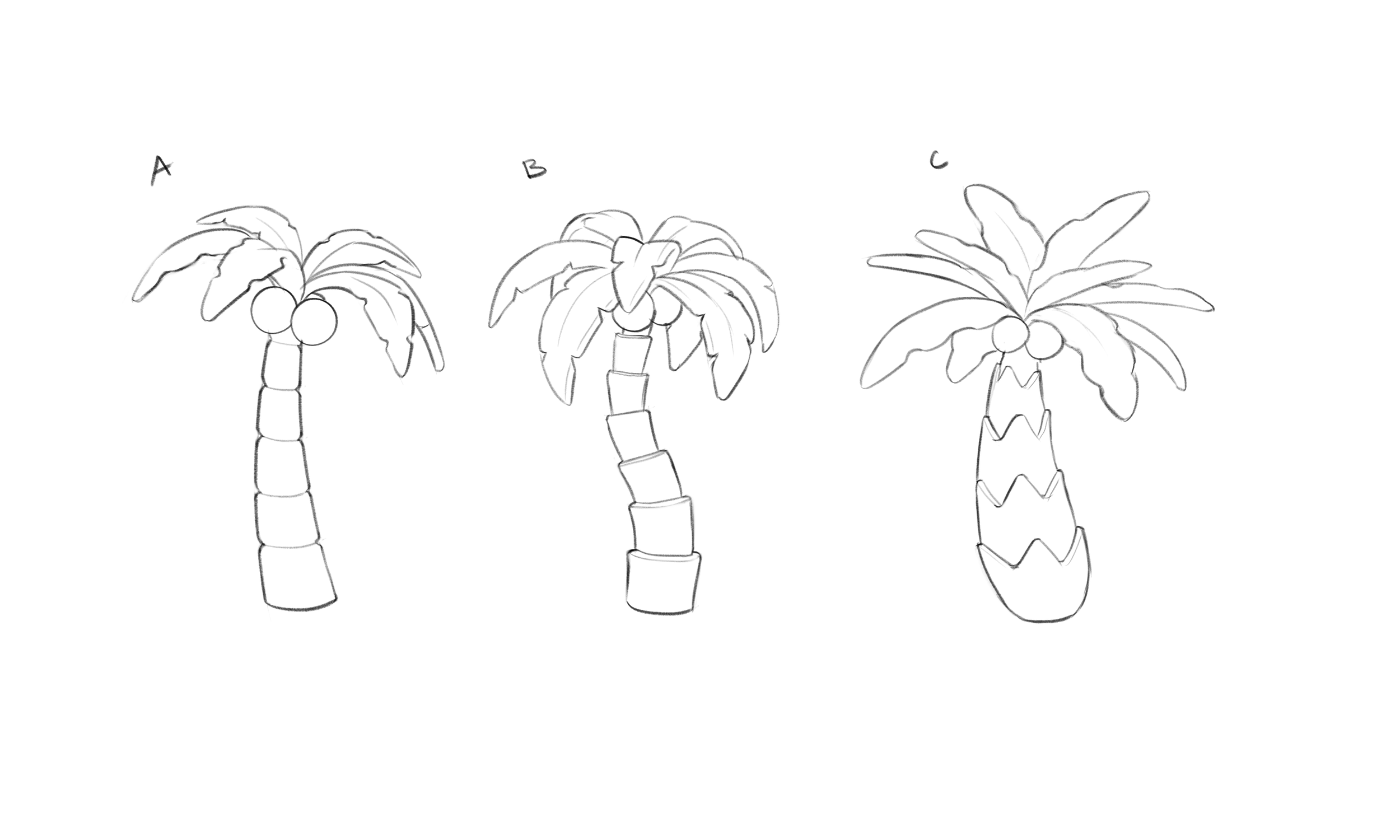
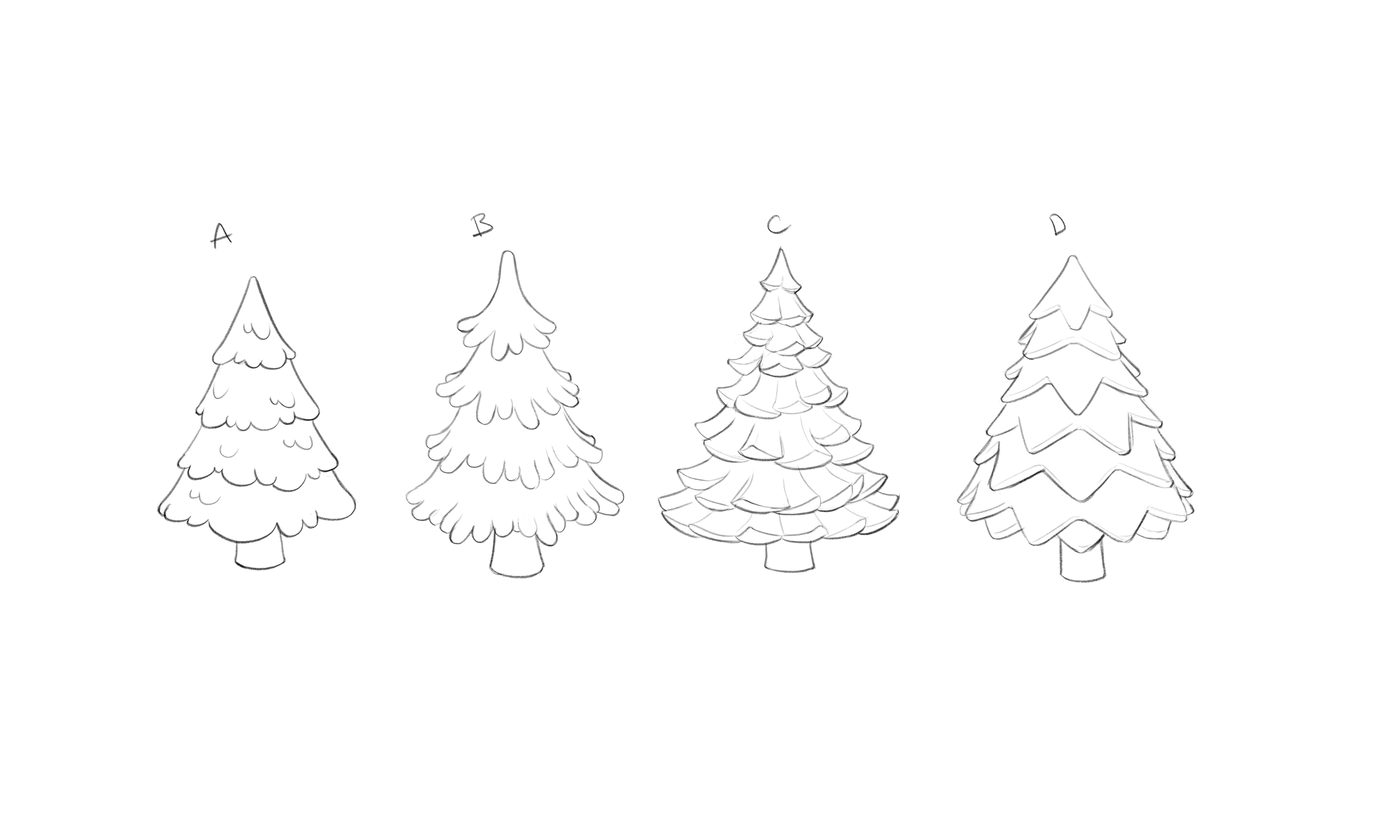
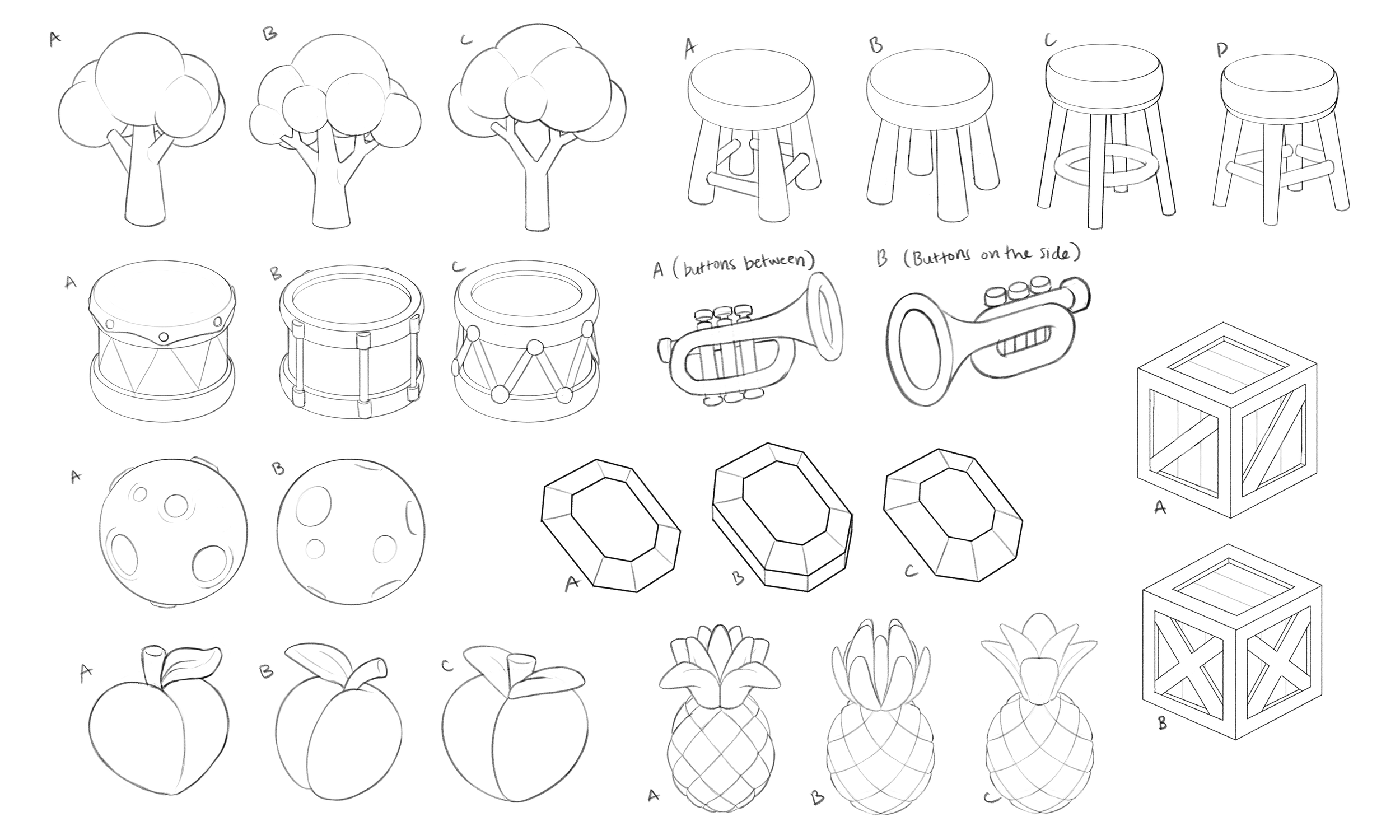
I presented the initial concepts before overseeing collaborating artists who would then create 3-4 meaningfully different sketches. These could be in sketch form, but the intended design was meant to be 100% clear. The Art Director or myself would then choose the design that moves to the next step, which is Turn Arounds.
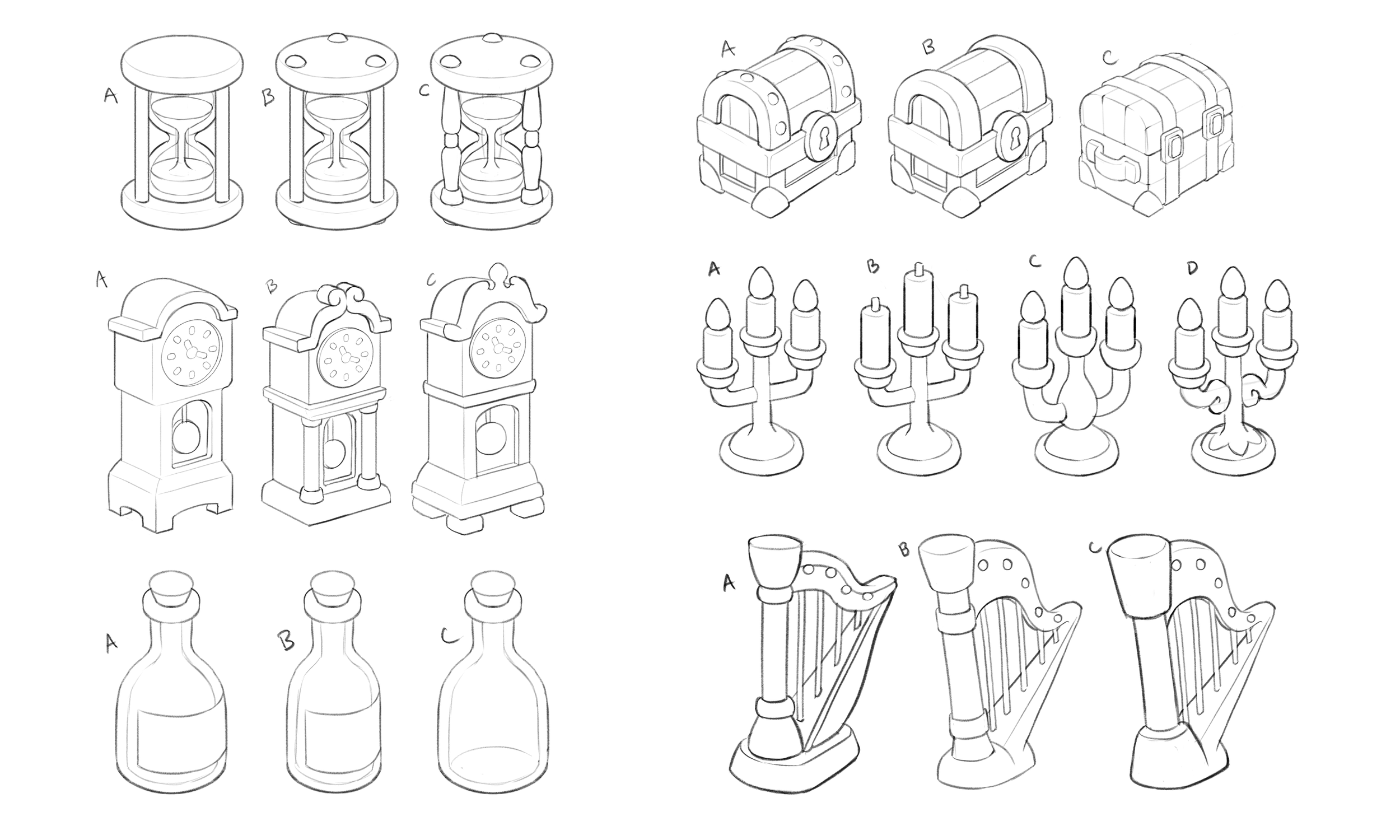
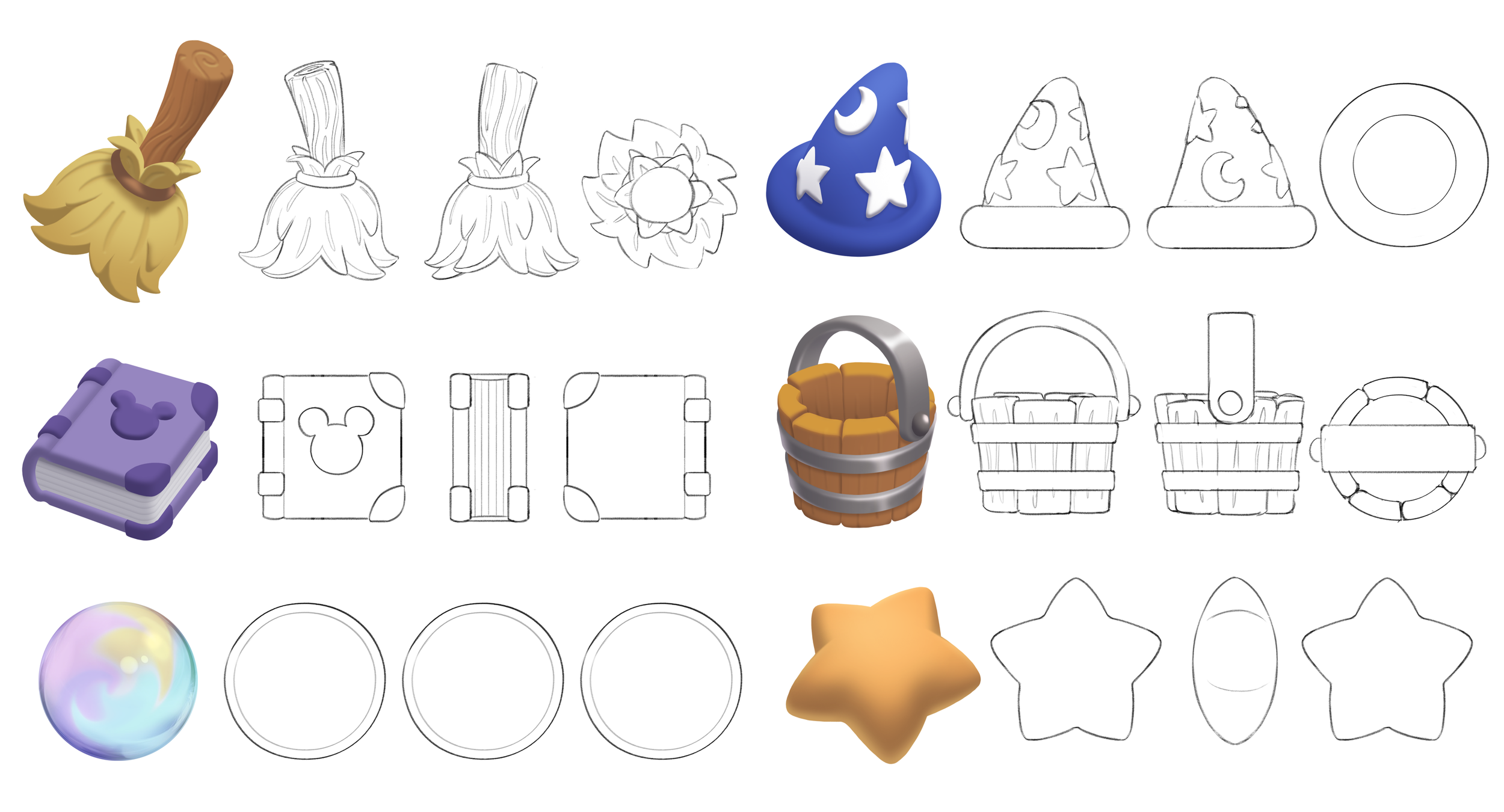
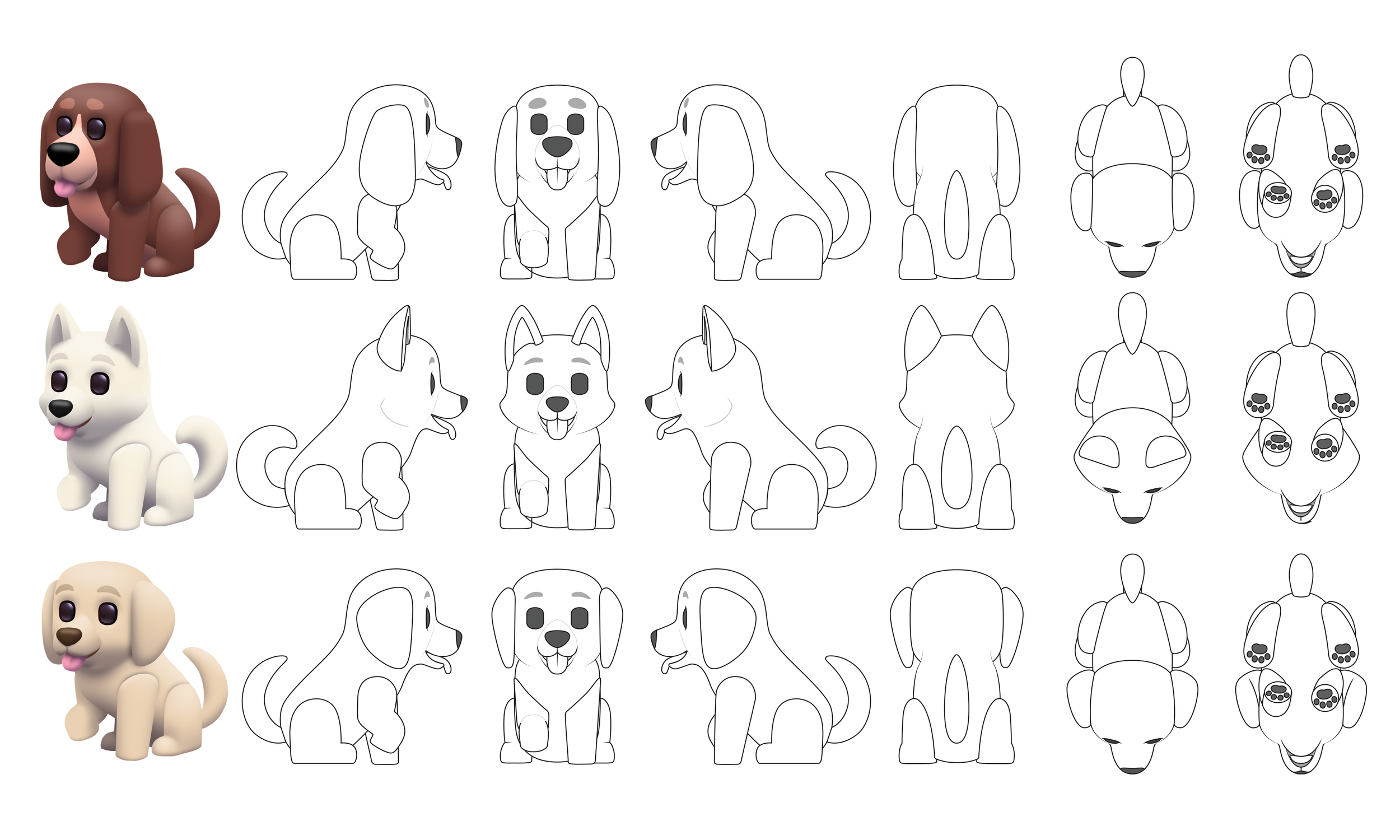
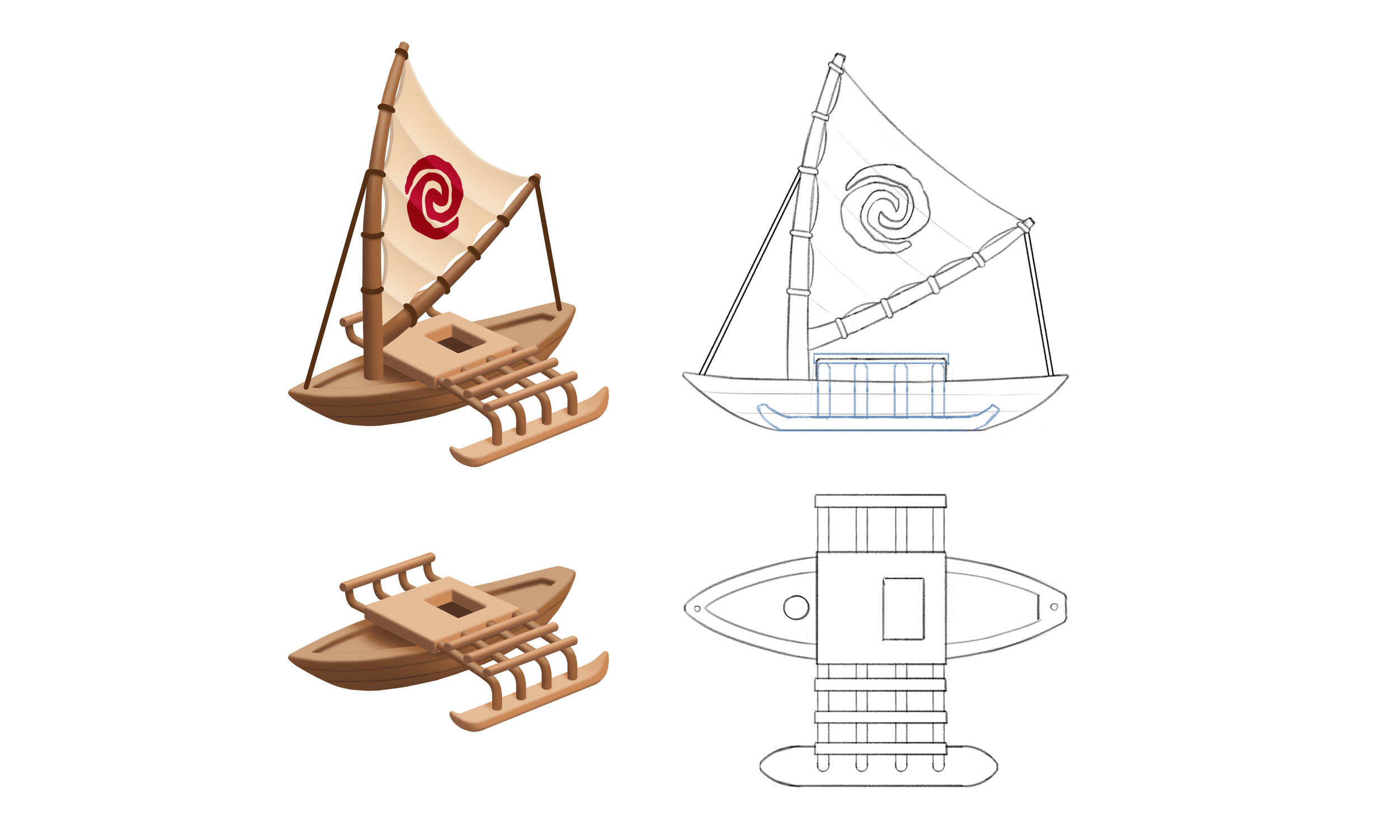
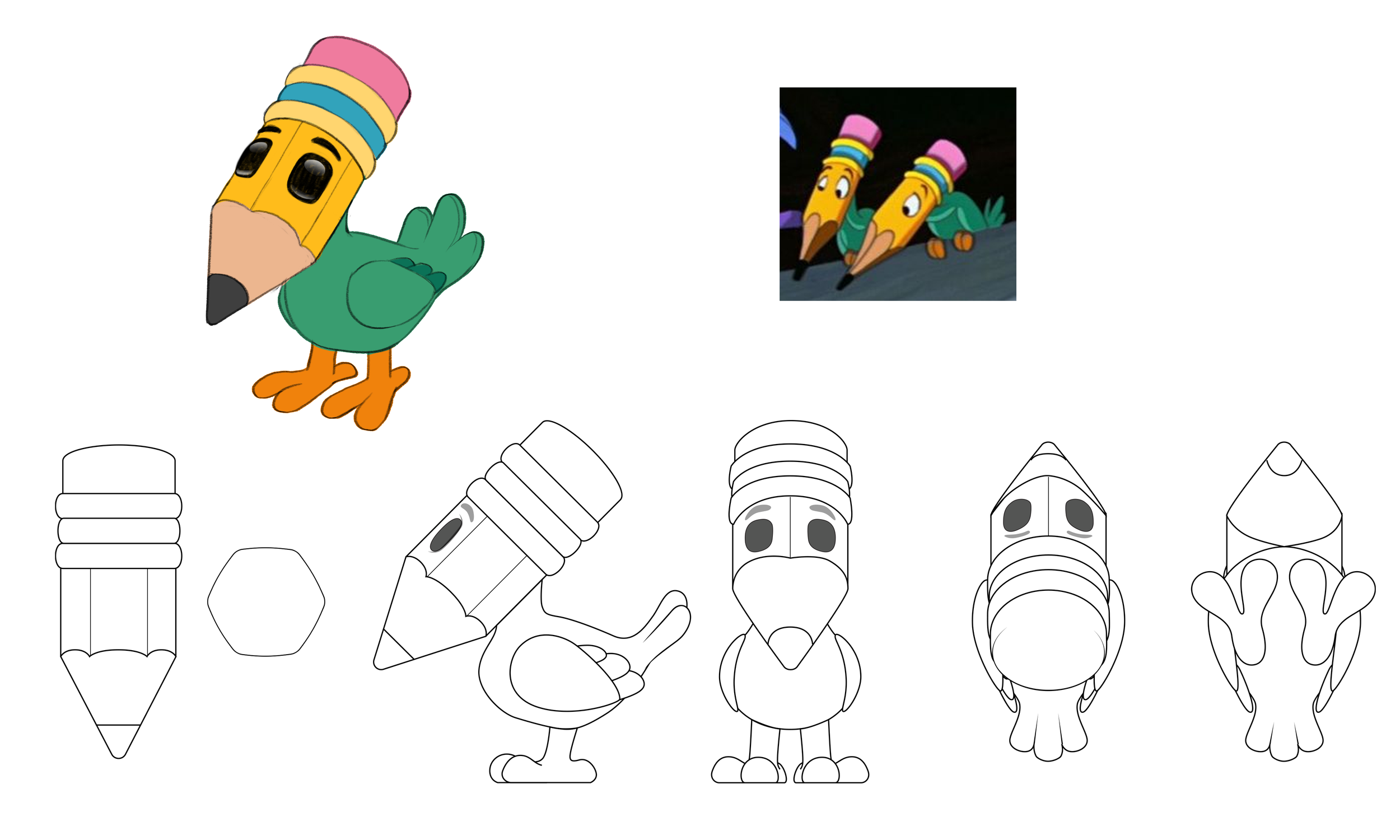
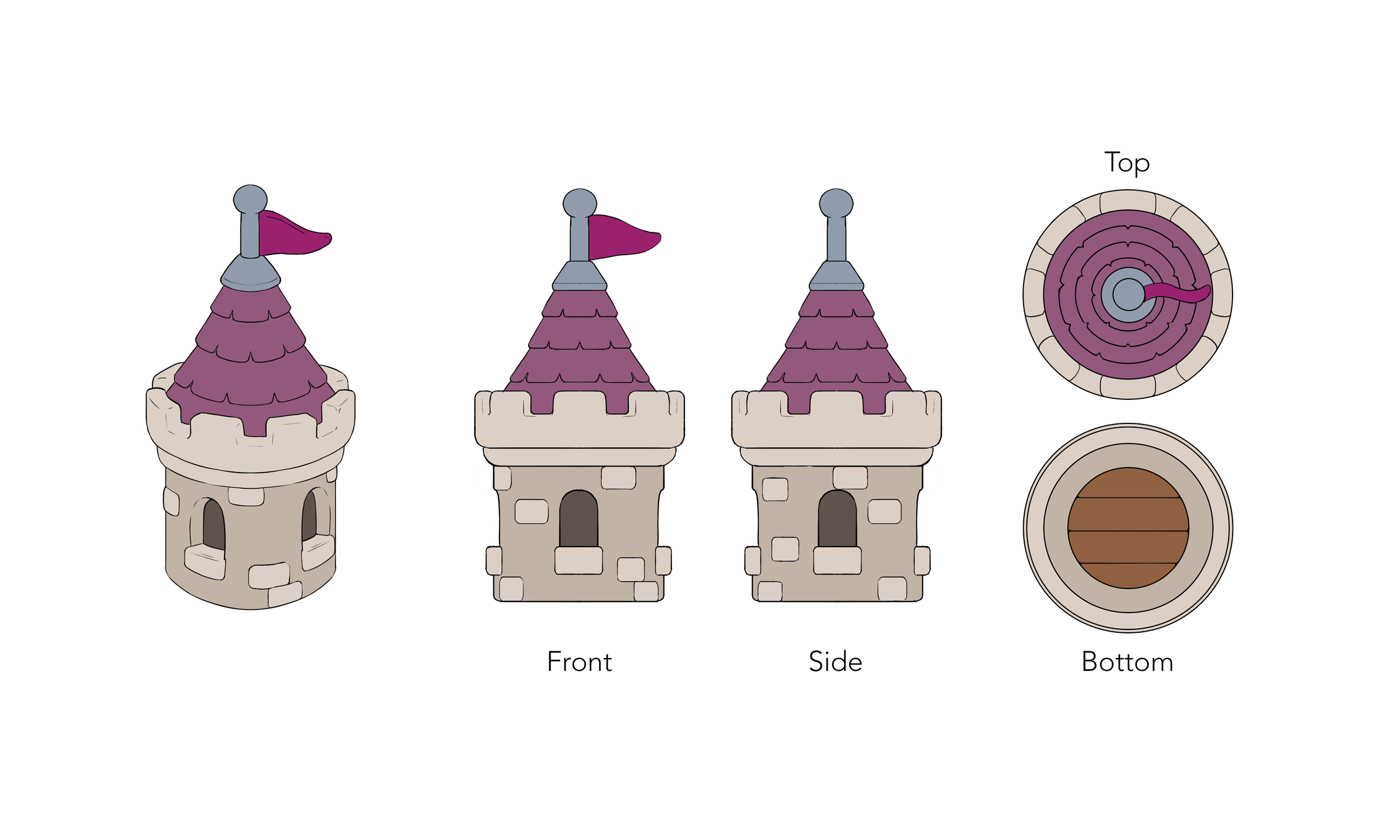
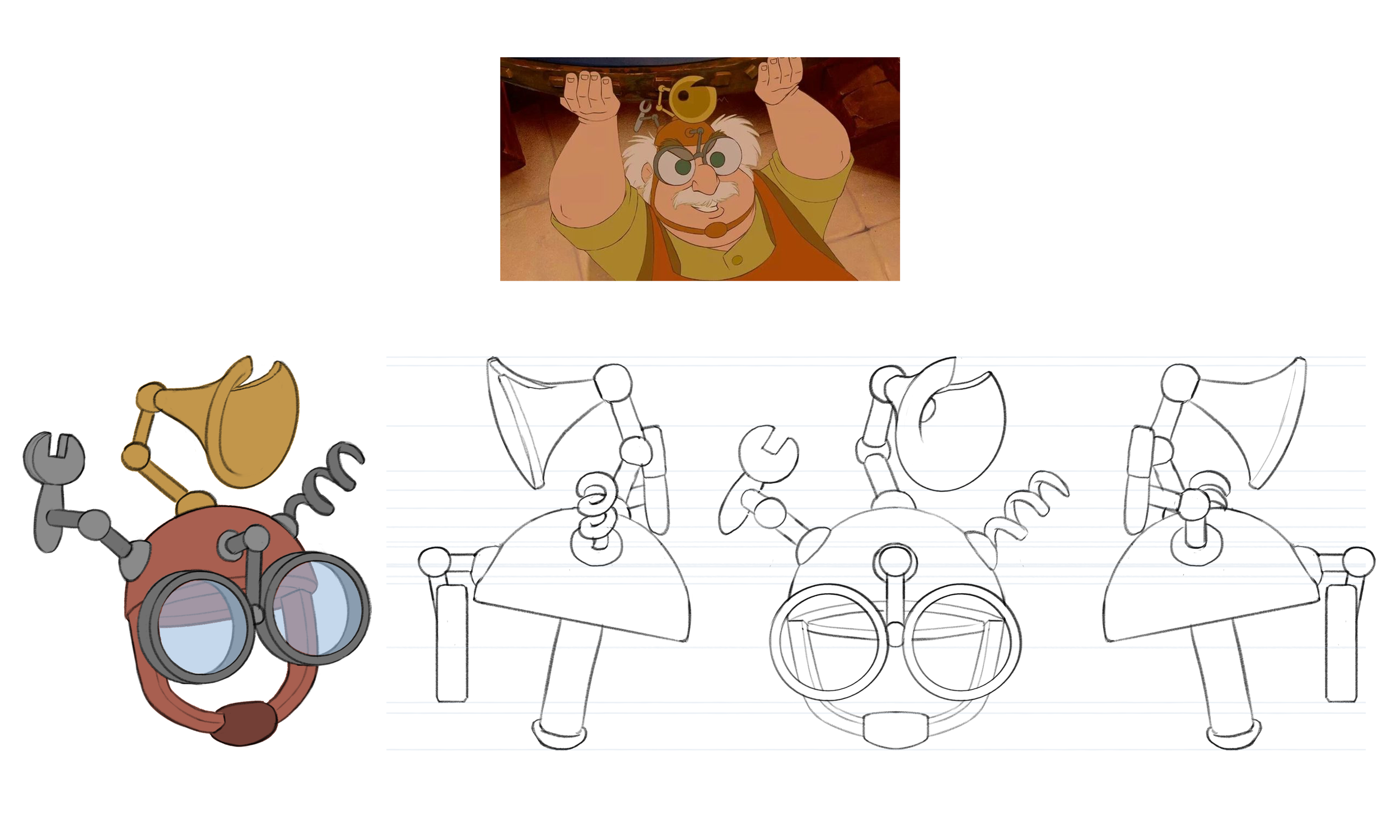
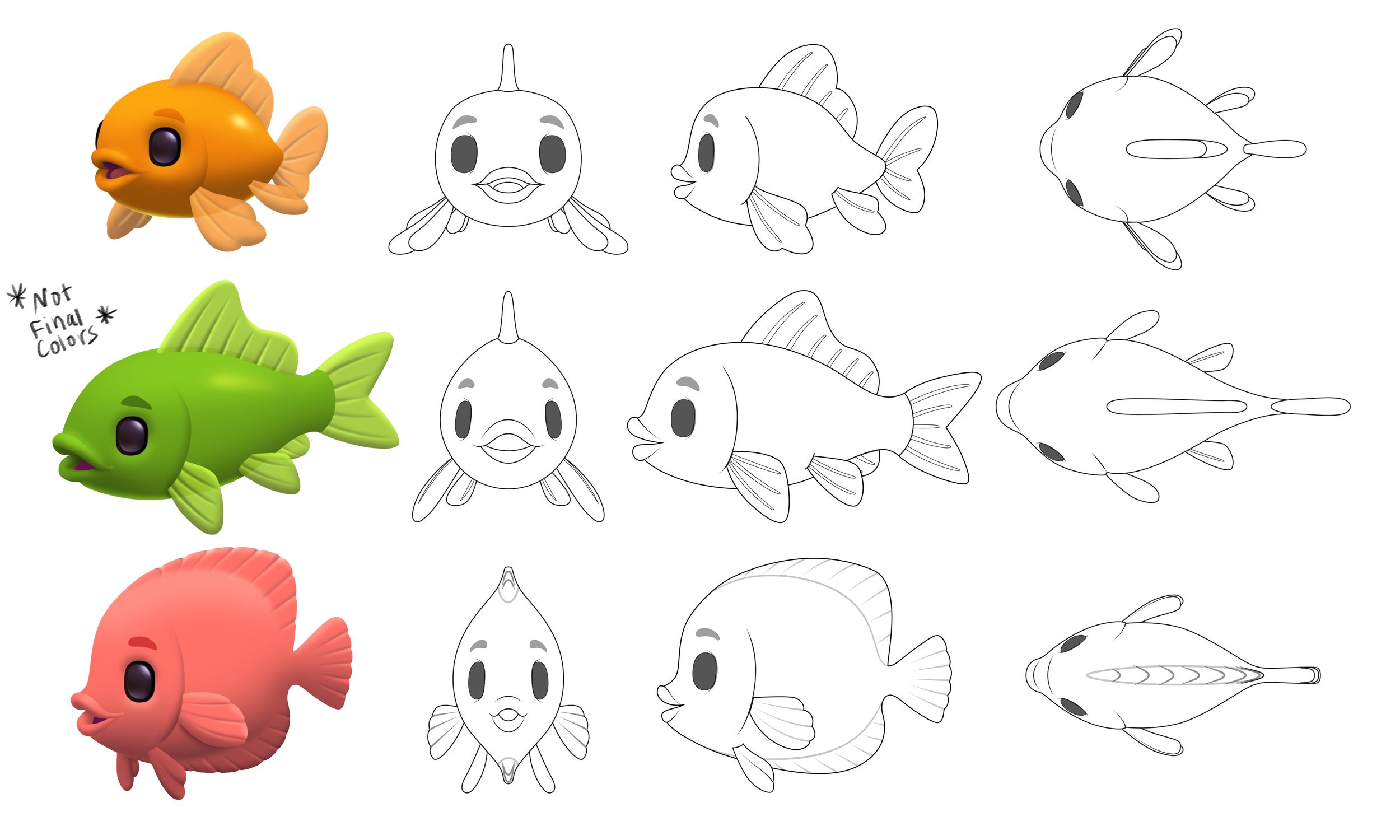
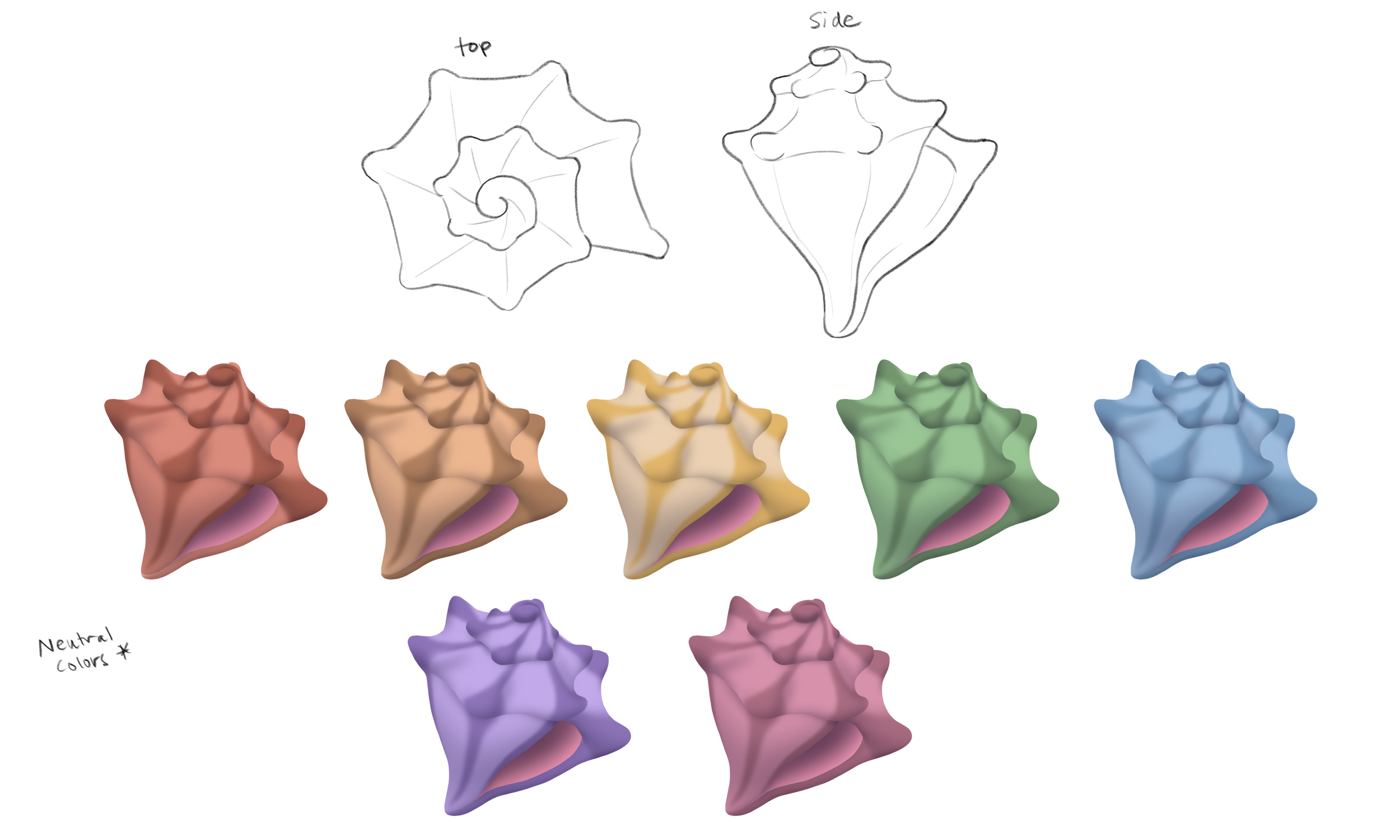
Step 2: Turn Arounds
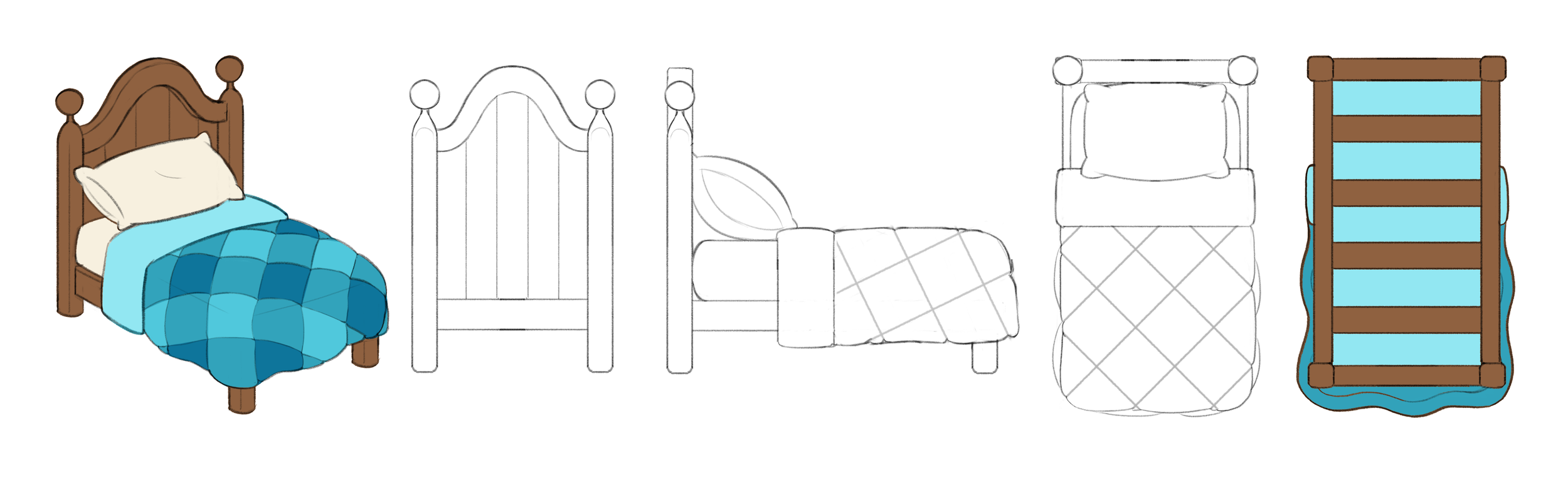
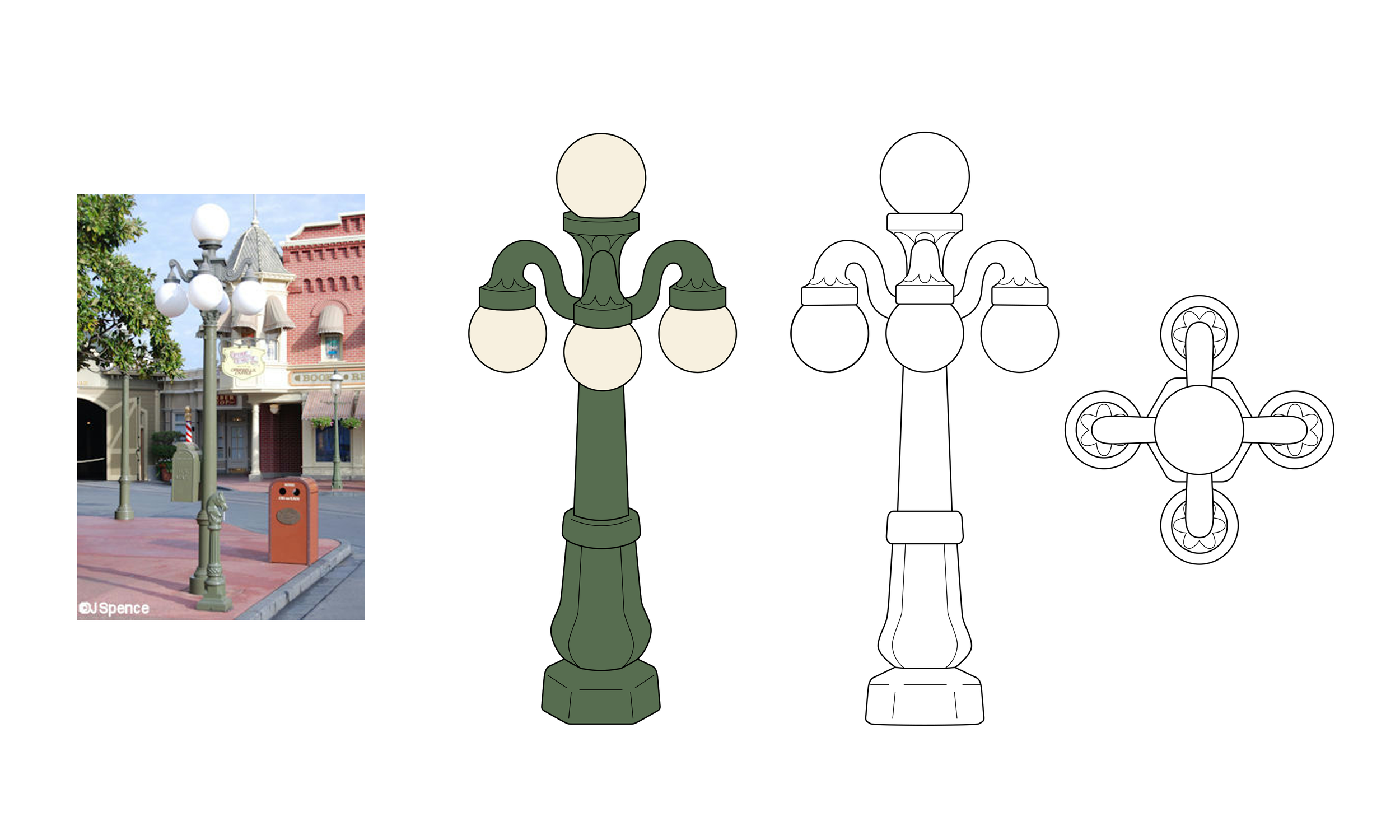
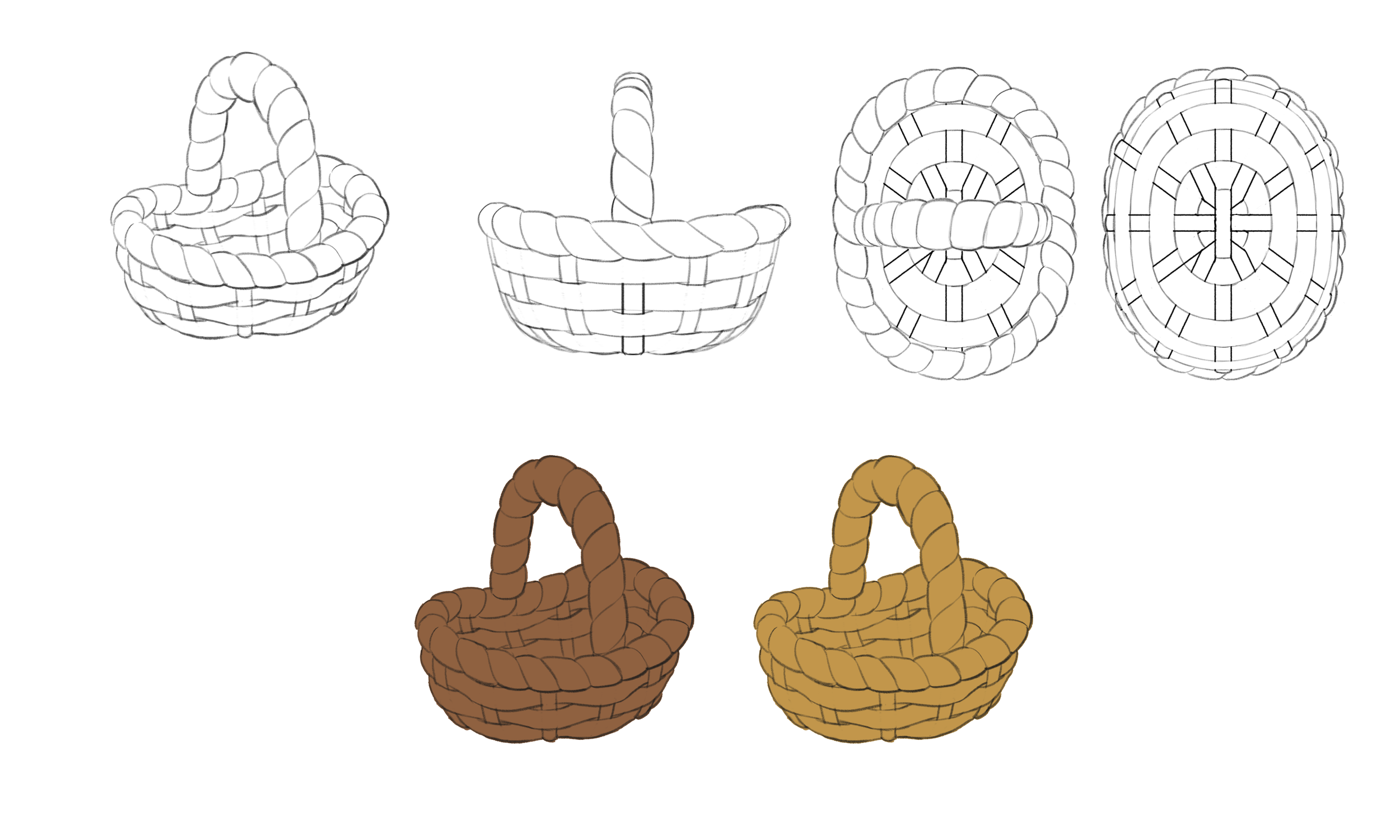
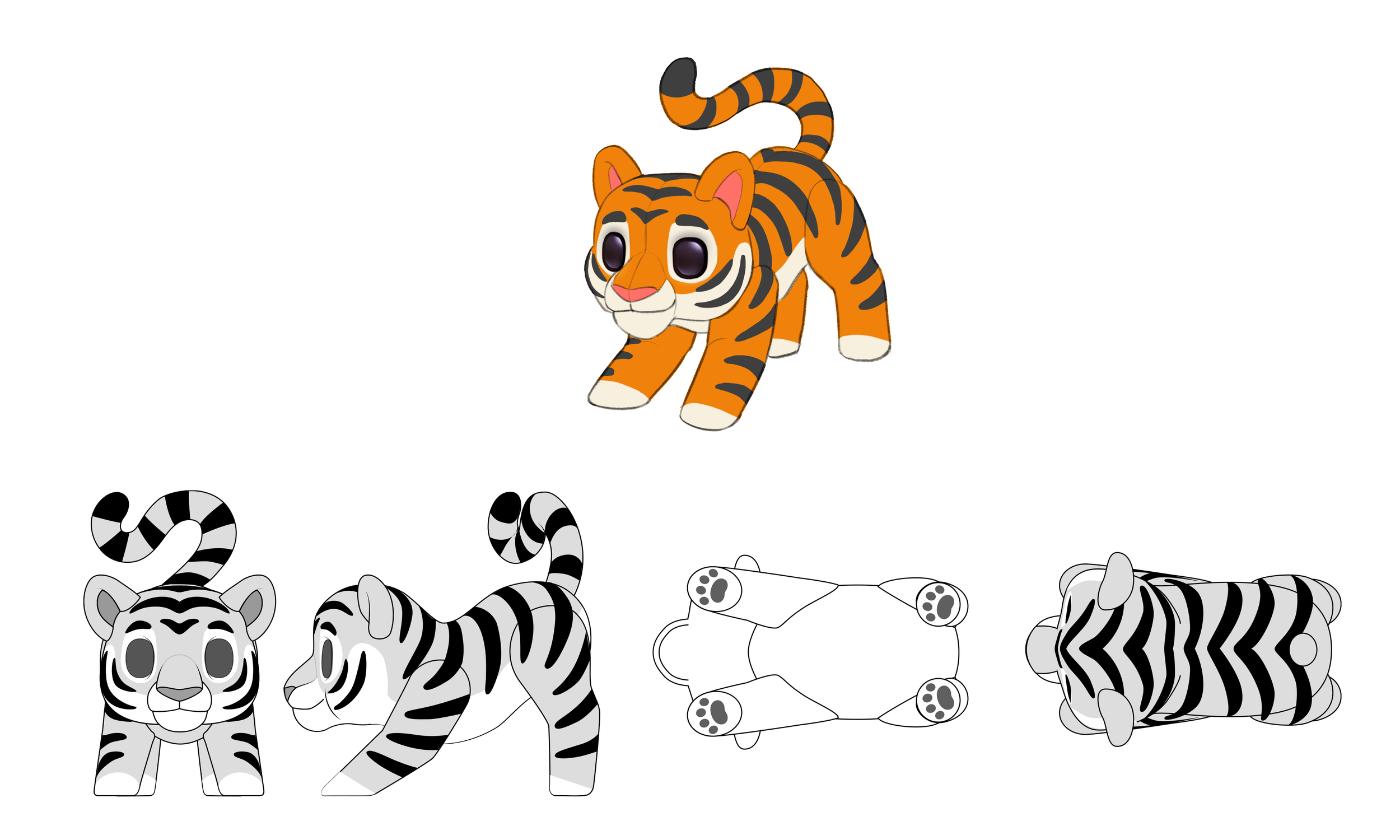
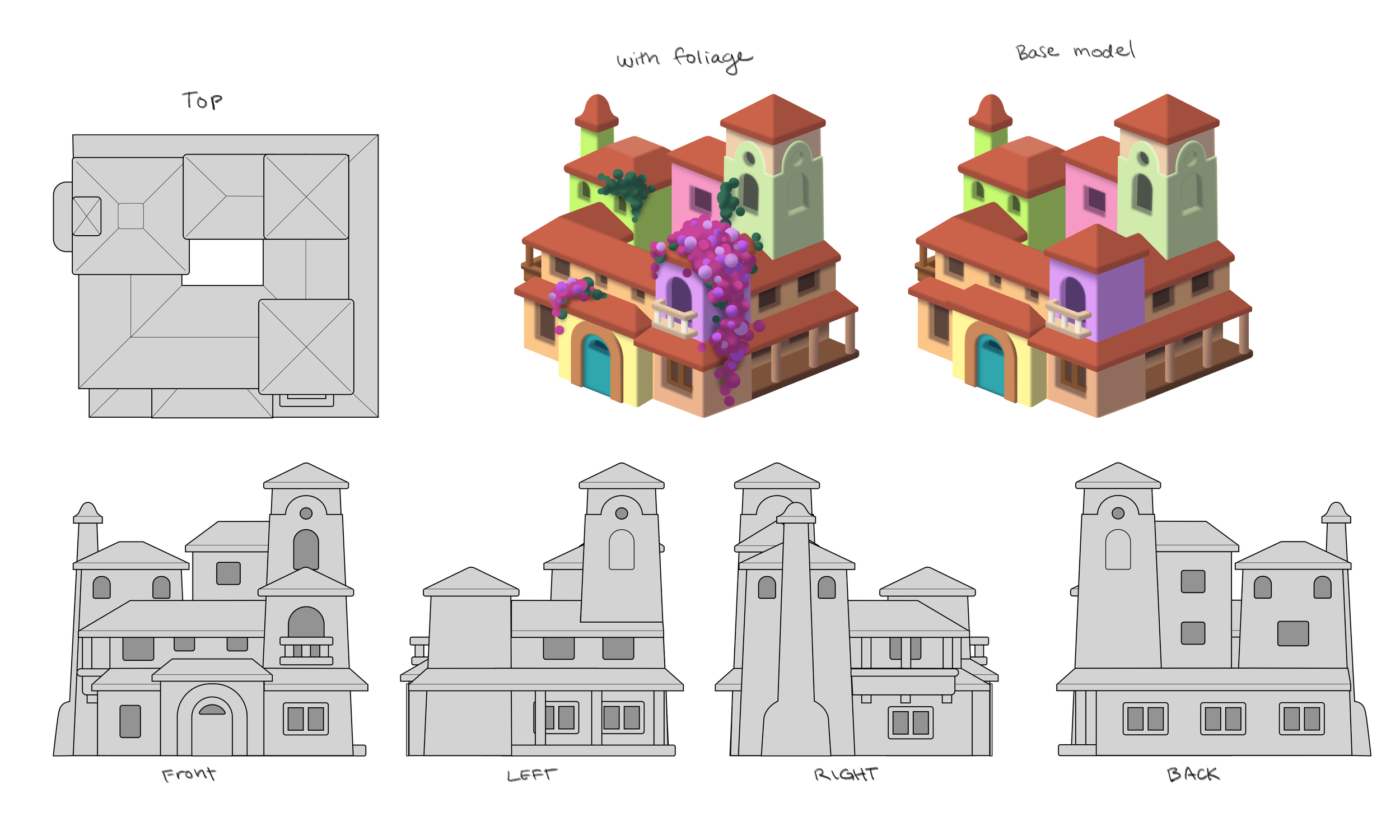
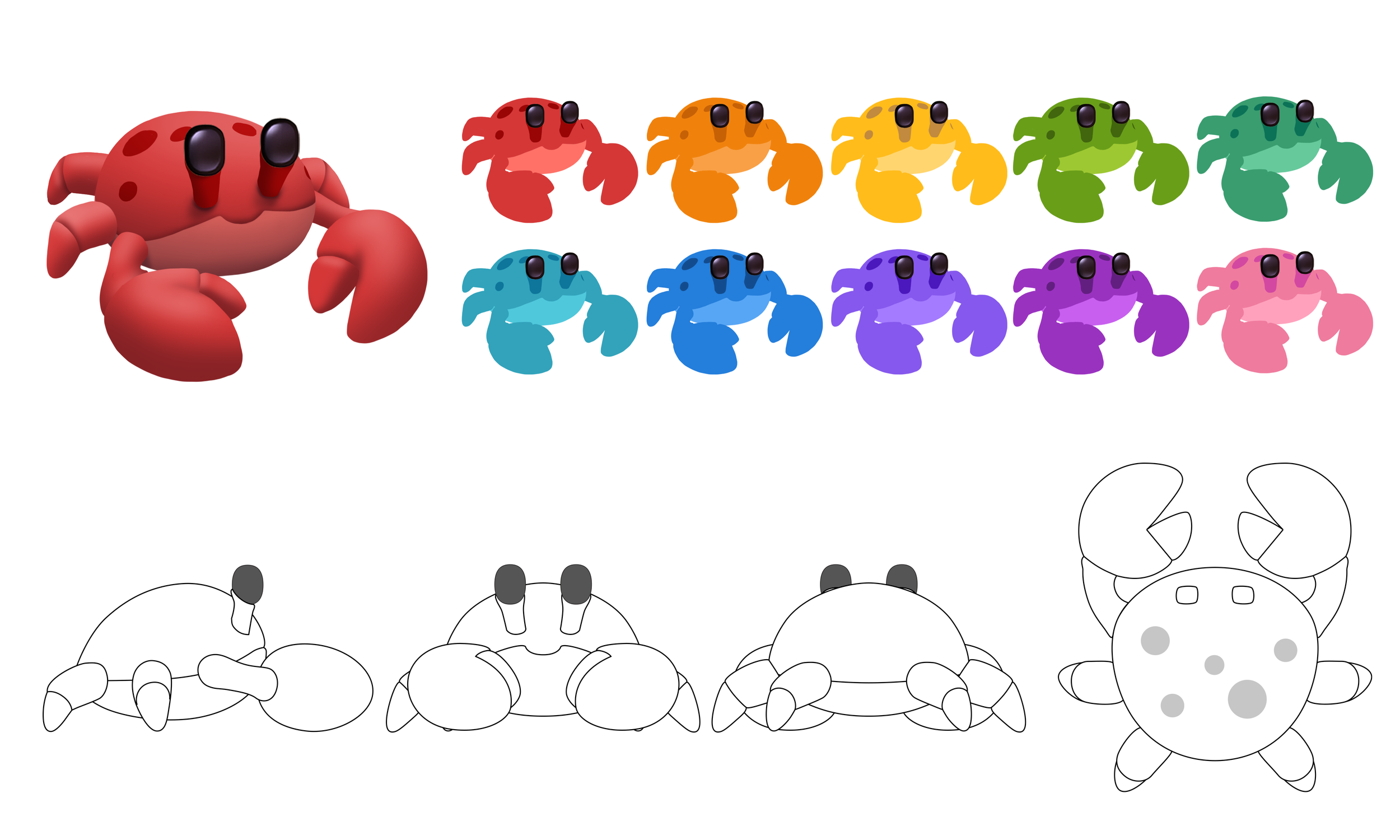
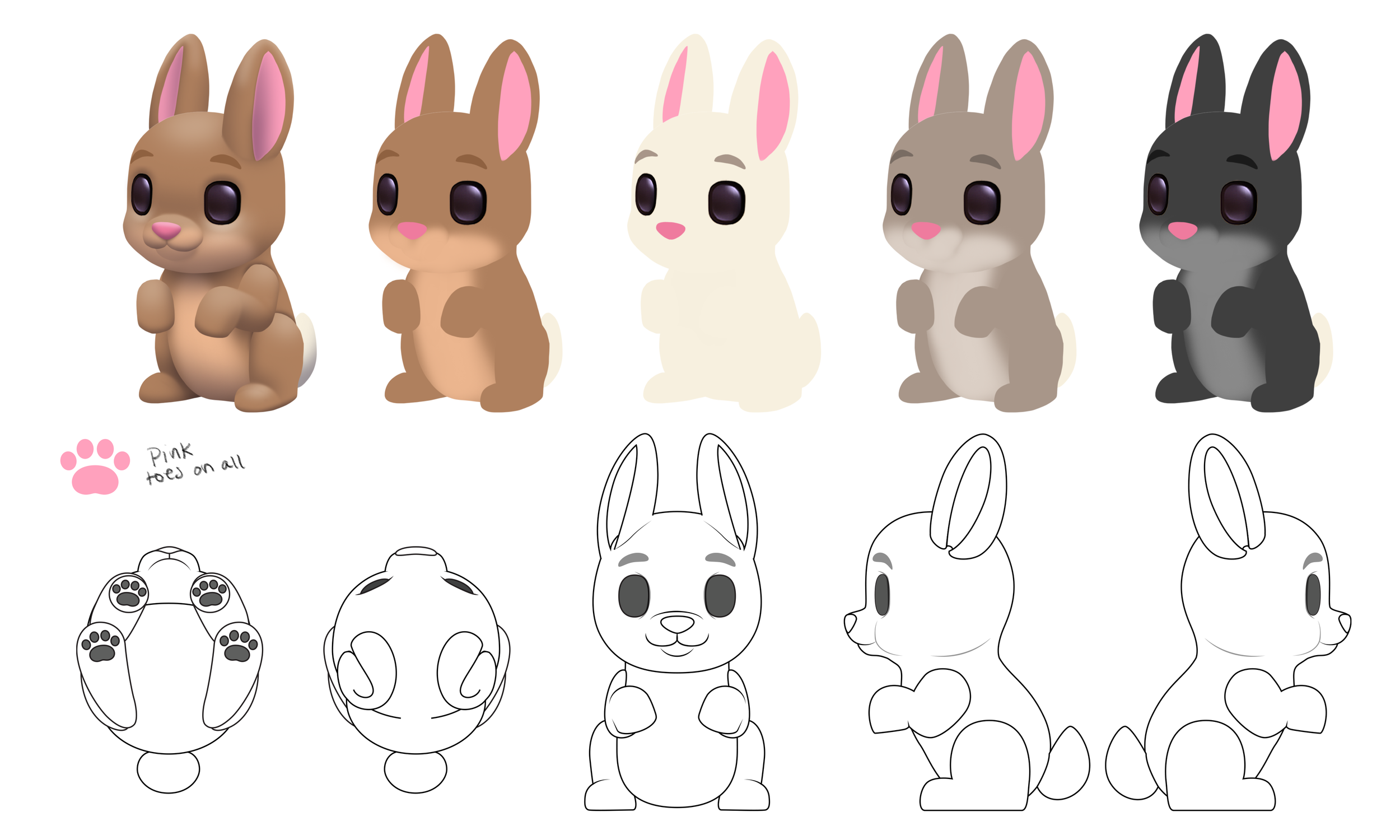
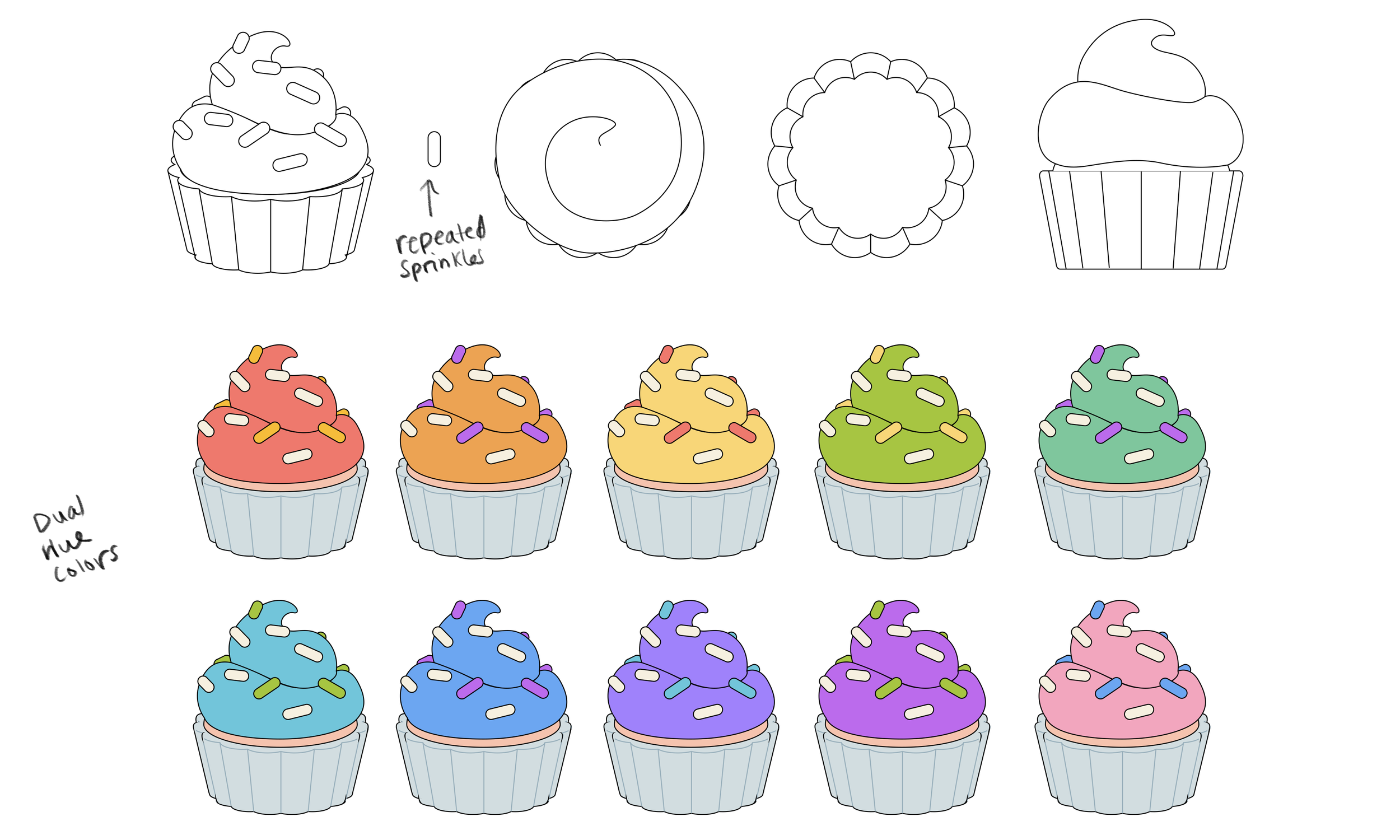
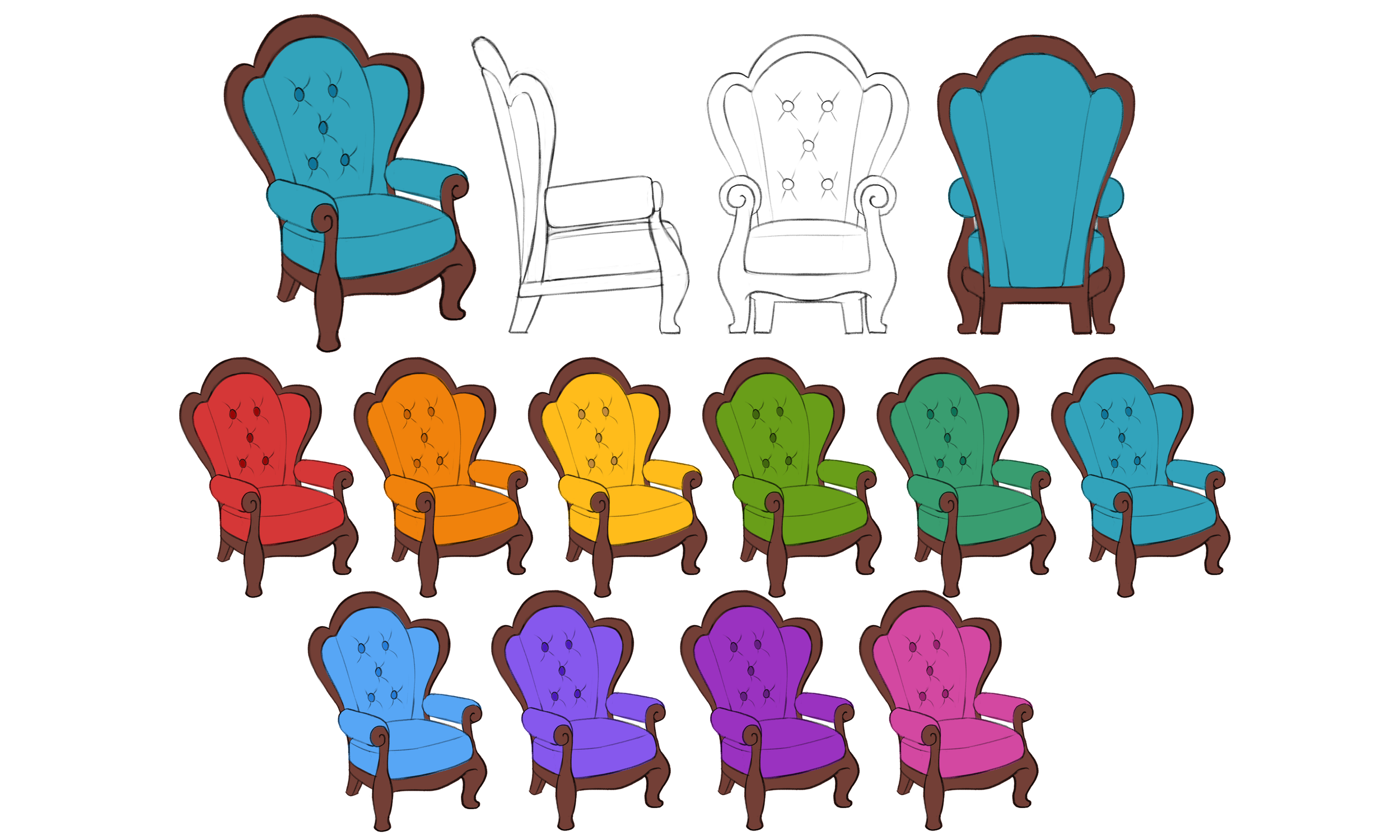
I created Turn Around Drawings to help define the shape from multiple angles depending on the level of complexity for a given item.
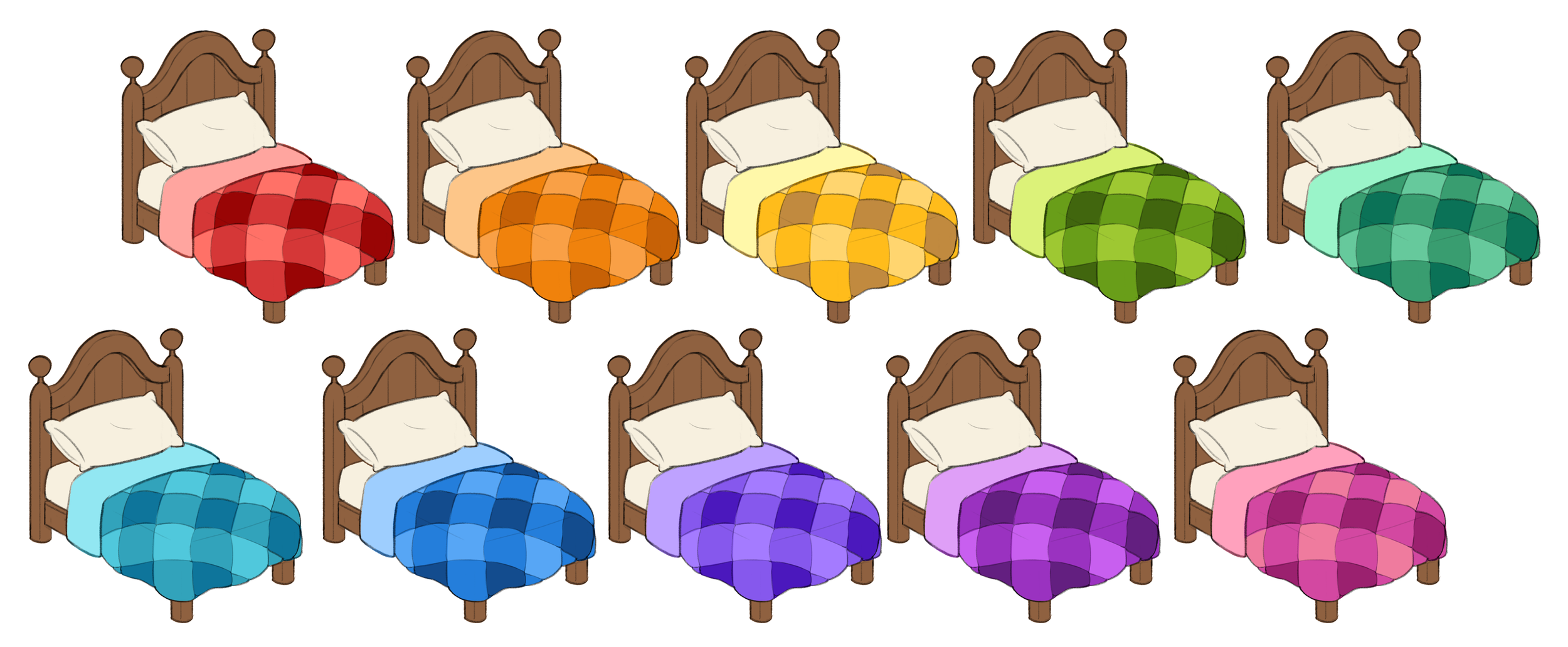
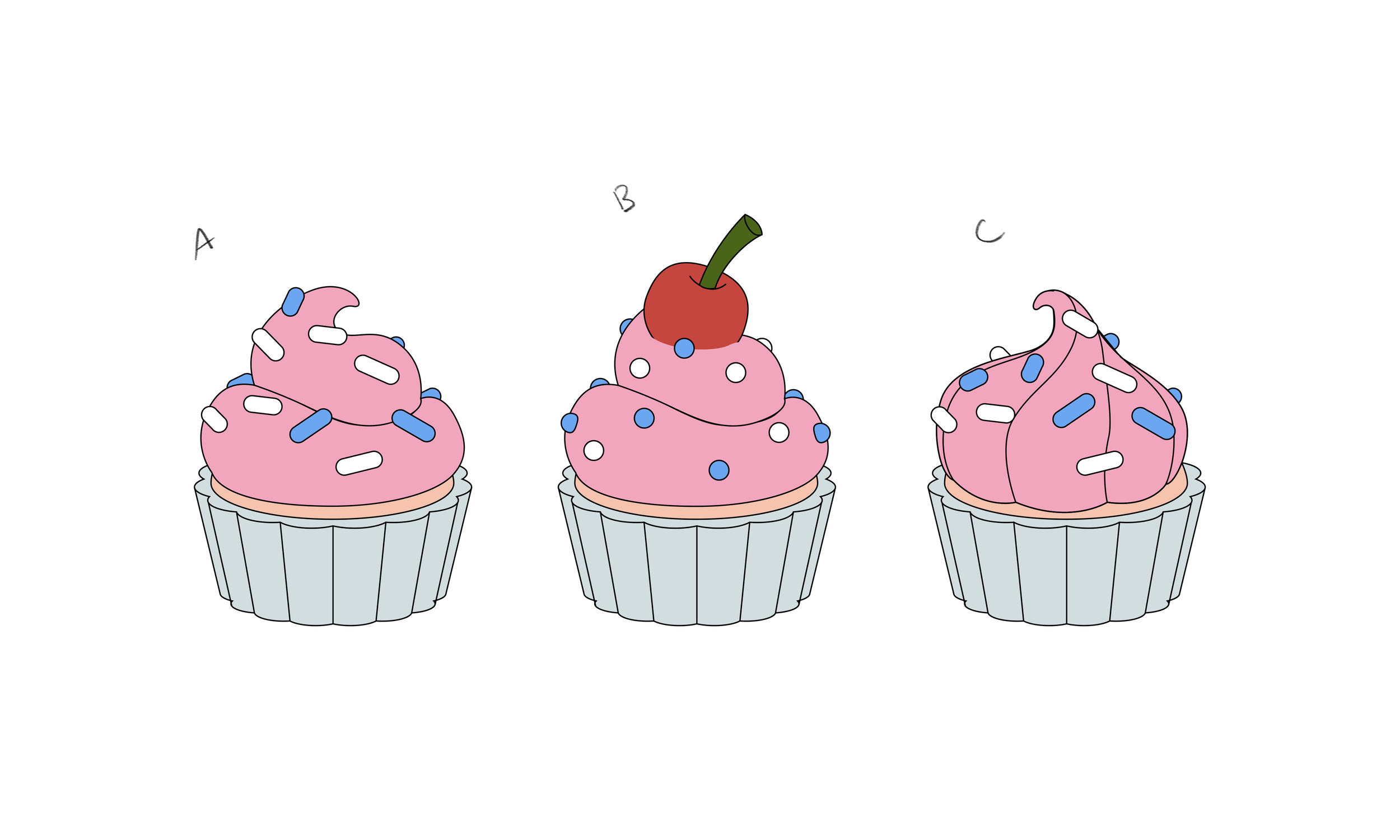
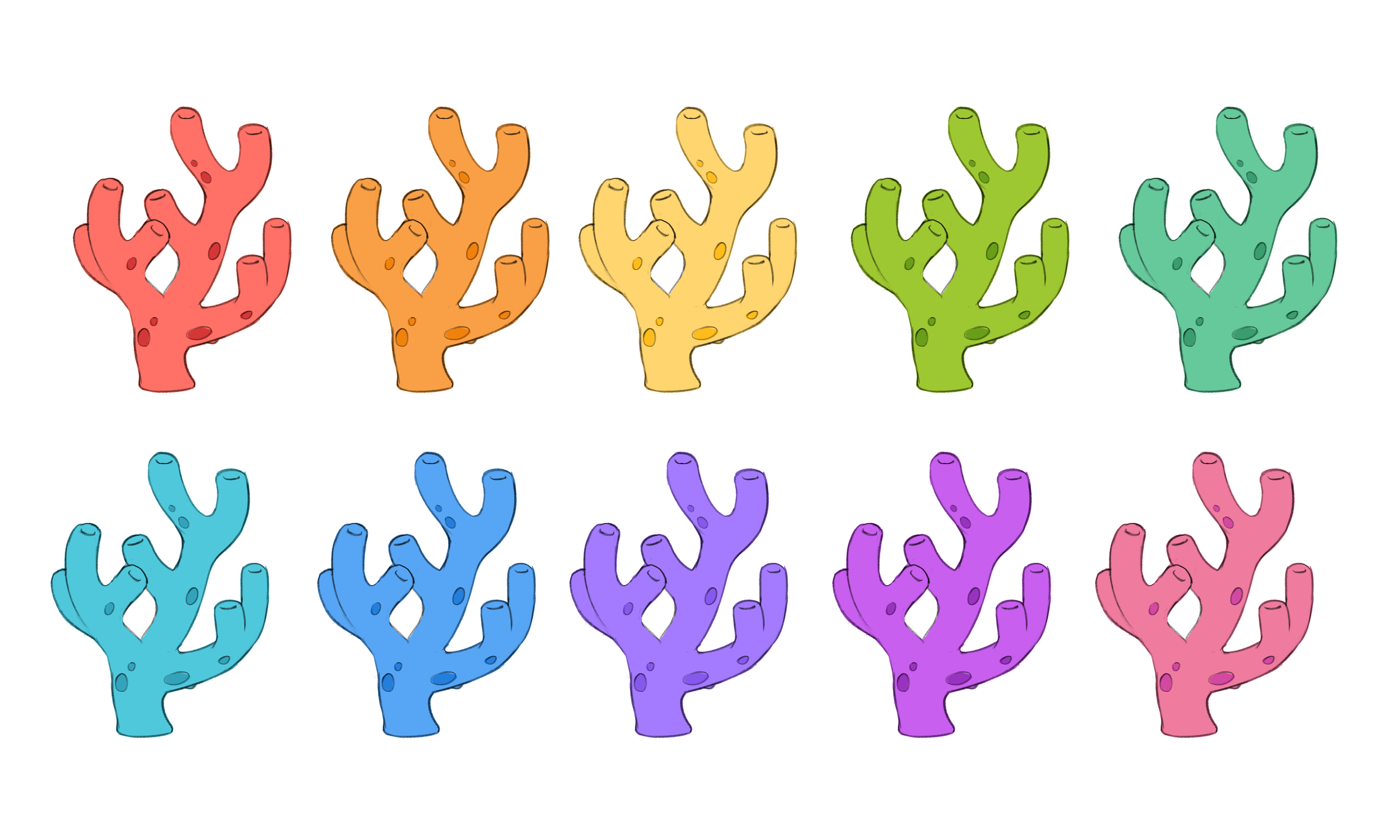
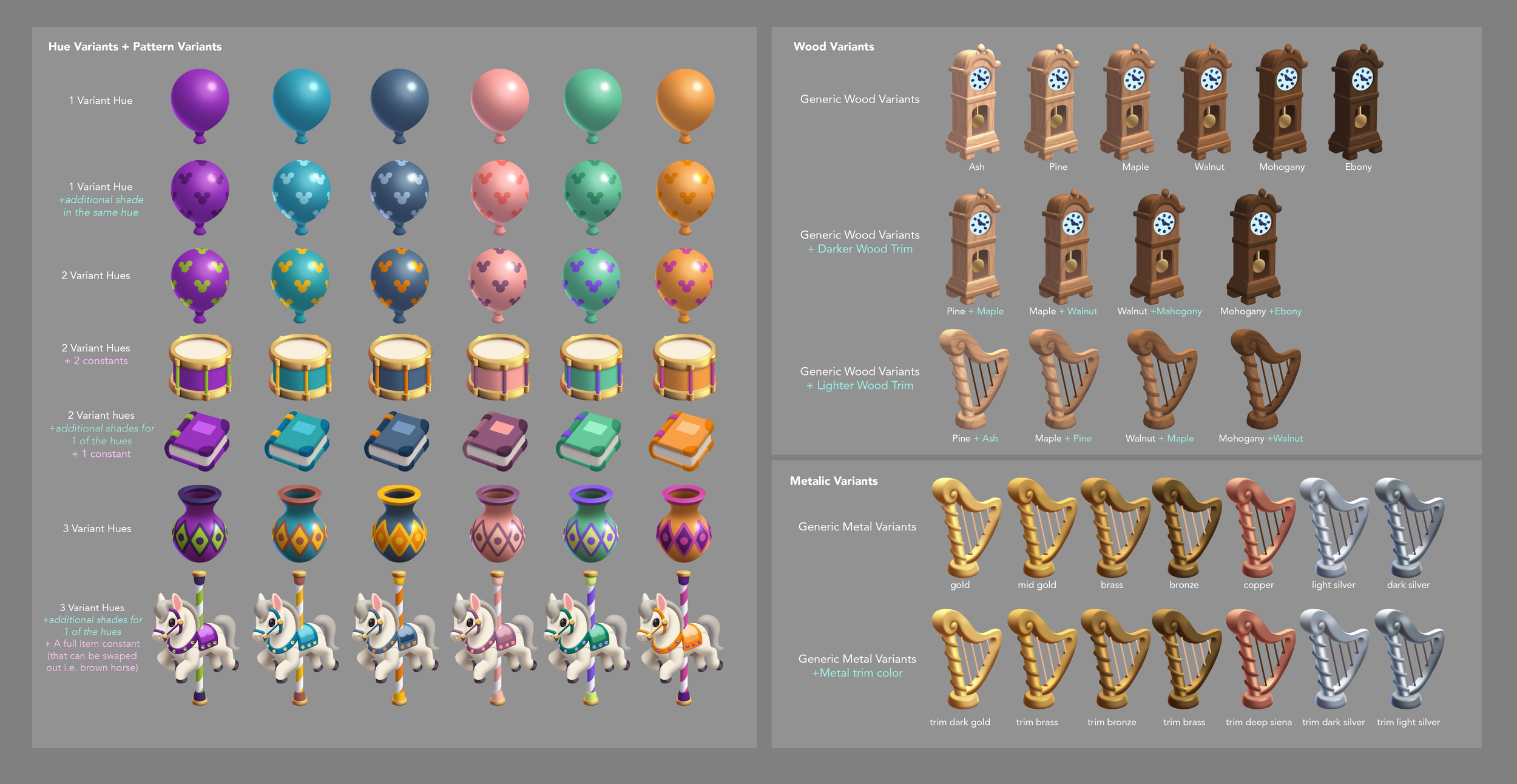
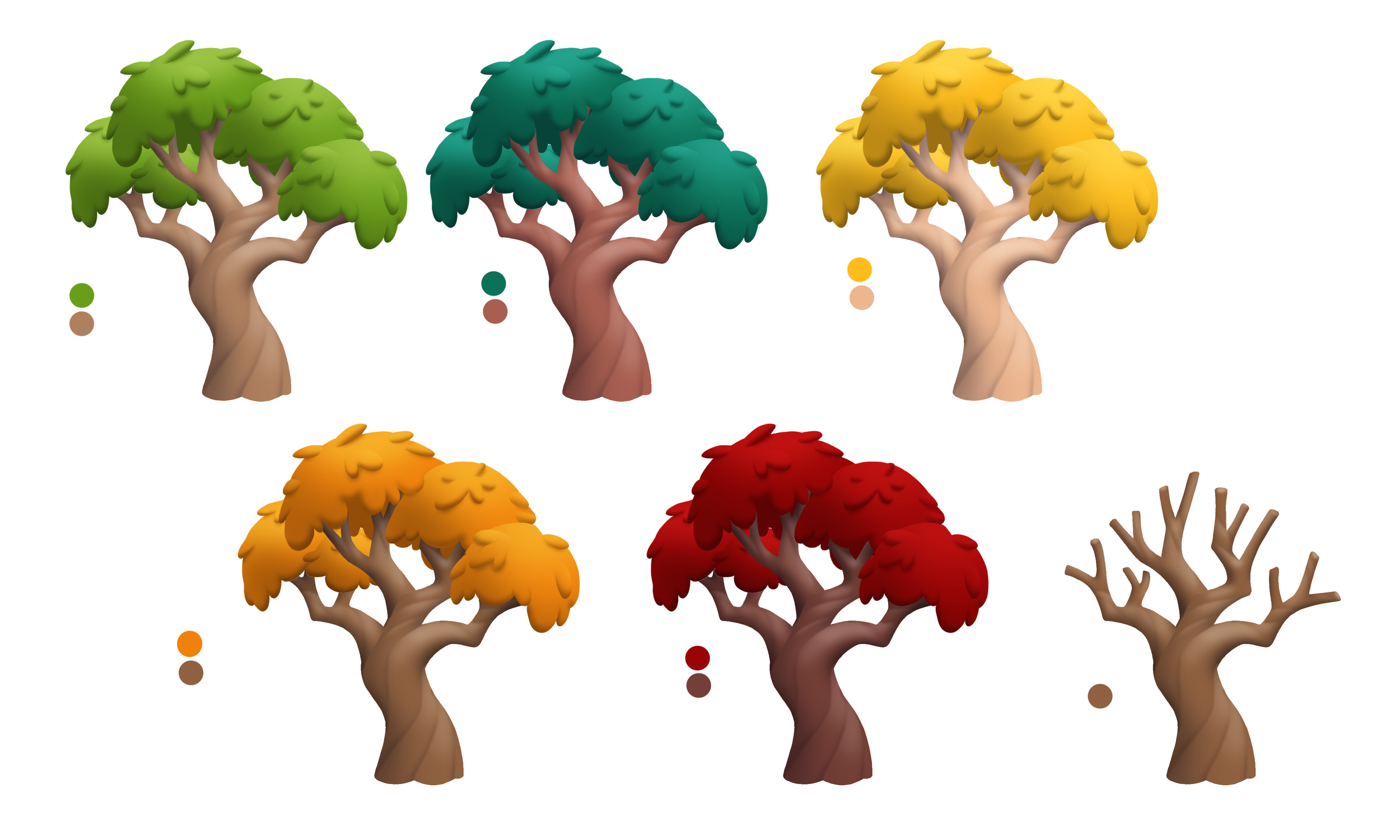
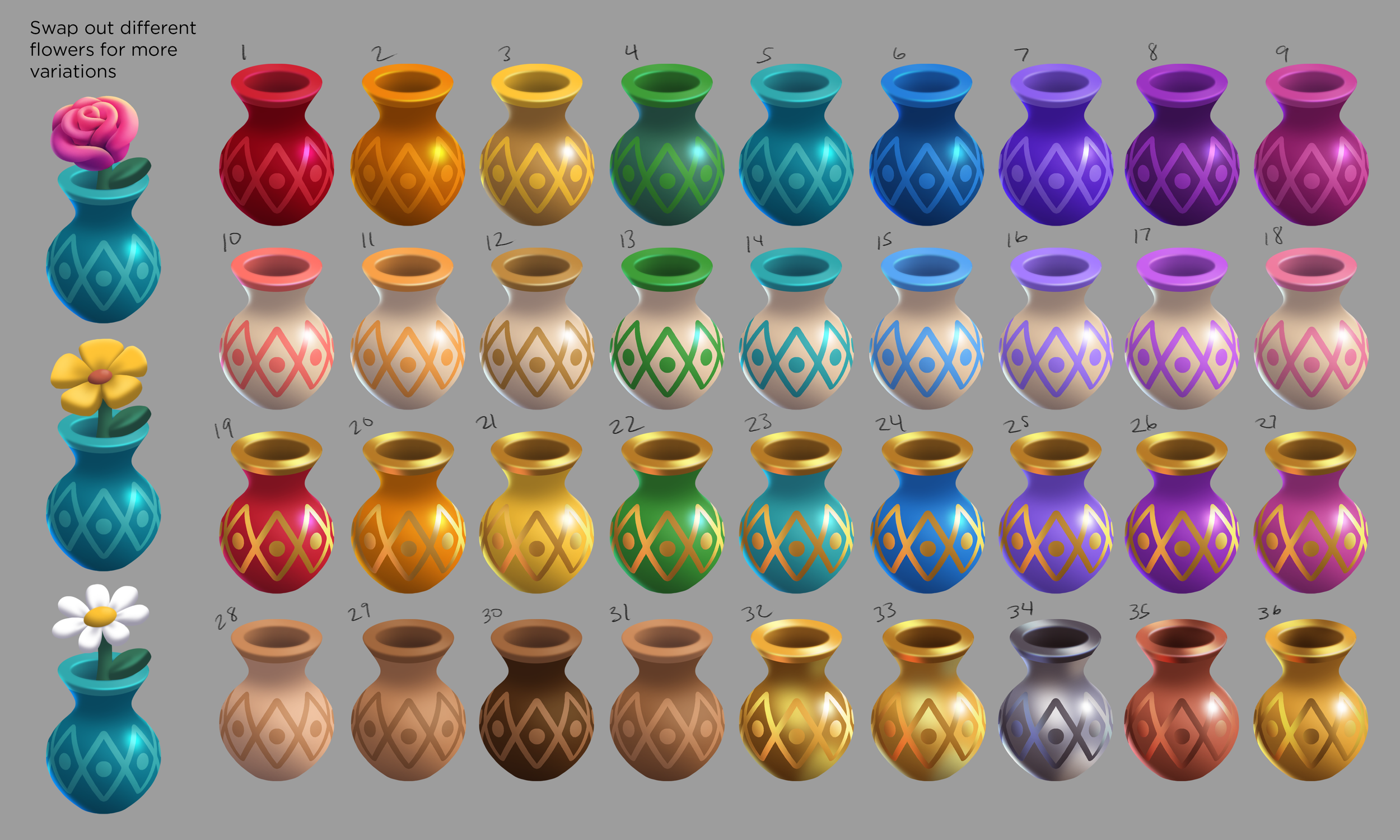
Step 3: Color Variants
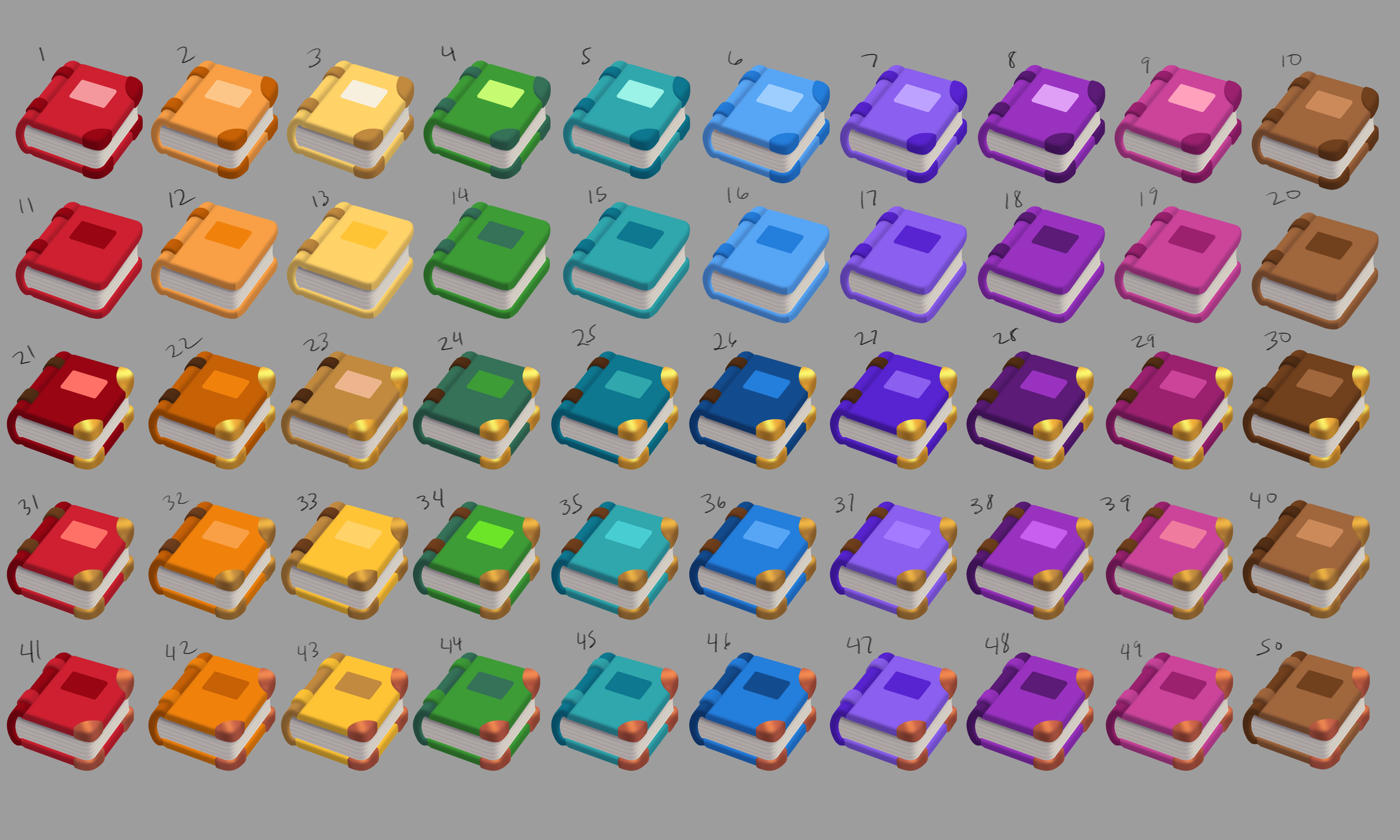
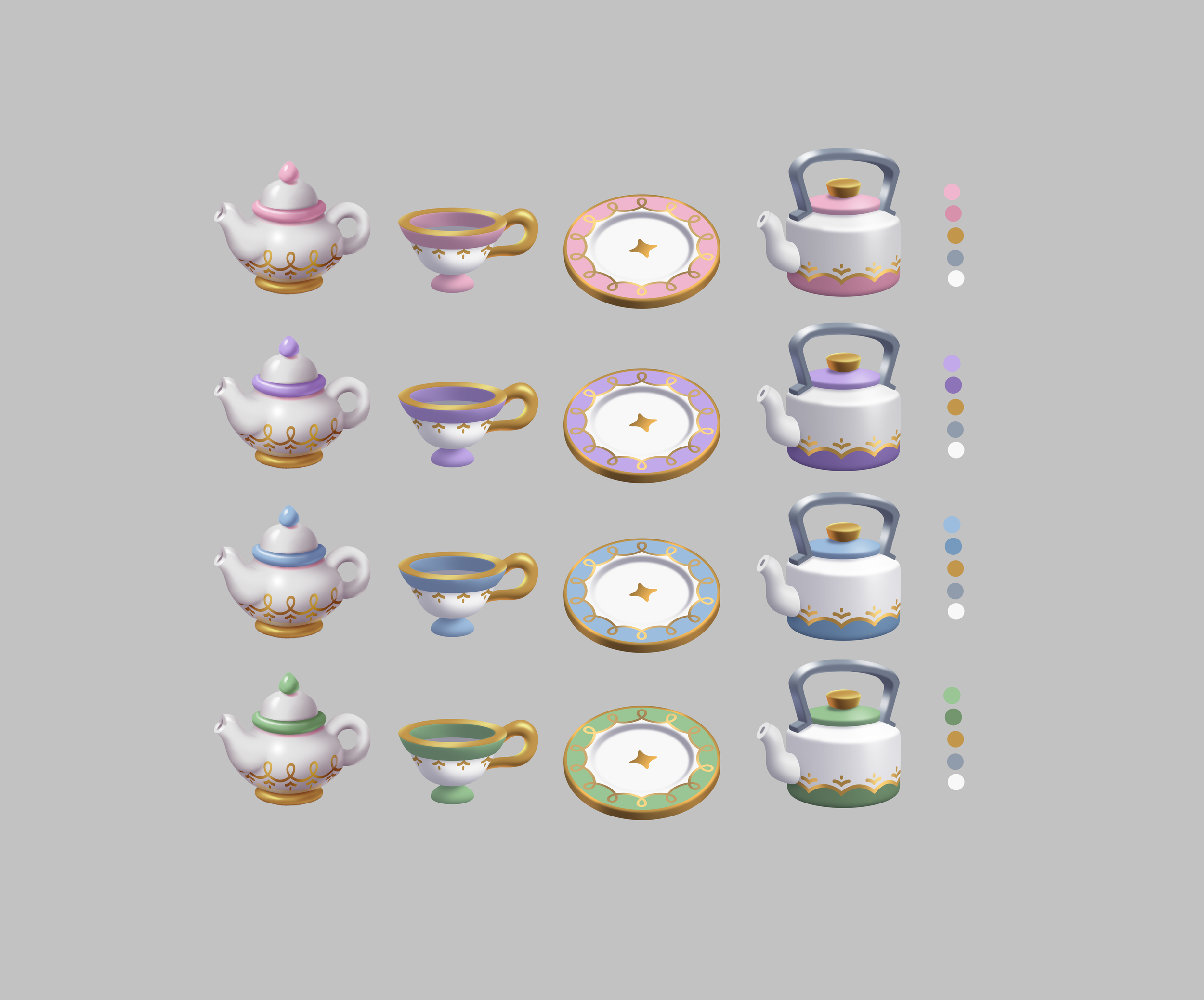
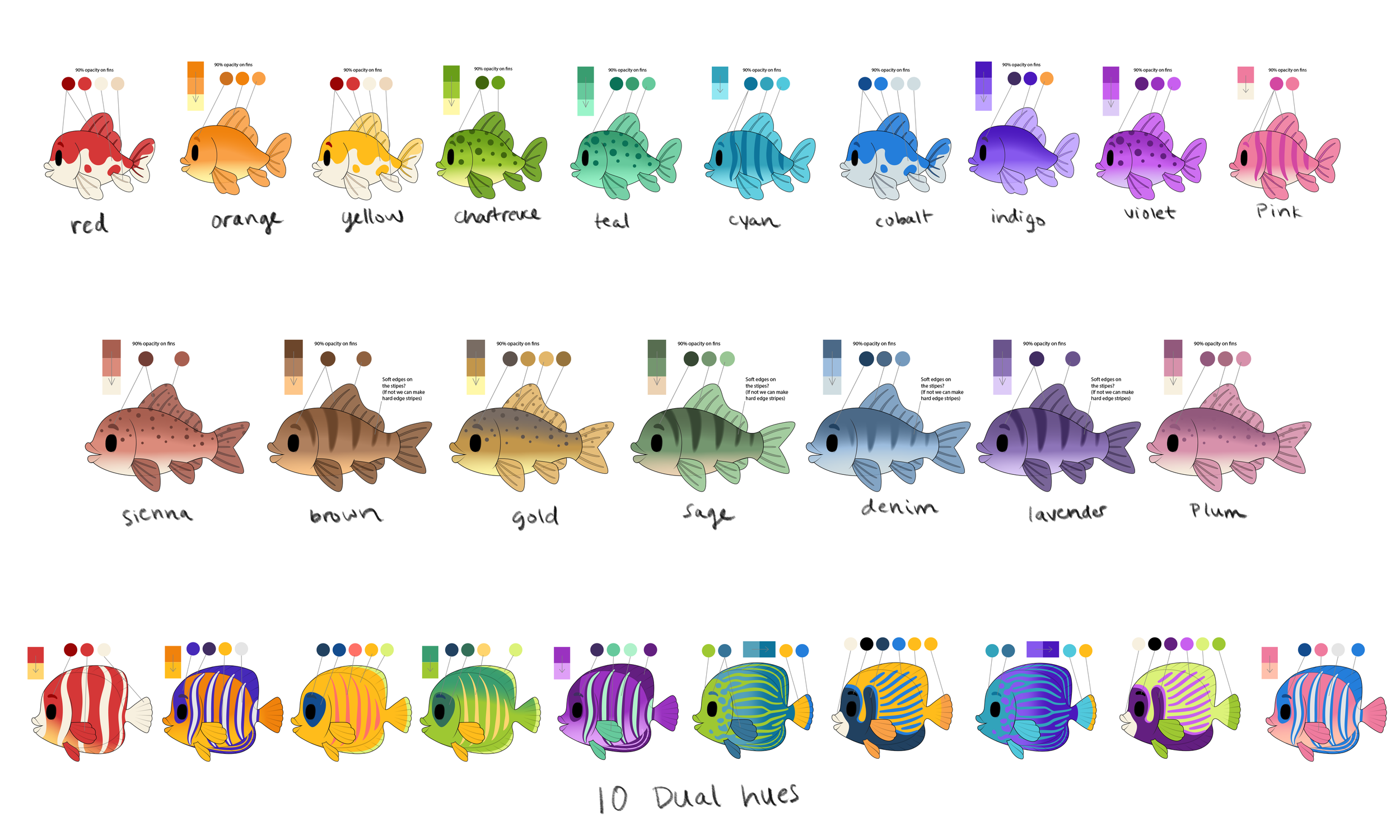
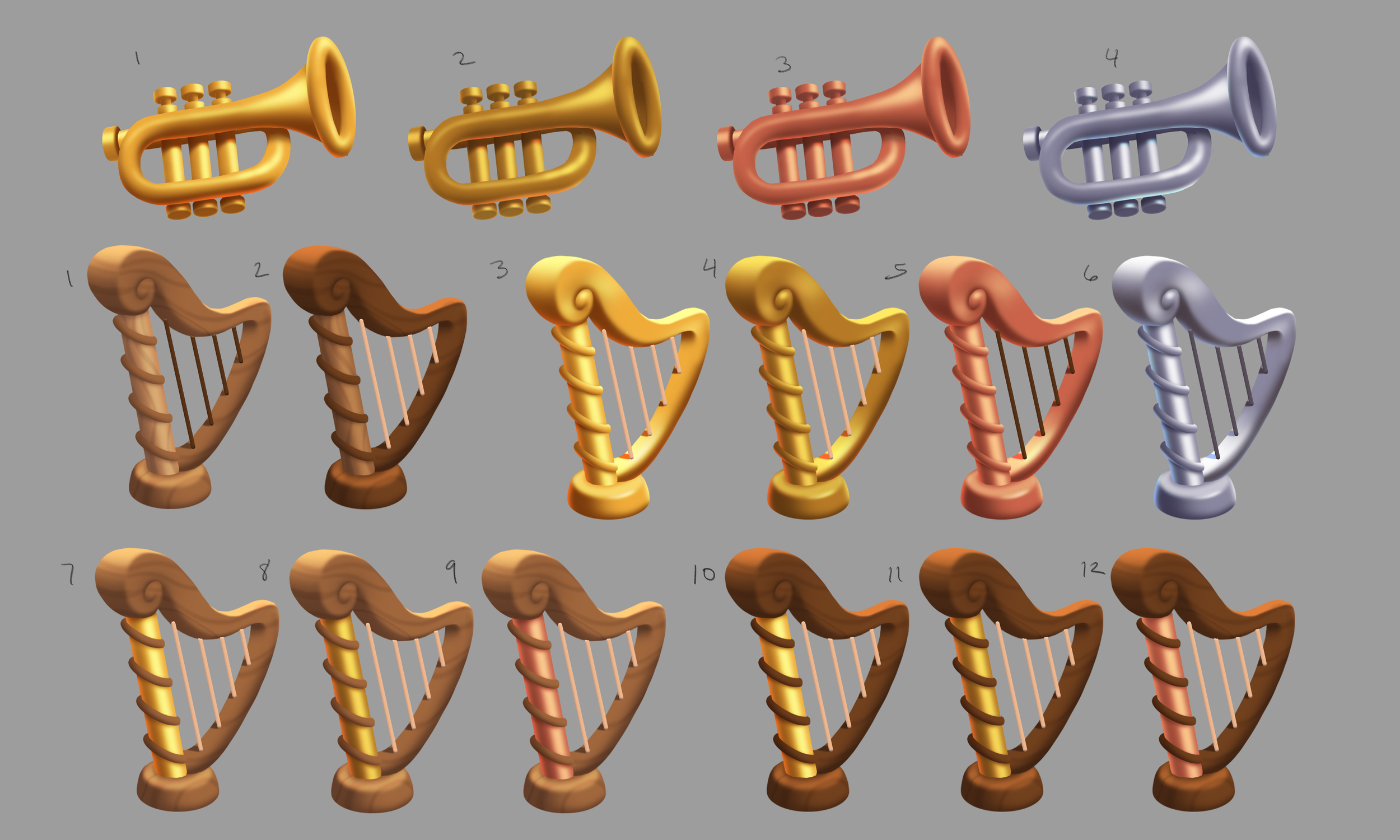
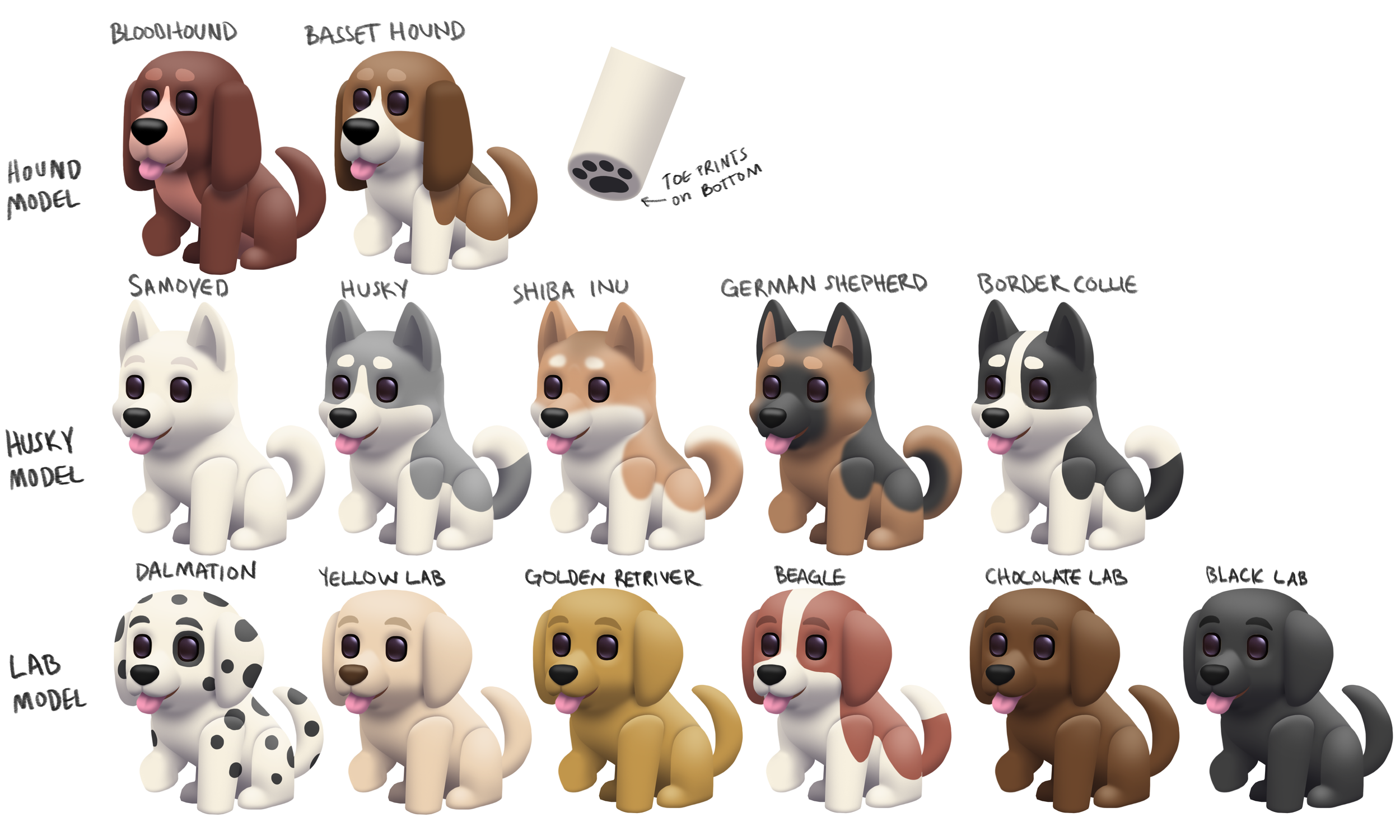
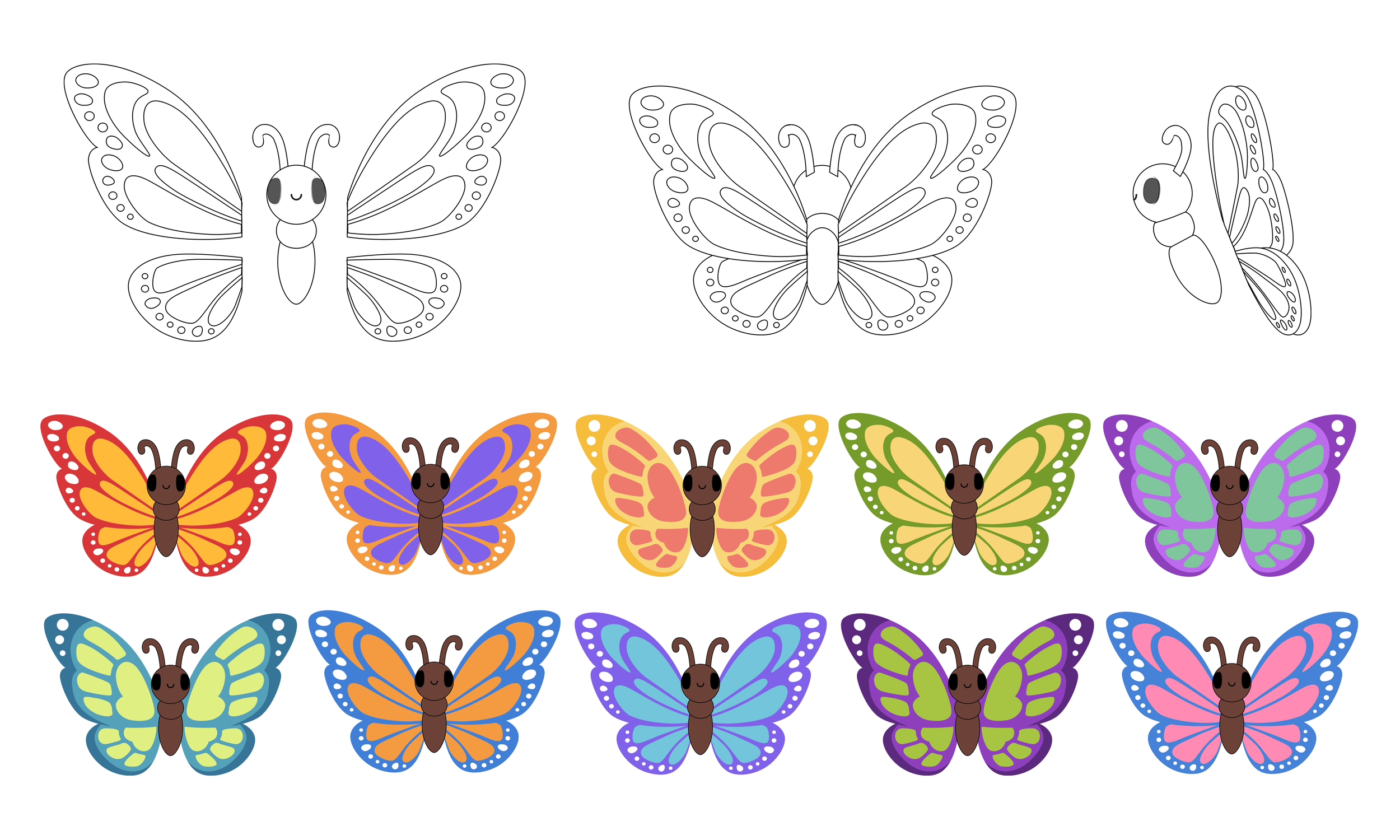
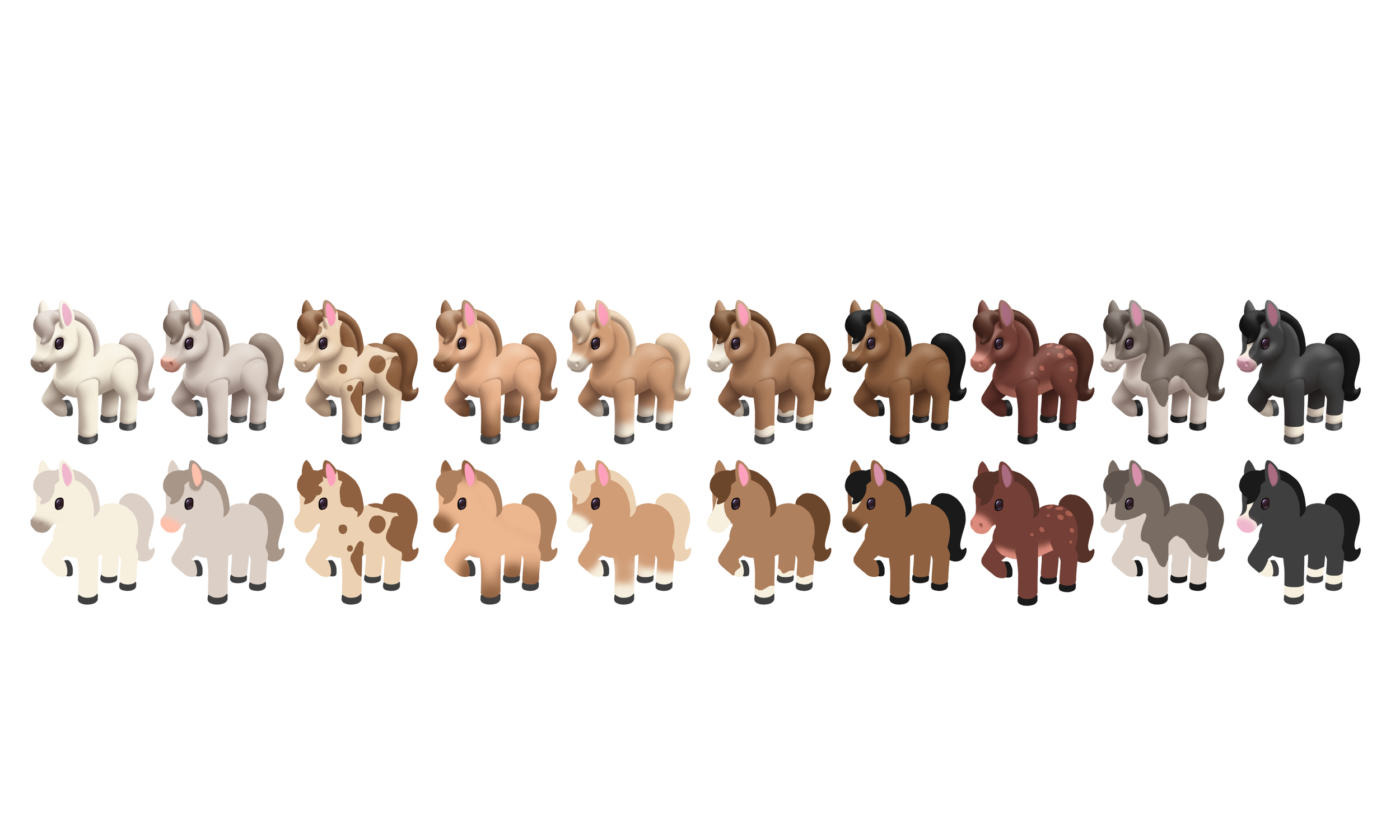
In order to maximize the number of items and provide our Designers with the most variety for building colorful piles, we created color variants for each object—Typically falling within the 10 Core Generic Rainbow Hues but also encompassing different neutral materials, textures, and patterns.
Marketing and Hero Images
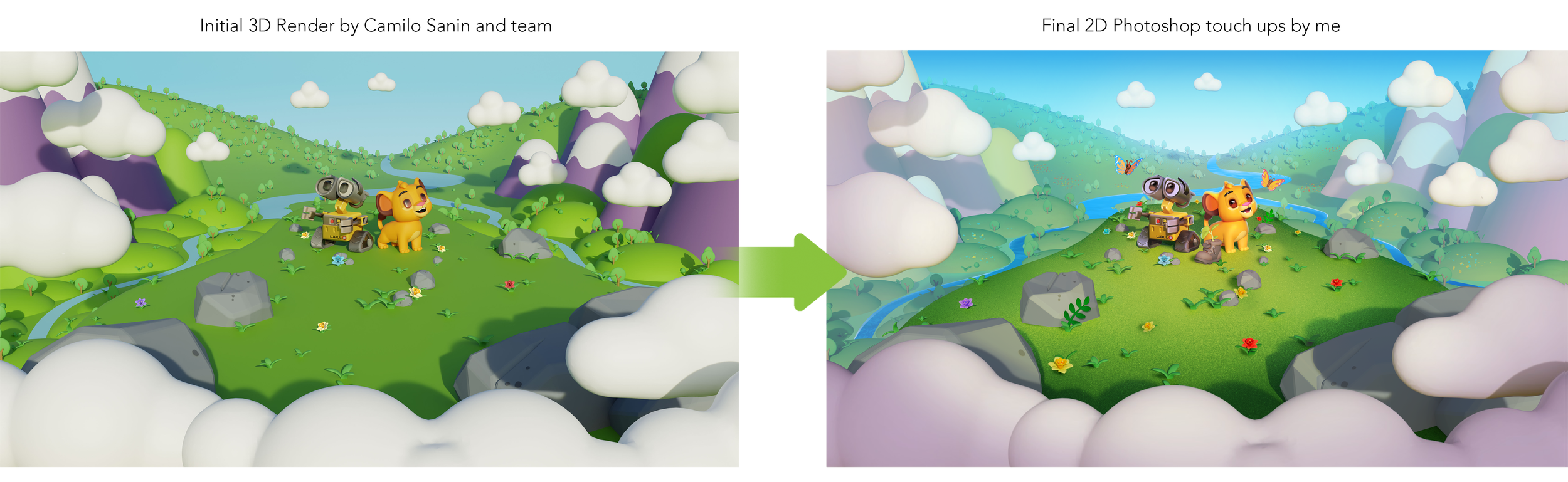
We created several hero images with the help of our partners at Ocellus and our In-House Marketing team lead by Camilo Sanin. I played a partial role in ideation, helping to review, and add 2D touch up paint overs to final renders.